
Einführung
This manual provides essential information for the safe and efficient use of your Doro PhoneEasy 105wr cordless phone. Please read these instructions carefully before using the phone and retain them for future reference.
Packungsinhalt
Bevor Sie beginnen, vergewissern Sie sich, dass alle Artikel im Paket vorhanden sind:
- Doro PhoneEasy 105wr Mobilteil
- Basiseinheit
- Netzteil für Basiseinheit
- Telefonkabel
- Rechargeable Batteries (NiMH)
- Benutzerhandbuch (dieses Dokument)
Aufstellen
1. Anschließen der Basiseinheit
- Schließen Sie das Netzteil an: Plug the small end of the power adapter into the DC IN socket on the back of the base unit. Plug the other end into a wall power outlet.
- Connect the Telephone Line Cord: Plug one end of the telephone line cord into the LINE socket on the back of the base unit. Plug the other end into your telephone wall socket.
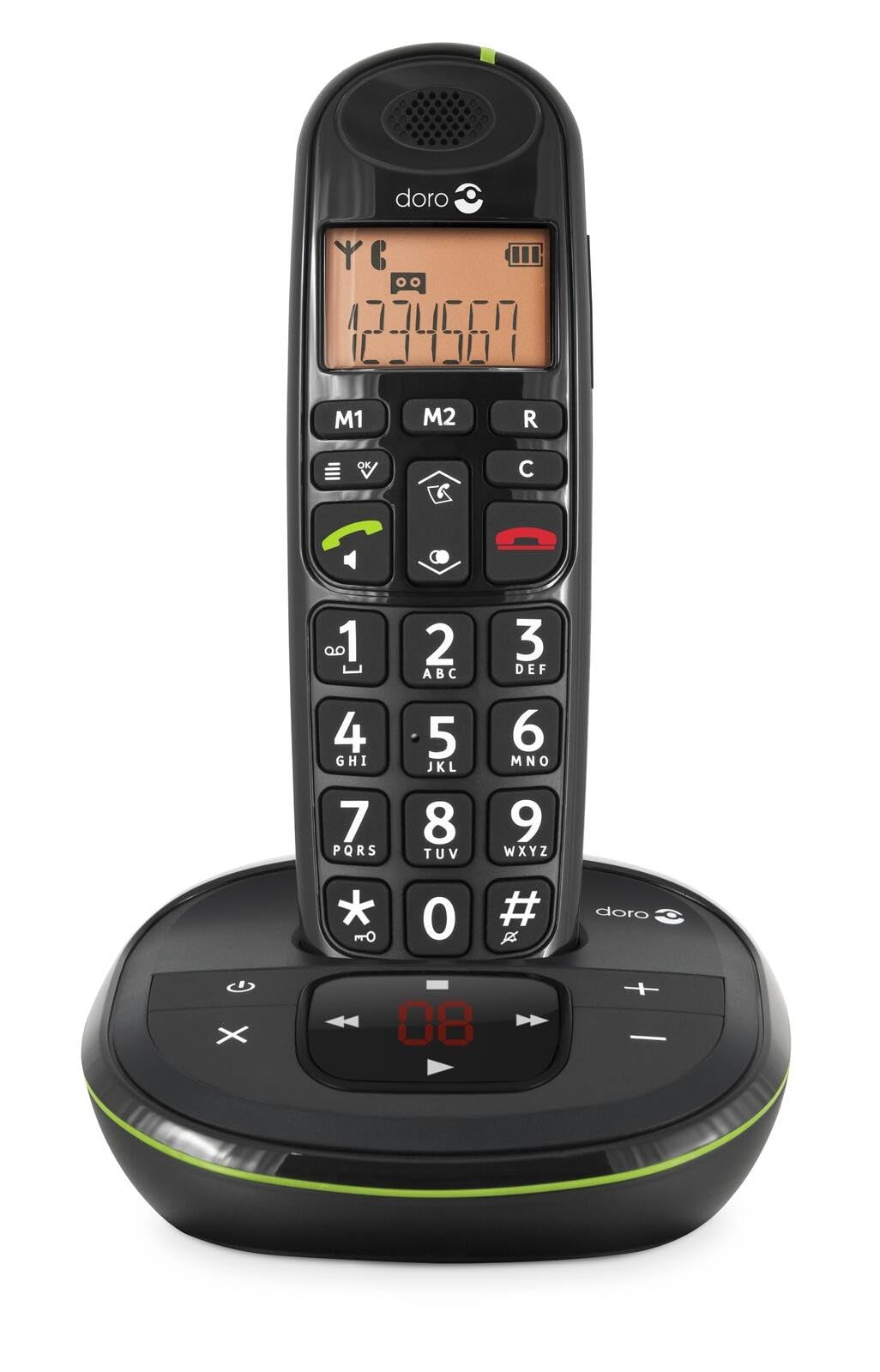 Image: The Doro PhoneEasy 105wr handset docked in its base unit, showing the keypad and display.
2. Installing Batteries in the Handset
- Öffnen des Batteriefachs: Slide the battery compartment cover on the back of the handset downwards and remove it.
- Batterien einlegen: Insert the supplied rechargeable NiMH batteries, observing the correct polarity (+ and -) as indicated inside the compartment.
- Schließen Sie das Fach: Setzen Sie die Abdeckung des Batteriefachs wieder ein, indem Sie sie nach oben schieben, bis sie einrastet.
3. Laden des Mobilteils
Place the handset on the base unit. The battery icon on the handset display will animate to indicate charging. For optimal battery performance, charge the handset for at least 10-12 hours before its first use, even if the display indicates a full charge sooner.
 Image: A slightly angled view of the Doro PhoneEasy 105wr handset in its charging cradle, highlighting its ergonomic design.
Bedienungsanleitung
Einen Anruf tätigen
- Wählen: Nehmen Sie den Hörer ab oder drücken Sie die Taste Grüner Anrufknopf. Enter the phone number using the keypad.
- Anruf beenden: Drücken Sie die Roter Anrufbeendigungsknopf oder legen Sie das Mobilteil wieder auf die Basisstation.
Einen Anruf entgegennehmen
Wenn das Telefon klingelt, drücken Sie die Taste Grüner Anrufknopf Zum Annehmen. Zum Beenden des Anrufs drücken Sie die Taste. Roter Anrufbeendigungsknopf or return the handset to the base unit.
Anpassen der Lautstärke
Verwenden Sie während eines Anrufs die Up Und Runter navigation buttons on the handset to adjust the earpiece volume.
Telefonbuch
Your Doro PhoneEasy 105wr can store up to 20 entries in its phonebook.
- Hinzufügen eines Eintrags:
- Drücken Sie die Speisekarte Taste.
- Navigieren Sie zu „Telefonbuch“ und wählen Sie „Neu hinzufügen“.
- Geben Sie Name und Nummer ein und speichern Sie die Datei.
- Anruf aus dem Telefonbuch:
- Drücken Sie die Telefonbuch button (often a book icon).
- Scroll through the entries using the navigation buttons.
- Drücken Sie die Grüner Anrufknopf um den ausgewählten Eintrag zu wählen.
Answering Machine (if applicable)
The Doro PhoneEasy 105wr features a digital answering machine with a recording capacity of 20 minutes.
- Nachrichten werden abgespielt: Drücken Sie die Abspielen/Stoppen Knopf am Basisgerät.
- Nachrichten löschen: Drücken Sie während der Nachrichtenwiedergabe die Taste Löschen Knopf am Basisgerät.
- Aufzeichnung einer ausgehenden Nachricht: Refer to the handset menu for options to record or select a pre-recorded outgoing message.
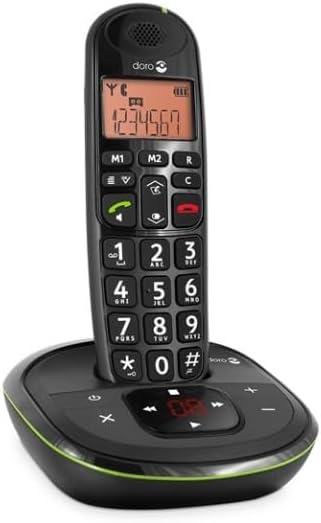 Bild: Eine direkte Front view of the Doro PhoneEasy 105wr cordless phone, showing the large buttons and clear display on the handset, and the answering machine controls on the base.
Wartung
- Reinigung: Wischen Sie Telefon und Basisstation mit einem weichen, fusselfreien Tuch ab.amp Tuch. Keine Scheuer- oder Lösungsmittel verwenden.
- Batteriepflege: Verwenden Sie ausschließlich die angegebenen Akkus. Wenn das Telefon längere Zeit nicht benutzt wird, entfernen Sie die Akkus, um ein Auslaufen zu verhindern.
- Umgebungsbedingungen: Vermeiden Sie es, das Telefon extremen Temperaturen, direkter Sonneneinstrahlung oder Feuchtigkeit auszusetzen.
Fehlerbehebung
| Problem | Mögliche Ursache | Lösung |
|---|---|---|
| Kein Wählton | Das Telefonkabel ist nicht angeschlossen oder defekt. | Check the telephone line cord connection to the base unit and wall socket. Test with another phone if possible. |
| Handy lädt nicht | Handset not correctly placed on the base unit; dirty charging contacts; faulty batteries. | Ensure the handset is seated correctly. Clean charging contacts on both handset and base with a dry cloth. Replace batteries if old. |
| Schlechte Tonqualität | Handset too far from base unit; interference; low battery. | Move closer to the base unit. Avoid placing the base near other electronic devices. Charge the handset battery. |
| Anrufe können nicht getätigt/empfangen werden. | No power to base unit; handset not registered. | Check power adapter connection. Refer to the full manual for handset registration instructions if needed. |
Technische Daten
| Besonderheit | Detail |
|---|---|
| Marke | Doro |
| Modellnummer | 380102 |
| Farbe | Schwarz |
| Telefontyp | Kabellos |
| Material | Metall (interne Bauteile) |
| Stromquelle | Batteriebetrieben (1 A-Batterie im Lieferumfang enthalten) |
| Dialer-Typ | Einzelne Tastatur |
| Artikelabmessungen (L x B x H) | 19.4 x 15.4 x 10.3 Zentimeter |
| Artikelgewicht | 706 Gramm |
| Typ des Anrufbeantworters | Digitales |
| Gesprächszeit | 600 Minutes (10 hours) |
| Standby-Zeit | 100 Stunden |
| Aufnahmekapazität | 20 Minuten |
| Anrufer-ID | Ja |
| Independent Test Certification | Energie-Star |
Garantie und Support
Information regarding specific warranty terms and customer support contact details is not available in this document. Please refer to the warranty card included with your product or visit the official Doro webWebsite für die aktuellsten Informationen.
For further assistance, you may contact Doro customer service through their official channels.