
Einführung
This manual provides essential instructions for the setup, operation, and maintenance of your Belkin F4U018-BLK Hi-Speed USB 2.0 7-Port Mobile Hub. This device expands your computer's USB connectivity, allowing you to connect multiple USB 1.1 and USB 2.0 devices simultaneously. Its compact design makes it suitable for both desktop use and travel.
Produkt überview
The Belkin F4U018-BLK is a 7-port USB 2.0 hub designed to provide additional USB ports for your computer. It features a sleek, black design and offers plug-and-play functionality.
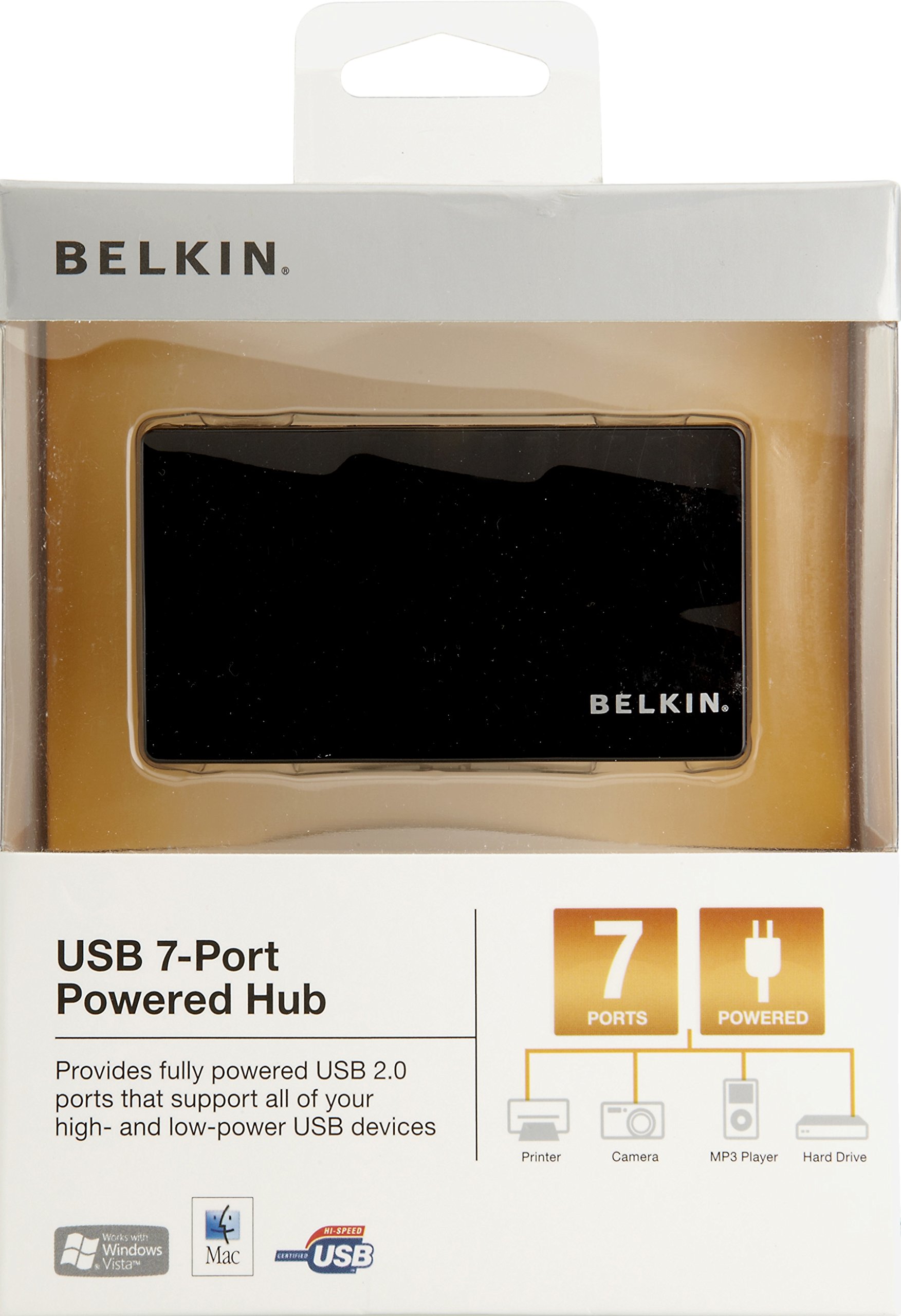
Abbildung 1: Belkin F4U018-BLK Hi-Speed USB 2.0 7-Port Mobile Hub. This image displays the compact black hub, highlighting its seven downstream USB ports and the upstream port for connection to a computer.
Schlüsselkomponenten:
- Seven Downstream USB 2.0 Ports: For connecting your peripheral devices.
- One Upstream USB 2.0 Port: For connecting the hub to your computer.
- Netzteilanschluss: For connecting the included power adapter (recommended for high-power devices).
Installationsanweisungen
- Connect the Power Adapter (Optional but Recommended): If you are connecting high-power devices (e.g., external hard drives, multiple devices), connect the included power adapter to the hub's power port and then to a wall outlet. This ensures stable power delivery to all connected devices.
- Mit Computer verbinden: Plug the provided USB cable into the upstream port of the Belkin F4U018-BLK hub and then into an available USB port on your computer.
- Treiberinstallation: The hub is plug-and-play. Your operating system (Windows, macOS, Linux) should automatically detect and install the necessary drivers. No manual driver installation is typically required.
- USB-Geräte anschließen: Once the hub is recognized, you can connect your USB 1.1 or USB 2.0 devices (e.g., keyboards, mice, printers, digital cameras, MP3 players) to the seven downstream ports on the hub.
Betrieb des Hubs
The Belkin F4U018-BLK hub operates automatically once connected. Simply plug your USB devices into the available ports. The hub supports simultaneous operation of all seven ports.
- Gerätekompatibilität: Kompatibel mit USB 1.1- und USB 2.0-Geräten.
- Datenübertragung: Supports data transfer rates up to 480 Megabits Per Second (Mbps) for USB 2.0 devices.
- Energieverwaltung: For optimal performance and to prevent power-related issues, especially with multiple or high-power devices, ensure the external power adapter is connected.
Wartung
- Reinigung: Use a soft, dry cloth to clean the exterior of the hub. Do not use liquid cleaners or aerosols.
- Lagerung: Lagern Sie den Nabenkörper an einem kühlen, trockenen Ort, geschützt vor direkter Sonneneinstrahlung und extremen Temperaturen.
- Handhabung: Vermeiden Sie es, die Nabe fallen zu lassen oder starken Stößen auszusetzen.
- Kabelmanagement: Achten Sie darauf, dass die Kabel nicht übermäßig geknickt oder gedehnt werden, um Beschädigungen an den Anschlüssen oder den Kabeln zu vermeiden.
Fehlerbehebung
- Hub wird vom Computer nicht erkannt:
- Ensure the USB cable connecting the hub to the computer is securely plugged in at both ends.
- Versuchen Sie, den Hub an einen anderen USB-Port Ihres Computers anzuschließen.
- Starten Sie Ihren Computer neu.
- If using the power adapter, ensure it is properly connected and receiving power.
- Connected Devices Are Not Working or Disconnecting Frequently:
- Verify that the external power adapter is connected to the hub and a power source. High-power devices require external power.
- Um sicherzustellen, dass das Gerät funktionsfähig ist, schließen Sie es bitte direkt an den USB-Anschluss Ihres Computers an.
- Trennen Sie das problematische Gerät vom Hub und schließen Sie es anschließend wieder an.
- Ensure the device's drivers are up to date on your computer.
- Vermeiden Sie es, den Hub gleichzeitig mit zu vielen Geräten mit hohem Stromverbrauch zu überlasten.
- Langsame Datenübertragungsgeschwindigkeiten:
- Ensure both the hub and the connected device are USB 2.0 compatible for optimal speeds. USB 1.1 devices will operate at their native slower speeds.
- Disconnect other devices from the hub to see if performance improves.
Technische Daten
| Besonderheit | Detail |
|---|---|
| Marke | Belkin |
| Modellnummer | F4U018-BLK |
| Hardware-Schnittstelle | USB, USB 2.0 |
| Anzahl USB-Anschlüsse | 7 |
| Datenübertragungsrate | 480 Megabit pro Sekunde |
| Kompatible Geräte | Digital Cameras, MP3 Players, Printers |
| Artikelgewicht | 9.92 Unzen |
| UPC | 722868735473 |
Garantie und Support
For warranty information and technical support, please refer to the documentation included with your product or visit the official Belkin support webWebsite. Bewahren Sie Ihren Kaufbeleg für Garantieansprüche auf.
Belkin-Support: www.belkin.com/support