
Einführung
This manual provides detailed instructions for the Logilink ID-0062 Flat Style Slim USB Optical Mouse. Please read this manual thoroughly before using the device to ensure proper setup and operation. Keep this manual for future reference.
Packungsinhalt:
- 1 x Logilink ID-0062 Flat Style Slim USB Optical Mouse
Aufstellen
The Logilink ID-0062 mouse is designed for easy installation with its Plug and Play functionality. No additional drivers are typically required for basic operation.
Anschließen der Maus:
- Suchen Sie einen verfügbaren USB-Anschluss an Ihrem Computer.
- Insert the USB connector of the Logilink ID-0062 mouse into the USB port.
- Your operating system (Windows or Apple MacOS) will automatically detect and install the necessary drivers. This process may take a few moments.
- Sobald die Installation abgeschlossen ist, ist die Maus einsatzbereit.
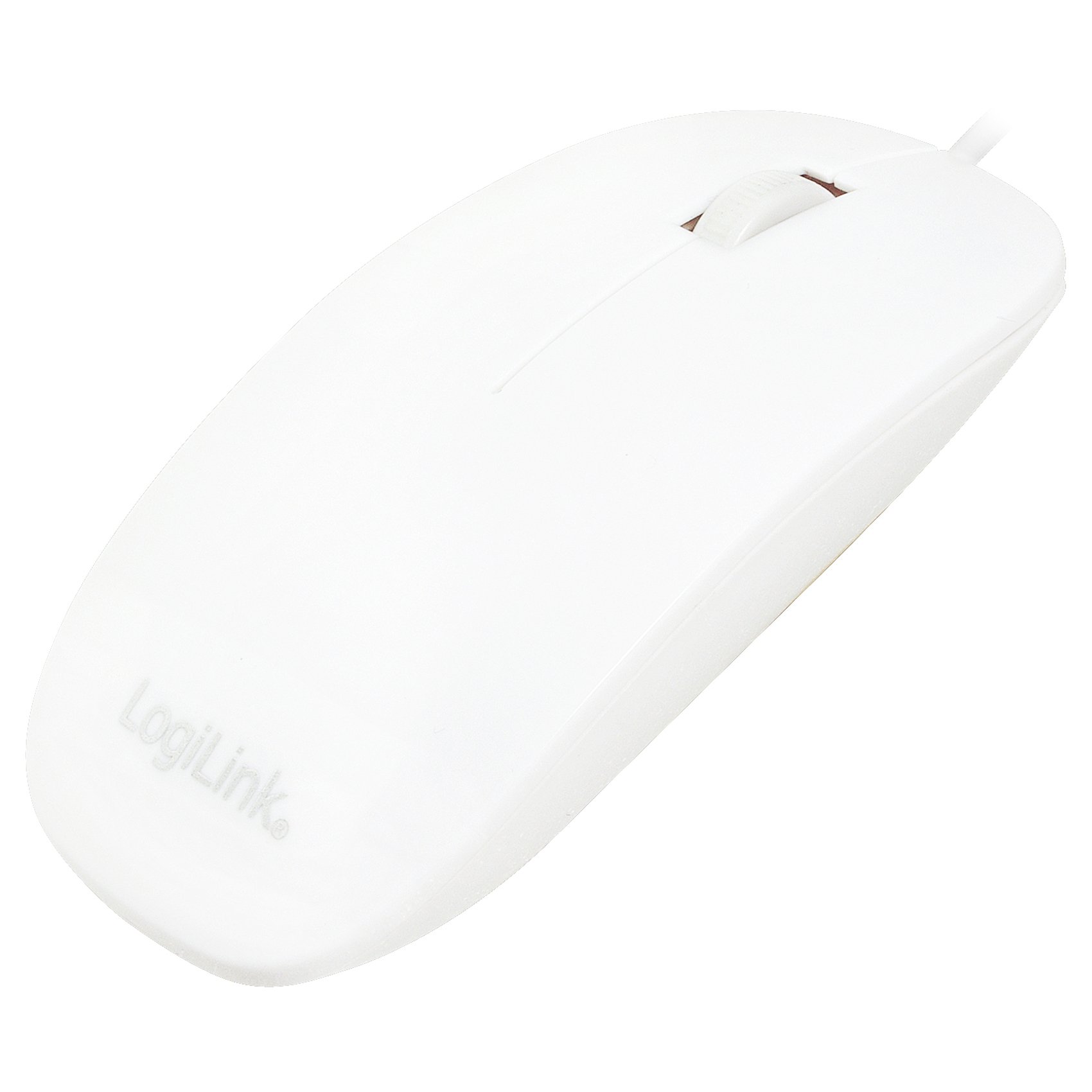
Figure 1: Logilink ID-0062 mouse in its retail packaging, showing the product as received.
Betrieb
The Logilink ID-0062 is a standard 3-button optical mouse with a scroll wheel, offering precise 1000 dpi movement resolution.
Grundfunktionen:
- Linke Taste: Primäre Klickfunktion, typischerweise verwendet zum Auswählen von Elementen, Öffnen files oder aktivierende Links.
- Rechter Knopf: Sekundärklickfunktion, die typischerweise zum Öffnen von Kontextmenüs oder zum Zugriff auf zusätzliche Optionen verwendet wird.
- Scrollrad: Wird zum vertikalen Scrollen durch Dokumente verwendet und web Seiten. Das Scrollrad fungiert beim Drücken auch als mittlere Taste.
- Optischer Sensor: The optical sensor on the underside of the mouse tracks movement on most surfaces, providing accurate cursor control.

Figure 2: The Logilink ID-0062 mouse, showcasing its slim profile und Tastenlayout.
Wartung
Proper care and maintenance will extend the lifespan of your Logilink ID-0062 mouse.
Reinigung:
- Trennen Sie die Maus vor der Reinigung von Ihrem Computer.
- Benutzen Sie ein weiches, leichtamp cloth to wipe the surface of the mouse. Avoid using harsh chemicals, abrasive cleaners, or excessive moisture.
- For the optical sensor, use a dry cotton swab to gently remove any dust or debris. Do not insert any objects into the sensor opening.
Lagerung:
- Bewahren Sie die Maus in einer sauberen, trockenen Umgebung fern von extremen Temperaturen und direkter Sonneneinstrahlung auf.
- Um Beschädigungen zu vermeiden, sollte das USB-Kabel nicht übermäßig geknickt oder gebogen werden.
Fehlerbehebung
If you encounter issues with your Logilink ID-0062 mouse, refer to the following common problems and solutions.
Maus reagiert nicht:
- USB-Verbindung prüfen: Ensure the USB connector is fully inserted into the computer's USB port. Try unplugging and re-plugging the mouse.
- Versuchen Sie einen anderen USB-Anschluss: Connect the mouse to another USB port on your computer to rule out a faulty port.
- Starte den Computer neu: Manchmal lassen sich Verbindungsprobleme durch einen einfachen Neustart des Computers beheben.
- Test auf einem anderen Computer: If possible, test the mouse on a different computer to determine if the issue is with the mouse or your computer's setup.
Unregelmäßige Cursorbewegung:
- Optischen Sensor reinigen: Dust or debris on the optical sensor can interfere with tracking. Refer to the Maintenance section for cleaning instructions.
- Oberfläche wechseln: The optical sensor may not track well on highly reflective, transparent, or uneven surfaces. Try using a mouse pad or a different surface.
Technische Daten
| Besonderheit | Beschreibung |
|---|---|
| Modell | ID-0062 |
| Konnektivitätstechnologie | Kabelgebunden, USB |
| Schnittstelle | 1 x USB - 4 PIN USB Type A |
| Bewegungserkennung | Optisch |
| Bewegungsauflösung | 1000 dpi |
| Anzahl der Tasten | 3 (Links, Rechts, Scrollrad/Mitte) |
| Merkmale | Scrolling wheel, Flat Style, Slim Design, Plug and Play |
| Konforme Standards | Plug and Play, RoHS |
| Betriebssystemunterstützung | Apple MacOS, Microsoft Windows |
| Artikelgewicht | 2.46 Unzen (ca. 70 Gramm) |
| Produktabmessungen (L x B x H) | 2.17 x 5.91 x 0.67 Zoll (ca. 5.5 x 15 x 1.7 cm) |
| Farbe | Weiß |
| Stromquelle | Kabelgebunden (über USB) |
Garantie und Support
For warranty information, please refer to the documentation provided with your purchase or contact your retailer. For technical support or further assistance, please contact Logilink customer service through their official website or the contact information provided with the product.