
ReTrak ETLTUSBBLK
ReTrak Premier Series ETLTUSBBLK Retractable Lightning to USB Charge and Sync Cable User Manual
Model: ETLTUSBBLK | Brand: ReTrak
Einführung
This manual provides instructions for the ReTrak Premier Series ETLTUSBBLK Retractable Lightning to USB Charge and Sync Cable. This Apple MFi certified cable is designed for charging and syncing compatible Apple devices. It features a retractable design for portability and reinforced connectors for durability.
Aufstellen
Extending the Cable
To extend the cable, gently pull both the Lightning connector end and the USB-A connector end simultaneously until the desired length is reached. The cable can extend up to 3.2 feet (1 meter). Avoid pulling only one end, as this may cause the internal mechanism to jam or tangle.

Figure 1: Extending the Retractable Cable. Pull both ends evenly to extend.
Mit Geräten verbinden
- Insert the USB-A connector into a compatible USB power source (e.g., wall adapter, computer USB port, car charger).
- Insert the Lightning connector into the Lightning port of your Apple device (iPhone, iPad, or iPod).
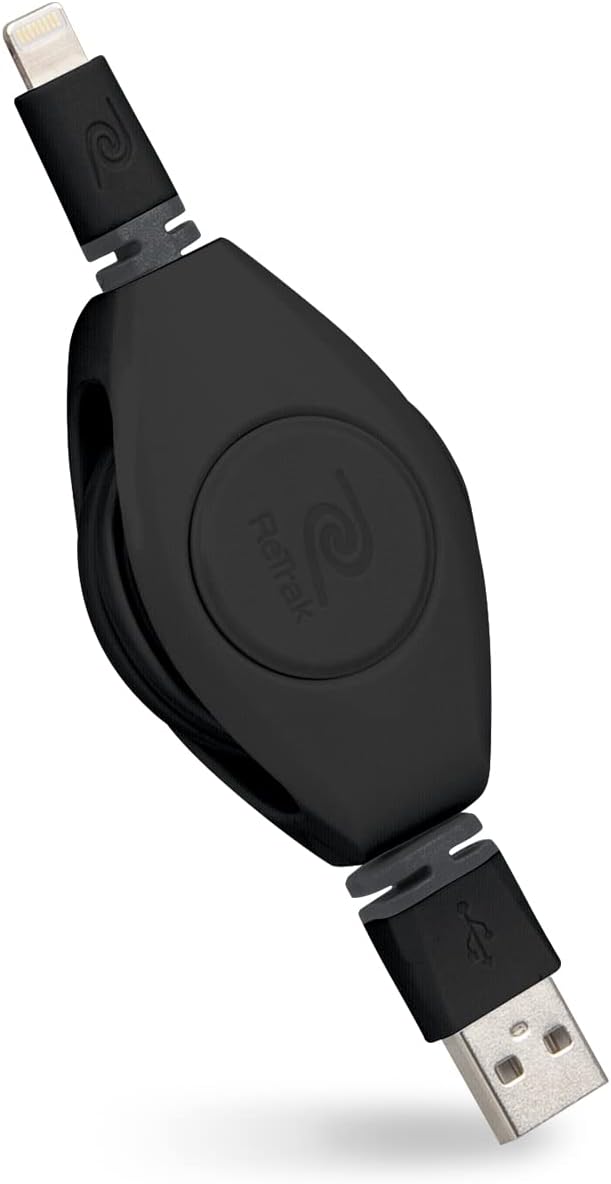
Figure 2: ReTrak Retractable Cable with Connectors.
Bedienungsanleitung
Aufladen Ihres Geräts
Once connected to a power source and your Apple device, the cable will initiate charging. This cable supports 2.4 Amp charging for faster power delivery to compatible devices.
Daten synchronisieren
Connect the USB-A end to a computer and the Lightning end to your Apple device to sync data, such as photos, videos, and music, with iTunes or Finder (macOS Catalina and later).
Kompatibilität
This Apple MFi certified cable ensures compatibility with a wide range of Apple devices featuring a Lightning port, including:
- iPhone models: XS Max, XS, XR, X, 8 Plus, 8, 7 Plus, 7, SE, 6s Plus, 6s, 6 Plus, 6, 5s, 5c, 5, 4s
- iPad models: Pro 12.9-inch (2nd gen), Pro 10.5-inch, (6th gen), (5th gen), Pro 9.7-inch, Pro 12.9-inch (1st gen), Air 2, Air, Mini 4, Mini 3, Mini 2, Mini, (4th gen), (3rd gen), 2, iPad
- iPod models: touch (6th gen), touch (5th gen)

Figure 3: Apple MFi Certified for broad device compatibility.
Wartung
To ensure the longevity and proper function of your retractable cable, follow these maintenance guidelines:
- Korrekter Rückzug: To retract the cable, gently pull both ends slightly further out, then release them slowly. This allows the internal spring mechanism to retract the cable smoothly. Avoid releasing one end abruptly or pulling only one side, as this can cause the cable to tangle or jam inside the housing.
- Lagerung: When fully retracted, the cable is compact and tangle-free, making it ideal for storage in bags, pockets, or purses.
- Reinigung: Verwenden Sie ein weiches, trockenes Tuch, um Kabel und Anschlüsse abzuwischen. Vermeiden Sie die Verwendung von scharfen Chemikalien oder scheuernden Materialien.
- Stress vermeiden: Do not bend the cable sharply at the connectors or apply excessive force when plugging/unplugging. The cable features reinforced connectors to prevent fraying, but proper handling is still recommended.
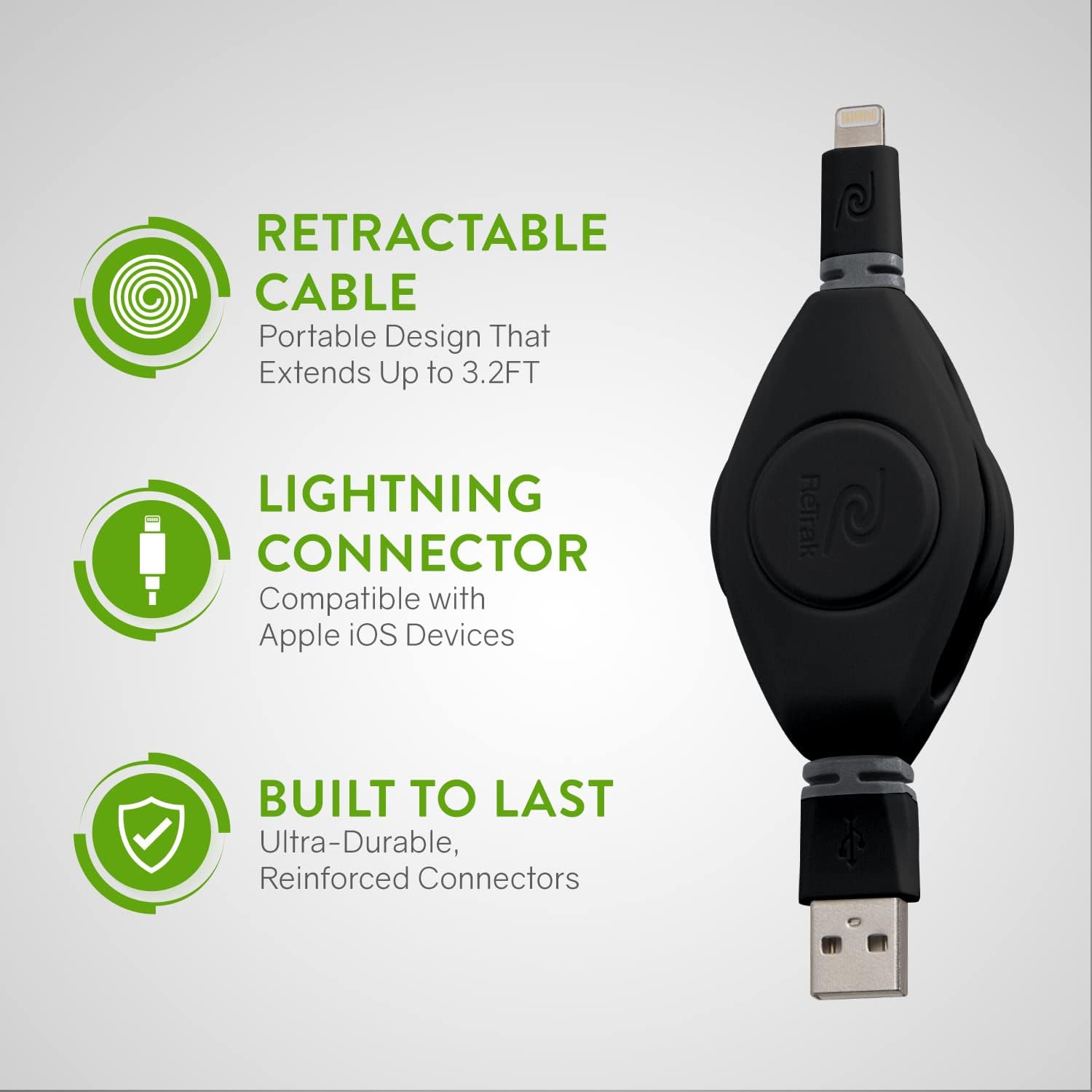
Figure 4: Cable features a retractable design, Lightning connector, and durable construction.
Fehlerbehebung
- Kabel zieht sich nicht ein: If the cable does not retract smoothly or gets stuck, gently pull both ends out a short distance (approximately 1-2 inches) and then release them simultaneously. This often resets the internal mechanism. Ensure you are pulling both ends evenly.
- Gerät lädt/synchronisiert nicht:
- Verify that both the USB-A and Lightning connectors are fully inserted into their respective ports.
- Try connecting the cable to a different USB power source or computer port.
- Ensure your Apple device's Lightning port is clean and free of debris.
- If using a wall adapter, ensure it is functioning correctly and provides sufficient power (2.4A recommended for fast charging).
- As this is an MFi certified cable, you should not encounter "This accessory may not be supported" messages. If you do, try restarting your device or testing with another MFi certified cable to rule out a device issue.
- Langsamer Ladevorgang: Ensure your power source can deliver 2.4 Amps for optimal charging speed. Older USB ports or low-power adapters may result in slower charging.
Video 1: Official product video demonstrating the retractable cable's features, including extension, charging, and durability.
Technische Daten
| Marke | ReTrak |
| Modellnummer | ETLTUSBBLK |
| Steckertyp | USB 3.0 (USB-A to Lightning) |
| Kabeltyp | Lightning-auf-USB-Kabel |
| Kompatible Geräte | iPhone, iPad, iPod (mit Lightning-Anschluss) |
| Besondere Merkmale | Compact, Fast Charging, Portable, Retractable, MFi Certified |
| Farbe | Schwarz |
| Kabellänge | 3.2 Fuß (1 Meter) |
| AC-Adapterstrom | 2.4 Amps |
| Artikelgewicht | 3.2 Unzen |
| Technische Daten | 2.36 x 0.98 x 6.69 Zoll |
| Hersteller | Emerge Tech |
Garantie und Support
For warranty information or technical support regarding your ReTrak Premier Series ETLTUSBBLK cable, please refer to the product packaging or visit the official ReTrak webDie Kontaktdaten des Kundendienstes werden üblicherweise vom Hersteller bereitgestellt.
Hersteller: Emerge Tech
Marke: ReTrak
Ask a question about this manual
Ask about setup, troubleshooting, compatibility, parts, safety, or missing instructions. Manuals+ will review the question and use this page’s manual context to help answer it.