
Einführung
This manual provides instructions for the Datalogic Barcodescanner Touch TD1100 90 Light, model TD1120-BK-90K1. It covers essential information for setting up, operating, maintaining, and troubleshooting your device to ensure optimal performance. Please read this manual thoroughly before using the scanner.
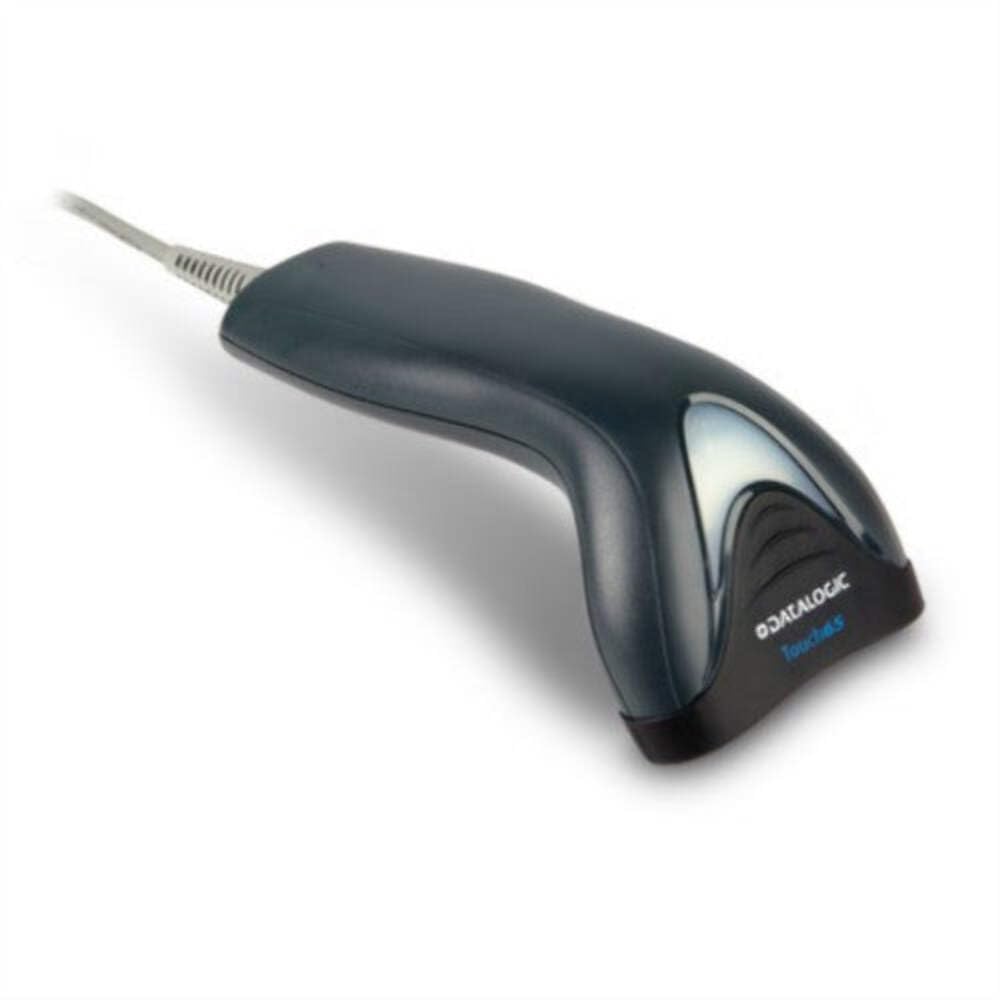
Image: The Datalogic Touch TD1100 90 Light barcode scanner, showing its ergonomic design and integrated cable.
Aufstellen
1. Auspacken
Nehmen Sie alle Komponenten vorsichtig aus der Verpackung. Überprüfen Sie, ob alle Teile vorhanden sind:
- Datalogic Touch TD1100 90 Light Barcode Scanner
- USB-Kabel (integriert)
- Kurzanleitung (falls enthalten)
2. Anschließen des Scanners
The TD1120-BK-90K1 model connects via a USB interface. Follow these steps:
- Suchen Sie einen freien USB-Anschluss an Ihrem Computer (Desktop oder Laptop).
- Insert the USB connector of the scanner's cable firmly into the USB port.
- The operating system should automatically detect the new hardware and install the necessary drivers. This process may take a few moments.
- Once drivers are installed, the scanner will typically emit a short beep or an indicator light will illuminate, signifying it is ready for use.
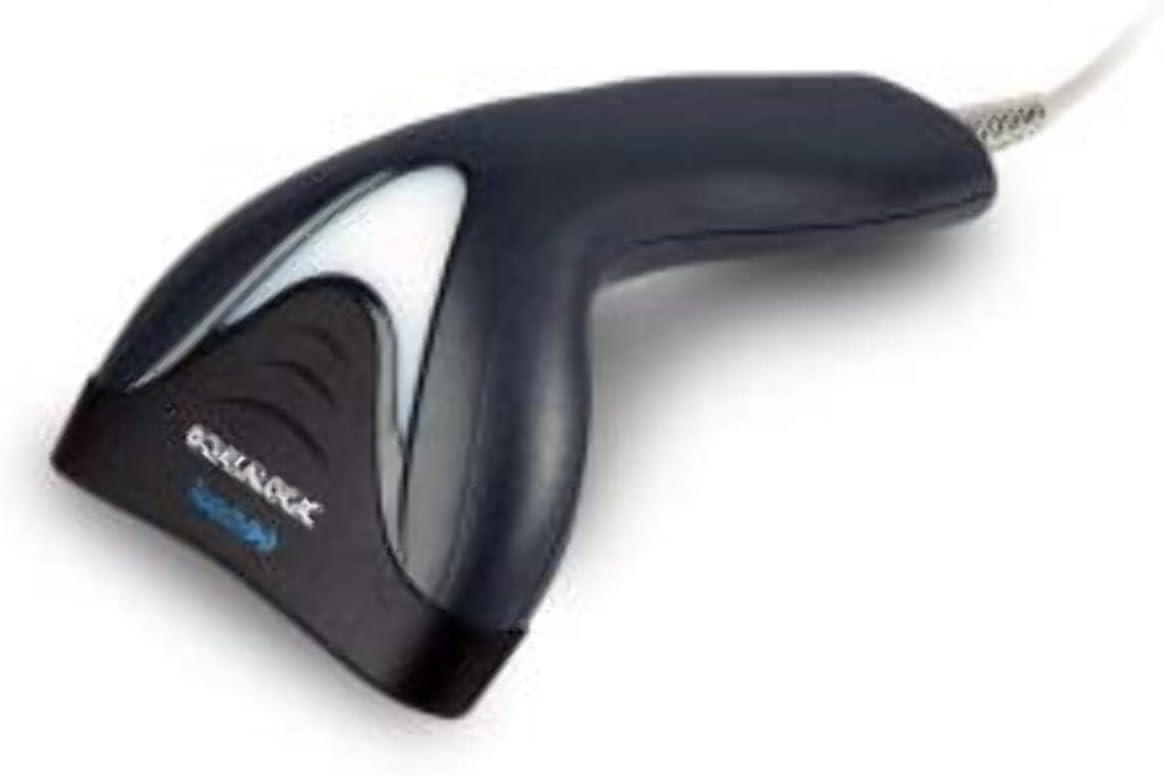
Abbildung: Seite view of the Datalogic Touch TD1100 90 Light barcode scanner, highlighting the integrated cable for connection.
Bedienungsanleitung
1. Grundlegendes Scanverfahren
So scannen Sie einen Barcode:
- Stellen Sie sicher, dass der Scanner angeschlossen und eingeschaltet ist.
- Open an application on your computer where you want the scanned data to appear (e.g., a text editor, spreadsheet, or POS software).
- Hold the scanner with the scanning window facing the barcode.
- Press and hold the trigger button. A red aiming line or light will project from the scanning window.
- Positionieren Sie die Ziellinie über den gesamten Barcode.
- Once the barcode is successfully read, the scanner will emit a beep and/or the indicator light will flash green. The data will then appear in your active application.
- Den Auslöser loslassen.
2. Scanning Techniques
- Optimale Entfernung: Hold the scanner at an appropriate distance from the barcode, typically between 2-10 cm (1-4 inches), depending on the barcode size and density.
- Winkel: Scan barcodes at a slight angle to avoid direct reflection, which can interfere with reading.
- Beschädigte Barcodes: Bei schlecht gedruckten oder beschädigten Barcodes versuchen Sie, aus verschiedenen Winkeln oder Entfernungen zu scannen.
Wartung
1. Reinigung des Scanners
Regelmäßige Reinigung trägt zur Aufrechterhaltung einer optimalen Scanleistung bei.
- Scanfenster: Verwenden Sie ein weiches, fusselfreies Tuch dampened with a mild, non-abrasive cleaner (e.g., isopropyl alcohol or glass cleaner) to gently wipe the scanning window. Avoid harsh chemicals or abrasive materials.
- Exterieur: Wischen Sie die Außenseite abasing mit einem weichen, damp cloth. Do not allow liquids to enter the scanner.
- Vor der Reinigung sicherstellen, dass der Scanner von der Stromversorgung getrennt ist.
2. Speicherung
When not in use, store the scanner in a clean, dry environment, away from direct sunlight, extreme temperatures, and corrosive materials.
Fehlerbehebung
If you encounter issues with your Datalogic TD1100 scanner, refer to the following common problems and solutions:
| Problem | Mögliche Ursache | Lösung |
|---|---|---|
| Der Scanner lässt sich nicht einschalten und reagiert nicht. | Loose cable connection, faulty USB port, power issue. |
|
| Der Scanner liest keine Barcodes. | Incorrect scanning technique, damaged barcode, dirty scanning window, incompatible barcode type, application not ready. |
|
| Die gescannten Daten werden fehlerhaft angezeigt. | Keyboard wedge settings, incorrect language settings. |
|
Technische Daten
Key technical specifications for the Datalogic Touch TD1100 90 Light (TD1120-BK-90K1):
- Modellnummer: TD1120-BK-90K1
- Marke: Datalogic
- Scan-Rate: 90 Bilder pro Sekunde (fps)
- Konnektivitätstechnologie: Bluetooth
- Kompatible Geräte: Desktop, Laptop
- Energiequelle: Batteriebetrieben
- Artikelgewicht: 153 Gramm
- Echter Winkel von View: 3.5 Grad
- Hersteller: Datalogic
Note: Some specifications like "Battery Powered" and "Bluetooth" might be generic for the TD1100 series. The TD1120-BK-90K1 is primarily a wired USB scanner.
Garantie und Support
Garantieinformationen
Datalogic products are covered by a standard manufacturer's warranty. For specific warranty terms and conditions, please refer to the warranty card included with your product or visit the official Datalogic webBewahren Sie Ihren Kaufbeleg für Garantieansprüche auf.
Technische Unterstützung
For technical assistance, troubleshooting beyond this manual, or to inquire about repairs, please contact Datalogic customer support. You can typically find contact information on the Datalogic webauf der Website oder in der mit Ihrem Scanner gelieferten Dokumentation.
- Offizieller Datalogic-Beamter WebWebsite: www.datalogic.com
- Support-Ressourcen: Check the support section of the webWebsite mit FAQs, Treibern und weiterer Dokumentation.