
1. Einleitung
The August Home Connect Wi-Fi Bridge (Model AC-R1) is designed to provide remote access and smart home integration for your August Smart Lock. This device enables you to control your August Smart Lock from anywhere using your smartphone, receive real-time alerts, and integrate with popular voice assistants such as Amazon Alexa, Google Assistant, and Apple Siri.
This manual provides essential information for setting up, operating, and maintaining your August Connect Wi-Fi Bridge to ensure optimal performance and security.
2. Produktüberschreitungview und Funktionen
The August Connect Wi-Fi Bridge acts as a link between your August Smart Lock (which uses Bluetooth) and your home's Wi-Fi network, allowing for internet-based control and monitoring.
Hauptmerkmale:
- Fernzugriff: Lock and unlock your August Smart Lock from any location using the August app on your smartphone.
- Wi-Fi-Konnektivität: Connects your August Smart Lock to your home's Wi-Fi network (2.4 GHz only).
- Echtzeitwarnungen: Receive instant notifications when someone enters or exits your home.
- Sprachsteuerungsintegration: Compatible with Amazon Alexa, Google Assistant, and Apple Siri for convenient voice commands.
- Aktivitätsüberwachung: View a detailed activity log of your door's status directly from the August app.
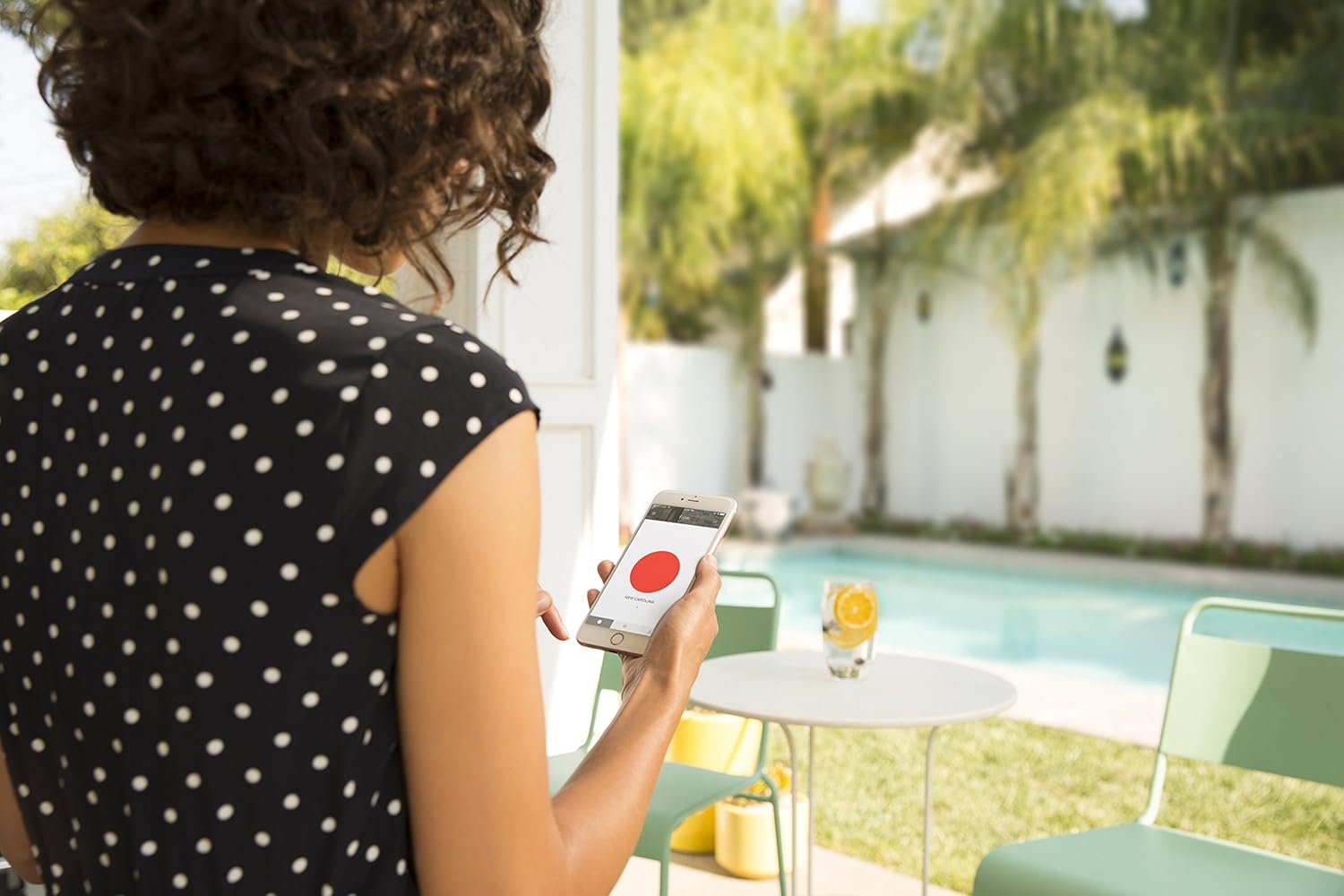
Image: The August Smart Lock is compatible with major voice assistants for enhanced control.
3. Einrichtung und Installation
Follow these steps to set up your August Connect Wi-Fi Bridge:
- Download the August App: Ensure you have the latest August app installed on your smartphone. It requires iOS (9.0 or higher) or Android (5.0 or higher).
- Strombedarf: Plug the August Connect into a North American outlet (110-240 volt).
- Optimale Platzierung: For best performance, plug the August Connect into an electrical outlet that is within 10-15 feet (3-4.5 meters) of your August Smart Lock and has a clear line of sight. Avoid placing it behind large objects or in areas with significant signal interference.
- Wi-Fi-Netzwerk: The August Connect operates on a 2.4 GHz Wi-Fi network. Ensure your smartphone is connected to the 2.4 GHz network during setup. If you have both 2.4 GHz and 5 GHz networks, temporarily 'forget' the 5 GHz network on your phone to prevent connection issues during the setup process.
- Initiate Setup in App: Open the August app, navigate to the settings for your August Smart Lock, and select "Set Up Connect" or similar option. Follow the on-screen instructions to pair the Connect with your Smart Lock and home Wi-Fi network.
- Tipp zur Fehlerbehebung: If your smartphone has difficulty recognizing the August Connect during setup, try disconnecting and reconnecting the power to the Connect. In some cases, it may not be necessary to press the button on the Connect itself; simply follow the app's prompts after power cycling.

Image: The August Connect Wi-Fi Bridge plugged into a standard wall outlet.
Video: Official August Connect Wi-Fi Bridge overview and remote access demonstration by the manufacturer.
4. Bedienungsanleitung
Once your August Connect is successfully set up, you can utilize its features through the August app and integrated smart home platforms.
Fernverriegelung und -entriegelung:
- Open the August app on your smartphone.
- Select your August Smart Lock.
- Tap the large circle icon to toggle between locked (red) and unlocked (green) states.
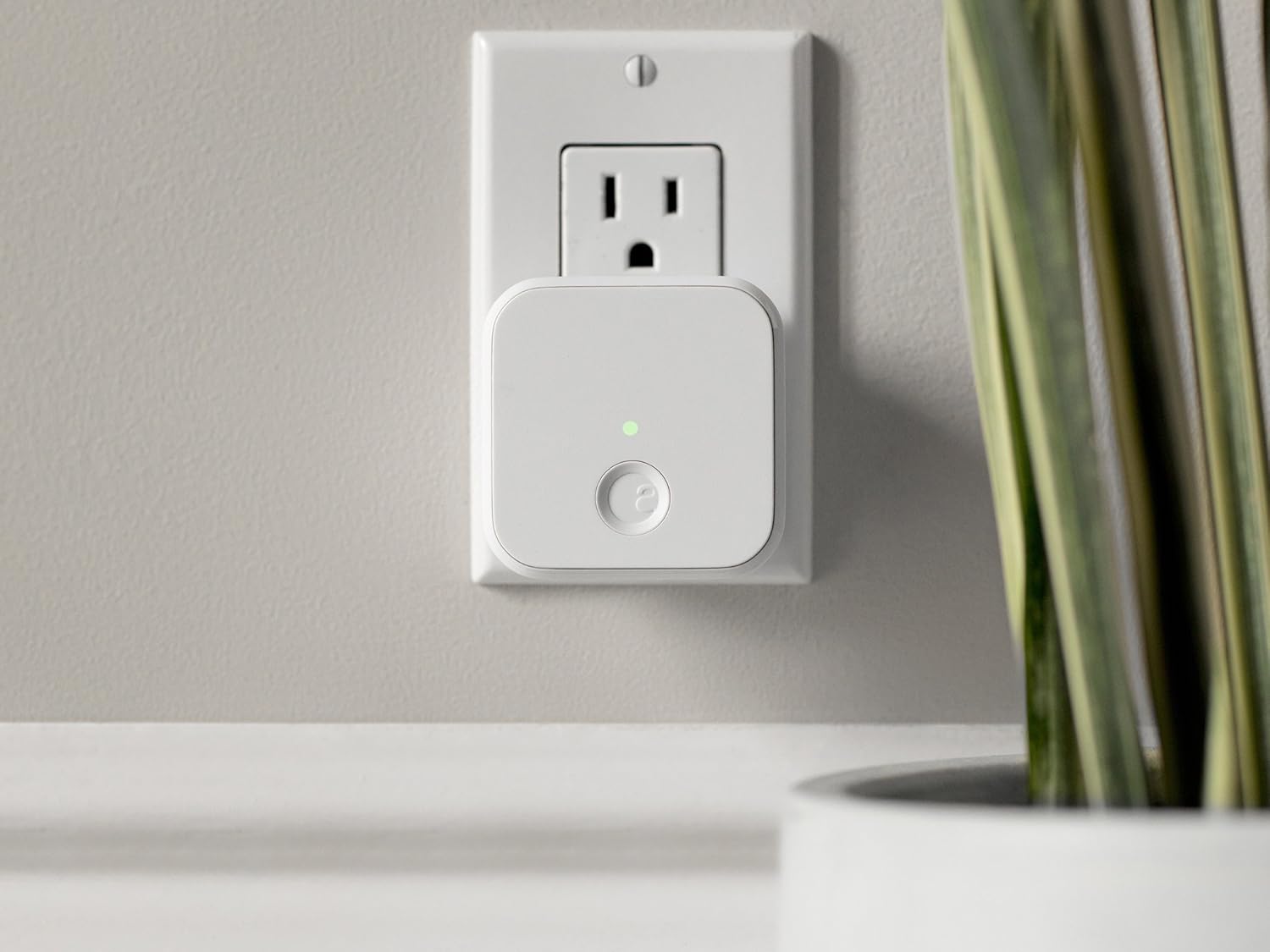
Image: Remote control of the August Smart Lock via smartphone app.
Sprachsteuerung:
- Ensure your August Connect is linked to your Amazon Alexa, Google Assistant, or Apple HomeKit account through their respective apps.
- Use commands such as "Alexa, lock the front door" or "Hey Google, is the back door locked?"
- Note: Unlocking via voice command is typically disabled by default for security reasons and may require a PIN or confirmation.
Activity Feed and Alerts:
- The August app provides a detailed activity log showing when the door was locked, unlocked, and by whom.
- Customize notification settings within the app to receive alerts for specific events, such as door open/closed status or low battery warnings for your Smart Lock.

Image: The August app displays a chronological activity log of your door's events.
5. Wartung
The August Connect Wi-Fi Bridge requires minimal maintenance. Keep the device clean and ensure it remains plugged into a stable power source.
- Reinigung: Reinigen Sie die Außenseite des Geräts mit einem weichen, trockenen Tuch. Verwenden Sie keine flüssigen Reinigungsmittel oder Scheuermittel.
- Stromversorgung: Ensure the August Connect is always plugged into a functional electrical outlet to maintain continuous connectivity.
- Firmware-Updates: The August app will notify you of any available firmware updates for your August Connect. It is recommended to install these updates to ensure optimal performance and security.
For maintenance related to your August Smart Lock, such as battery replacement, please refer to the Smart Lock's specific user manual.
Video: A user demonstrating the August Home Connect Wi-Fi Bridge in use.
6. Fehlerbehebung
If you encounter issues with your August Connect Wi-Fi Bridge, consider the following troubleshooting steps:
- Keine Verbindung/Offline:
- Ensure the August Connect is securely plugged into a working outlet.
- Verify your home Wi-Fi network is active and functioning correctly.
- Confirm the August Connect is within optimal range (10-15 feet) of your August Smart Lock.
- Restart the August Connect by unplugging it for 10 seconds and plugging it back in.
- Setup Issues (App not finding Connect):
- Ensure your smartphone is connected to a 2.4 GHz Wi-Fi network. Temporarily disable or 'forget' any 5 GHz networks on your phone during setup.
- Try power cycling the August Connect before initiating the setup process in the app.
- Consider performing the initial setup with the Smart Lock and Connect in close proximity to your Wi-Fi router, then relocating the Connect to its permanent position near the Smart Lock.
- Auto-Unlock Not Working Consistently:
- Bluetooth interference can affect auto-unlock. If your phone connects to other Bluetooth devices (e.g., car Bluetooth) upon arrival, this can interfere with the August app's ability to detect your location for auto-unlock. Try disconnecting from other Bluetooth devices or adjusting phone settings.
- Ensure location services are enabled for the August app and set to "Always Allow" for accurate geofencing.
- Schlechte Signalstärke:
- Relocate the August Connect to an outlet closer to the Smart Lock, ideally with a clear line of sight.
- Minimize physical obstructions (thick walls, large appliances) between the Connect and the Smart Lock.
7. Spezifikationen
| Besonderheit | Detail |
|---|---|
| Marke | August Home |
| Modellnummer | AC-R1 |
| Modellname | August Connect Wi-Fi Bridge |
| Abmessungen (L x B x H) | 2.4 x 2.4 x 1.5 Zoll (6.1 x 6.1 x 3.8 cm) |
| Artikelgewicht | 2.88 Unzen (81.6 Gramm) |
| Konnektivitätsprotokoll | Bluetooth, Wi-Fi (2.4 GHz) |
| Controllertyp | Amazon Alexa, Android, Google Assistant, iOS |
| Leistungsaufnahme | 110-240 volt (North American outlet) |
| Material | Metall |
| Farbe | Weiß |
| UPC | 853984006052 |
8. Garantieinformationen
The August Home Connect Wi-Fi Bridge (Model AC-R1) comes with a 1 Jahr Herstellergarantie. This warranty is effective for customers in the US and Canada. Please retain your proof of purchase for any warranty claims.
For detailed warranty terms and conditions, please refer to the official August Home webWebsite oder wenden Sie sich an den Kundendienst.
9. Unterstützung
If you require further assistance or have questions not covered in this manual, please contact August Home customer support:
- Visit the official August Home webAuf dieser Website finden Sie häufig gestellte Fragen, Anleitungen zur Fehlerbehebung und Kontaktinformationen.
- Access the support section within the August app for in-app assistance and to submit support requests.