
1. Einleitung
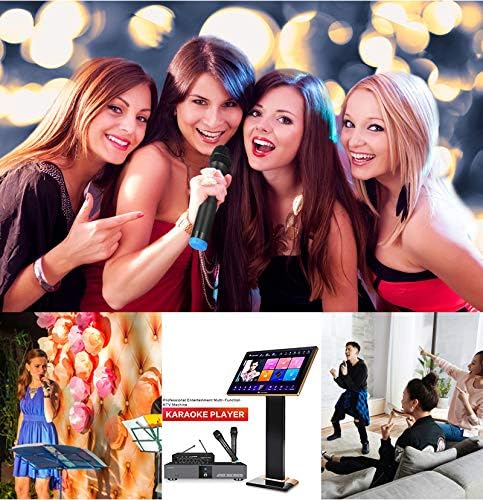
Thank you for choosing the Inandon KV-306 Karaoke Player. This 22-inch capacitive touch screen system is designed to provide a comprehensive home entertainment experience with intelligent song selection and free cloud downloads. For optimal performance, please read this manual carefully before use.
Lieferumfang
- Inandon KV-306 Karaoke Player Unit
- Kapazitiver 22-Zoll-Touchscreen
- Mikrofon
- Netzteile
- VGA-Kabel
- Netzwerkkabel
- Cinch-Audiokabel
- Optical Cable (optional, for soundbar connection)
2. Sicherheitshinweise
Bitte beachten Sie die folgenden Sicherheitsvorkehrungen, um Schäden am Gerät oder Verletzungen zu vermeiden:
- Ensure the karaoke machine is used with an amplifier and speakers (not included).
- Setzen Sie das Gerät weder Wasser noch Feuchtigkeit aus.
- Verwenden Sie ausschließlich die mitgelieferten Netzteile.
- Halten Sie die Lüftungsöffnungen frei, um eine Überhitzung zu vermeiden.
- Stellen Sie keine schweren Gegenstände auf das Gerät.
- Bei Gewittern oder längerer Nichtbenutzung die Stromzufuhr unterbrechen.
3. Produktüberschreitungview
The Inandon KV-306 Karaoke Player consists of a main unit and a separate 22-inch touch screen for song selection and control. Below is an overview of the main unit's front and rear panels.

Hauptmerkmale:
- 22-inch Capacitive Touch Screen for intuitive control.
- Wi-Fi Connectivity for online features and cloud downloads.
- Intelligent Song Deletion to optimize hard drive space.
- KTV Intelligent Scoring System for an interactive singing experience.
- Mobile Device Song Selection via dedicated app.
- System Online Update Service for continuous improvement.
4. Einrichtung
Follow these steps to set up your Inandon KV-306 Karaoke Player:
4.1. Touch Screen Assembly
Assemble the touch screen stand by securing the base and screen mount using the provided screws. Ensure all connections are firm.
4.2. Connecting the Touch Screen to the Karaoke Player
- Connect the touch screen VGA cable to the VGA output port on the karaoke player unit.
- Connect the touch screen network cable to the 'TOUCH SCREEN' network interface on the karaoke player unit.
- Connect the touchscreen power adapter to the touchscreen's power input.

4.3. Audioausgangsanschluss
The karaoke player requires an external amplifier and speakers for audio output. There are two primary methods for connecting audio:
Method 1: Using RCA Cables (to Amplifizierer)
- Connect the RCA red and white cables from the 'AUDIO OUT' ports on the karaoke machine to the 'AUX IN' of your ampschwerer.
- Connect the microphone power adapter to the 12V port of the microphone host.
- Connect the RCA red and white cables from the microphone host's AUX output to the audio input of the ampschwerer.

Method 2: Using Optical Cable (to Soundbar/Receiver)
- Connect an optical cable from the 'OPTICAL' output port on the karaoke player to the optical input of your soundbar or receiver.
- Switch your soundbar or receiver to the corresponding optical input source.

4.4. Stromanschluss
- Connect the power adapter of the karaoke machine to the DC 12V input on the karaoke machine.
- Stecken Sie das Netzteil in eine Wandsteckdose.

4.5. Verdrahtungsdemonstrationsvideo
For a visual guide on wiring, please refer to the video below:
Video: This video demonstrates the wiring process for the Inandon Karaoke Player, including connections for the touch screen, audio, and power.
5. Bedienungsanleitung
Once the system is set up, you can begin enjoying your karaoke experience.
5.1. Ein-/Ausschalten
Press the 'POWER' button on the front panel of the main unit to turn the system on or off.
5.2. Verwendung der Touchscreen-Oberfläche
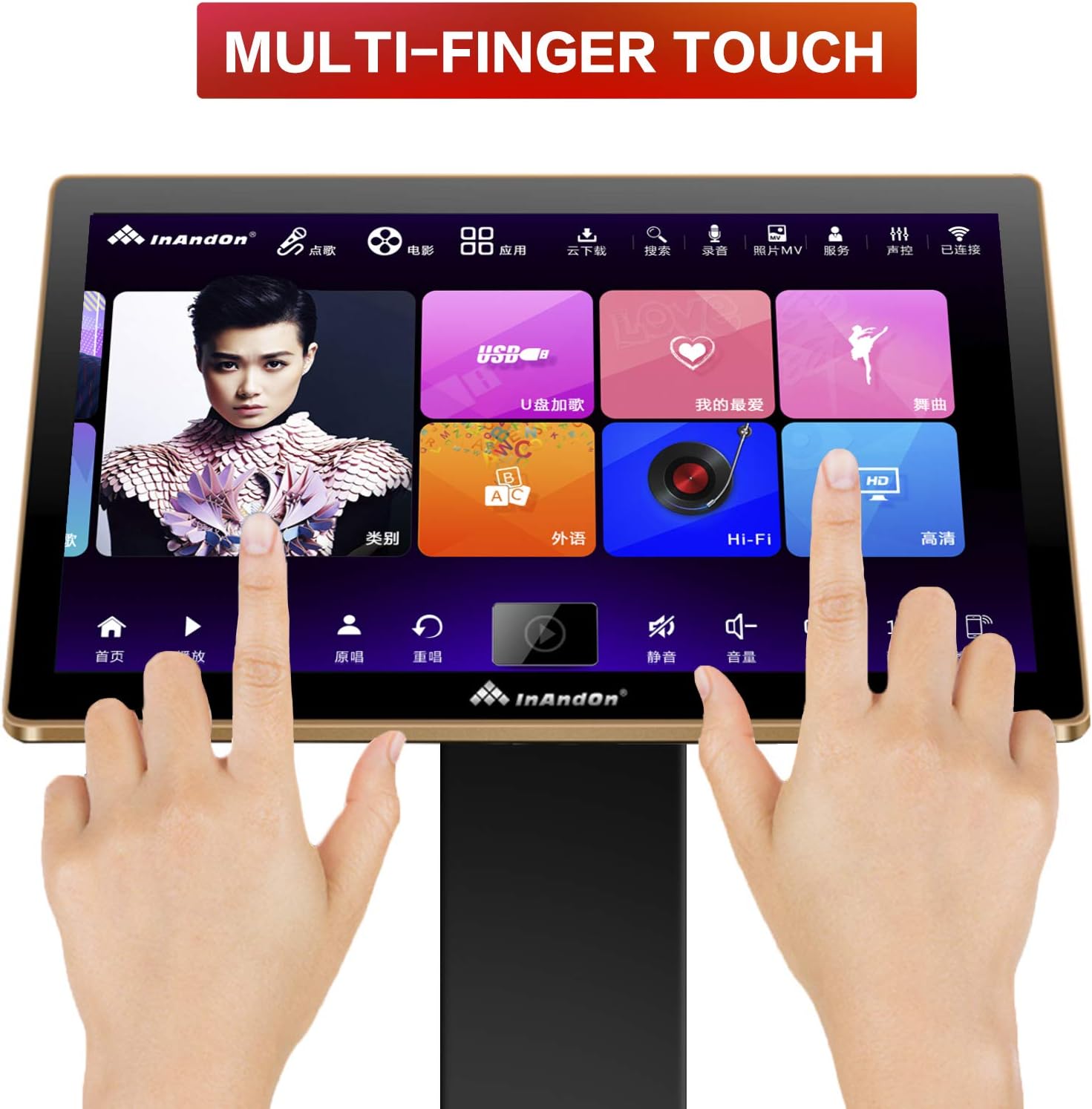
The 22-inch capacitive touch screen provides an intuitive interface for navigating songs and features. It supports multi-finger touch for easy interaction.
5.3. Song Selection and Cloud Download
- Intelligent Song Selection: Browse and select songs directly from the touch screen.
- Mobile Wireless Ordering: Use a mobile phone app (e.g., WeChat) to remotely select songs.
- Cloud Download: Connect to the internet to access a vast cloud song library (approximately 440,000 songs) and download songs for free. The 4T hard drive stores about 90,000 songs.
5.4. Intelligent Song Management
The karaoke machine features intelligent song deletion. When the hard drive memory falls below 10GB, the system automatically deletes songs with low or no click-through rates to free up space. You can re-download these songs from the cloud if needed.

5.5. KTV Intelligent Scoring System
Enhance your singing experience with the built-in KTV intelligent scoring system, providing real-time feedback on your performance.
5.6. Live Demonstrations
Watch these videos for live demonstrations of the karaoke machine in action:
Video: A live demonstration of the karaoke machine in use, showing two individuals singing along with lyrics displayed on a large screen.
Video: Live footage of karaoke machines in a room with dynamic lighting, showcasing the visual experience during use.
Video: This video illustrates the overall effect of using the karaoke system in a home setting, displaying the screen and audio setup.
6. Wartung
To ensure the longevity and optimal performance of your Inandon KV-306 Karaoke Player, follow these maintenance guidelines:
- Reinigung: Use a soft, dry cloth to clean the touch screen and main unit. Avoid abrasive cleaners or solvents.
- Software-Updates: The system supports online updates. Regularly check for and install available updates to ensure you have the latest features and improvements.
- Festplattenverwaltung: The intelligent song deletion feature helps manage space. If you frequently download new songs, consider manually reviewing and deleting older, less-played songs.
7. Fehlerbehebung
If you encounter issues with your Inandon KV-306 Karaoke Player, refer to the following common problems and solutions:
| Problem | Lösung |
|---|---|
| Keine Tonausgabe | Ensure the karaoke machine is connected to an amplifier and speakers. Check all audio cable connections (RCA or Optical) and verify the amplifier/soundbar input source is correctly selected. |
| Touchscreen reagiert nicht | Check the touch screen's power connection and the network cable connection to the main unit. Restart the system. |
| Cannot download songs from cloud | Verify that the karaoke player is connected to the internet via Wi-Fi or LAN. Check network settings. |
| Limited English songs | The cloud library has a larger selection of Chinese songs (approx. 240,000) compared to English songs (approx. 20,000). This is expected behavior. |
| Hard drive full | The system automatically deletes less-played songs when space is low. You can also manually manage songs or re-download from the cloud. |
8. Spezifikationen
| Besonderheit | Detail |
|---|---|
| Marke | Inandon |
| Modellnummer | Der KV-306 |
| Besonderheit | Touch Screen, Wi-Fi |
| Farbe | Weiß |
| Im Lieferumfang enthaltene Komponenten | Mikrofon |
| Empfohlene Verwendung | Business, Home, KTV |
| Stromquelle | Battery Powered (main unit is DC 12V, touch screen has separate adapter) |
| Anzahl USB-Anschlüsse | 2 |
| Konnektivitätstechnologie | W-lan |
| Medientyp | USB, SD, Wi-Fi |
| Kompatible Geräte | Ampschwerer |
| UPC | 712760261446 |
9. Garantie und Support
For warranty information, please refer to the documentation provided with your purchase or contact the seller directly. For technical support, you may reach out via WeChat at 17727581630.