
1. Produktüberschreitungview
The ADATA HD710 Pro is a ruggedized 1TB external hard drive designed for extreme mobile data protection. It features a durable, triple-layered construction that makes it waterproof, dustproof, and military-grade shockproof. This device is ideal for users requiring robust storage on the go, compatible with Mac, PC, and Linux systems.
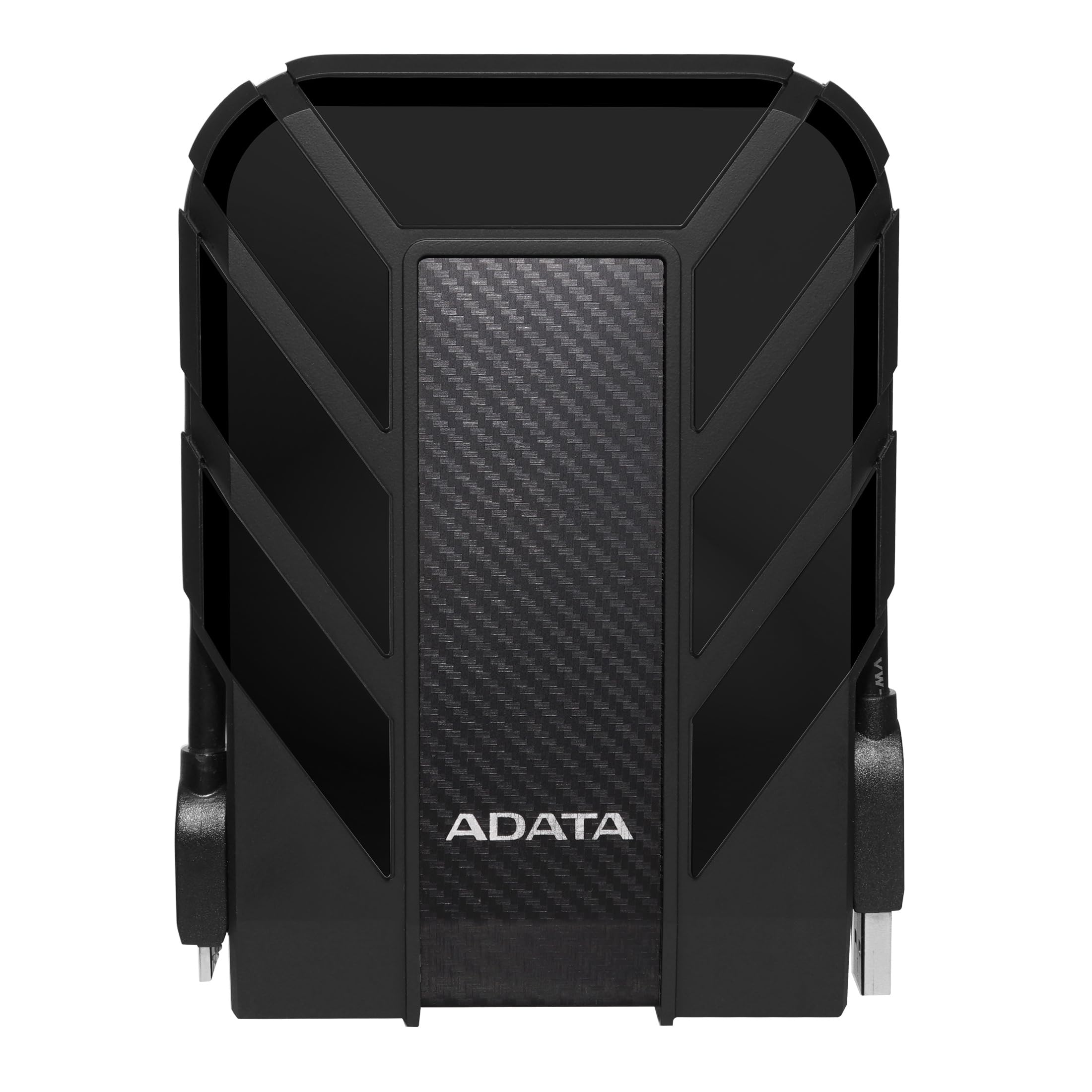
Figure 1: ADATA HD710 Pro 1TB External Hard Drive (Black)
2. Hauptmerkmale
- IP68 Waterproof and IP6X Dustproof: Certified to exceed stringent International Electrotechnical Commission (IEC) standards, offering protection against water immersion and total dust ingress.
- Military-Grade Shockproof (MIL-STD-810G 516.6): Designed to withstand drops from up to 1.5 meters, ensuring data safety even in challenging environments.
- Triple-Layered Protection: Features a tough silicone outer layer, a shock-absorbing buffer, and a robust plastic shell for enhanced durability.
- USB 3.1-Schnittstelle: Provides ultra-fast data transfer rates of up to 5 gigabits per second.
- Integriertes Kabelmanagement: A convenient groove around the drive allows for neat storage of the USB cable, preventing loss and tangles.
- Keine externe Stromversorgung erforderlich: Powered directly via the USB connection, enhancing portability.

Figure 2: Illustration of the HD710 Pro's triple-layered protective design.
3. Einrichtung
- Packen Sie das Gerät aus: Carefully remove the ADATA HD710 Pro from its packaging.
- Locate the USB Cable: The integrated USB 3.1 cable is wrapped around the drive's casing. Gently unwrap it.
- Mit Computer verbinden: Plug the USB connector into an available USB port on your computer (PC, Mac, or Linux). For optimal performance, use a USB 3.0/3.1 port.
- Erste Erkennung: Your operating system should automatically detect the drive. A blue LED indicator on the drive will illuminate, signifying power and activity.
- Formatting (If Needed): The drive comes pre-formatted for general use. If you encounter issues or wish to change the file system (e.g., for specific operating system compatibility or larger file support), you may need to format the drive. Refer to your operating system's documentation for instructions on how to format an external drive. Warning: Formatting will erase all data on the drive. Back up any important files, bevor Sie fortfahren.

Figure 3: The HD710 Pro is compatible with PC, Mac, and Linux systems.
4. Betrieb
- Zugriff auf das Laufwerk: Once connected and recognized, the drive will appear as a removable storage device in your computer's file Explorer (Windows), Finder (macOS) oder file manager (Linux).
- Übertragen Files: Sie können ziehen und ablegen files or folders to and from the HD710 Pro just like any other storage device.
- Sicherer Ausstieg: To prevent data corruption, always safely eject the drive before disconnecting it.
- Windows: Right-click the drive icon in 'This PC' or the system tray and select 'Eject'.
- macOS: Ziehen Sie das Laufwerkssymbol in den Papierkorb oder klicken Sie im Finder auf die Auswurftaste neben dem Laufwerksnamen.
- Linux: Klicken Sie mit der rechten Maustaste auf das Laufwerkssymbol in Ihrem file Manager und wählen Sie „Auswerfen“ oder „Aushängen“.
- LED-Anzeige: The blue LED light indicates the drive's status:
- Einfarbig Blau: Der Antrieb ist eingeschaltet und im Leerlauf.
- Blau blinkend: Die Datenübertragung läuft.
Video 1: Ein überview of the ADATA External Hard Drive, demonstrating its features and usage.
5. Wartung
- Keep Ports Sealed: Ensure the rubber flap covering the USB port is securely closed when the drive is not in use to maintain its waterproof and dustproof integrity.
- Sanft reinigen: Reinigen Sie die Außenseite des Laufwerks mit einem weichen, trockenen Tuch. Vermeiden Sie scharfe Chemikalien oder Scheuermittel.
- Vermeiden Sie extreme Bedingungen: While rugged, prolonged exposure to extreme temperatures, direct sunlight, or corrosive substances should be avoided.
- Vorsichtig handhaben: Despite its shockproof design, avoid intentionally dropping or subjecting the drive to excessive force.

Figure 4: The HD710 Pro offers IP68 waterproof, IP6X dustproof, and military-grade shock resistance.
6. Fehlerbehebung
- Laufwerk nicht erkannt:
- Stellen Sie sicher, dass das USB-Kabel sowohl mit dem Laufwerk als auch mit dem Computer fest verbunden ist.
- Versuchen Sie, eine Verbindung zu einem anderen USB-Anschluss an Ihrem Computer herzustellen.
- Testen Sie das Laufwerk an einem anderen Computer, um ein computerspezifisches Problem auszuschließen.
- Check your computer's Disk Management (Windows) or Disk Utility (macOS) to see if the drive is detected but unformatted or has a partition issue.
- Langsame Übertragungsgeschwindigkeiten:
- Ensure you are using a USB 3.0/3.1 port on your computer for maximum speed. Connecting to a USB 2.0 port will result in slower speeds.
- Überprüfen Sie, ob die Treiber Ihres Computers auf dem neuesten Stand sind.
- Große Mengen kleiner files can transfer slower than fewer large files.
- Datenkorruption:
- Always safely eject the drive before disconnecting to prevent data loss or corruption.
- If data corruption occurs, data recovery software may be an option, but success is not guaranteed.
7. Spezifikationen
| Besonderheit | Detail |
|---|---|
| Digitale Speicherkapazität | 1 TB |
| Festplattenschnittstelle | USB 3.2 |
| Konnektivitätstechnologie | USB |
| Marke | ADATA |
| Besonderheit | Tragbar |
| Formfaktor der Festplatte | 2.5 Zoll |
| Festplattenbeschreibung | Mechanische Festplatte |
| Kompatible Geräte | Notebook, PC |
| Installationstyp | Externe Festplatte |
| Farbe | BLACK PRO |
| Zusätzliche Merkmale | Tragbar |
| Festplattendrehzahl | 5400 U/min |
| Spezifische Verwendungen für das Produkt | personal, gaming, business |
| Lesegeschwindigkeit | 90 Megabyte pro Sekunde |
| Mediengeschwindigkeit | 90 Megabyte pro Sekunde |
| Installierte Größe des Cache-Speichers | 1 |
| Datenübertragungsrate | 5000 Megabit pro Sekunde |
| Formfaktor | Tragbar |
| Hardware-Konnektivität | USB 3.0 |
| Gehäusematerial | Aluminium |
| Modellnummer | AHD710P-1TU31-CBK |
| Integrierte Medien | External HDD, Quick start guide |
| Modellname | HD 710 Pro |
| Hersteller | ADATA |
| Globale Handelsidentifikationsnummer | 04713218460394 |
| Name des Elementtyps | ADATA USB 3.1 IP68 Waterproof/Shockproof/Dustproof Ruggedized External Hard Drive, Black (AHD710P-1TU31-CBK) |
| Garantiebeschreibung | 3 Jahre Garantie |
| Bestseller-Rang | #35 in External Hard Drives |
| ASIN | B0744NWZTM |
| Hard-Drive Size | 1000 GB |
| Artikelgewicht | 9.6 Unzen |
| Artikelabmessungen (L x B x Dicke) | 5.2 Zoll L x 3.8 Zoll B x 0.8 Zoll T |
| Anzahl der Artikel | 1 |
| Einheitenanzahl | 1.0 Anzahl |
| Kundenpakettyp | Standardverpackung |
8. Gewährleistung
The ADATA HD710 Pro comes with a 3 Jahr eingeschränkte Garantie. This warranty covers defects in materials and workmanship under normal use. For specific terms and conditions, please refer to the official ADATA weboder der Ihrem Produkt beiliegenden Garantiekarte.
9. Unterstützung
For further assistance, technical support, or to download the latest drivers and software, please visit the official ADATA webWebsite:
You may also find helpful resources and FAQs on the ADATA support pages.