
Einführung
This manual provides detailed instructions for the setup, operation, and maintenance of your Youshiko YK YC8025-B Radio Controlled Wall Clock. This clock is designed for precise timekeeping, automatically adjusting for seasonal changes and receiving time signals specific to the UK and Ireland (MSF).
The clock features a large LCD display showing time in 12/24 hour format, date, month, day of the week, indoor temperature (Celsius or Fahrenheit), and moon phase. It also includes an alarm with a snooze function.

Abbildung 1: Front view of the Youshiko YK YC8025-B Radio Controlled Wall Clock. The large LCD screen displays the current time, date, day of the week, indoor temperature, and moon phase.
Aufstellen
1. Einlegen der Batterie
- Suchen Sie den Batteriefachdeckel auf der Rückseite der Uhr.
- Nehmen Sie die Abdeckung ab.
- Legen Sie die benötigten Batterien (nicht im Lieferumfang enthalten) entsprechend den Polaritätsmarkierungen (+ und -) in das Batteriefach ein.
- Bringen Sie die Abdeckung des Batteriefachs wieder an.

Abbildung 2: Hinteren view of the clock, showing the battery compartment and control buttons (SET, ALARM, UP, DOWN, SNOOZE, WAVE).
2. Initial Signal Reception
After battery installation, the clock will automatically begin searching for the radio time signal. This clock is designed for the UK and Ireland (MSF signal).
- Place the clock near a window or in an open area to optimize signal reception.
- The signal reception icon (often a tower with waves) on the display will flash during the search.
- Once the signal is successfully received, the clock will automatically set the correct time, date, and day, and the signal icon will become solid. This process may take several minutes.
Note: For optimal signal reception, avoid placing the clock near electronic devices that may cause interference.
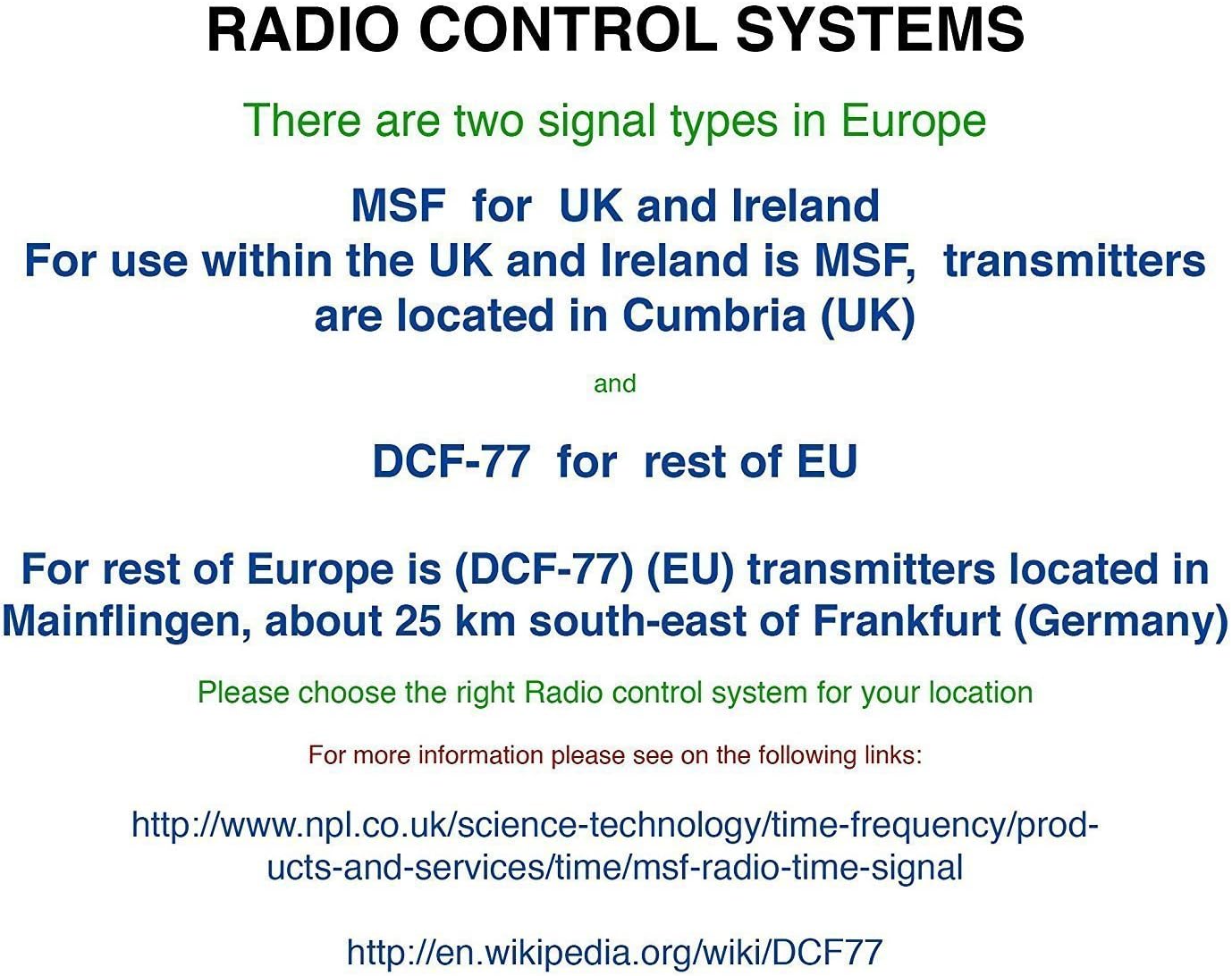
Abbildung 3: Explanation of radio control systems. The Youshiko YK YC8025-B uses the MSF signal for the UK and Ireland.
Bedienungsanleitung
1. Informationen anzeigen
Das große LCD-Display liefert folgende Informationen:
- Zeit: Current time in 12-hour (with AM/PM indicator) or 24-hour format.
- Datum: Day and month.
- Wochentag: Abgekürzter Tagesname.
- Innentemperatur: Measured in Celsius (°C) or Fahrenheit (°F).
- Mond Phase: Grafische Darstellung der aktuellen Mondphase.
- Signalsymbol: Indicates radio signal reception status.
- Alarmsymbol: Zeigt an, ob der Alarm aktiv ist.
2. Setting Time and Date Manually (if needed)
While the clock is radio-controlled, manual adjustments may be necessary in certain situations (e.g., outside signal range).
- Halten Sie die SATZ Taste, bis die Anzeige zu blinken beginnt.
- Verwenden Sie die UP or RUNTER Tasten zum Einstellen des Blinkwertes (z. B. Stunde, Minute, Jahr, Monat, Tag).
- Drücken SATZ again to confirm the setting and move to the next adjustable item.
- Repeat until all desired settings are configured. The clock will exit setup mode automatically after a period of inactivity or by pressing SATZ repeatedly until the normal display returns.
3. 12/24 Hour Format and Temperature Unit
- Um zwischen 12-Stunden- und 24-Stunden-Zeitformat umzuschalten, drücken Sie die Taste UP button during normal time display.
- Um zwischen Celsius (°C) und Fahrenheit (°F) für die Temperaturanzeige umzuschalten, drücken Sie die Taste RUNTER button during normal time display.
4. Alarm Setting and Snooze
- Drücken Sie die ALARM Einmaliges Drücken zeigt die aktuelle Alarmzeit an.
- Halten Sie die ALARM Drücken Sie die Taste, bis die Alarmzeitanzeige zu blinken beginnt.
- Verwenden Sie die UP or RUNTER buttons to adjust the alarm hour and then the alarm minute.
- Drücken ALARM again to confirm and activate the alarm. The alarm icon will appear on the display.
- Wenn der Alarm ertönt, drücken Sie die SCHLAFEN Drücken Sie diese Taste, um den Alarm vorübergehend stummzuschalten. Er ertönt nach einigen Minuten erneut.
- Um den Alarm vollständig auszuschalten, drücken Sie eine beliebige andere Taste (z. B. ALARM, SATZ) when it is sounding or when the snooze is active.
5. Manual Signal Search
If the clock fails to receive the radio signal automatically, you can initiate a manual search.
- Drücken Sie die WELLE Taste.
- The signal icon will flash, indicating the clock is searching for the radio signal.
- Allow several minutes for the clock to attempt synchronization.
Wartung
1. Batteriewechsel
When the display becomes dim or the clock stops functioning, it is time to replace the batteries.
- Öffnen Sie das Batteriefach auf der Rückseite der Uhr.
- Entfernen Sie die alten Batterien.
- Legen Sie neue Batterien ein und achten Sie dabei auf die richtige Polarität.
- Close the battery compartment. The clock will then attempt to re-synchronize with the radio signal.
2. Reinigung
- Wischen Sie die Oberfläche der Uhr mit einem weichen, trockenen Tuch ab.
- Do not use abrasive cleaners or chemical solvents, as these can damage the display or casing.
Fehlerbehebung
- No Time Display / Incorrect Time:
- Stellen Sie sicher, dass die Batterien korrekt eingesetzt und nicht entladen sind. Tauschen Sie sie gegebenenfalls aus.
- Check signal reception. Move the clock to a location with better reception, away from electronic interference.
- Initiate a manual signal search by pressing the WELLE Taste.
- Verify that you are within the MSF signal range (UK and Ireland).
- Anzeige dimmen:
- Ersetzen Sie die Batterien durch neue.
- Alarm ertönt nicht:
- Stellen Sie sicher, dass der Alarm aktiviert ist (Alarmsymbol auf dem Display sichtbar).
- Check that the alarm time is set correctly.
Technische Daten
| Marke | Youshiko |
| Modellnummer | YK YC8025-B |
| Farbe | Schwarz |
| Abmessungen (L x B x H) | 23 x 16 x 3 cm |
| Gewicht | 30 Gramm |
| Material | Kunststoff, Glas |
| Anzeigetyp | Digitales |
| Besondere Merkmale | Temperature Display, Alarm, Moon Phase, Radio Controlled |
| Stromquelle | Batteriebetrieben (Batterien nicht im Lieferumfang enthalten) |

Abbildung 4: Dimensions of the Youshiko YK YC8025-B Radio Controlled Wall Clock.