
Einführung
This manual provides detailed instructions for the installation, operation, and maintenance of your Utilitech 1.0-Sone 150-CFM White Bathroom Fan with integrated LED light. This ventilation fan is designed to provide efficient air movement and illumination in your bathroom, featuring an energy-efficient DC brushless motor and a dimmable LED light. Please read these instructions thoroughly before installation and use to ensure safe and optimal performance.
Wichtige Sicherheitsinformationen
WARNUNG: Um das Risiko von Bränden, Stromschlägen oder Verletzungen von Personen zu verringern, beachten Sie Folgendes:
- Installationsarbeiten und elektrische Verkabelung müssen von qualifizierten Personen in Übereinstimmung mit allen anwendbaren Vorschriften und Normen, einschließlich Brandschutzvorschriften und -normen, durchgeführt werden.
- Verwenden Sie das Gerät ausschließlich in der vom Hersteller vorgesehenen Weise. Bei Fragen wenden Sie sich an den Hersteller.
- Bevor Sie das Gerät warten oder reinigen, schalten Sie die Stromversorgung am Servicepanel aus und verriegeln Sie die Servicetrennvorrichtung, um ein versehentliches Einschalten zu verhindern. Wenn die Service-Trenneinrichtung nicht verriegelt werden kann, befestigen Sie eine gut sichtbare Warnvorrichtung, wie z tag, zum Servicepanel.
- Verwenden Sie diesen Lüfter nicht mit einem elektronischen Drehzahlregler, es sei denn, dieser ist ausdrücklich für die Verwendung mit diesem Modell zugelassen.
- Dieses Produkt ist ausschließlich für allgemeine Belüftungszwecke bestimmt. Es darf nicht zum Abführen von gefährlichen oder explosiven Stoffen und Dämpfen verwendet werden.
- Bei Installation und Wartung stets Schutzbrille und Handschuhe tragen.
Packungsinhalt
Vergewissern Sie sich vor Beginn der Installation, dass alle Komponenten vorhanden sind:
- Utilitech Bathroom Fan with Integrated LED Light
- 6-inch to 4-inch Duct Adapter
- Quick Connect Wire Nuts
- Installation Hardware (screws, etc., if applicable)

Image 1: The Utilitech bathroom fan unit, showing the main housing, LED light panel, and the attached duct connector.
Setup und Installation
This fan can be installed in both new construction (with attic access) and existing construction (without attic access). Professional installation is recommended for electrical wiring.
Schritte vor der Installation:
- Stromabschaltung: Ensure power is turned off at the circuit breaker before starting any installation work.
- Standortauswahl: Choose a suitable ceiling location for the fan, ensuring adequate space for the housing and ductwork.
- Ducting Preparation: Prepare the ductwork. The fan is designed for 6-inch ducts, but a 6-inch to 4-inch duct adapter is included for compatibility with 4-inch systems.
Installationsverfahren:
- Montage des Gehäuses: Secure the fan housing to the ceiling joists using appropriate fasteners. Ensure the housing is level and firmly attached.
- Anschluss von Rohrleitungen: Connect the ventilation duct to the fan's duct connector. Use duct tape or clamps to ensure a secure and airtight seal. The fan includes a plastic duct connector and damper to prevent backdraft.
- Elektroverkabelung: Connect the electrical wiring to the fan using the provided quick connect wire nuts. Follow local electrical codes and the wiring diagram provided with the unit. Ensure proper grounding.
- Installing the Grille/Light Panel: Once the housing and wiring are complete, attach the integrated LED light panel/grille to the fan housing.
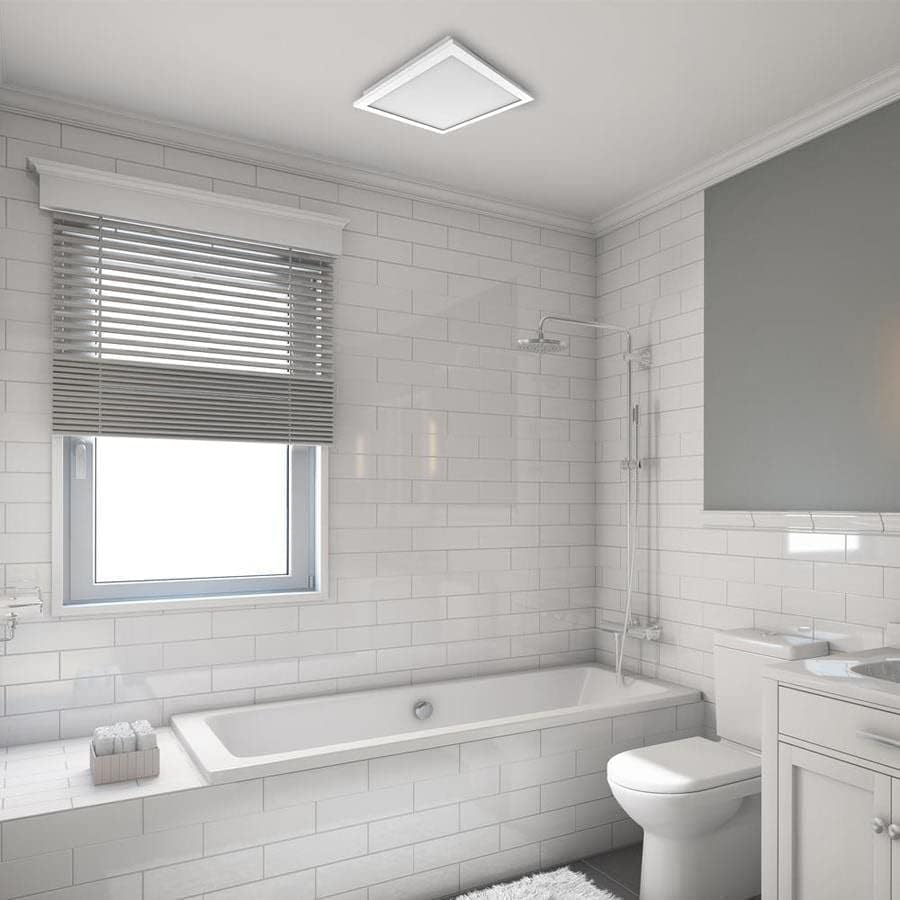
Bild 2: Ein Example of the Utilitech bathroom fan with LED light installed flush in a white ceiling, providing both ventilation and illumination.
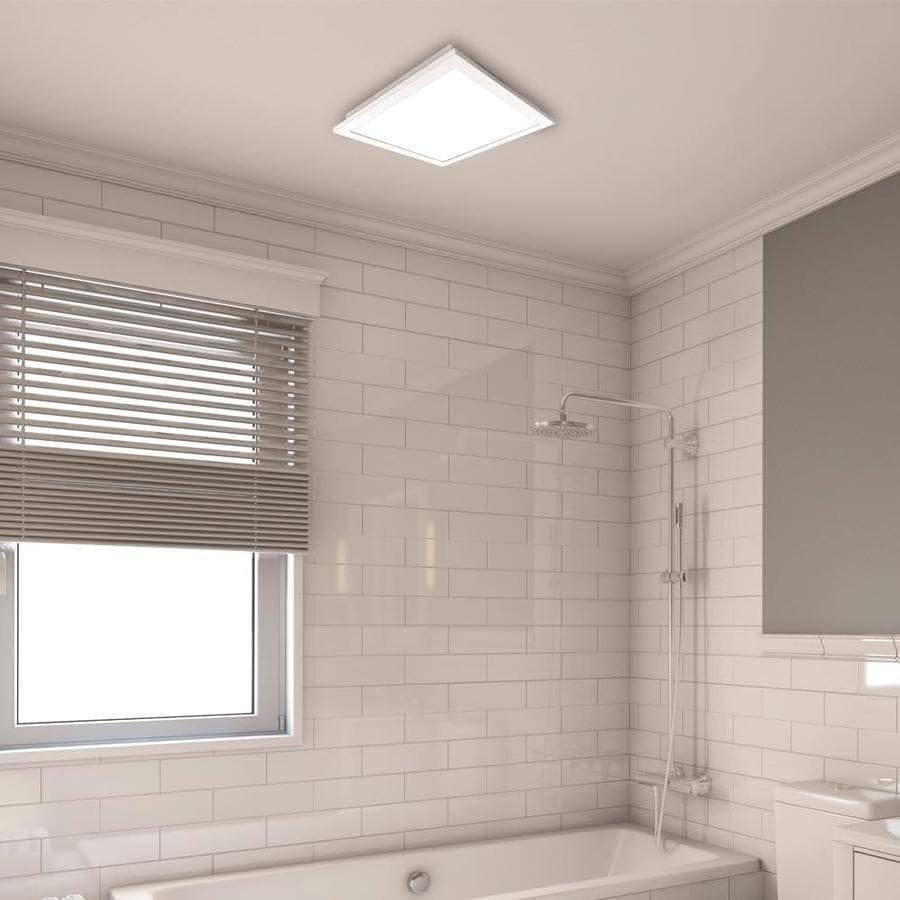
Abbildung 3: Eine Nahaufnahme view of the installed fan's LED light panel, showing its sleek, white finish integrated into the ceiling.
Bedienungsanleitung
The Utilitech bathroom fan is designed for simple operation, providing effective ventilation and lighting for your bathroom.
- Ein-/Ausschalten: The fan and light are typically controlled by a standard wall switch. Flip the switch to turn the unit on or off.
- Belüftung: The fan operates at a single speed, moving 150 cubic feet per minute (CFM) of air at a quiet 1.0 sone level.
- LED-Licht: The integrated 13-watt LED light provides room illumination. This light is dimmable, requiring a compatible dimmer switch (sold separately) for dimming functionality.
- App-Steuerung: This model supports app control. Refer to the manufacturer's website or included documentation for details on connecting and controlling the fan via a smartphone application, if applicable.
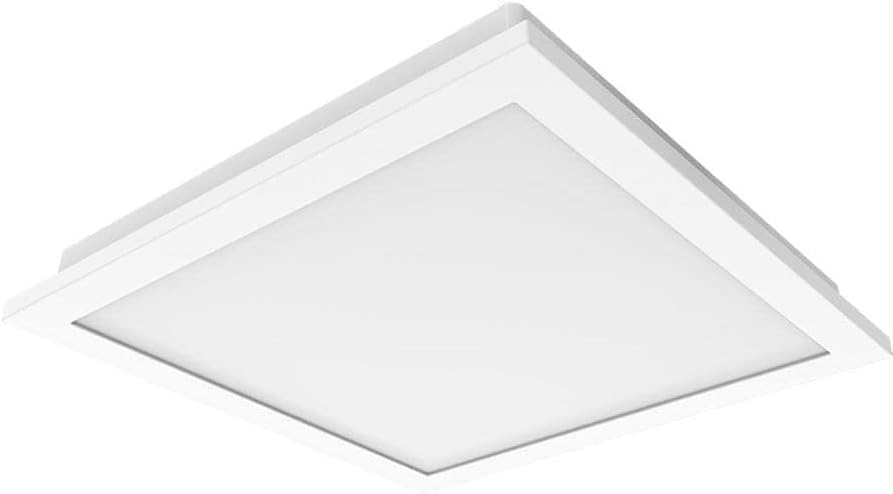
Bild 4: A view of the fan's LED light panel from below, showcasing its clean, minimalist design.
Wartung
Regular maintenance ensures the longevity and efficient operation of your Utilitech bathroom fan. Always disconnect power at the circuit breaker before performing any maintenance.
Cleaning the Fan and Light Grille:
- Turn off power to the fan at the service panel.
- Carefully remove the LED light panel/grille from the fan housing.
- Wipe the grille and light panel with a soft, damp Tuch. Keine Scheuer- oder Lösungsmittel verwenden.
- If necessary, use a vacuum cleaner with a brush attachment to remove dust from the fan blades and interior of the housing.
- Lassen Sie alle Teile vollständig trocknen, bevor Sie sie wieder zusammenbauen.
- Reattach the LED light panel/grille and restore power.
The fan's DC brushless motor is designed for long-term operation, capable of running continuously for up to 70,000 hours, and the integrated LED light has a lifespan of up to 30,000 hours, minimizing the need for frequent internal maintenance.
Fehlerbehebung
If you experience issues with your Utilitech bathroom fan, refer to the following common problems and solutions. Always disconnect power before inspecting the unit.
| Problem | Mögliche Ursache | Lösung |
|---|---|---|
| Lüfter läuft nicht. | Das Gerät wird nicht mit Strom versorgt. Wackelkontakt. Defekter Wandschalter. | Prüfen Sie den Sicherungsautomaten und den Wandschalter. Verify all wire connections are secure (ensure power is off). Prüfen oder ersetzen Sie den Wandschalter. |
| Die LED-Leuchte geht nicht an. | Das Gerät wird nicht mit Strom versorgt. Wackelkontakt. Faulty LED driver/light panel. | Stromversorgung prüfen. Überprüfen Sie die Verdrahtungsverbindungen. Contact customer support if the LED panel is faulty. |
| Der Ventilator ist übermäßig laut. | Lose Montage. Verstopfung der Lüfterflügel. Probleme mit den Lüftungskanälen. | Stellen Sie sicher, dass das Lüftergehäuse fest montiert ist. Remove grille and check for debris. Inspect ductwork for kinks or blockages. |
| Schlechte Luftzirkulation. | Verstopfte Lüftungskanäle. Die Ventilatorflügel sind schmutzig. Improperly sized ducting. | Check ductwork for obstructions. Lüfterflügel und Gitter reinigen. Ensure ducting matches recommended size or use adapter correctly. |
If problems persist after attempting these solutions, contact a qualified electrician or the manufacturer's customer support.
Technische Daten
| Besonderheit | Detail |
|---|---|
| Marke | Utilitech |
| Modellname | 7116-02 |
| Luftstromkapazität | 150 CFM (Kubikfuß pro Minute) |
| Geräuschpegel | 1.0 Sones |
| Lichtart | Integrated Dimmable LED |
| LED-Watttage | 13 Watt |
| LED-Lebensdauer | Bis zu 30,000 Stunden |
| Motortyp | Bürstenloser Gleichstrommotor |
| Lebensdauer des Motors | Bis zu 70,000 Stunden Dauerbetrieb |
| Kanalgröße | 6-inch (includes 6-inch to 4-inch adapter) |
| Stromquelle | AC |
| Installationstyp | Ceiling Mount (retrofit capable) |
| Kontrollmethode | Wall Switch, App Control |
| Zertifizierungen | UL Certified, HVI Listed, ENERGY STAR Compliant, Title 24 Compliant |
| Technische Daten | 9.68 x 9.68 x 7.88 Zoll |
| Artikelgewicht | 14.22 Pfund |
Garantieinformationen
Utilitech products are manufactured to high-quality standards and are warranted to be free from defects in materials and workmanship for a specified period from the date of purchase. For specific warranty terms and conditions, please refer to the warranty card included with your product or visit the official Utilitech webBewahren Sie Ihren Kaufbeleg als Kaufnachweis für Garantieansprüche auf.
Kundenservice
If you have any questions regarding the installation, operation, or maintenance of your Utilitech bathroom fan, please contact Utilitech customer support. You can typically find contact information, including phone numbers and email addresses, on the manufacturer's official webauf der Website oder in der mit Ihrem Produkt gelieferten Dokumentation.
Weitere Hilfe finden Sie unter Utilitech webWebsite.