
1. Einleitung
Thank you for choosing the Gikfun Upgraded USB Mini Amplifier Electronic Transparent Stereo Speaker Box DIY Kit. This kit provides an engaging and educational experience for electronics enthusiasts to build their own functional stereo speakers. Featuring a transparent casing and LED lights that react to music, this amplifier kit is designed for use with various audio sources such as music players, smartphones, tablets, and computers.
2. Sicherheitshinweise
Bitte lesen und verstehen Sie alle Sicherheitshinweise, bevor Sie mit der Montage oder Inbetriebnahme beginnen. Andernfalls kann es zu Verletzungen oder Schäden am Produkt kommen.
- Sicherheitshinweise zum Löten: This kit requires soldering. Always use a 30W (110V) soldering iron and ensure proper ventilation. Wear appropriate safety glasses to protect your eyes.
- Aufsicht durch Erwachsene: This kit contains small parts and requires soldering. Adult supervision is recommended for younger users.
- Elektrische Sicherheit: Ensure all connections are correct before powering on the device to prevent short circuits or damage.
- Komponentenhandling: Handle electronic components carefully. Some components are sensitive to static electricity.
- Energiequelle: Use a stable 5V USB power source.
3. Packungsinhalt
Vergewissern Sie sich vor Beginn der Montage, dass alle unten aufgeführten Komponenten in Ihrem Bausatz vorhanden sind.
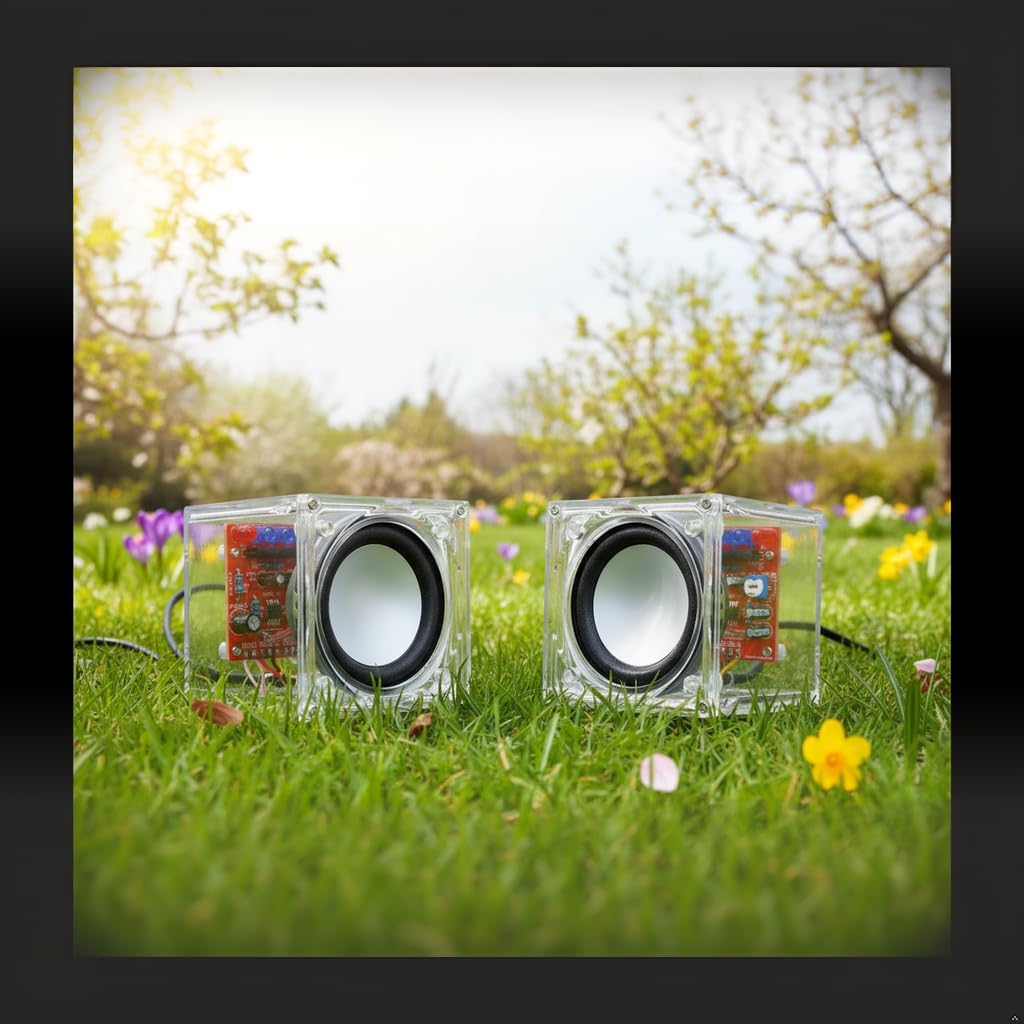
Image: All components of the Gikfun Upgraded USB Mini Amplifier DIY Kit, including circuit boards, speakers, wires, and various electronic parts.
- 2x PCB (Printed Circuit Board)
- 2x Speakers (4Ω 3W)
- Transparentes Acryl Casing Paneele
- USB-Stromkabel
- 3.5-mm-Audioeingangskabel
- Various Electronic Components (ICs, Resistors, Capacitors, LEDs, Potentiometer)
- Nuts, Screws, and Standoffs for assembly
- Verbindungskabel
4. Montageanleitung
Follow these steps carefully to assemble your Gikfun Stereo Speaker Box. Refer to the provided video for visual guidance.
Video: Detailed assembly guide for the Gikfun Mini Electronic Transparent Speaker Box DIY Kit, demonstrating soldering and construction steps.
4.1. Komponenten vorbereiten
- Unpack all components and organize them. Identify the two PCB boards, speakers, acrylic panels, and various electronic parts.
- Ensure you have a soldering iron (30W, 110V recommended), solder, wire cutters, and safety glasses.
4.2. Solder Components to PCB
- Integrierter Schaltkreis (IC): Carefully place the IC onto its designated pads on the PCB. Ensure correct orientation (notch aligns with the marking on the PCB). Solder one pin first, then check alignment before soldering the remaining pins.
- Widerstände: Insert and solder all resistors according to their marked values on the PCB.
- Kondensatoren: Solder the capacitors, paying attention to polarity for electrolytic capacitors (the longer lead is positive, usually marked with a stripe on the negative side).
- LEDs: Solder the LEDs. Note that LEDs are polarized; the longer lead is positive (+).
- Potentiometer: Solder the potentiometer for volume control.
- Trim excess leads from all soldered components using wire cutters.

Bild: Eine Nahaufnahme view of one of the speaker's circuit boards with various electronic components already soldered, showing the intricate wiring.
4.3. Drähte anschließen
- Connect the speaker wires to the designated points on the PCB.
- Connect the USB power cable and 3.5mm audio input cable to the respective pads on the PCB. Ensure correct polarity for power connections.

Image: A clear wiring diagram illustrating how to connect the USB power, 3.5mm audio jack, and speakers to the circuit boards.

Image: An alternative wiring diagram showing the connections between the USB power, 3.5mm audio input, and the two speaker circuit boards.
4.4. Assemble Acrylic Casing
- Carefully peel off the protective film from all acrylic panels.
- Assemble the transparent acrylic panels around the soldered PCB, securing them with the provided nuts and screws. Ensure the PCB is correctly aligned within the casing.
4.5. Mount Speakers
- Mount the speakers into the front panels of the acrylic casing, ensuring the speaker wires are routed correctly and do not interfere with the casing-Baugruppe.
- Secure the speakers with the remaining screws.
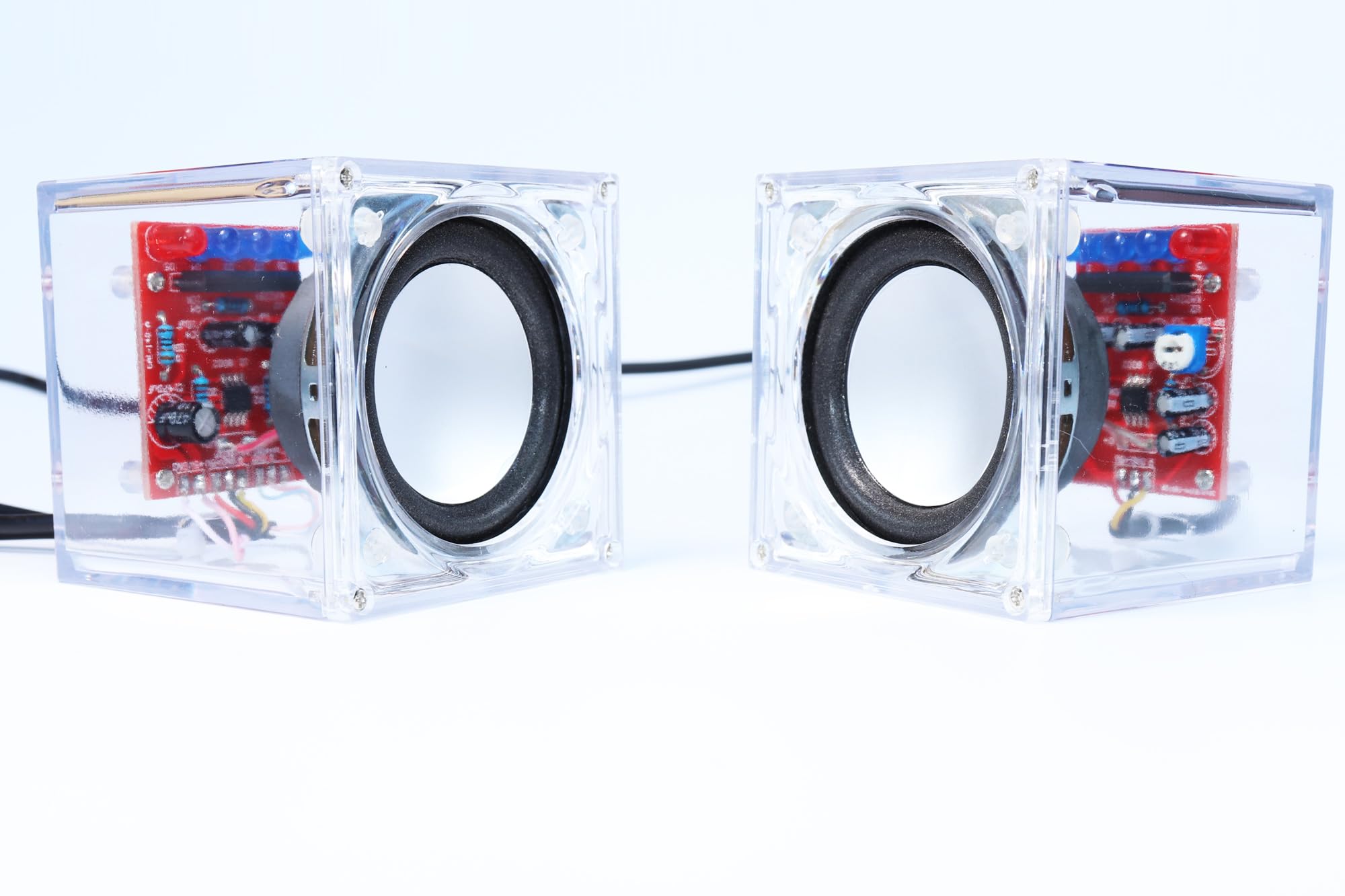
Image: The fully assembled Gikfun USB Mini Amplifier Electronic Transparent Stereo Speaker Box, showcasing sein transparentes Design.
5. Bedienungsanleitung
5.1. Einschalten
- Connect the USB power cable to a 5V USB power source (e.g., computer USB port, USB wall adapter). The speakers will power on automatically.
5.2. Mit der Audioquelle verbinden
- Plug the 3.5mm audio input cable into the audio jack of your music player, smartphone, tablet, or computer.
- Connect the other end of the 3.5mm audio cable to the input jack on the speaker unit.

Image: The assembled Gikfun speakers connected to a laptop, demonstrating their use as external audio output.

Image: The transparent speakers connected to a smartphone, with the internal LED lights illuminating in response to the music being played.
5.3. Lautstärkeregelung
- Adjust the volume using the potentiometer located on the PCB.
- You can also control the volume from your connected audio source.
5.4. LED-Lichtfunktion
- The integrated LED lights will illuminate and react to the music spectrum, providing a visual display synchronized with your audio.

Image: The Gikfun speakers operating in a dimly lit environment, highlighting the vibrant glow of the LED lights.
6. Wartung
- Reinigung: Use a soft, dry cloth to clean the transparent acrylic casing. Avoid abrasive cleaners or solvents that could scratch the surface.
- Lagerung: Lagern Sie die Lautsprecher an einem kühlen, trockenen Ort, geschützt vor direkter Sonneneinstrahlung und extremen Temperaturen.
- Komponentenprüfung: Periodically inspect soldered connections for any signs of loosening or corrosion. Re-solder if necessary.
7. Fehlerbehebung
| Problem | Mögliche Ursache | Lösung |
|---|---|---|
| Kein Ton aus den Lautsprechern. |
|
|
| Die LED-Leuchten funktionieren nicht. |
|
|
| Verzerrter Ton. |
|
|
8. Spezifikationen
- Modell: EK1918
- Lautsprecherleistung: 3 W pro Kanal
- Material: PCB, Electronic Components, Transparent Acrylic
- Abmessungen: 60 x 60 x 62mm (approximate, for each speaker unit)
- Leistungsaufnahme: 5V DC via USB
- Audioeingang: 3.5-mm-Stereobuchse
- Besondere Merkmale: LED lights illuminate according to music spectrum
- Recommended Soldering Iron: 30 W (110 V)
9. Garantie und Support
This product is a DIY kit, and its functionality depends on correct assembly. Gikfun provides support for genuine product defects and missing components. For technical assistance or inquiries, please contact Gikfun customer support through the retailer's platform where the product was purchased. Please retain your proof of purchase for any warranty claims.