
Einführung
Thank you for choosing Linklike Classic 2 Wired Earbuds. This manual provides detailed instructions for setting up, operating, maintaining, and troubleshooting your new earbuds. Please read this manual thoroughly before use to ensure optimal performance and longevity of your product.
Packungsinhalt
Upon opening your Linklike Classic 2 Wired Earbuds package, you should find the following items:
- Linklike Classic 2 Wired Earbuds with 3.5mm Jack
- Multiple sizes of silicone ear tips (including ear hooks for secure fit)
- Aufbewahrungstasche
- Benutzerhandbuch (dieses Dokument)
Video: Unboxing Overview - This video demonstrates the unboxing process and shows the contents included with your Linklike Classic 2 Wired Earbuds, including the earbuds, various ear tips, and the storage pouch.
Produkt überview
The Linklike Classic 2 Wired Earbuds are designed for high-fidelity audio with enhanced bass and clear vocal transmission. Key features include:
- QUAD Dynamic Drive: Industry-leading 14.2mm driver units for superior clarity and acoustic performance with enhanced bass.
- Integriertes Mikrofon: Innovative MEMS microphone designed to reduce background static for clear calls.
- Inline-Steuerelemente: Convenient buttons for volume adjustment, music playback (play/pause, next/previous track), and call management.
- 3.5-mm-Buchse: Universal compatibility with most devices featuring a 3.5mm audio input.
- Leichtbauweise: Ergonomically designed for comfort during extended use.
- Langlebiges Kabel: Tangle-free cable for ease of use and longevity.

Image: QUAD Dynamic Drivers - This diagram illustrates the internal structure of the earbuds, highlighting the 14.2mm QUAD Dynamic Drive units responsible for superior audio clarity and powerful bass.

Image: Earbuds in Use - This image shows the earbuds connected to a smartphone, emphasizing their comfortable fit, durable cable, and lightweight design for an immersive listening experience.

Image: Clear Vocal Transmission - A woman is shown using the earbuds, demonstrating the effectiveness of the MEMS microphone in transmitting clear vocals by eliminating background static during calls.

Image: Sensitive Control Buttons - A detailed view of the inline remote control, showing buttons for volume up, volume down, and a multi-function button for music and call control, along with the MEMS microphone.

Image: Universal Compatibility - This image illustrates the wide compatibility of the earbuds with various devices such as desktops, laptops, tablets, and smartphones, all connecting via the standard 3.5mm audio jack.
Aufstellen
1. Die richtigen Ohrstöpsel auswählen
For optimal sound quality and comfort, select the ear tips that best fit your ears. The package includes various sizes and types, including those with ear hooks for a more secure fit, ideal for active use.

Image: Ear Tips and Fit - This image displays the earbuds along with various silicone ear tips, including those with ear hooks, demonstrating how to achieve a comfortable and secure fit for different ear shapes.
2. Verbindung mit Ihrem Gerät herstellen
The Linklike Classic 2 Earbuds feature a universal 3.5mm audio jack. Simply plug the L-shaped jack into the 3.5mm audio port of your smartphone, tablet, laptop, or any other compatible audio device.
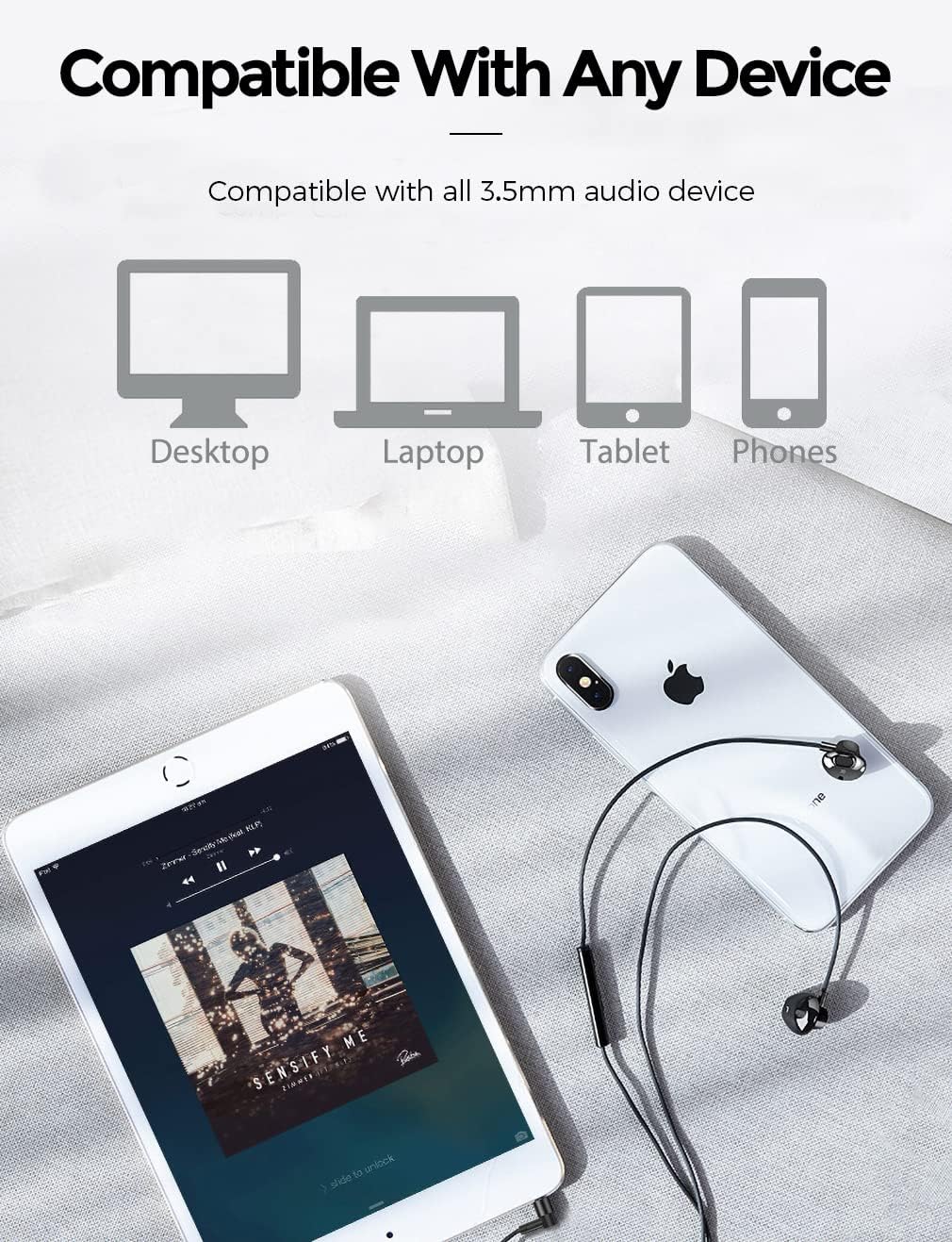
Image: Connecting the 3.5mm Jack - The L-shaped 3.5mm audio jack is shown connected to a smartphone, illustrating the simple plug-and-play setup for the earbuds.
Bedienungsanleitung
The inline remote control allows for easy management of your audio and calls:
- Abspielen/Pause: Drücken Sie einmal die mittlere Taste.
- Nächster Titel: Drücken Sie die mittlere Taste zweimal schnell hintereinander.
- Vorheriges Lied: Drücken Sie die mittlere Taste dreimal schnell hintereinander.
- Lautstärke erhöhen: Drücken Sie die Taste „+“.
- Lautstärke runter: Drücken Sie die Taste „-“.
- Anruf annehmen/beenden: Drücken Sie während eines eingehenden oder aktiven Anrufs einmal die mittlere Taste.
- Anruf ablehnen: Long press the center button during an incoming call.
- Sprachassistenten aktivieren: Long press and hold the center button.
Video: Inline Control Demonstration - This video demonstrates how to use the inline remote control for various functions such as playing/pausing music, adjusting volume, skipping tracks, and managing calls.
Video: Pure Bass Earbuds With Volume Control - This video highlights the audio quality, particularly the bass, and demonstrates the volume control functionality of the earbuds.
Wartung
To ensure the longevity and optimal performance of your Linklike Classic 2 Earbuds, follow these maintenance guidelines:
- Reinigung: Regularly clean the ear tips with a soft, dry cloth. For deeper cleaning, remove the silicone tips and wash them with mild soap and water, ensuring they are completely dry before reattaching.
- Kabelpflege: Avoid sharp bends or excessive pulling on the cable to prevent damage. The tangle-free design helps maintain its integrity.
- Lagerung: When not in use, store your earbuds in the provided storage pouch to protect them from dust, dirt, and tangling.
- Wasserbeständigkeit: The earbuds are rated as waterproof. However, avoid prolonged submersion in water.
Fehlerbehebung
If you encounter any issues with your Linklike Classic 2 Earbuds, please refer to the following common solutions:
- Kein Ton:
- Stellen Sie sicher, dass der 3.5-mm-Klinkenstecker vollständig in den Audioanschluss Ihres Geräts eingesteckt ist.
- Überprüfen Sie die Lautstärkeeinstellungen Ihres Geräts.
- Test the earbuds with another device to rule out device-specific issues.
- Mikrofon funktioniert nicht:
- Stellen Sie sicher, dass das Mikrofon nicht verdeckt wird.
- Überprüfen Sie die Mikrofon-Eingangseinstellungen Ihres Geräts.
- Testen Sie das Mikrofon mit einem anderen Gerät oder einer anderen Anwendung.
- Schlechte Klangqualität/Mangelnde Bässe:
- Ensure the ear tips are properly seated in your ear canal to create a good seal. Try different sized ear tips for a better fit.
- Entfernen Sie jeglichen Schmutz von den Ohrhörergittern.
- Schaltflächen reagieren nicht:
- Stellen Sie sicher, dass die Verbindung sicher ist.
- Some older devices or specific applications may have limited compatibility with inline controls.
If the problem persists, please contact Linklike customer support for further assistance.
Technische Daten
| Besonderheit | Detail |
|---|---|
| Modellname | Linklike Classic 2 |
| Konnektivitätstechnologie | Verdrahtet |
| Kopfhöreranschluss | 3.5 mm Klinke |
| Audiotreibertyp | Dynamic Driver (QUAD Dynamic Drive, 14.2mm) |
| Steuerungstyp | Volume Control, Music/Call Control |
| Mikrofon | MEMS Acoustic Noise Reduction Microphone |
| Geräuschunterdrückungsmerkmale | Passive Geräuschisolierung |
| Kabelfunktion | Tangle Free, Kevlar reinforced cord |
| Material | Silikon (Ohrstöpsel) |
| Artikelgewicht | 13.3 Gramm (0.469 Unzen) |
| Technische Daten | 47.24 x 0.66 x 0.63 Zoll |
| Wasserbeständigkeit | Wasserdicht |
| Kompatible Geräte | Most devices with a 3.5 mm audio input port |
Video: Durability Testing - This video showcases various durability tests performed on the Linklike Classic 2 Earbuds, including wire swing tests, wire pull tests (up to 300N), and plug insertion/extraction tests (10,000 times), demonstrating the robust construction and reinforced components like the Kevlar cord and L-shaped jack.
Garantie und Support
Linklike is committed to customer satisfaction. If you experience any product issues, please contact us via Amazon at any time. We offer:
- Fast Reply & Free Replacement
- 24 Hours Online Customer Service
- No Need to Return for replacements
For support, please message us through Amazon or refer to the contact information provided in your product packaging.

Image: Service Information - This image outlines the customer service commitments, including fast delivery, 24-hour online support, free replacement without return, and accurate product descriptions.