
1. Einleitung
This manual provides essential instructions for the safe and effective use of your Jeestam 65W 20V 3.25A Laptop Charger, Model SK90200325. Please read this manual thoroughly before using the product and retain it for future reference.
The Jeestam laptop charger is designed to provide reliable power to compatible Lenovo laptops, ensuring efficient charging and operation.
2. Sicherheitshinweise
WARNUNG: Um Brände, Stromschläge oder Verletzungen zu vermeiden, befolgen Sie stets diese Sicherheitsvorkehrungen:
- Stellen Sie sicher, dass die Lautstärke des Ladegerätstage und amperage match your laptop's requirements. Refer to your laptop's original charger or specifications.
- Do not expose the charger to water, rain, or excessive moisture.
- Avoid using the charger in extremely hot or cold environments.
- Do not disassemble, modify, or attempt to repair the charger. Refer servicing to qualified personnel.
- Halten Sie das Ladegerät von Kindern und Haustieren fern.
- Ziehen Sie den Stecker des Ladegeräts aus der Steckdose, wenn es nicht benutzt wird oder bei Gewittern.
- Verwenden Sie das Ladegerät nicht, wenn das Kabel oder der Stecker beschädigt ist.
- Sorgen Sie während des Gebrauchs für ausreichende Belüftung um das Ladegerät herum, um eine Überhitzung zu vermeiden.
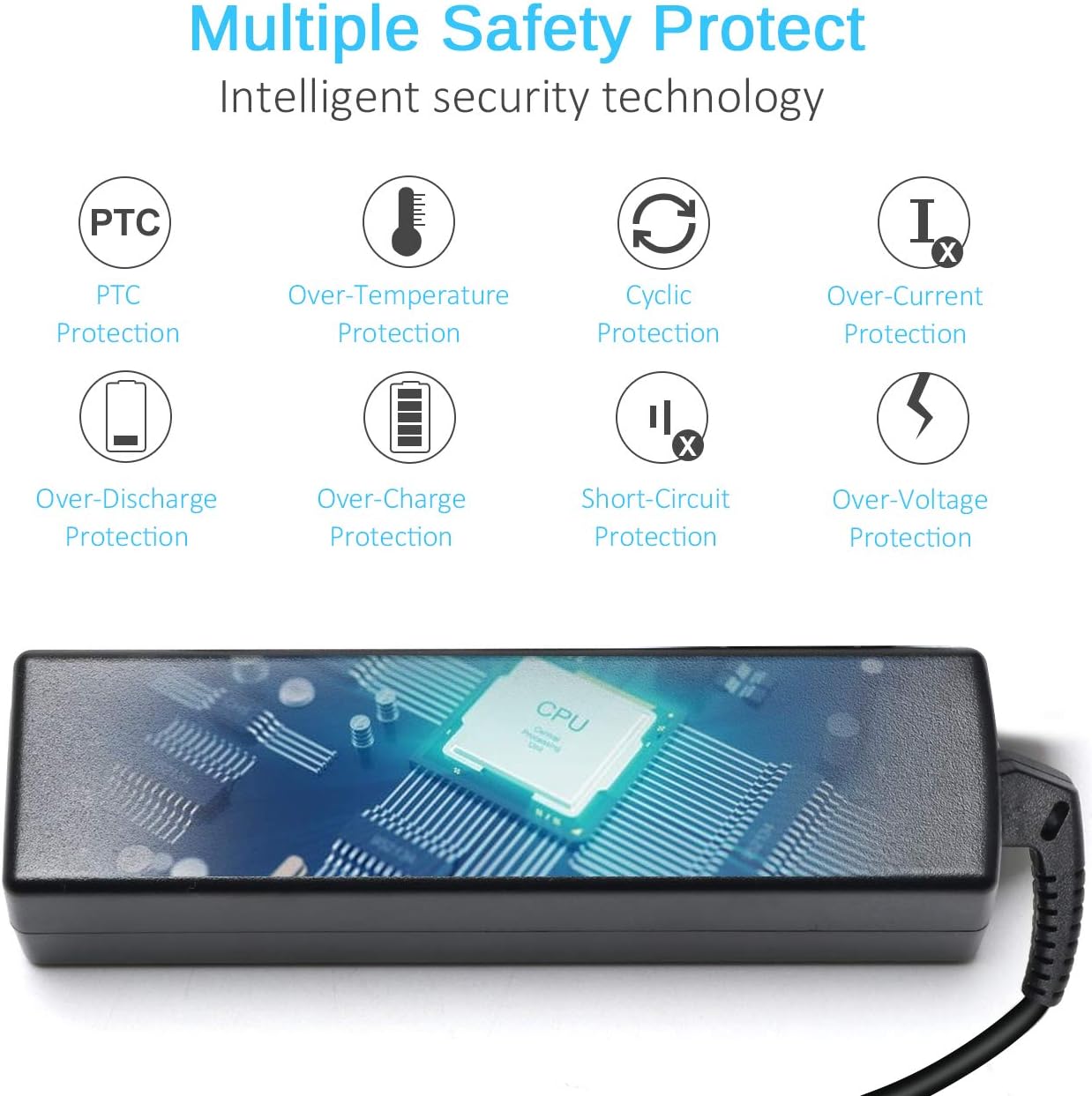
Bild 2.1: The charger incorporates multiple safety protections, including PTC, over-temperature, cyclic, over-current, over-discharge, over-charge, short-circuit, and over-voltage protection, designed to safeguard both the charger and your device.

Bild 2.2: The charger is certified with CE, FCC, and RoHS standards, indicating compliance with health, safety, and environmental protection directives.
3. Produktüberschreitungview
The Jeestam 65W Laptop Charger is a replacement AC adapter designed for various Lenovo laptop models. It consists of the main adapter unit, a DC output cable with a specific connector, and an AC power cord.

Bild 3.1: The Jeestam 65W laptop charger, showing the main adapter block, the detachable AC power cord, and the DC output cable with its L-shaped connector tip.
3.1 Schlüsselkomponenten
- AC Adapter Unit: Converts AC power from the wall outlet to DC power for your laptop.
- Netzkabel: Connects the adapter unit to the wall outlet. This model uses a 3-prong plug.
- DC Output Cable with Connector: Connects the adapter unit to your laptop's power input port. The connector size is 5.5mm (external diameter) x 2.5mm (internal diameter).

Bild 3.2: Detaillierte view of the DC connector tip, highlighting its dimensions: 5.5mm external diameter and 2.5mm internal diameter.
3.2 Cable Construction and Length
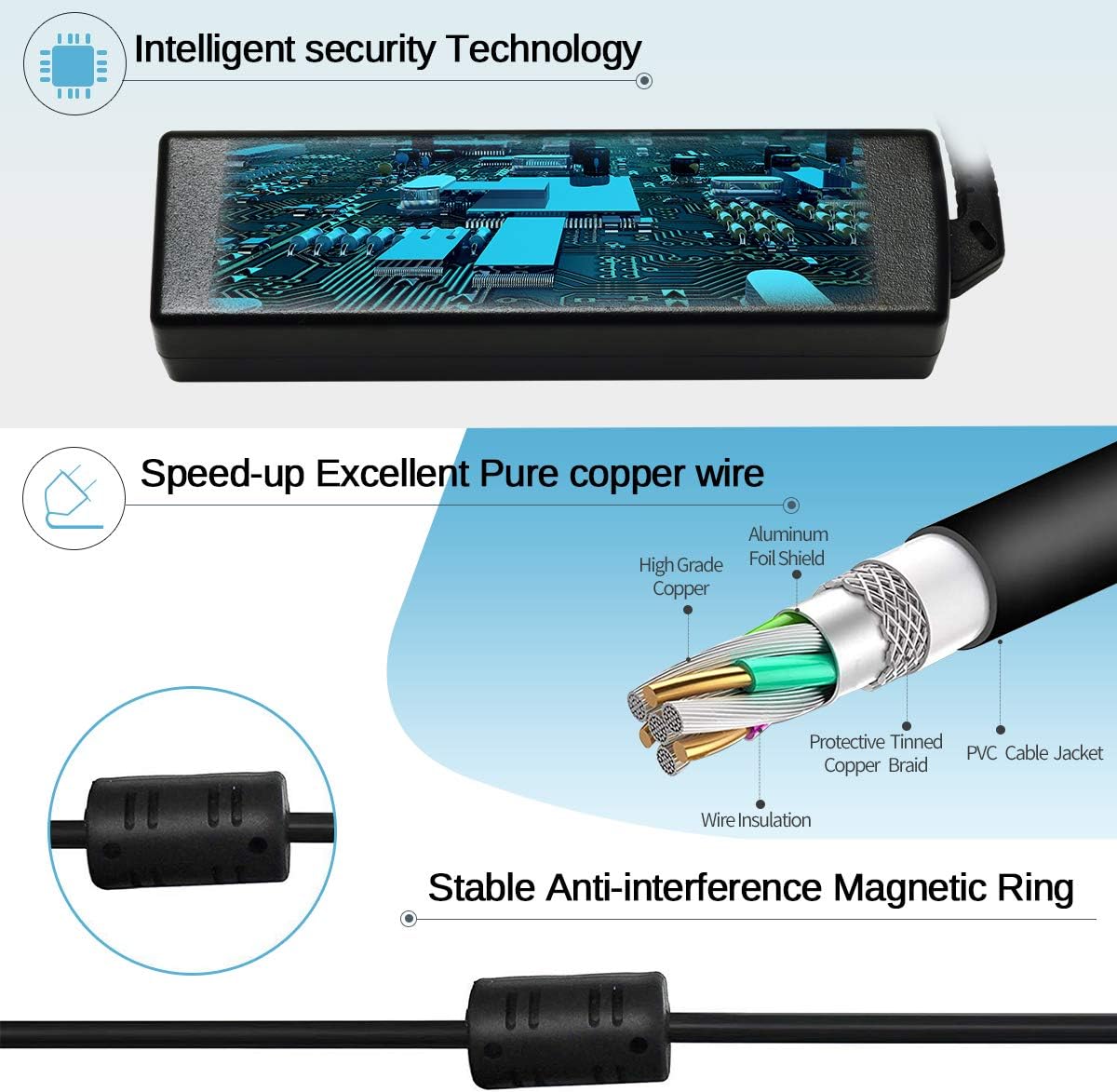
Bild 3.3: Illustration of the cable's internal construction, featuring high-grade pure copper wire for efficient power transmission, an aluminum foil shield, and a protective tinned copper braid for durability and interference reduction. A stable anti-interference magnetic ring is also shown on the cable.

Bild 3.4: The AC adapter unit with its connected cables. The DC output cable measures approximately 45 inches, and the AC power cord measures approximately 60 inches.
4. Einrichtung
- Kompatibilität überprüfen: Before connecting, ensure the charger's output voltage (20 V) und amperage (3.25A) match your laptop's requirements. Also, confirm the DC connector size (5.5mm x 2.5mm) is correct for your laptop's power input port. Refer to your laptop's original charger or its specifications label.
- Netzkabel anschließen: Insert the 3-prong end of the AC power cord into the AC adapter unit.
- An die Steckdose anschließen: Insert the other end of the AC power cord into a standard 100-240V AC wall outlet.
- Verbindung zum Laptop herstellen: Carefully insert the DC connector tip into your laptop's power input port. Ensure a secure connection.

Bild 4.1: Guide for selecting the correct adapter. Step 1 involves verifying the output voltage and current (e.g., 20V 3.25A) on your laptop or original charger. Step 2 illustrates checking the DC connector size, confirming the 5.5mm x 2.5mm tip is suitable.
5. Bedienungsanleitung
Once connected, the charger will automatically begin supplying power to your laptop. If your laptop's battery is depleted, it will start charging. If the battery is full, the charger will maintain power to the laptop for operation.
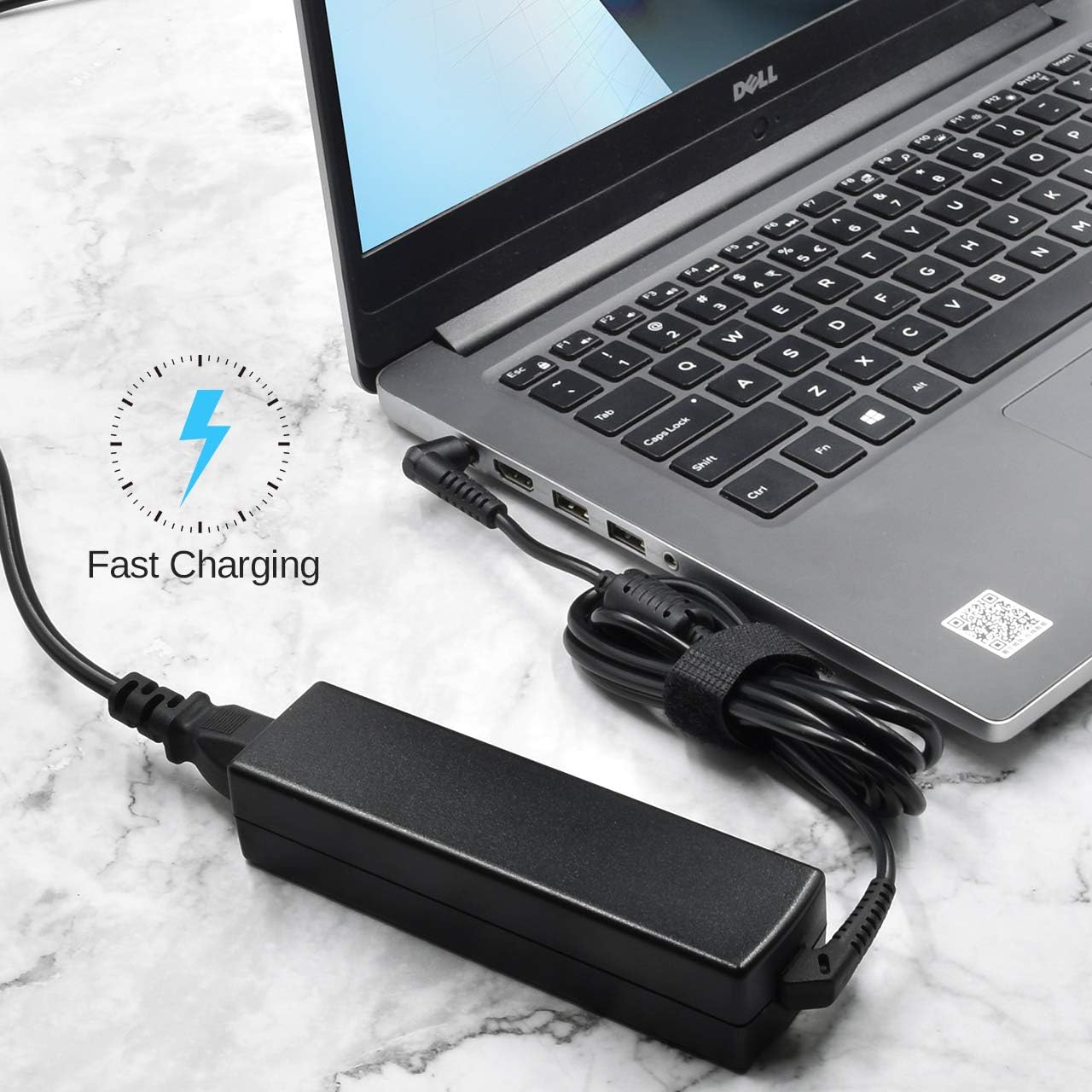
Bild 5.1: The Jeestam charger connected to a laptop, demonstrating its function in providing power and initiating fast charging.
Observe your laptop's charging indicator light to confirm that it is receiving power. The charger is designed for continuous use, but it is recommended to disconnect it when not needed for extended periods.
6. Kompatibilität
This Jeestam 65W 20V 3.25A Laptop Charger (Model SK90200325) is compatible with various Lenovo laptop models that require a 20V 3.25A output and feature a 5.5mm x 2.5mm DC connector. Compatible models include, but are not limited to:
Lenovo IdeaPad Series:
- U300, U300e, U300s, U310, U400, U410, U510 Series
- Z470, Z570, Z575, V470, V570, Z380, Z480, Z485, Z580, Z585, P580, P585, N580, N581, N585, N586 Series
- Y300, Y310, Y330, Y410, Y450, Y510, Y550, U110, U350, G230, G430, G530 Series
Lenovo Essential Series:
- B460, B470, B570, B570e, G470, G570, G575, G480, G770, V570, Z400, Z500, P500, G560 Series
- B450, B460, B470, B475, B560, B570, B570e, B575, B575e, G460, G460e, G470, G475, G480, G485, E49, V470, V560, V570 Notebooks
Kompatible Teilenummern:
- ADP-65KH B
- 36001646, 36001929, 36002066, 36200395, 45N0215, 45N0216, 45N0457, 45N0458
- ADP-65XB B, ADP-65XB A, 36200019, 36200043
- PA-1650-37LC, 36200044, PA-1560-56LC, 36001651, PA-1650-52LB, 36001714
- CPA-A065, 36001943, 36200413, 45N0469, 45N047001943
Important: Always cross-reference the output specifications (Voltage und Amperage) and the physical connector size with your original charger or laptop's power input requirements to ensure full compatibility.
7. Wartung
- Reinigung: Disconnect the charger from both the wall outlet and your laptop before cleaning. Use a soft, dry cloth to wipe the adapter unit and cables. Do not use liquid cleaners or solvents.
- Lagerung: When not in use, store the charger in a cool, dry place. Avoid tightly wrapping the cables, as this can cause damage over time. Use the included hook-and-loop fastener to neatly secure the cable.
- Inspektion: Periodically inspect the charger, cables, and connectors for any signs of damage, such as fraying, cuts, or bent pins. If damage is found, discontinue use and replace the charger.
8. Fehlerbehebung
| Problem | Mögliche Ursache | Lösung |
|---|---|---|
| Laptop not charging or powering on. |
|
|
| Das Ladegerät wird während des Gebrauchs heiß. |
|
|
| Loose connection at laptop port. |
|
|
9. Spezifikationen
| Besonderheit | Detail |
|---|---|
| Marke | Jeestam |
| Modellnummer | SK90200325 |
| Eingang | Wechselstrom 100-240V, 50-60Hz, 1.5A |
| Ausgabe | DC 20 V, 3.25 A, 65 W. |
| DC-Steckergröße | 5.5mm (External Diameter) x 2.5mm (Internal Diameter) |
| AC-Steckertyp | 3-zackig |
| DC-Kabellänge | Ca. 45 Zoll (114 cm) |
| Länge des Wechselstromkabels | Ca. 60 Zoll (152 cm) |
| Artikelgewicht | Ca. 10.5 Unzen (298 Gramm) |
| Produktabmessungen (Adaptereinheit) | Ca. 5.1 x 2.1 x 1.1 Zoll (13 x 5.3 x 2.8 cm) |
| Sicherheitsfunktionen | Überlautstärketage protection, Over-current protection, Short-circuit protection, Over-temperature protection, Over-charge protection, Over-discharge protection, PTC protection, Cyclic protection. |
| Zertifizierungen | CE, FCC, RoHS |
10. Support und Garantie
For technical assistance or warranty inquiries, please contact Jeestam customer support through your purchase platform or the official Jeestam webWebsite.
Please have your product model number (SK90200325) and purchase details available when contacting support.
This product is covered by a standard manufacturer's warranty. Details regarding the warranty period and terms can be found with your purchase documentation or by contacting customer support.