
SONRU BC41
SONRU FM Transmitter Bluetooth Car Adapter Instruction Manual
Modell: BC41
Einführung
Diese Bedienungsanleitung enthält detaillierte Informationen zur Bedienung, den Funktionen und der Wartung Ihres SONRU FM-Transmitters mit Bluetooth-Adapter für das Auto. Bitte lesen Sie diese Anleitung vor der Verwendung des Produkts sorgfältig durch, um eine einwandfreie Funktion und Sicherheit zu gewährleisten.

Image: The SONRU FM Transmitter Bluetooth Car Adapter, a compact device designed to plug into a car's cigarette lighter socket, featuring a digital display, two USB charging ports (PD and QC3.0), and control buttons for music and calls.
Sicherheitshinweise
- Heizung: Protect against over-heating during fast charging.
- Funkstörungen: May experience interference with other wireless devices.
- Datenschutz: Product includes a built-in microphone; be aware of privacy concerns.
Produkteigenschaften
- Verbesserte Bluetooth 5.3-Technologie: The adapter utilizes an advanced Bluetooth 5.3 chip for faster, more stable, and smarter connections. It optimizes transmission delay and connection stability, providing high-fidelity music.
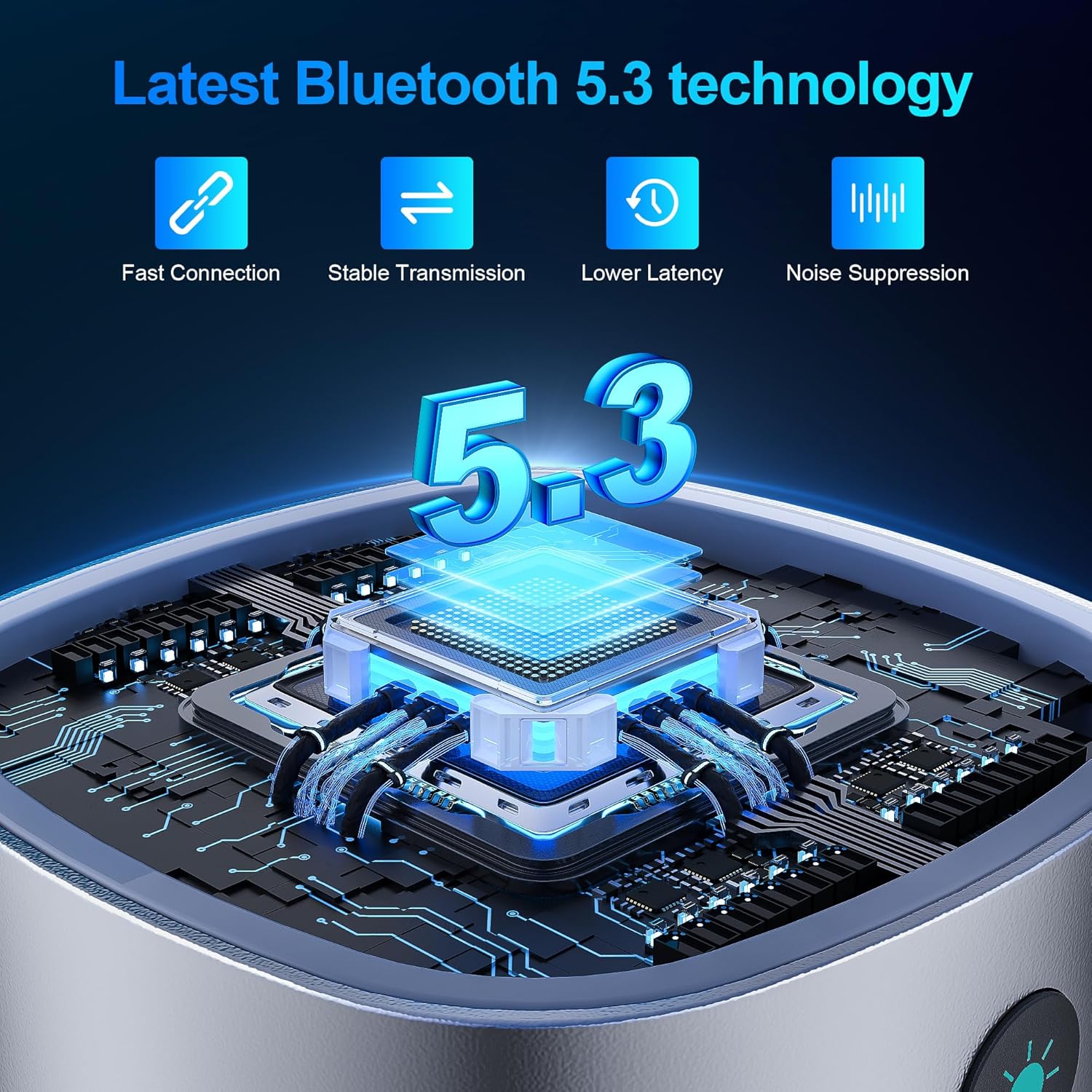
Image: A close-up showing the "Bluetooth 5.3" logo and a microchip, illustrating the advanced Bluetooth technology for fast connection, stable transmission, lower latency, and noise suppression.
- Zwei Schnellladeanschlüsse: Equipped with PD 30W and QC3.0 18W fast charging ports, allowing simultaneous high-speed charging of two devices. This design is 80% more efficient than standard chargers, enabling devices to charge from 0% to 80% in approximately 30 minutes.
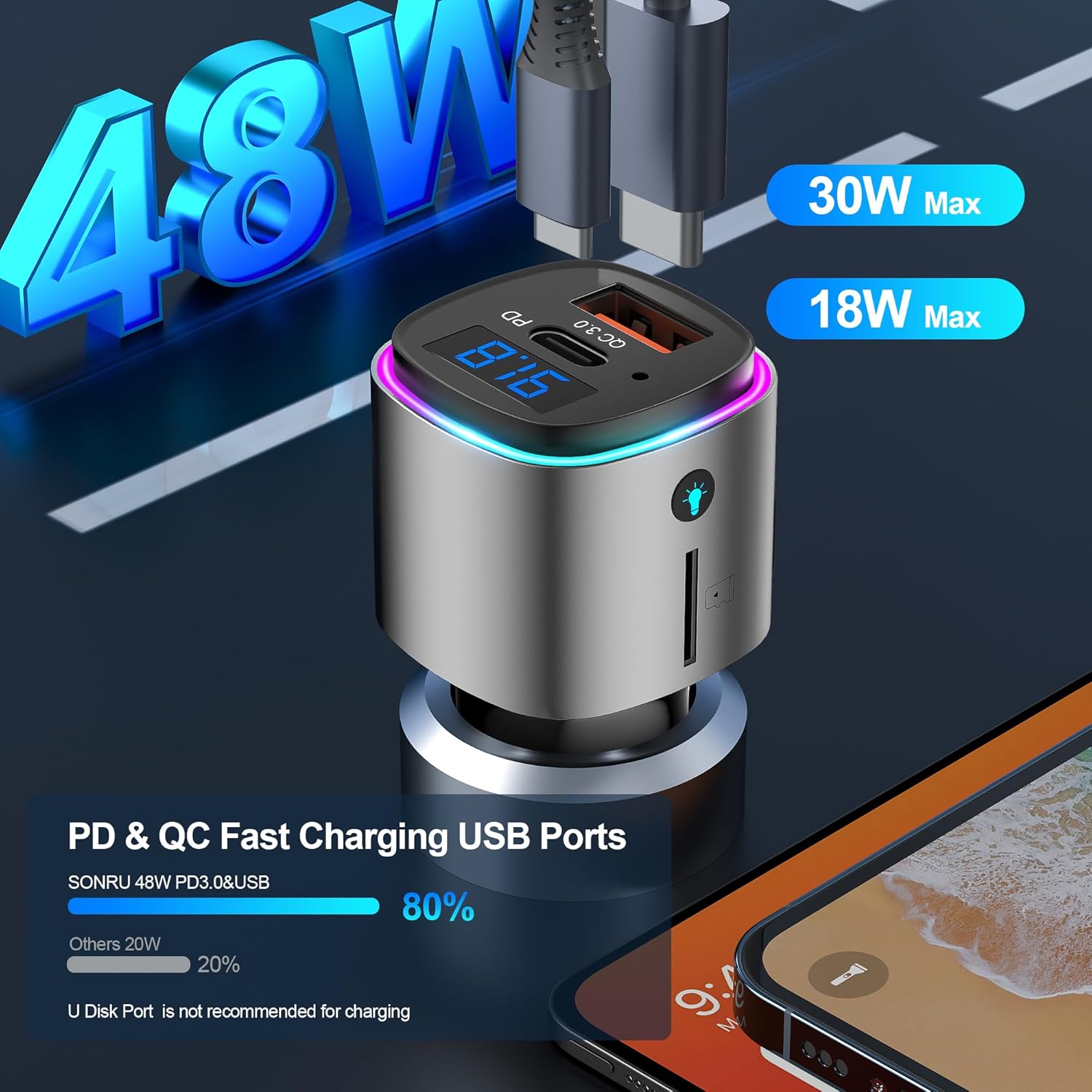
Image: The FM transmitter with two USB ports labeled "PD 30W" and "QC 3.0 18W", indicating its dual fast charging capabilities. The image also shows a comparison bar graph highlighting 80% efficiency.
- Hands-Free Calling & Crystal Clear Sound: Features CVC8.0 noise cancellation and echo cancellation to reduce external environmental noise, ensuring clear hands-free calls. A dedicated call button facilitates easy hands-free calling for safer driving.
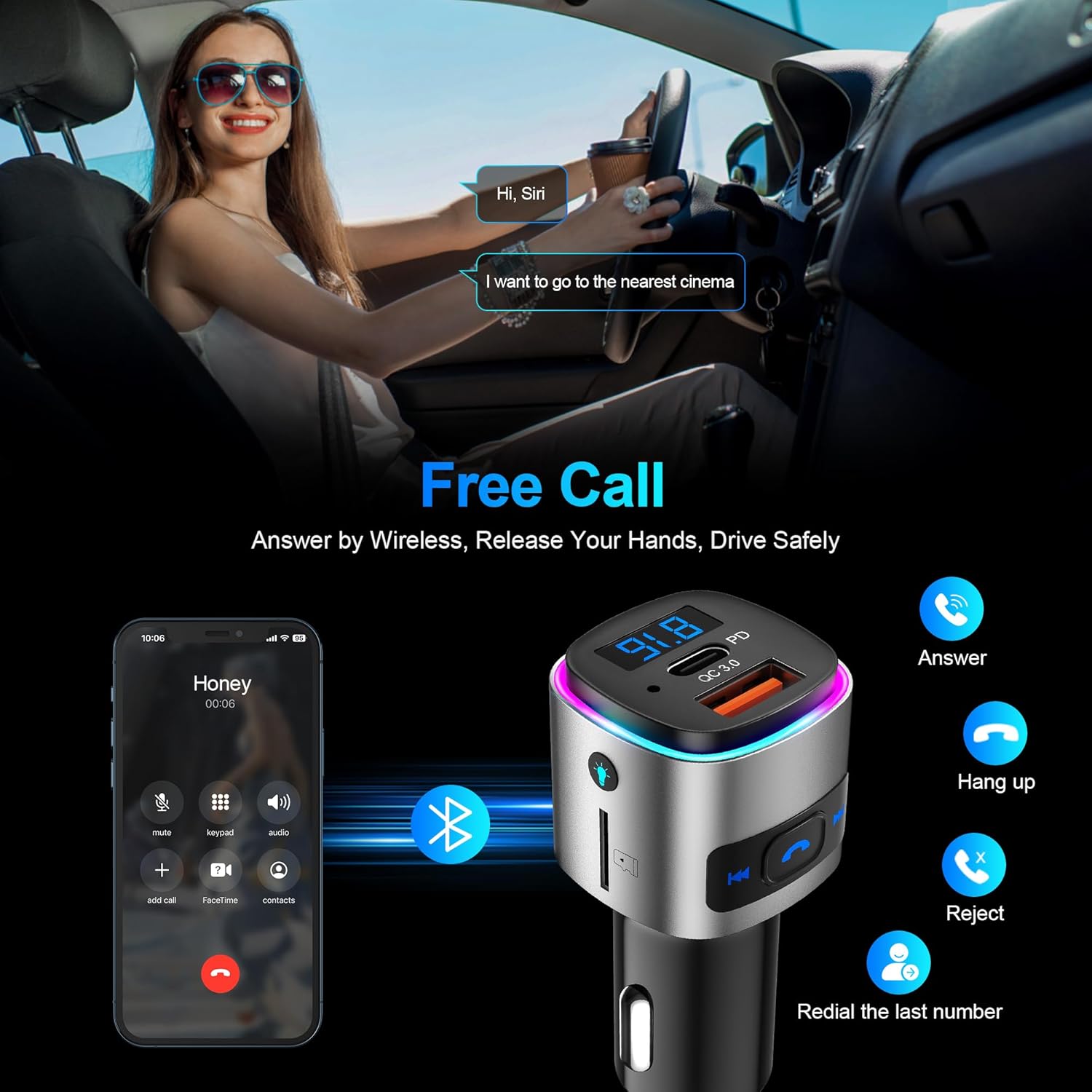
Image: A person driving and interacting with a voice assistant, with an overlay showing the FM transmitter and a phone displaying call options (answer, hang up, reject, redial). This illustrates the hands-free calling feature.
- Multifunctional FM Transmitter: Supports both Bluetooth and TF card playback (up to 32GB). It provides clear voice commands for safe driving, allowing activation of Siri or Google Assistant for phone calls. The device also features 7 colorful ambient lights.
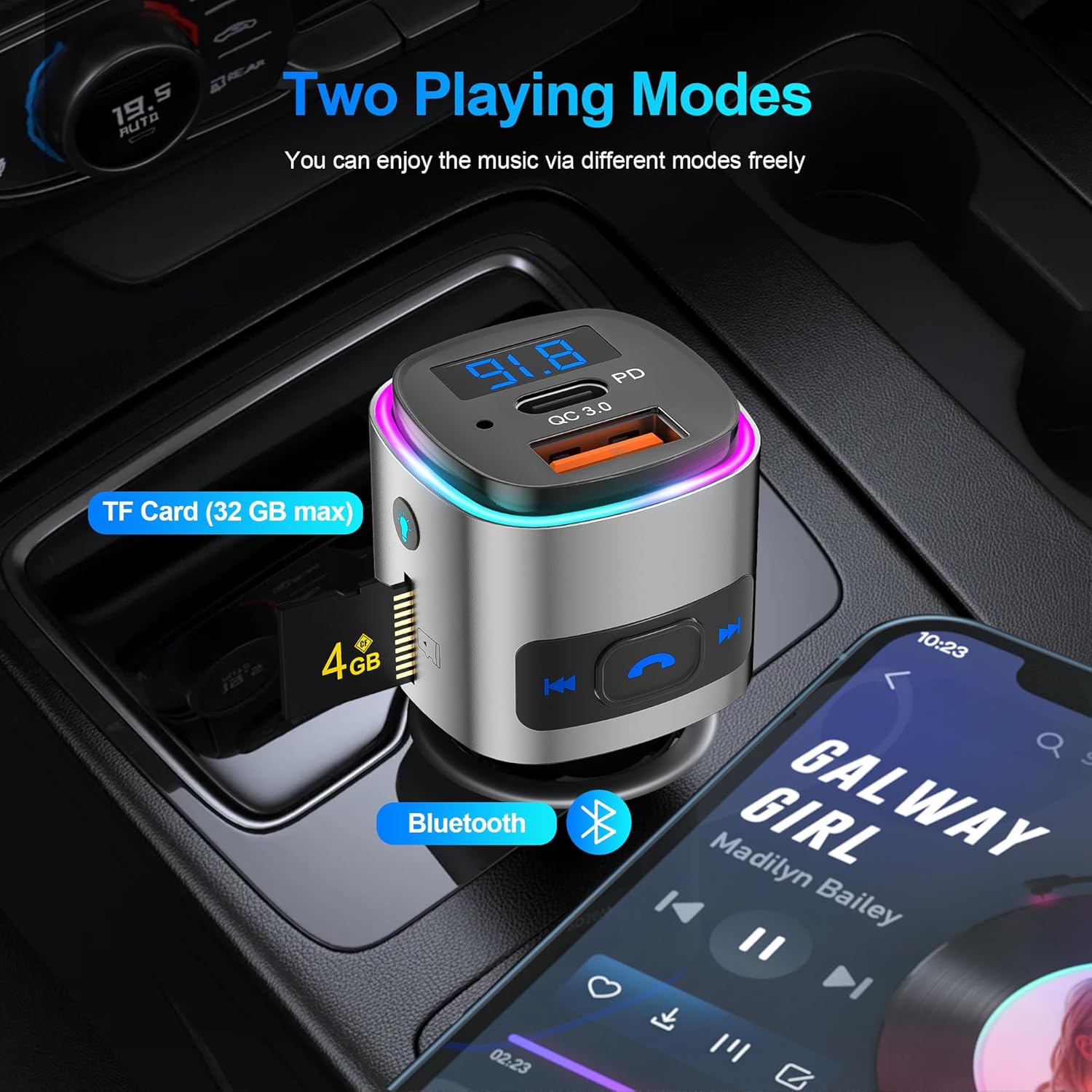
Image: The FM transmitter shown in a car's console, highlighting two music playing modes: TF Card (with a 4GB card inserted) and Bluetooth (with a phone displaying a music player app). This demonstrates its versatility.
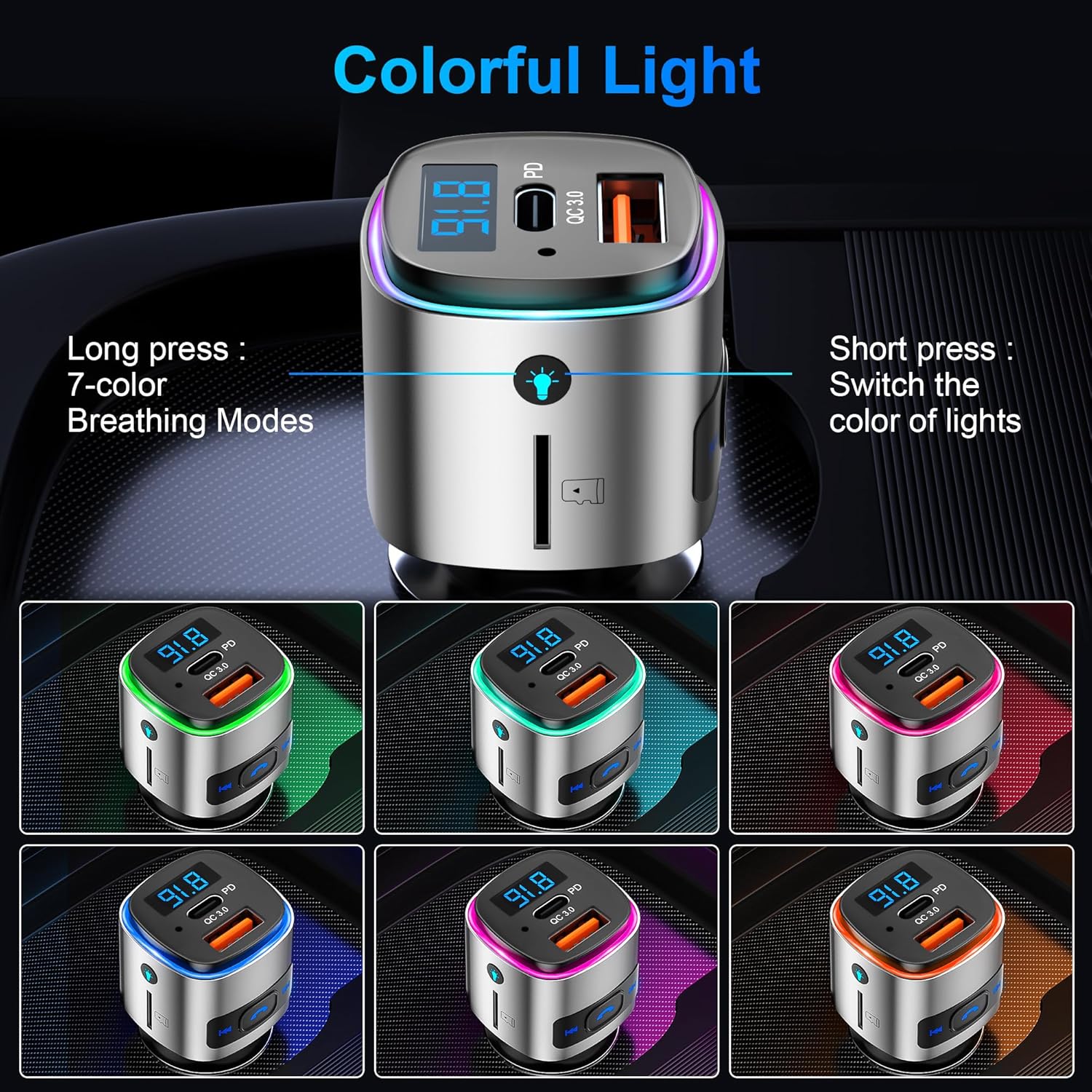
Image: The FM transmitter displaying various colorful light options (green, pink, blue, purple, cyan, yellow, white), indicating its customizable ambient lighting feature.
- Enhanced Safety & Guarantee: Provides multiple protections including over-heat, over-current, over-voltage, and short-circuit protection during device charging.
Installationsanweisungen
- In die Zigarettenanzünderbuchse einstecken: Plug the FM transmitter into your car's 12V cigarette lighter socket. The device will power on and display the current FM frequency.
Video: A demonstration of plugging the SONRU FM Transmitter into a car's cigarette lighter socket and then tuning the car radio to an unused FM frequency. It then shows pairing a smartphone via Bluetooth to the device and playing music through the car's speakers.
- FM-Frequenz einstellen: Find an empty FM frequency on your car radio (one with no static or active broadcast). Then, adjust the FM transmitter's frequency to match your car radio's frequency. This is typically done by long-pressing the "Next/FM+" or "Prev./FM-" buttons on the transmitter until the frequency display flashes, then short-pressing to adjust.
- Bluetooth koppeln: On your smartphone, enable Bluetooth and search for available devices. Select "BC41" from the list to pair. Once connected, you can play audio from your phone through your car's speakers.
Bedienungsanleitung
Tastenfunktionen Überview
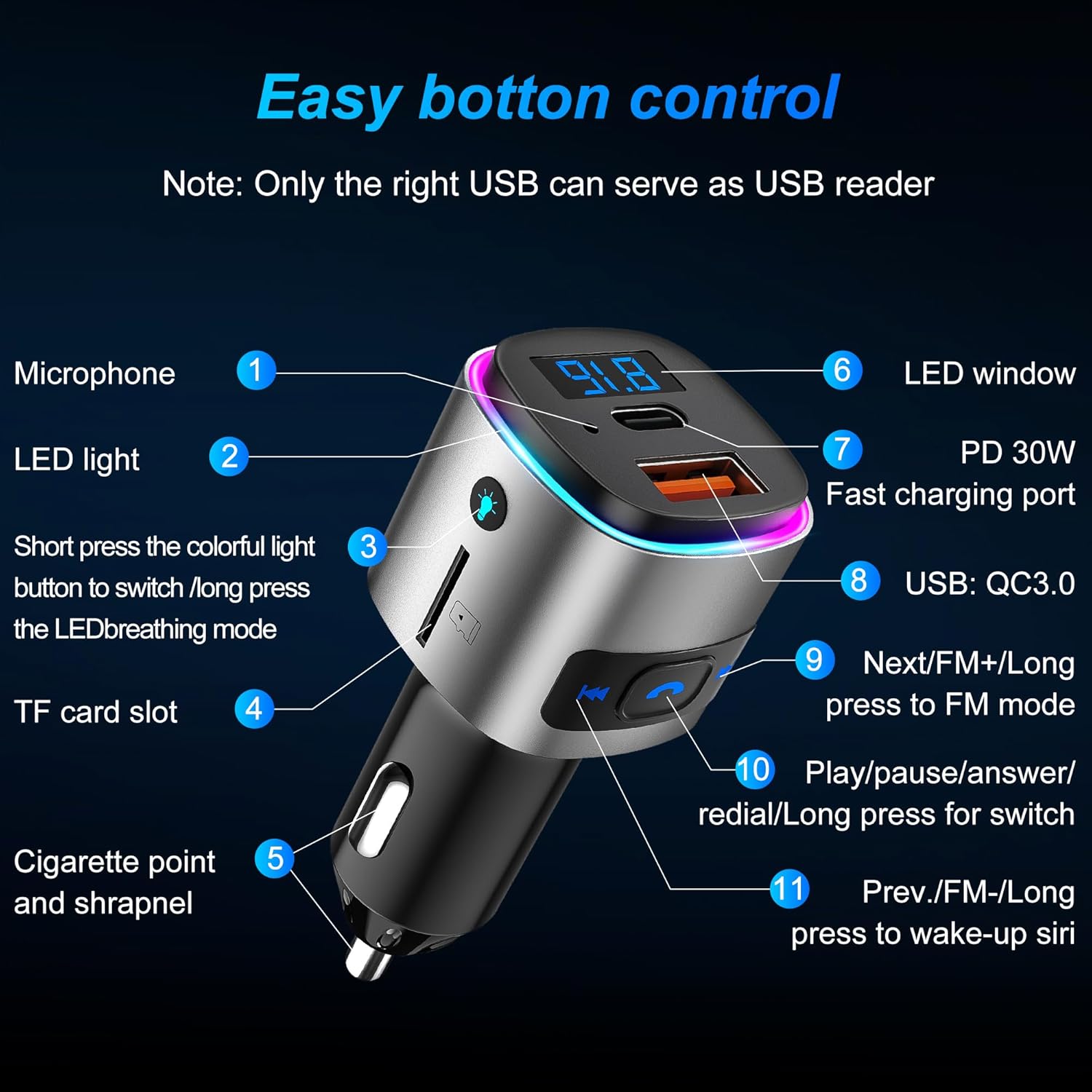
Image: A detailed diagram of the FM transmitter's buttons and ports, labeled with numbers and descriptions for easy identification and understanding of their functions.
- Mikrofon: Für Freisprechanrufe.
- LED-Licht: Indicates device status and provides ambient lighting.
- Farbiger Lichtknopf: Short press to switch light color; long press to activate LED breathing mode.
- TF-Karten-Slot: Insert a TF card (up to 32GB) for music playback.
- Cigarette Point and Shrapnel: For power connection in the car's socket.
- LED-Fenster: Displays FM frequency and voltage.
- PD 30W Schnellladeanschluss: Schnellladen für kompatible Geräte.
- QC3.0 18W Fast Charging Port: High-speed charging for compatible devices. Note: Only the right USB port (QC3.0) can serve as a USB reader for music playback from a U disk.
- Next/FM+ Button: Short press for next song/next FM frequency; long press to enter FM mode.
- Play/Pause/Answer/Redial Button: Short press to play/pause music, answer/hang up calls; long press to redial the last number.
- Prev./FM- Button: Short press for previous song/previous FM frequency; long press to wake up Siri/Google Assistant.
Musikwiedergabe
- Bluetooth-Modus: Once paired, open your music app on your phone and start playback. Use the transmitter's buttons to control tracks (Next/Prev) and play/pause.
- TF-Kartenmodus: Insert a TF card with MP3/WMA/WAV/FLAC audio files into the TF card slot. The device will automatically detect and play music. Use the transmitter's buttons for control.
- U Disk-Modus: Insert a U disk with audio files into the QC3.0 USB port. The device will automatically detect and play music. Use the transmitter's buttons for control.
Freisprechen
- Anruf annehmen/beenden: Short press the phone button to answer an incoming call or end an ongoing call.
- Anruf ablehnen: Long press the phone button to reject an incoming call.
- Wahlwiederholung: Double-press the phone button to redial the last dialed number.
Sprachassistent
- Siri/Google Assistant aktivieren: Long press the "Prev./FM-" button to activate your smartphone's voice assistant (Siri or Google Assistant).
Ambientebeleuchtung
- Farbe ändern: Short press the colorful light button to cycle through the 7 available colors.
- Atemmodus: Long press the colorful light button to activate the LED breathing mode, where colors fade in and out.
Wartung
To ensure the longevity and optimal performance of your SONRU FM Transmitter, please follow these maintenance guidelines:
- Halten Sie das Gerät trocken. Feuchtigkeit kann die internen Schaltkreise beschädigen.
- Vermeiden Sie extreme Temperaturen. Hohe Temperaturen können die Lebensdauer elektronischer Geräte verkürzen.
- Lassen Sie das Gerät nicht fallen, klopfen oder schütteln Sie es nicht. Bei grober Behandlung können interne Leiterplatten beschädigt werden.
- Reinigen Sie das Gerät mit einem weichen, trockenen Tuch. Verwenden Sie keine scharfen Chemikalien oder Reinigungsmittel.
- Ensure the cigarette lighter socket is clean and free of debris for a secure connection.
Fehlerbehebung
| Problem | Mögliche Ursache | Lösung |
|---|---|---|
| Kein Strom/Display aus | Loose connection; car socket issue; device fault. | Ensure the device is firmly plugged in. Check if the car's cigarette lighter socket is working. Try in another vehicle if possible. |
| Statisches Rauschen oder schlechte Audioqualität | FM frequency interference; volume too low/high; poor Bluetooth connection. | Change to a different, unused FM frequency on both the transmitter and car radio. Adjust volume on both the phone and car radio. Re-pair Bluetooth. |
| Bluetooth kann nicht gekoppelt werden | Bluetooth nicht aktiviert; Gerät nicht im Kopplungsmodus; Störungen. | Ensure Bluetooth is enabled on your phone. Restart both the transmitter and phone. Make sure no other devices are connected to the transmitter. |
| Das Laden ist langsam oder funktioniert nicht | Cable issue; device not compatible with fast charging; power output insufficient. | Use a high-quality charging cable. Ensure your device supports PD or QC3.0 fast charging. Check the power output requirements of your device. |
Technische Daten
- Produktabmessungen: 1.7 x 1.3 x 2.7 Zoll (1.7"L x 1.3"B x 2.7"H)
- Artikelgewicht: 1.1 Unzen
- Modellnummer: BC41
- Konnektivitätstechnologie: Bluetooth 5.3
- Energiequelle: Kabelgebundener elektrischer Zigarettenanzünder (Auto-Zigarettenanzünder)
- Ladeanschlüsse: PD 30W, QC3.0 18W
- Besondere Merkmale: Built-In Microphone, Fast Charging, Hands-Free Calls, Low Latency, Noise Cancellation, 7 Colorful LED Lights, TF Card/U Disk Playback
- FM-Frequenzbereich: 87.5 - 108.0 MHz
Garantie und Support
SONRU provides a 2-year warranty for this product. If you encounter any problems during use within this period, please contact us. We are committed to providing a satisfactory solution.
For further assistance, please visit the official SONRU store or contact customer support through your purchase platform.
Ask a question about this manual
Ask about setup, troubleshooting, compatibility, parts, safety, or missing instructions. Manuals+ will review the question and use this page’s manual context to help answer it.