
Einführung
Der Vimtag Wifi 1080p UHD 2MP Security Camera is designed to provide comprehensive surveillance for your home or business. Featuring 1080p Ultra HD resolution, a 2MP lens, and Wi-Fi connectivity, this camera offers clear and smooth streaming. Key functionalities include an inbuilt LED floodlight for enhanced night vision, motion detection with siren alerts, two-way audio communication, and compatibility with mobile devices and Amazon Alexa. Its robust design is suitable for outdoor use, ensuring reliable performance in various environments.
Packungsinhalt
Bitte überprüfen Sie vor Beginn der Installation, ob alle Komponenten in Ihrem Paket enthalten sind:
- Vimtag Wifi 1080p UHD 2MP Security Camera
- Montagehalterung
- Netzteil
- Befestigungsschrauben und Dübel
- Benutzerhandbuch (dieses Dokument)

Image: Contents of the Vimtag Security Camera package, showing the camera, mounting hardware, power adapter, and documentation.
Produkt überview
Familiarize yourself with the various components and ports of your Vimtag Überwachungskamera.

Image: Detailed diagram illustrating the various parts of the Vimtag camera, including the antenna, LED floodlight, reset button, LAN port, power cable, sensor, camera lens, and microphone.
- Camera Antenna: Zum Empfang von WLAN-Signalen.
- LED Flood Light: Provides illumination for full-color night vision and acts as a deterrent.
- Reset-Taste: Wird zum Zurücksetzen auf Werkseinstellungen oder zum Neustart des Geräts verwendet.
- LAN-Anschluss: Für kabelgebundene Netzwerkverbindung (optional).
- Stromkabel: Wird mit dem Netzteil verbunden.
- Sensor: Erkennt Umgebungslicht zur automatischen Umschaltung zwischen Tag- und Nachtmodus.
- Kameraobjektiv: Nimmt Videoaufnahmen auftage.
- MIKROFON: Built-in microphone for audio input and two-way communication.
Installationshandbuch
1. Initial Setup and App Installation
- Laden Sie Vim heruntertag App: Suchen nach "Vimtag" im App Store Ihres Mobilgeräts (iOS oder Android) und laden Sie die offizielle Anwendung herunter.
- Ein Konto erstellen: Open the Vimtag app and follow the on-screen instructions to register a new user account.
- Schalten Sie die Kamera ein: Connect the power adapter to the camera's power cable and plug it into an electrical outlet. Wait for the camera to initialize (typically indicated by an LED status light).
- Gerät hinzufügen: In the Vimtag app, select the option to "Add Device" or scan the QR code located on the camera or its packaging.
- Mit WLAN verbinden: Follow the app's prompts to connect the camera to your home Wi-Fi network. Ensure the camera is within range of your Wi-Fi router for optimal signal strength. For best performance, consider the camera's proximity to the router.
2. Physische Installation
Der Vimtag camera comes with a universal mounting bracket for flexible installation on ceilings or walls.
- Wählen Sie einen Standort: Wählen Sie einen geeigneten Standort im Freien, der die gewünschten Bedingungen bietet. viewing angle and is within Wi-Fi range. Ensure the power cable can reach an outlet.
- Montage: Use the provided mounting screws and wall plugs to securely attach the mounting bracket to the chosen surface.
- Kamera anschließen: Securely attach the camera to the mounting bracket. Adjust the camera's angle to cover the desired area.

Image: The Vimtag security camera mounted on its wall bracket, ready for outdoor surveillance.

Image: Two Vimtag cameras illustrating their connectivity options, including power and optional LAN connections.
Bedienungsanleitung
Live View und Monitoring
Once connected, you can monitor your camera feed anytime via the Vimtag mobile app or PC client. The F3.6mm 2MP lens with smart H.264 video encoding ensures smooth 1080P Ultra HD streaming even with lower internet speeds.
Zwei-Wege-Audio
Utilize the built-in microphone and speaker for two-way communication. This allows you to listen to the environment around the camera and speak through the camera from your mobile device.
Motion Detection and Siren
The camera features an inbuilt motion detection sensor that can trigger an alarm siren and activate the LED floodlight. This provides an immediate deterrent and illuminates the area for clear recording.

Image: The Vimtag camera demonstrating its LED floodlight and siren functionality, deterring an intruder.
Night Vision with LED Floodlight
The unique inbuilt LED floodlight provides clear night vision up to 32 feet. When motion is detected, the floodlight can automatically switch on, providing full-color video display even in complete darkness, unlike traditional infrared night vision which typically provides black and white images.
Storage Options: SD Card and Cloud Recording
- SD-Kartenspeicher: The camera supports an SD card (up to 128 GB). Vimtag's unique compressed video technology allows the camera to save up to 75% more video on an SD card compared to other cameras.
- Cloud-Aufzeichnung: A cloud function is available to securely store all videos in real-time. One month of free cloud storage is typically included.
Alexa-Unterstützung
Der Vimtag camera supports Amazon Alexa Echo Show. You can control the camera with voice commands such as "Alexa, show live view," "turn left," or "turn right."
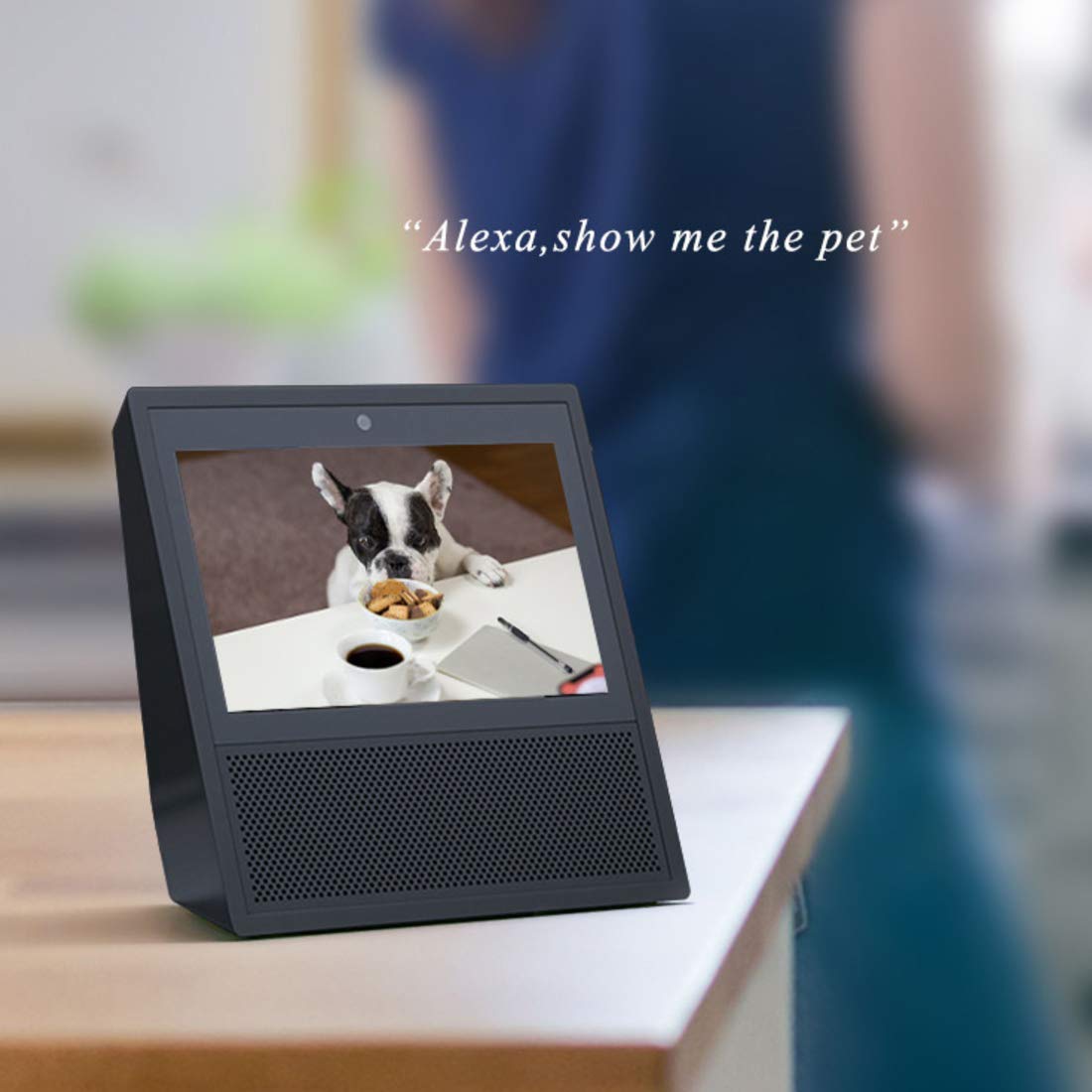
Image: An Amazon Echo Show device displaying a live video feed from the Vimtag camera, demonstrating Alexa integration.
Mehrbenutzerzugriff
Multiple users can access the camera feed simultaneously. All user access is protected by a password.
Wartung
- Reinigung: Reinigen Sie Objektiv und Gehäuse der Kamera regelmäßig mit einem weichen, trockenen Tuch, um Staub und Schmutz zu entfernen. Vermeiden Sie die Verwendung von scharfen Chemikalien oder scheuernden Materialien.
- SD-Kartenverwaltung: Periodically check the SD card status through the app. While Vimtag's compression technology maximizes storage, regular review and backup of important footage wird empfohlen.
- Firmware-Updates: Keep your camera's firmware updated through the Vimtag app to ensure optimal performance, security, and access to new features.
- Aus- und Wiedereinschalten: Falls die Kamera Verbindungsprobleme oder ungewöhnliches Verhalten zeigt, versuchen Sie, sie durch Aus- und Wiedereinstecken des Netzteils neu zu starten.
Fehlerbehebung
| Ausgabe | Mögliche Ursache/Lösung |
|---|---|
| Die Kamera verliert häufig die WLAN-Verbindung. |
|
| Motion detection is too sensitive (false alarms). |
|
| Aufgezeichnete Daten können nicht abgerufen werden.tage from SD card via app. |
|
| App settings for motion detection times are not working correctly. |
|
| Poor image quality or night vision. |
|
Technische Daten
| Besonderheit | Detail |
|---|---|
| Modellnummer | B4 2MP Outdoor IP Camera |
| Technische Daten | 15 x 8 x 6 cm |
| Artikelgewicht | 400 g |
| Auflösung | 1080p Ultra HD (2MP) |
| Konnektivitätstechnologie | W-lan |
| Besondere Merkmale | HD Resolution, Night Vision (with LED Floodlight), Motion Detection, Two-Way Audio |
| Verwendung im Innen- und Außenbereich | Im Freien |
| Stromquelle | Kabelgebundene Elektrik |
| Kompatible Geräte | Tablet, iOS, Android, Amazon Alexa Echo Show |
| Max SD Card Storage | 128 GB |
Garantie und Support
Garantieinformationen
This Vimtag Produkt kommt mit einem 2 Jahr Garantie Ab Kaufdatum. Bitte bewahren Sie Ihren Kaufbeleg für Garantieansprüche auf. Die Garantie deckt Herstellungsfehler und Funktionsstörungen bei normalem Gebrauch ab.
Kundenservice
For any technical assistance, troubleshooting, or warranty inquiries, please contact Vimtag customer care:
- Email: +91-97114 11021
- Öffnungszeiten: Monday - Saturday, 10:30 AM - 6:30 PM (IST)
You can also visit the official Vimtag store on Amazon for more information and resources: Vimtag Speichern