
1. Einleitung
The Lockly Secure Plus Smart Door Lock (Model PGD728F) provides advanced security and convenient access to your home. This smart deadbolt offers multiple unlocking methods, including a patented PIN Genie digital keypad, a 3D biometric fingerprint sensor, app control, voice control, and a traditional physical key. Designed for ease of use and robust security, it integrates seamlessly into modern smart home environments.

2. Einrichtung und Installation
2.1 Prüfungen vor der Installation
- Türstärke: Ensure your door thickness is between 1-3/8 inches (35mm) and 2 inches (50mm).
- Querbohrung: The cross bore hole must be 2-1/8 inches (54mm) in diameter.
- Edge Bore Hole: The edge bore hole must be 1 inch (25mm) in diameter.
- Dornmaß: The backset should be 2-3/8 inches (60mm) or 2-3/4 inches (70mm). The deadbolt ships with a default setting of 2-3/4 inches.

2.2 Installationsschritte
For a detailed visual guide on installation, please refer to the official installation video below. The video covers the following steps:
- Remove any existing lockset from the door.
- Adjust the deadbolt length if necessary (for 2-3/8 inch backset).
- Install the deadbolt into the door, ensuring the slot is in the vertical position.
- Prepare the exterior assembly by securing the upper portion with double-sided adhesive or optional fasteners.
- Install the exterior assembly, guiding the connection cables through the cross bore hole.
- Install the interior mounting plate, guiding the connection cable through the designated notch.
- Connect the cable to the interior assembly, ensuring correct orientation (red side to red side).
- Install the interior assembly, aligning the torque blade with the thumb turn shaft.
- Install the batteries (4 AA batteries).
- Perform a self-check and ensure smooth operation of the deadbolt.
- Bringen Sie die Batterieabdeckung an.
- Install the door strike plate.
3. Bedienungsanleitung
3.1 Entsperrmethoden
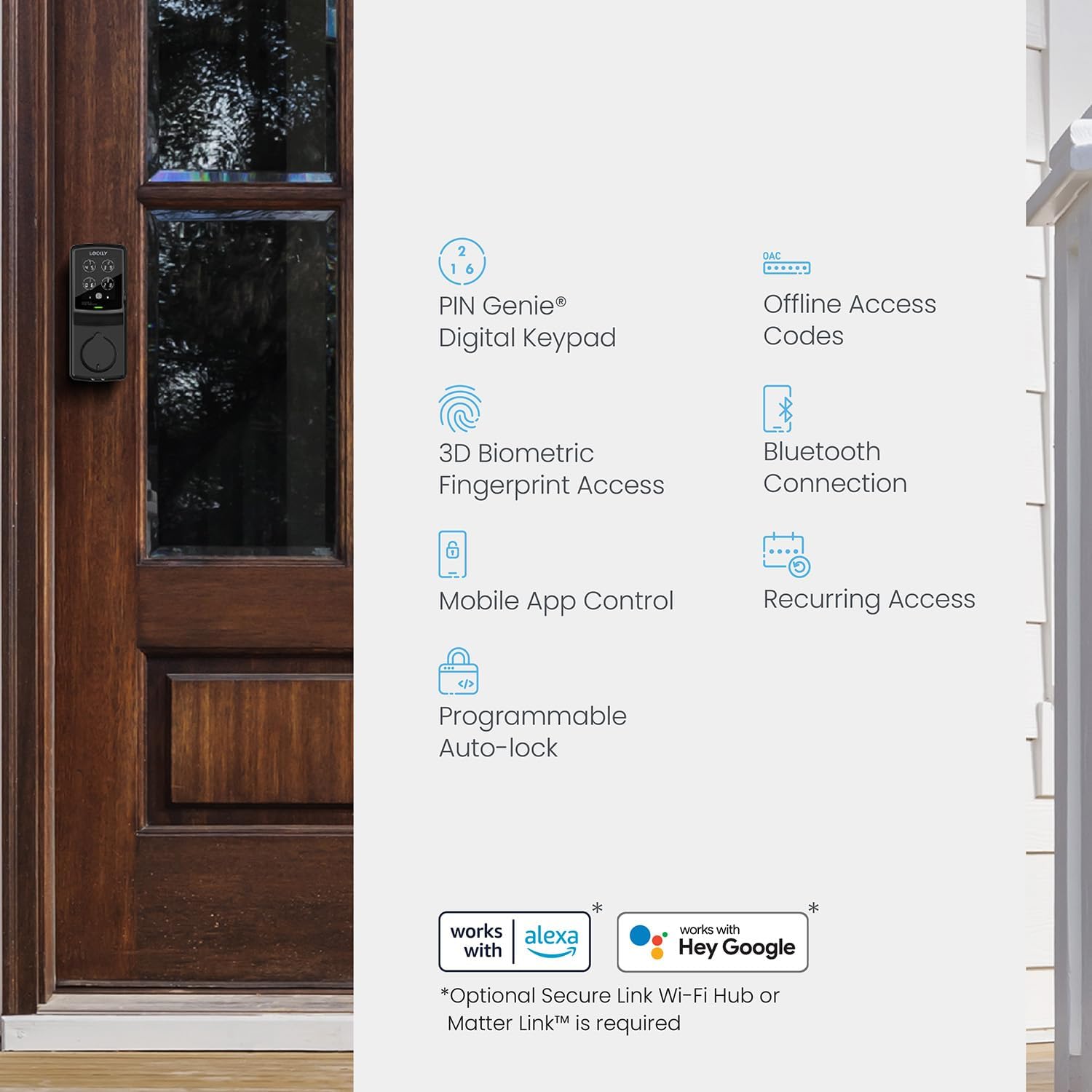
- PIN Genie Digitaltastatur: The patented PIN Genie keypad features dynamic shuffling of numbers after each use, preventing others from guessing your code based on finger smudges. Enter your 6-digit code to unlock.
- 3D Biometric Fingerprint Sensor: Store up to 99 fingerprints for quick access in approximately 0.3 seconds. The sensor is located on the side of the exterior assembly.
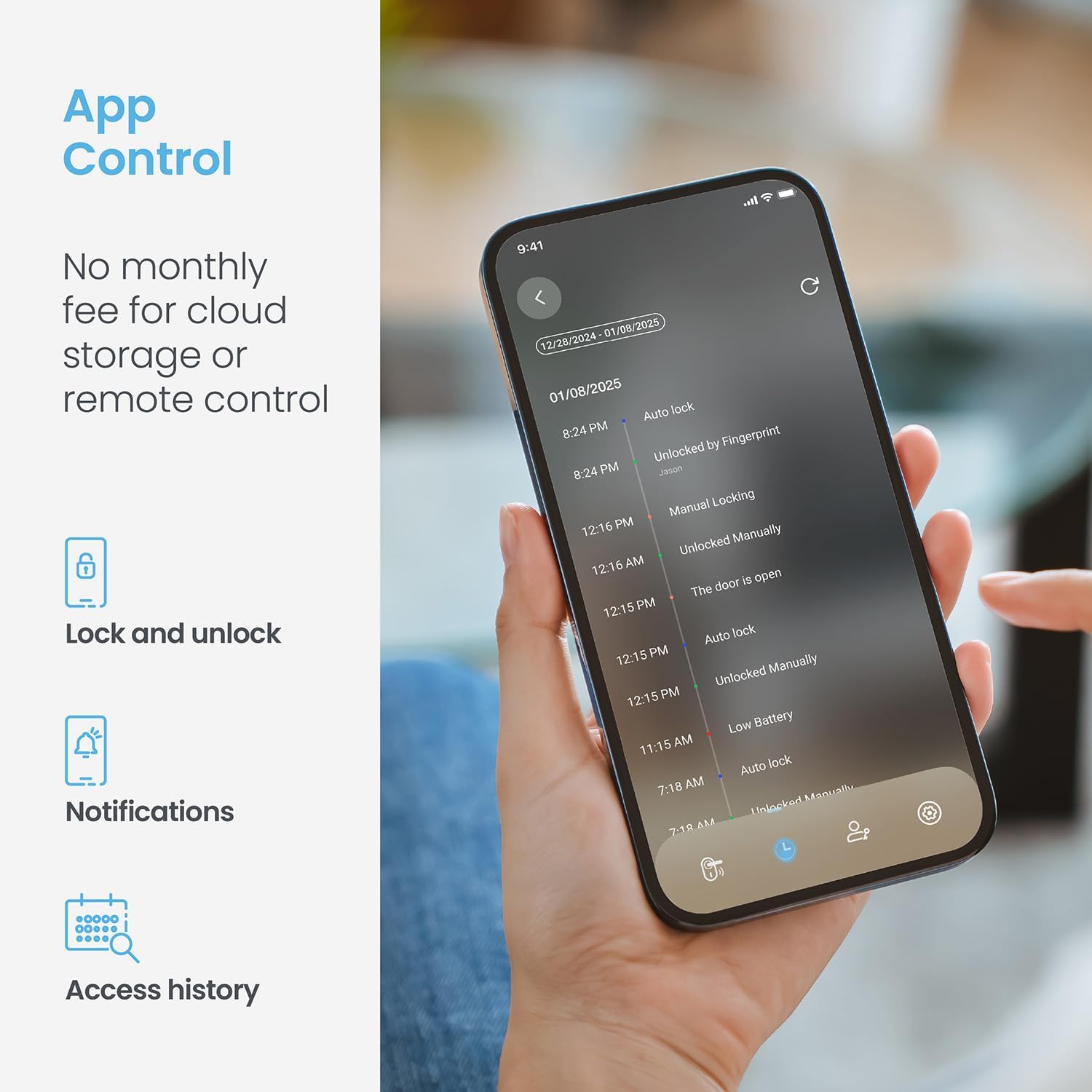
- Lockly App Control: Use the free Lockly Smart Lock app on your smartphone (Android or iOS) to lock and unlock your door from anywhere. Requires the optional Secure Link Wi-Fi Hub for remote access.
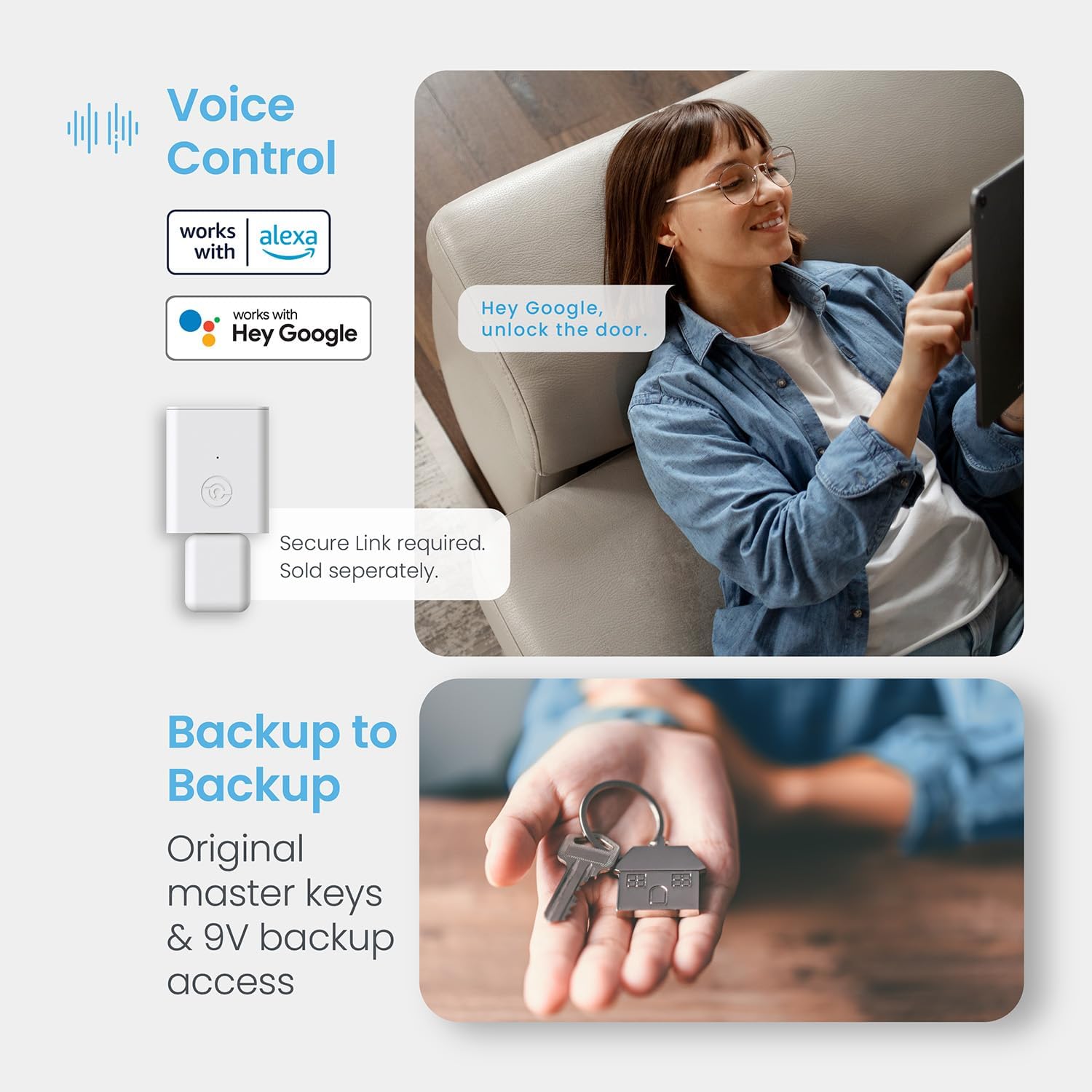
- Sprachsteuerung: Compatible with Amazon Alexa and Google Assistant. Once the Lockly Smart Lock and Secure Link Wi-Fi Hub are correctly installed and configured, enable the Lockly Action on Google or Amazon Alexa to use voice commands for locking, unlocking, and checking door status.
- Physischer Schlüssel: Two backup physical keys are included for traditional unlocking.


3.2 Verriegelungsmethoden
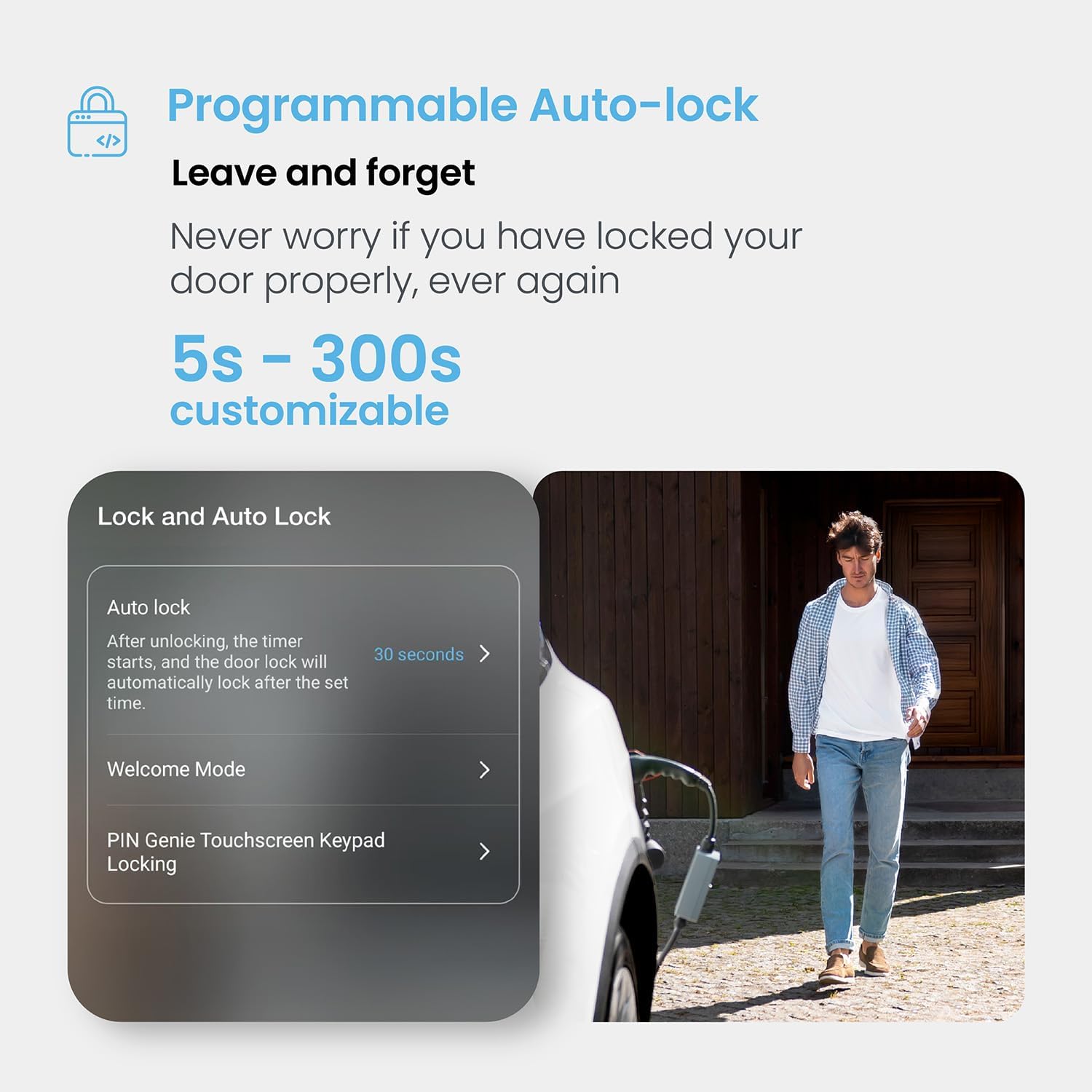
- Automatische Sperre: The lock can be programmed to automatically lock after a customizable period (5 to 300 seconds) after unlocking.
- Ein-Tasten-Sperre: Simply press the Lockly button on the keypad to engage the deadbolt.
- App-Steuerung: Lock your door remotely using the Lockly app.
3.3 Zugriffsverwaltung
- Family Sharing with eKeys: Grant revocable access to family, friends, and visitors by sharing e-Keys with unique schedules using the Lockly Smart Lock app.
- Offline-Zugangscodes: Generate access codes that can be used offline without Wi-Fi or internet connection for trusted users.
- Echtzeitüberwachung und Benachrichtigungen: Monitor the open/closed status of your lock from anywhere with real-time alerts sent to your smartphone via the app.
4. Wartung
4.1 Batteriewechsel
The Lockly Secure Plus uses 4 AA batteries (included) for power, providing up to 12 months of battery life with low battery alerts. To replace the batteries, remove the battery cover on the interior assembly and insert new AA batteries, ensuring correct polarity.
4.2 Notstromversorgung
In case the batteries die, you can use a 9V battery on the instant battery charging terminal located on the exterior assembly to temporarily power the lock and gain access.
4.3 Reinigung
The lock features a toughened film touch screen. Clean the screen and exterior surfaces with a soft, damp Mit einem Tuch abwischen. Vermeiden Sie die Verwendung von scheuernden Reinigern oder Lösungsmitteln, die die Oberfläche beschädigen könnten.
5. Fehlerbehebung
- Lock opens and closes repeatedly during self-check: This indicates improper installation. Recheck all installation steps, especially the deadbolt alignment and the torque blade position.
- Deadbolt not operating smoothly: Ensure there is no binding or rubbing when manually locking/unlocking with the physical key or thumb turn. Adjust the deadbolt or door strike if necessary.
- Keypad unresponsive or displaying incorrectly: Check battery levels. If exposed to direct sunlight for extended periods, the screen may temporarily malfunction. Allow the lock to cool down.
- Probleme mit dem Fingerabdrucksensor: Ensure your finger is clean and dry. Place your finger precisely on the sensor for optimal recognition.
- Fernzugriff funktioniert nicht: Verify that the optional Secure Link Wi-Fi Hub is correctly installed and configured, and that your smartphone has an active internet connection.
6. Spezifikationen
| Besonderheit | Detail |
|---|---|
| Marke | Lockly |
| Modellname | Lockly Secure Plus |
| Artikelmodellnummer | PGD728F |
| Sperrtyp | Biometrische Daten, Tastatur |
| Besondere Merkmale | Auto-Lock, Fingerprint, One-Touch Lock, Passcode Unlock, Waterproof |
| Material | Zink |
| Farbe | Mattschwarz |
| Artikelabmessungen L x B x H | 3.15 x 1.92 x 7.4 Zoll |
| Artikelgewicht | 3.59 Pfund |
| Stromquelle | 4 AA-Batterien (im Lieferumfang enthalten) |
| Konnektivitätsprotokoll | Bluetooth (WLAN mit optionalem Hub) |
| Kontrollmethode | App, Fernbedienung, Touch, Sprache |
| Smart Home Kompatibilität | Amazon Alexa, Google Assistant |
7. Garantie und Support
Lockly stands by the quality of its products. The Lockly Secure Plus Smart Door Lock comes with a 5-year product commitment. Lockly provides lifetime 24/7 technical support via phone, email, and live chat to assist with any questions or issues you may encounter.
- 24/7-Support: Access technical support anytime through various channels.
- Lebenslanger technischer Support: Dedicated support for the lifespan of your product.
- 5-Year Product Commitment: Assurance of product quality and reliability.