
Einführung
Thank you for choosing the AKASO C330 Dash Cam. This manual provides detailed instructions to help you set up, operate, and maintain your device. Please read it carefully before use to ensure optimal performance and safety.
Produkt überview und Hauptmerkmale
The AKASO C330 Dash Cam is designed to record your driving journey in high definition, offering a wide range of features for enhanced road safety and evidence collection.

The AKASO C330 Dash Cam is fully functional, featuring G-sensor protection, parking monitor, loop recording, super night vision, 1080P recording, 170° wide angle, and a fatigue reminder.
- 1080P Full HD-Aufnahme: Nimmt klare Videoaufnahmen auftage at 1920 x 1080 resolution.
- 170°-Weitwinkelobjektiv: Provides extensive road coverage, minimizing blind spots.
- 3.0-Zoll-IPS-Bildschirm: Offers a clear display for real-time viewund Wiedergabe.
- Super-Nachtsicht: Verbesserte Leistung bei schwachem Licht für klare Aufnahmen bei Nacht.
- Loop-Aufnahme: Überschreibt automatisch die ältesten Lebensmittel.tage, wenn die Speicherkarte voll ist, um eine kontinuierliche Aufnahme zu gewährleisten.
- G-Sensor: Detects sudden movements or collisions and automatically locks the current video file um ein Überschreiben zu verhindern.
- Parkmonitor: Records automatically if an impact is detected while the vehicle is parked.
- Bewegungserkennung: Starts recording when movement is detected in front of the camera, useful for surveillance.

The dash cam records every detail in 1080P Full HD resolution, utilizing an F1.8 aperture lens and displaying on a 3.0-inch screen.

The 170° wide-angle lens provides extensive coverage, typically spanning about four lanes of traffic.

The Super Night Vision feature ensures clear video recording even in low-light conditions.

The dash cam includes three emergency recording functions: G-sensor for impact detection, motion detection for security, and parking monitor for surveillance when parked.
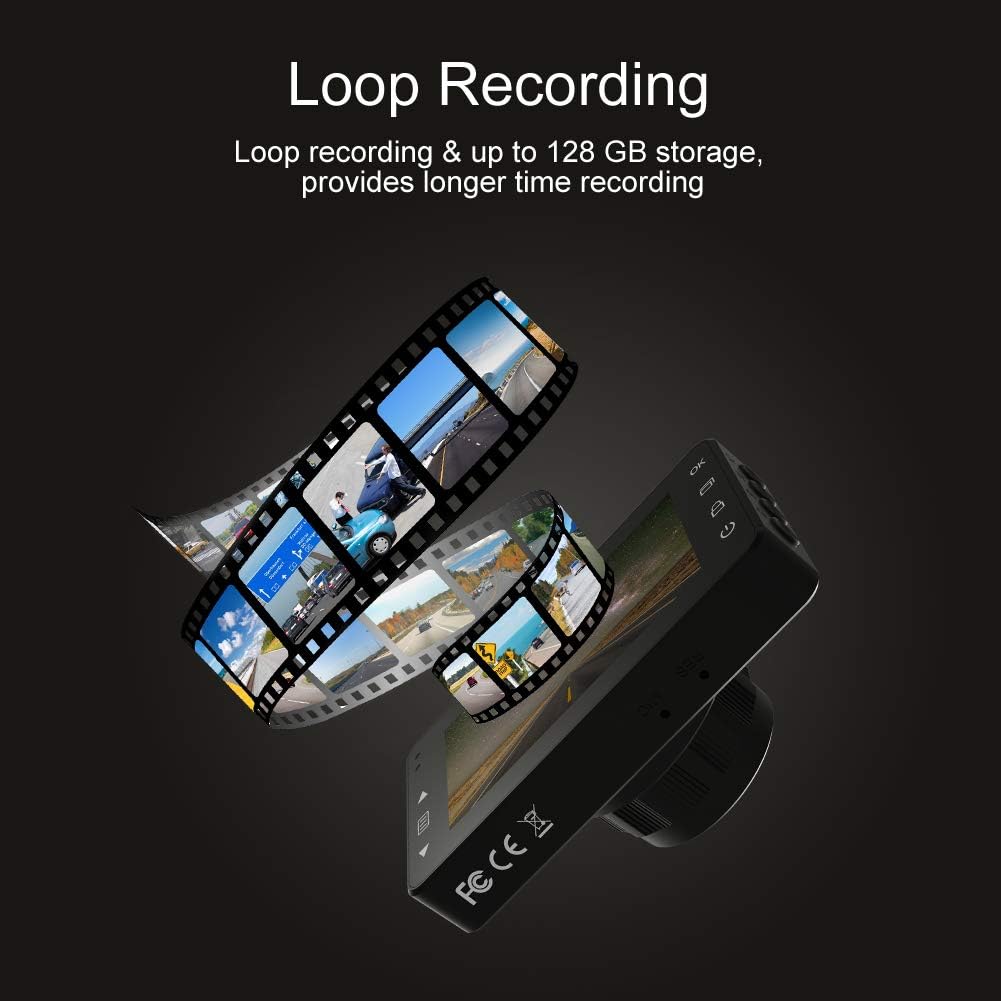
Loop recording ensures continuous video capture, automatically overwriting older files, and supports up to 128 GB storage for longer recording times.
Offizielles Produktvideo präsentiertasing the features and capabilities of the AKASO C330 Dash Cam, including its 1080P HD recording, 3-inch LCD screen, and 170° wide-angle view.
Packungsinhalt
Bitte kreuzen Sie das Kästchen für die folgenden Elemente an:
- AKASO C330 Dash Cam
- Saughalterung
- Autoladegerät
- USB-Kabel
- Benutzerhandbuch (dieses Dokument)
- Memory Card (if included in your specific package)
Produktdiagramm
Familiarize yourself with the various parts and buttons of your AKASO C330 Dash Cam:

Detailed diagram of the AKASO C330 Dash Cam, highlighting the Micro SD Power Slot, OK Button, Up Button, Mode Button, Menu Button, Lock Button, Power Mode Button, Down Button, and USB Port, along with its dimensions.
- Micro SD Power Slot: Stecken Sie hier Ihre Micro-SD-Karte.
- OK-Taste: Bestätigt die Auswahl oder startet/stoppt die Aufnahme.
- Aufwärts-Taste: Navigates up in menus or zooms in during playback.
- Modus-Taste: Wechselt zwischen Video-, Foto- und Wiedergabemodus.
- Menü-Schaltfläche: Öffnet das Einstellungsmenü.
- Sperrtaste: Manually locks the current recording.
- Power-Modus-Taste: Schaltet das Gerät ein/aus.
- Abwärtstaste: Navigates down in menus or zooms out during playback.
- USB-Anschluss: Connects to power source or computer.
Aufstellen
1. Installing the Micro SD Card
The AKASO C330 requires a Micro SD card (Class 10 or higher, 8GB-128GB) for recording. The memory card is not always included and may need to be purchased separately.
- Stellen Sie sicher, dass die Dashcam ausgeschaltet ist.
- Insert the Micro SD card into the Micro SD Power Slot until it clicks into place.
- Zum Herausnehmen die Karte vorsichtig hineindrücken, bis sie einrastet, dann loslassen.
Notiz: It is recommended to format the Micro SD card in the dash cam before first use and periodically thereafter to ensure stable recording.
2. Montage der Dashcam
Use the provided suction mount to securely attach the dash cam to your vehicle's windshield.
- Reinigen Sie den Bereich an Ihrer Windschutzscheibe, an dem Sie die Dashcam anbringen möchten.
- Befestigen Sie die Saugnapfhalterung an der Dashcam.
- Drücken Sie den Saugnapf fest gegen die Windschutzscheibe und betätigen Sie den Hebel, um ihn zu sichern.
- Passen Sie den Kamerawinkel an, um ein klares Bild zu gewährleisten. view der vor uns liegenden Straße.
3. Die Dashcam mit Strom versorgen
Connect the dash cam to your car's power supply using the car charger.
- Plug one end of the car charger into the dash cam's USB Port.
- Plug the other end into your vehicle's 12V power outlet (cigarette lighter socket).
- Die Dashcam schaltet sich automatisch ein und beginnt mit der Aufnahme, sobald Ihr Fahrzeug gestartet wird.
Bedienungsanleitung
Grundlegende Bedienung
- Ein-/Ausschalten: The camera automatically powers on/off with the car ignition. You can also manually press and hold the Power Mode Button to turn it on or off.
- Aufnahme starten/stoppen: Once powered on and connected to power, the camera will automatically start loop recording. Press the OK Button to manually start or stop recording.
Menünavigation
Use the Menu Button to access settings, and the Up/Down Buttons to navigate. Press the OK Button to confirm selections.
Loop-Aufnahme
Diese Funktion gewährleistet eine kontinuierliche Aufzeichnung durch Überschreiben der ältesten Datei. files when the SD card is full. You can set the loop recording duration (1, 3, or 5 minutes) in the settings menu. To disable, select 'off'.
G-Sensor
The G-Sensor detects sudden impacts or rapid acceleration/deceleration. When triggered, it automatically locks the current video segment, preventing it from being overwritten by loop recording. The sensitivity can be adjusted in the settings.
Parkplatz-Monitor
When enabled, the dash cam will automatically start recording if it detects a collision or vibration while your vehicle is parked and the engine is off. This feature requires a continuous power supply or the camera's internal battery to be charged.
Bewegungserkennung
With motion detection enabled, the camera will begin recording when it senses movement in its field of view. This is useful for monitoring your vehicle when parked. Ensure the camera has power for this function.
Nachtsicht
The AKASO C330 features updated night vision technology to provide clearer video quality in low-light conditions. This feature activates automatically.
Wartung
Formatieren der SD-Karte
Regularly formatting your Micro SD card helps maintain its performance and prevents data corruption. It is recommended to format the card every 2-4 weeks.
- Insert the Micro SD card into the dash cam.
- Die Dashcam einschalten.
- Navigate to the settings menu using the Menu Button.
- Find the 'Format' option and confirm.
Reinigen der Linse
To ensure clear video quality, keep the camera lens clean.
- Use a soft, lint-free cloth to gently wipe the lens.
- Avoid using abrasive cleaners or solvents that could damage the lens coating.
Fehlerbehebung
If you encounter issues with your AKASO C330 Dash Cam, refer to the following common problems and solutions:
| Problem | Mögliche Lösung |
|---|---|
| Die Kamera lässt sich nicht einschalten. | Check the power connection to the car charger and the vehicle's 12V outlet. Ensure the car's ignition is on. The internal battery may be depleted; charge it for a few hours. |
| Camera stops recording randomly. | Format the Micro SD card. Ensure the card is Class 10 or higher and not full. Disable parking monitor or motion detection if not needed, as they can affect continuous recording. |
| Video footage ist verschwommen oder undeutlich. | Clean the camera lens and the windshield area where the camera is mounted. Ensure the protective film has been removed from the lens. |
| "SD Card Error" or "Please Insert SD Card" message. | Reinsert the Micro SD card. Format the card in the camera. Try a different, compatible Micro SD card. |
| Tasten reagieren nicht. | Perform a soft reset by pressing the reset button (if available) or by powering off and on the device. Ensure the device is not in a locked state. |
Technische Daten
- LCD Anzeige: 3.0-Zoll-IPS-Bildschirm
- Pixel: 1.2 Millionen Pixel
- Frontlinse: 170° HD wide-angle lens
- Objektivöffnung: F1.8 aperture
- Maximale Videoauflösung: 1080FHD (1920 x 1080)
- Zyklusaufzeichnung: 1 minute / 3 minutes / 5 minutes / off
- PC-Schnittstelle: USB 2.0
- Stromschnittstelle: 5 V / 2 A
- Lagerung: 8-128 GB Micro SD card (not included)
- Artikelgewicht: 12 Unzen
- Batterien: 1 Lithium-Polymer-Akku (im Lieferumfang enthalten)
- Montageart: Saughalterung
Garantie und Support
AKASO products are designed for reliability and performance. For warranty information, technical support, or customer service, please refer to the contact details provided on the AKASO official website or your purchase documentation. Please have your product model (C330) and purchase date ready when contacting support.