
iball Play A1
iBall Musi Play A1 Wireless Ultra-Portable Bluetooth Speaker User Manual
Model: Play A1
1. Einleitung
Vielen Dank für Ihren Einkauf.asing the iBall Musi Play A1 Wireless Ultra-Portable Bluetooth Speaker. This compact and versatile speaker is designed to provide high-quality audio on the go. It features Bluetooth connectivity, FM radio, a Micro SD card slot for music playback, and a built-in microphone for hands-free calling. Please read this manual carefully to understand the product's features and ensure proper operation.
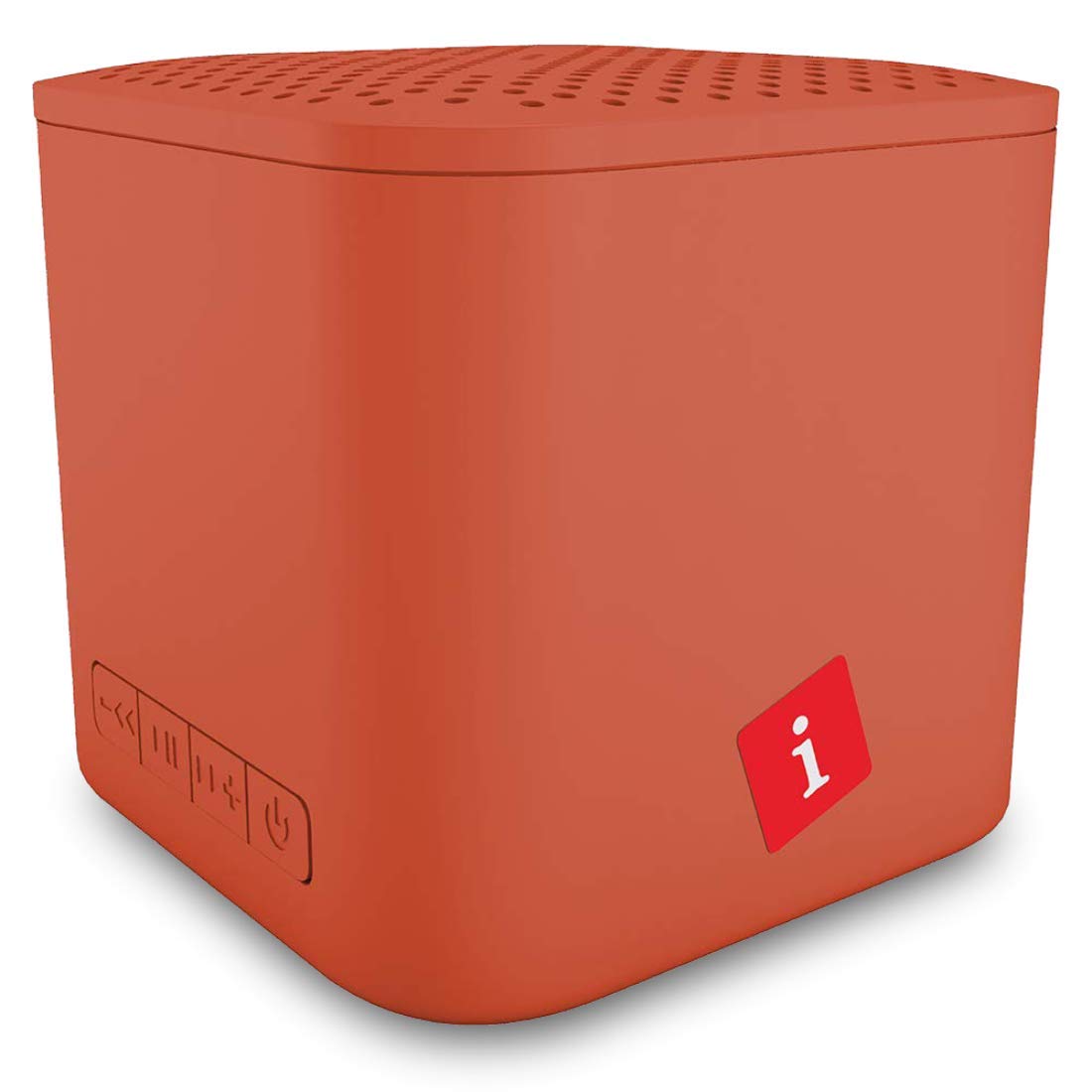
Image: iBall Musi Play A1 Wireless Ultra-Portable Bluetooth Speaker (Burnt Orange)
2. Lieferumfang
Bitte vergewissern Sie sich beim Auspacken, dass alle folgenden Artikel vorhanden sind:
- Speaker – 1 N
- Charging Cable – 1 N
- User Manual – 1 N
3. Produktüberschreitungview
3.1. Bedienelemente und Anschlüsse
Familiarize yourself with the speaker's controls and ports for easy operation.

Image: Control buttons on the iBall Musi Play A1 speaker.
- Lautstärke verringern / Vorheriger Titel: Press and hold for volume down, short press for previous track.
- Abspielen / Pause: Press to play or pause music. Also used for answering/ending calls.
- Lautstärke erhöhen / Nächster Titel: Press and hold for volume up, short press for next track.
- Power On / Off / Mode: Press and hold to power on/off. Short press to switch between Bluetooth, FM, and Micro SD modes.
3.2. Tragbarkeit und Design
The iBall Musi Play A1 features an ultra-portable cube design, making it easy to carry and suitable for various environments.

Image: The compact size of the iBall Musi Play A1 speaker, measuring approximately 6.2 cm on each side.
4. Einrichtung
4.1. Erstes Aufladen
Before first use, fully charge the speaker. Connect the provided charging cable to the speaker's charging port and a USB power source (e.g., computer USB port, USB wall adapter). The charging time is approximately 1.5 hours.
4.2. Ein-/Ausschalten
Zum Einschalten des Lautsprechers die Taste gedrückt halten Ein/Aus/Modus button until you hear an audible prompt. To power off, press and hold the same button again.
5. Bedienungsanleitung
5.1. Bluetooth-Kopplung
- Stellen Sie sicher, dass der Lautsprecher eingeschaltet und im Bluetooth-Modus ist. Falls nicht, drücken Sie kurz die Taste Ein/Aus/Modus button to cycle through modes until you hear the Bluetooth prompt.
- Aktivieren Sie auf Ihrem Smartphone oder Tablet Bluetooth und suchen Sie nach verfügbaren Geräten.
- Select "iBall Musi Play A1" from the list of devices.
- Sobald die Kopplung hergestellt ist, zeigt der Lautsprecher eine erfolgreiche Verbindung an, und Sie können mit der Audiowiedergabe von Ihrem Gerät beginnen.
5.2. UKW-Radio
- Schalten Sie den Lautsprecher ein und drücken Sie kurz die Taste Ein/Aus/Modus Taste zum Umschalten in den FM-Radiomodus.
- Zum automatischen Scannen und Speichern verfügbarer FM-Sender die Taste gedrückt halten Abspielen/Pause Knopfdruck. Der Lautsprecher scannt und speichert Sender automatisch.
- Sobald der Scanvorgang abgeschlossen ist, verwenden Sie die Vorheriger Titel Und Nächster Titel Tasten zur Navigation zwischen gespeicherten Sendern.
5.3. Wiedergabe von Micro-SD-Karten
- Insert a Micro SD card (with MP3 audio files) in den Micro-SD-Kartensteckplatz des Lautsprechers.
- The speaker will automatically switch to Micro SD mode and begin playing music. If not, short press the Ein/Aus/Modus Taste zur Auswahl des Micro-SD-Modus.
- Verwenden Sie die Vorheriger Titel Und Nächster Titel buttons to skip tracks, and the Abspielen/Pause Taste zur Steuerung der Wiedergabe.
5.4. Freisprechfunktion
When connected to your smartphone via Bluetooth, the speaker's built-in microphone allows for hands-free calls.
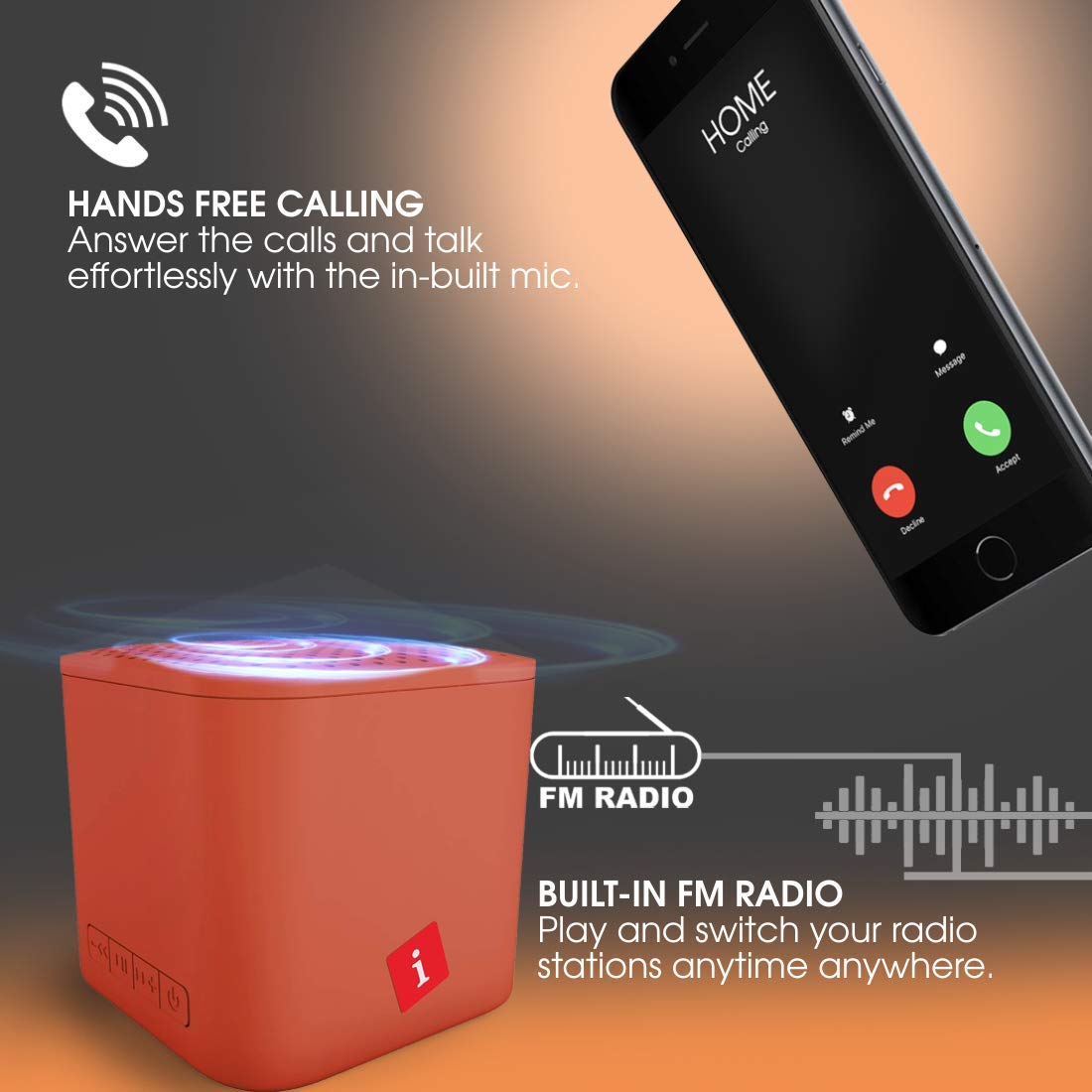
Image: Hands-free calling feature with the iBall Musi Play A1 speaker.
- Anruf annehmen: When an incoming call rings, short press the Abspielen/Pause Schaltfläche zum Antworten.
- Anruf beenden: Drücken Sie während eines Anrufs kurz die Taste Abspielen/Pause Taste, um den Anruf zu beenden.
- Anruf ablehnen: When an incoming call rings, press and hold the Abspielen/Pause Taste, um den Anruf abzulehnen.
6. Aufladen
The speaker is equipped with a built-in rechargeable battery. To charge, connect the provided USB cable to the speaker's charging port and a standard USB power source. A full charge takes approximately 1.5 hours and provides up to 6 hours of playtime at mid-level volume.
7. Wartung
- Halten Sie den Lautsprecher von Wasser, Feuchtigkeit und extremen Temperaturen fern.
- Reinigen Sie den Lautsprecher mit einem weichen, trockenen Tuch. Verwenden Sie keine Scheuermittel oder Lösungsmittel.
- Vermeiden Sie, den Lautsprecher fallen zu lassen oder starken Stößen auszusetzen.
- Wenn der Lautsprecher längere Zeit nicht benutzt wird, sollte er mindestens einmal alle drei Monate aufgeladen werden, um die Batterieleistung zu erhalten.
8. Fehlerbehebung
| Problem | Mögliche Lösung |
|---|---|
| Der Lautsprecher lässt sich nicht einschalten. | Stellen Sie sicher, dass der Akku geladen ist. Schließen Sie den Lautsprecher an eine Stromquelle an und versuchen Sie es erneut. |
| Kopplung via Bluetooth nicht möglich. |
|
| Kein Ton. |
|
| Der FM-Radioempfang ist schlecht. |
|
9. Spezifikationen
| Besonderheit | Detail |
|---|---|
| Marke | iball |
| Modellname | Play A1 |
| Maximale Lautsprecherausgangsleistung | 3 Watt |
| Konnektivitätstechnologie | Bluetooth, kabellos |
| Audioausgabemodus | Stereo |
| Montagetyp | Tischhalterung |
| Lautsprechertyp | Im Freien |
| Produkteigenschaften | Eingebautes Mikrofon |
| Colour (Current Model) | Gebranntes Orange |
| Ist wasserdicht | false (Not Water Resistant) |
| Kontrollmethode | Taste |
| Durchschnittliche Batterielebensdauer | 6 Stunden |
| Akkuladezeit | 1.5 Stunden |
| Kompatible Geräte | Smartphone, Tablet |
| Stromquelle | Batteriebetrieben |
| Anzahl Batterien | 1 Lithium-Polymer (im Lieferumfang enthalten) |
| Artikelgewicht | 169 Gramm |
| Ursprungsland | China |
10. Garantie und Support
For warranty information or technical support, please contact iBall customer service. You can reach them via the toll-free number: 18002666409.
Manufacturer Address: 87, Mistry Industrial Complex, MIDC Cross Road "A" Andheri (E), Mumbai 400 093. Maharashtra India.
Ask a question about this manual
Ask about setup, troubleshooting, compatibility, parts, safety, or missing instructions. Manuals+ will review the question and use this page’s manual context to help answer it.