
Einführung
This instruction manual provides essential information for the proper installation, operation, and maintenance of your Anlapus 1080P TVI Outdoor Surveillance Camera. Please read this manual thoroughly before using the product to ensure optimal performance and safety. This camera is designed for use with HD-TVI DVR systems.
Packungsinhalt
Bitte prüfen Sie, ob alle unten aufgeführten Artikel in Ihrem Paket enthalten sind. Sollten Artikel fehlen oder beschädigt sein, kontaktieren Sie bitte unseren Kundenservice.
- 4 x Anlapus 1080P TVI Surveillance Cameras
- 4 x BNC Video Cables (60ft each)
- 1 x Netzteil
- 1 x 1-zu-4-Stromverteilerkabel
- 4 x Beutel mit Befestigungsschrauben
- 4 x Montagelochschablonen
- 4 x Warnaufkleber
- 1 x Schnellstartanleitung (dieses Handbuch)

Produkt überview
The Anlapus 1080P TVI Outdoor Surveillance Camera is designed to provide reliable security monitoring with high-definition video quality and robust construction.
Hauptmerkmale:
- 1080P HD-Auflösung: Nimmt klare und detaillierte Videoaufnahmen auftage (1920x1080 Pixel).
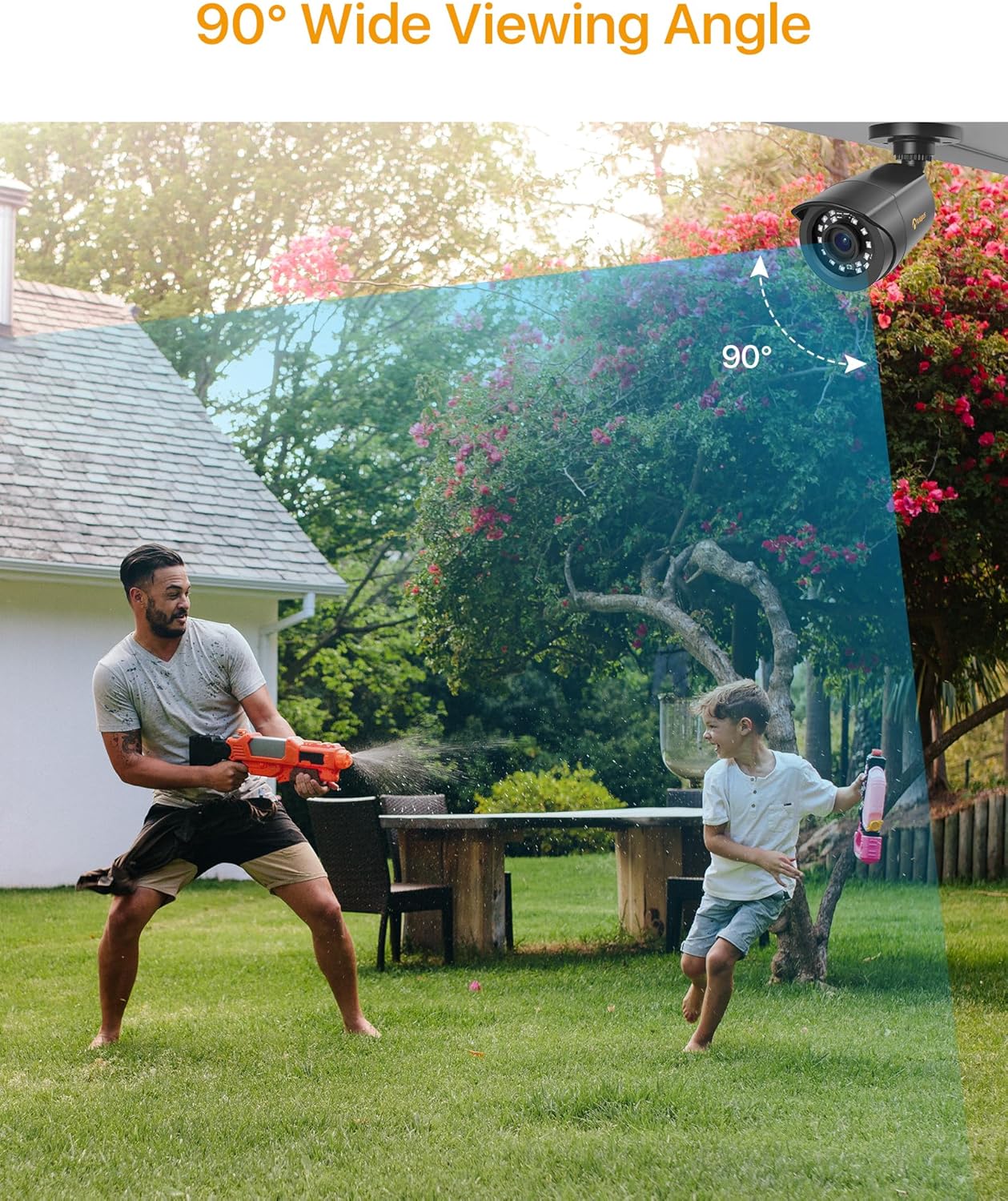
- 90 Grad Weitwinkel Viewing-Winkel: Provides extensive coverage with a 3.6mm lens.
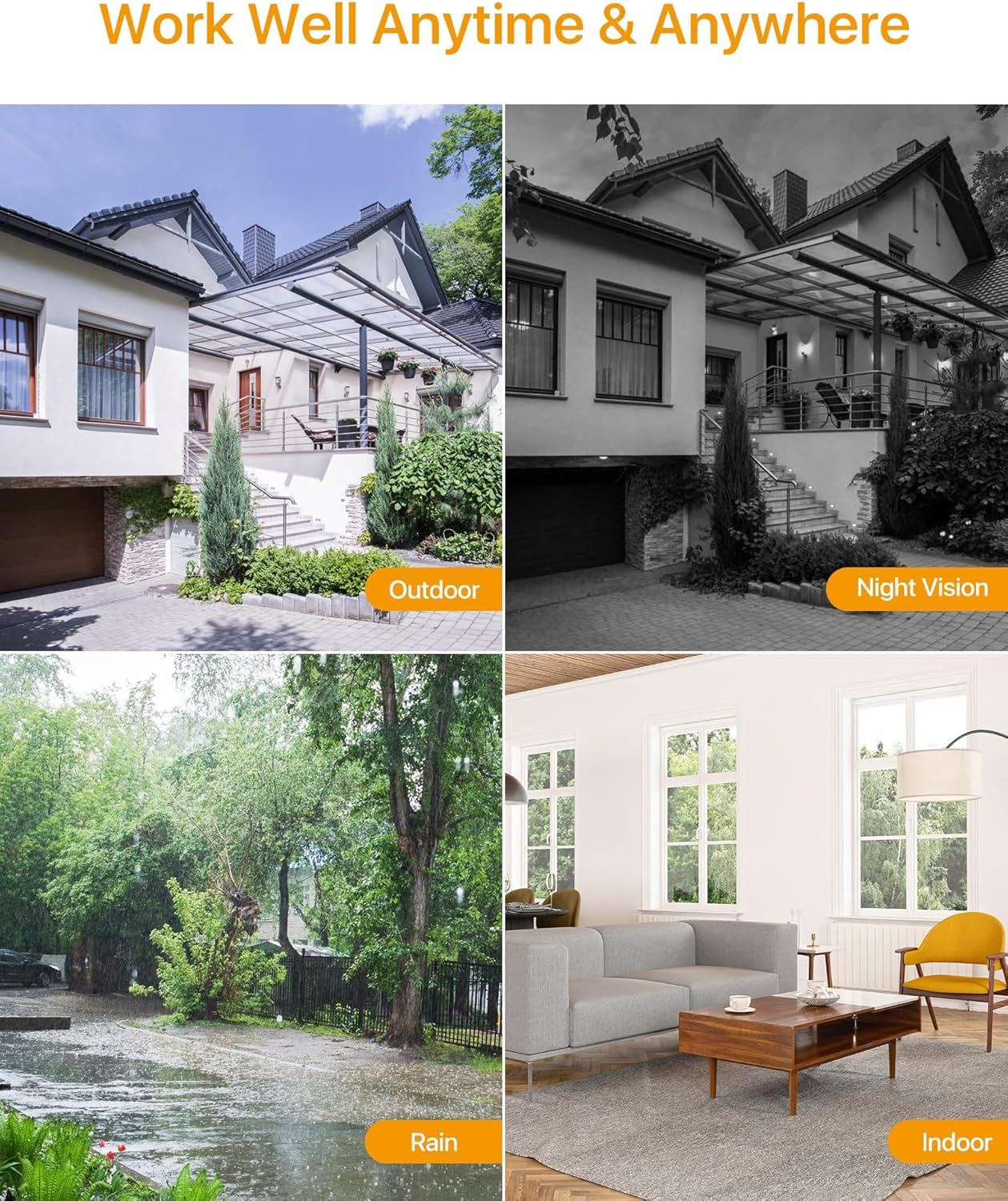
- 24-Meter Night Vision: Equipped with 24 IR-Cut LEDs for clear black and white images in low-light conditions.
- IP66-wetterfestes Gehäuse: Langlebiges Metall casing protects against dust, rain, and extreme weather, suitable for both indoor and outdoor use.
- HD-TVI Compatibility: Specifically designed to work with HD-TVI DVR systems.

Setup und Installation
Kompatibilitätsprüfung:
Before installation, ensure your Digital Video Recorder (DVR) is compatible with HD-TVI cameras. This camera is designed exclusively for HD-TVI DVR systems.
Montagemöglichkeiten:
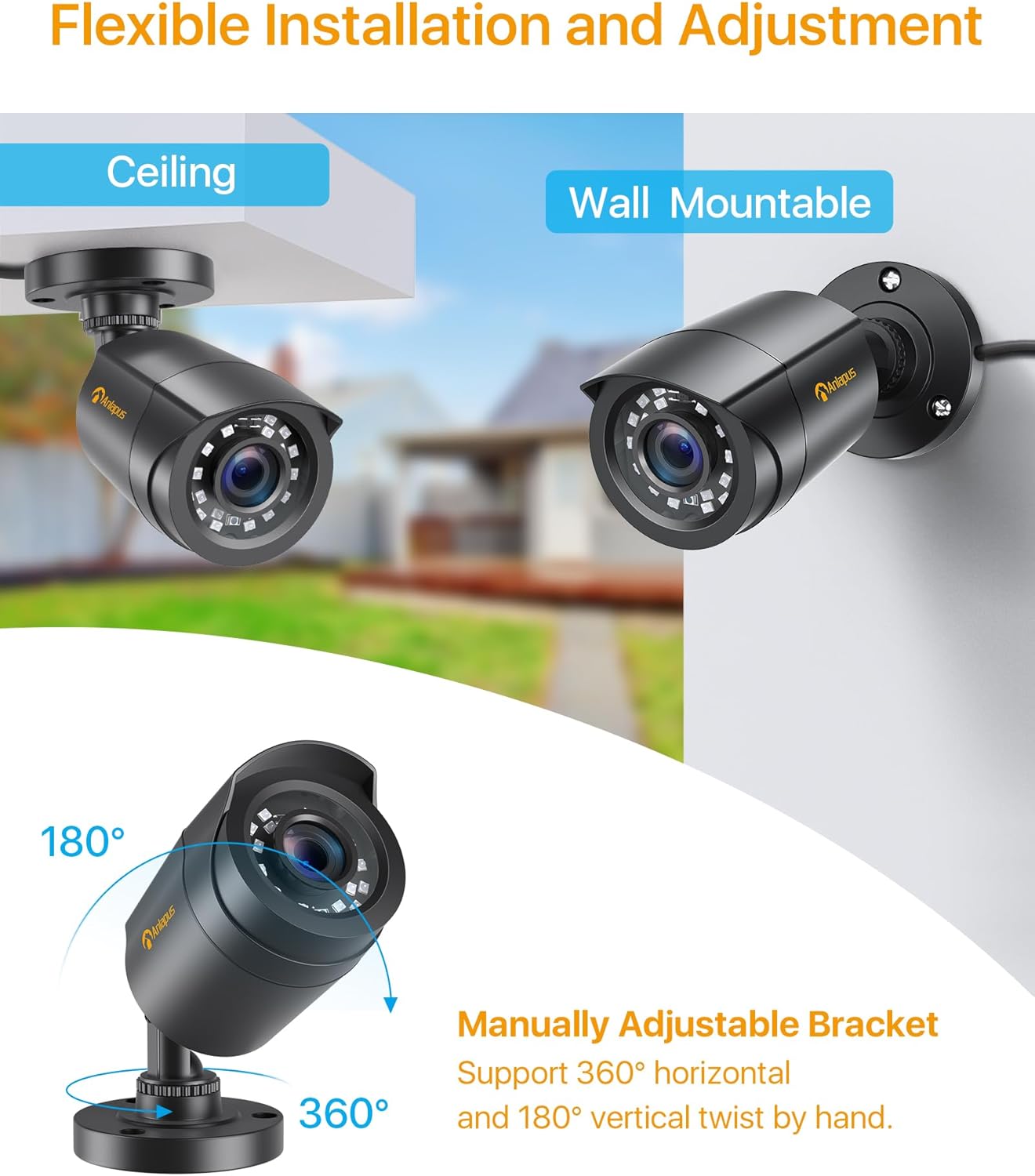
The camera features a flexible bracket that supports both ceiling and wall mounting. The bracket allows for 360-degree horizontal and 180-degree vertical adjustment to achieve the desired viewing-Winkel.
Anschlussdiagramm:
Follow the diagram below to connect the camera to your HD-TVI DVR system. Ensure all connections are secure before powering on the system.

Bedienungsanleitung
Once the camera is properly installed and connected to a compatible HD-TVI DVR, the system will begin recording based on your DVR's settings. Refer to your DVR's manual for specific recording, playback, and remote viewAnweisungen.
Bewegungserkennung:
Many HD-TVI DVRs support motion detection features. Configure these settings within your DVR's interface to receive alerts or trigger recordings when motion is detected in the camera's field of view.


Wartung
Regular maintenance ensures the longevity and optimal performance of your surveillance camera.
- Reinigung: Reinigen Sie das Kameraobjektiv und das Gehäuse regelmäßig mit einem weichen Tuch.amp Mit einem Tuch abwischen. Vermeiden Sie scheuernde Reinigungsmittel, die die Linse zerkratzen könnten.
- Kabelinspektion: Regularly check all cables for signs of wear, damage, or loose connections.
- Umweltschutz: While the camera is IP66 weatherproof, ensure it is not submerged in water or exposed to extreme physical impact.
Fehlerbehebung
Sollten Sie Probleme mit Ihrer Kamera haben, beachten Sie bitte die folgenden gängigen Schritte zur Fehlerbehebung:
| Problem | Mögliche Ursache | Lösung |
|---|---|---|
| Kein Bild auf dem Monitor | Loose cable connection, no power, incompatible DVR. | Check BNC and power connections. Ensure power supply is working. Verify DVR is HD-TVI compatible. |
| Schlechte Bildqualität | Dirty lens, improper focus (if adjustable), cable interference, low light. | Clean the lens. Ensure cables are not near strong electrical interference. Check night vision functionality in low light. |
| Nachtsicht funktioniert nicht | Insufficient power, IR LEDs malfunction, ambient light interference. | Ensure adequate power supply. Check for strong light sources near the camera that might prevent IR activation. |
| Die Kamera nimmt nicht auf | DVR settings, hard drive issues, motion detection not configured. | Refer to your DVR's manual to check recording schedules, motion detection settings, and hard drive status. |
Technische Daten
Detailed technical specifications for the Anlapus 1080P TVI Outdoor Surveillance Camera.
- Modellname: C1062B Surveillance Camera
- Modellnummer: 6972804072672
- Auflösung: 1080p (1920x1080)
- Linse: 3.6 mm
- Viewing-Winkel: 90 Grad
- Nachtsichtbereich: 24 Meter
- IR-LEDs: 24 pcs IR-Cut LEDs
- Wetterfeste Bewertung: IP66
- Konnektivität: Kabelgebunden (BNC)
- Kompatible Geräte: HD-TVI DVRs
- Energiequelle: Electric Cable (12V DC)
- Energieverbrauch: 6 Watt
- Material: Metallgehäuse
- Betriebstemperatur: (Not specified, but implied by outdoor use)
- Abmessungen: 42.9 x 27 x 8.7 cm (Product dimensions for the kit)
- Gewicht: 2.66 Kilograms (Product weight for the kit)
- Kontrollmethode: Remote control (via DVR)
- Alarmtyp: Motion only (configurable via DVR)
- Bildrate: 25 fps
- Optische Sensortechnologie: CMOS
Garantie und Support
Anlapus is committed to providing high-quality products and customer satisfaction. For any technical assistance, warranty claims, or product-related inquiries, please contact Anlapus customer support.
Bitte bewahren Sie Ihren Kaufbeleg für Garantiezwecke auf. Die genauen Garantiebedingungen können je nach Region und Händler variieren.
