
NETVUE Vigil
NETVUE Vigil Outdoor Security Camera User Manual
Model: Vigil | Brand: NETVUE
1. Einleitung
The NETVUE Vigil Outdoor Security Camera is designed to provide reliable surveillance for your property. Featuring 1080p Full HD video, advanced night vision, two-way audio communication, and smart motion detection, this camera ensures comprehensive monitoring day and night. Its robust, weather-resistant design allows for outdoor installation in various conditions.

Image: The NETVUE Vigil camera provides clear 1080p video both during the day and at night, as illustrated by the comparison of a driveway scene.
2. Packungsinhalt
Bitte überprüfen Sie, ob alle Artikel in Ihrem Paket vorhanden sind:
- NETVUE Vigil Outdoor Security Camera
- Netzteil
- Befestigungsschrauben und Wandanker
- Montagevorlage
- Benutzerhandbuch (dieses Dokument)
3. Einrichtung und Installation
3.1 Vor der Installation
- Ensure your Wi-Fi network operates on the 2.4GHz band. The camera does not support 5GHz Wi-Fi.
- Position the camera within range of your Wi-Fi router for a stable connection. The camera features an enhanced 5dBi antenna for improved signal strength.
- Prepare a power outlet near the intended installation location.
3.2 Physische Installation
The NETVUE Vigil camera can be mounted on a wall or ceiling/roof. Choose a location that provides the desired viewing angle and is within reach of a power source.
- Verwenden Sie die mitgelieferte Montagevorlage, um die Bohrlöcher auf der gewünschten Oberfläche zu markieren.
- Bei der Montage auf Mauerwerk müssen Löcher gebohrt und Dübel eingesetzt werden.
- Secure the camera's mounting base using the screws.
- Passen Sie den Kamerawinkel nach Bedarf an.
- Schließen Sie das Netzteil an die Kamera an und stecken Sie es in eine Steckdose.

Image: The NETVUE Vigil camera offers flexible installation options for both wall and roof mounting.

Image: The camera features a 5dBi antenna designed for a more stable Wi-Fi connection.
3.3 App-Einrichtung
- Download the 'Netvue' app from your mobile device's app store (iOS or Android).
- Erstellen Sie ein neues Konto oder melden Sie sich an, wenn Sie bereits eines haben.
- Follow the in-app instructions to add your new NETVUE Vigil camera. This typically involves scanning a QR code on the camera or manually entering its details.
- Connect the camera to your 2.4GHz Wi-Fi network as prompted by the app.
4. Bedienung der Kamera
4.1 Live View und Fernzugriff
Access your camera's live feed anytime, anywhere through the Netvue app on your smartphone or tablet. You can also integrate the camera with Amazon Alexa for voice control and viewauf kompatiblen Geräten.
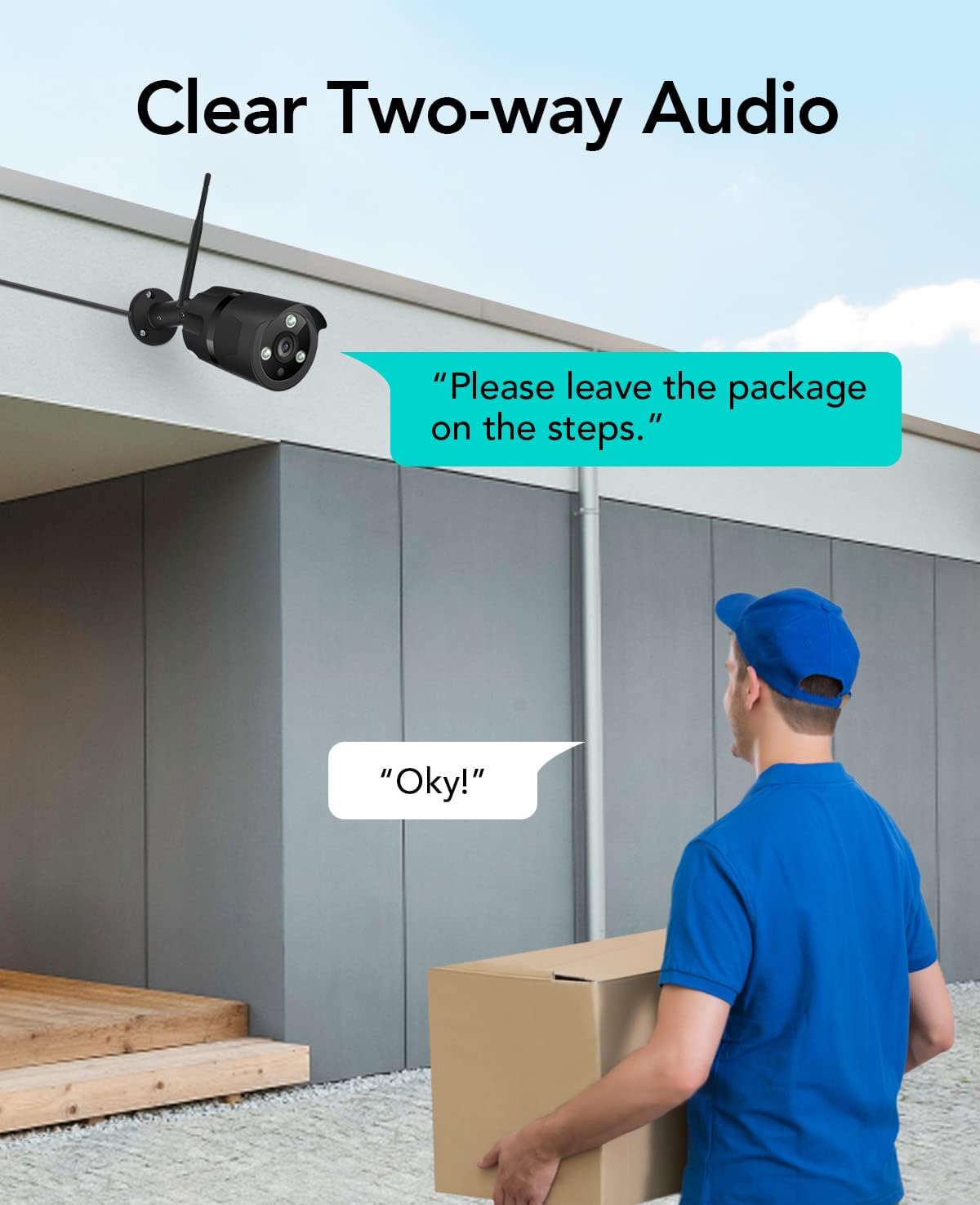
Image: The NETVUE Vigil camera is compatible with Amazon Alexa, allowing you to view the live feed on devices like the Echo Show.
4.2 Zwei-Wege-Audio
The built-in microphone and speaker allow for two-way communication. Use this feature to speak with visitors or deter unwanted guests directly through the Netvue app.

Image: Engage in clear two-way audio communication with individuals near your camera, such as a delivery person.
4.3 Bewegungserkennung und Benachrichtigungen
The camera features smart motion detection. When motion is detected, you will receive instant notifications on your mobile phone. You can customize motion detection zones, sensitivity levels, and alert schedules within the Netvue app to focus on areas of importance.

Image: The camera sends smart motion alerts to your phone when activity is detected, as shown with a person at a door.
4.4 Nachtsicht
Equipped with infrared LEDs and IR-Cut technology, the camera automatically switches to night vision mode in low-light conditions, providing clear video up to 19.8 meters (65 feet) in complete darkness.
4.5 Videospeicher
The NETVUE Vigil camera supports two storage options:
- Lokaler Speicher: Insert a microSD card (up to 128GB, not included) into the camera for continuous recording or event-triggered recordings. You can view playback directly from the Netvue app.
- Cloud-Speicher: Optional cloud storage plans are available through the Netvue app for secure, off-site video backup and advanced AI features like person/vehicle detection. Subscription fees apply for cloud services.

Image: The camera supports both local storage via an SD card and optional cloud storage for video recordings.
5. Wartung
- Reinigung: Reinigen Sie das Kameraobjektiv regelmäßig mit einem weichen, trockenen Tuch, um eine klare Bildqualität zu gewährleisten. Verwenden Sie keine scharfen Chemikalien.
- Firmware-Updates: Keep your camera's firmware updated through the Netvue app to ensure optimal performance and access to new features.
- Verbindungsprüfung: Regularly verify the camera's Wi-Fi connection status in the app to ensure continuous operation.
6. Fehlerbehebung
6.1 Kamera verbindet sich nicht mit WLAN
- Stellen Sie sicher, dass Ihr WLAN-Netzwerk mit 2.4 GHz arbeitet.
- Check if the camera is within range of your router.
- Überprüfen Sie, ob das in der App eingegebene WLAN-Passwort korrekt ist.
- Starten Sie Ihren Router und die Kamera neu.
6.2 Schlechte Bildqualität
- Reinigen Sie das Kameraobjektiv.
- Sorgen Sie für ausreichende Beleuchtung, um optimale Sicht bei Tageslicht zu gewährleisten.
- Überprüfen Sie Ihre Internetverbindungsgeschwindigkeit.
6.3 No Motion Alerts
- Verify motion detection is enabled in the Netvue app.
- Check motion detection zone settings and sensitivity.
- Stellen Sie sicher, dass App-Benachrichtigungen auf Ihrem Telefon aktiviert sind.
Weitere Unterstützung finden Sie im Supportbereich oder kontaktieren Sie den NETVUE-Kundendienst.
7. Spezifikationen
| Besonderheit | Spezifikation |
|---|---|
| Modellnummer | Mahnwache |
| Videoauflösung | 1080p (1920 x 1080 Pixel) |
| Auflösung des Fotosensors | 2 Megapixel |
| Nachtsichtbereich | Bis zu 19.8 Meter (65 Fuß) |
| Konnektivität | Wireless (2.4GHz Wi-Fi), Ethernet |
| Wetterbeständigkeit | IP66 (wasserdicht) |
| Betriebstemperatur | -15.6 °C to 50.0 °C (-20 °C to 50 °C) |
| Stromquelle | AC |
| Kompatible Geräte | Smartphone (iOS/Android), Amazon Alexa |
| Speicheroptionen | MicroSD-Karte (bis zu 128 GB), Cloud-Speicher (Abonnement erforderlich) |
| Maße | 20.1 x 12.4 x 8.1 cm |
8. Garantie und Support
NETVUE products come with a limited warranty. Please refer to the warranty card included in your package or visit the official NETVUE webAuf der Webseite finden Sie die detaillierten Garantiebedingungen.
For technical support, product inquiries, or warranty claims, please contact NETVUE customer service through their official website or the contact information provided in the Netvue app. Our support team is available to assist you with any questions or issues you may encounter.
Online-Ressourcen:
- Official NETVUE WebWebsite: www.netvue.com
- Netvue App: Available on Apple App Store and Google Play Store
Ask a question about this manual
Ask about setup, troubleshooting, compatibility, parts, safety, or missing instructions. Manuals+ will review the question and use this page’s manual context to help answer it.