
Einführung
Thank you for choosing the gorsun Kids Bluetooth Headphones, Model E61. These headphones are designed to provide a safe and enjoyable audio experience for children, featuring volume limiting technology and a comfortable, durable design. Please read this manual carefully before using the headphones to ensure proper operation and maintenance.
Lieferumfang
- gorsun Kids Bluetooth Headphones (Model E61)
- 3.5-mm-Audiokabel
- USB-C-Ladekabel
- Detachable Cat Ears
- Aufbewahrungstasche
- Benutzerhandbuch (dieses Dokument)

Image: The contents of the gorsun Kids Bluetooth Headphones package, showing the headphones, a 3.5mm audio cable, a USB-C charging cable, detachable cat ears, and a storage bag.
Aufstellen
1. Aufladen der Kopfhörer
- Locate the USB-C charging port on the headphone earcup.
- Connect the provided USB-C charging cable to the headphone's charging port.
- Plug the other end of the USB-C cable into a compatible USB power source (e.g., computer, wall adapter).
- The indicator light will illuminate during charging and turn off when fully charged. A full charge takes approximately 2 hours.
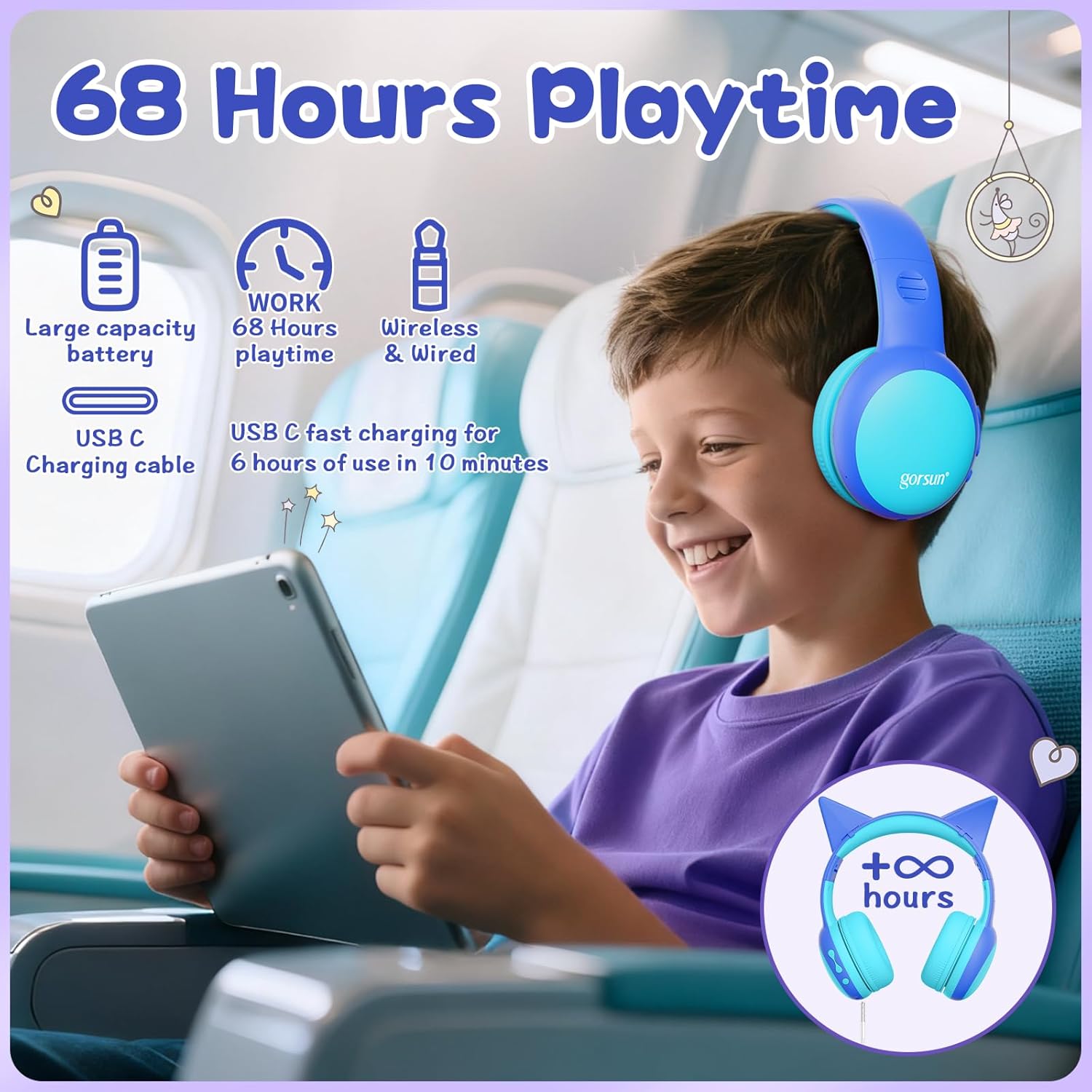
Image: A child wearing the gorsun headphones on an airplane, with visual cues indicating 68 hours of playtime and USB-C fast charging capabilities.
2. Attaching/Detaching Cat Ears (Optional)
- To attach: Align the base of the cat ears with the slots on the headband and gently push until they click into place.
- To detach: Gently pull the cat ears away from the headband.
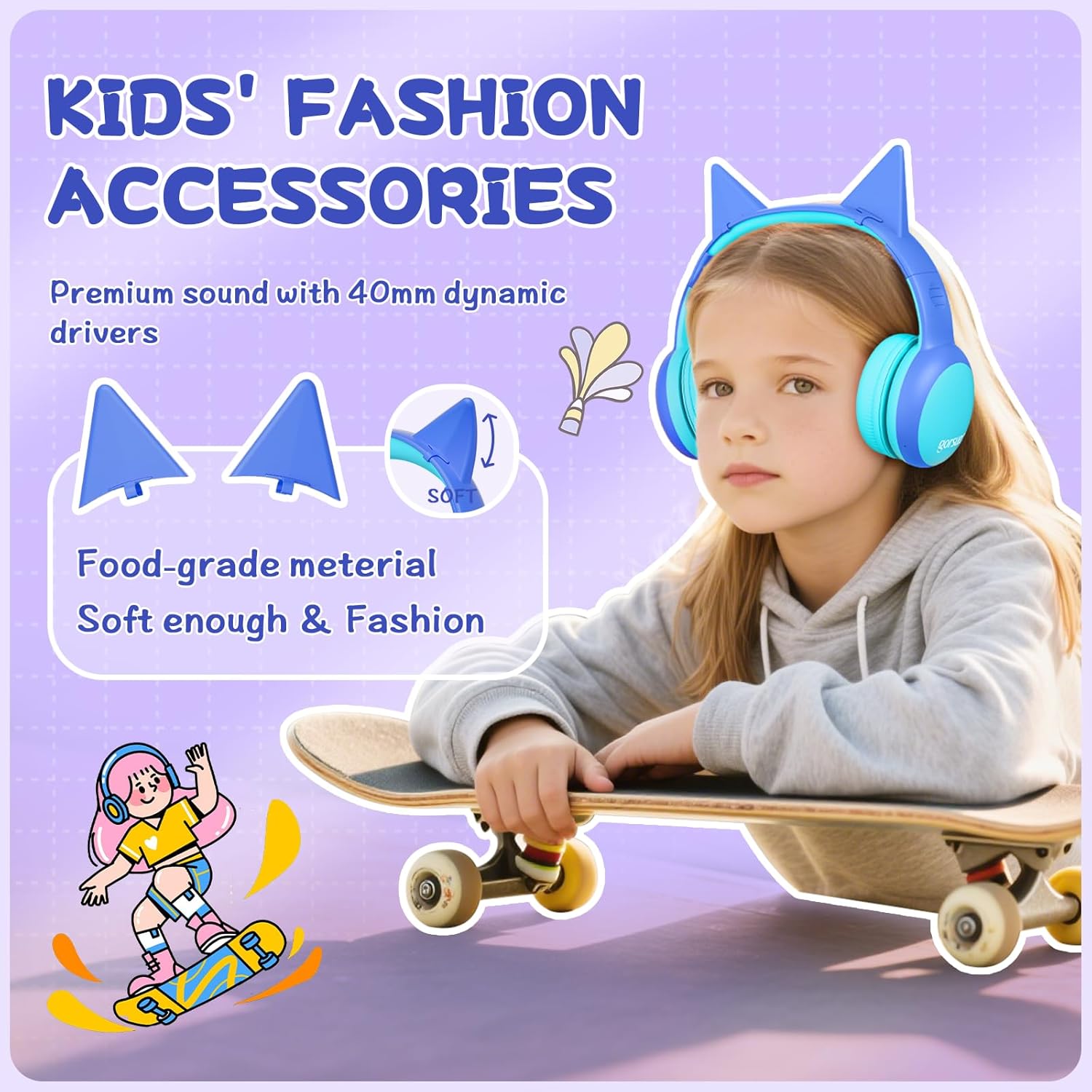
Bild: Eine detaillierte view of the gorsun headphones, highlighting the detachable cat ears and the internal 40mm dynamic drivers for sound quality.
3. Einstellen des Kopfbandes
The headband is 8-level adjustable. Gently slide the earcups up or down to find a comfortable and secure fit for the user's head.

Image: A visual representation of the gorsun headphones' comfort features, including the ±10° adaptive swivel earcups, 8-position adjustable headband, and skin-friendly soft earmuffs.
Bedienungsanleitung
1. Ein-/Ausschalten
- To Power On: Press and hold the Power Button (MFB) until the indicator light flashes.
- To Power Off: Press and hold the Power Button (MFB) until the indicator light turns off.
2. Bluetooth-Kopplung
- Stellen Sie sicher, dass die Kopfhörer ausgeschaltet sind.
- Press and hold the Power Button (MFB) for approximately 5 seconds until the indicator light flashes red and blue alternately, indicating pairing mode.
- On your device (smartphone, tablet, laptop), enable Bluetooth and search for "gorsun E61" (or similar).
- Select "gorsun E61" to connect. Once paired, the indicator light will flash blue slowly.

Image: The gorsun headphones displayed alongside various compatible devices such as iPads, laptops, PCs, phones, and Nintendo Switch, emphasizing Bluetooth 5.1 connectivity.
3. Kabelgebundener Modus
If the battery is low or Bluetooth is not available, you can use the provided 3.5mm audio cable:
- Plug one end of the 3.5mm audio cable into the headphone's 3.5mm audio input port.
- Plug the other end into your audio device's 3.5mm jack.
- Die Kopfhörer schalten automatisch in den kabelgebundenen Modus.
4. Lautstärkeregelung und Titelnavigation
- Lautstärke erhöhen: Drücken Sie kurz die "+"-Taste.
- Lautstärke runter: Drücken Sie kurz die "-"-Taste.
- Nächster Titel: Die "+"-Taste lange drücken.
- Vorheriges Lied: Die "-"-Taste lange drücken.
- Abspielen/Pause: Short press the Power Button (MFB).
5. Anrufe annehmen/beenden
- Anruf annehmen/beenden: Short press the Power Button (MFB).
- Anruf ablehnen: Long press the Power Button (MFB).
6. Volume Limiting Modes (85dB/94dB)
The headphones feature dual volume limits for safe listening:
- Study Mode (85dB): Ideal for quieter environments.
- Travel Mode (94dB): Suitable for noisy environments.
- To switch between modes: Double-tap the Power Button (MFB). A voice prompt will confirm the mode change.

Image: A visual guide to the dual-mode volume control, showing a child using the headphones in "Travel Mode" (94dB) on an airplane and another child in "Study Mode" (85dB) while reading, with instructions to double-press the power button to switch modes.
Wartung
- Reinigung: Reinigen Sie die Kopfhörer mit einem weichen, trockenen Tuch. Verwenden Sie keine scharfen Chemikalien oder Scheuermittel.
- Lagerung: When not in use, fold the headphones and store them in the provided travel pouch to protect them from dust and damage.
- Feuchtigkeit vermeiden: Keep the headphones away from water and excessive humidity. They are not water-resistant.
- Vorsichtig handhaben: Vermeiden Sie es, die Kopfhörer fallen zu lassen oder starken Stößen auszusetzen.
Fehlerbehebung
Kein Strom
- Stellen Sie sicher, dass die Kopfhörer vollständig aufgeladen sind. Verbinden Sie sie mit dem USB-C-Kabel mit einer Stromquelle.
- Check if the charging cable and power source are working correctly.
Kopplung über Bluetooth nicht möglich
- Make sure the headphones are in pairing mode (indicator light flashing red and blue alternately).
- Stellen Sie sicher, dass Bluetooth auf Ihrem Gerät aktiviert ist und sich dieses innerhalb von 10 Metern von den Kopfhörern befindet.
- Turn off and on the Bluetooth function on your device, then try pairing again.
- Falls die Geräte zuvor gekoppelt waren, versuchen Sie, sie in den Bluetooth-Einstellungen Ihres Telefons zu "vergessen" und erneut zu koppeln.
Kein Ton im Kabelmodus
- Ensure the 3.5mm audio cable is securely plugged into both the headphones and your audio device.
- Check if the volume on both the headphones and your audio device is turned up.
- Testen Sie das Audiokabel nach Möglichkeit mit einem anderen Gerät, um ein defektes Kabel auszuschließen.
Sound is Too Low/High
- Adjust the volume using the "+" and "-" buttons on the headphones.
- Check the volume settings on your connected audio device.
- Ensure the correct volume limiting mode (85dB/94dB) is selected by double-tapping the Power Button (MFB).
Technische Daten
| Besonderheit | Detail |
|---|---|
| Modell | E61 |
| Konnektivität | Bluetooth 5.1, 3.5mm AUX (Wired) |
| Bluetooth-Reichweite | Bis zu 10 Meter (33 Fuß) |
| Volumenlimit | 85 dB / 94 dB (umschaltbar) |
| Spielzeit | Up to 68 hours (Bluetooth) |
| Ladezeit | Ca. 2 Stunden |
| Ladeanschluss | USB-C |
| Treibergröße | 40 mm dynamische Treiber |
| Impedanz | 32 Ohm |
| Empfindlichkeit | 85 dB |
| Frequenzbereich | 20-20,000 Hz |
| Mikrofon | Eingebautes HD-Mikrofon |
| Platzierung des Ohrs | Over-Ear |
| Material | Acrylnitril-Butadien-Styrol (ABS) |
| Gewicht | 0.3 Kilogramm |
| Merkmale | Foldable, Adjustable Headband, Swivel Earcups, Detachable Cat Ears, Sound Isolation |
Garantieinformationen
gorsun provides a 12 Monate Garantie from the date of purchase against defects in materials and workmanship. This warranty does not cover damage caused by misuse, accident, unauthorized modification, or normal wear and tear. Please retain your proof of purchase for warranty claims.
Kundenservice
For any questions, technical support, or warranty claims, please contact gorsun customer service through the retailer where you purchased the product or visit the official gorsun webWebsite für Kontaktinformationen.
Wir sind bestrebt, Ihnen das bestmögliche Erlebnis zu bieten.