
1. Produktüberschreitungview
The LETIANPAI 100ft Smart LED Strip Lights provide versatile and vibrant lighting for various indoor applications. These RGB LED strips feature multiple control options including a Bluetooth-enabled mobile application and an IR remote control, allowing for color changing, music synchronization, timing functions, and brightness adjustment. The lights are designed for easy installation with strong adhesive backing and can be cut to desired lengths.

Bild: Überview of the LETIANPAI 100ft Smart LED Strip Lights, showing the coiled strip, control box, remote, and smartphone app interface.
2. Sicherheitshinweise
WARNUNG:
- ERSTICKUNGSGEFAHR: Kleinteile. Nicht für Kinder unter 3 Jahren.
- Be careful of SCHARFE KANTEN during installation or handling.
- Ensure the power adapter is properly connected and not covered to prevent overheating. The adapter may become warm during operation; this is normal. However, if it becomes unusually hot, disconnect immediately.
- Dieses Produkt ist konzipiert für Nur zur Verwendung im Innenbereich. Nicht Wasser oder hoher Luftfeuchtigkeit aussetzen.
- Do not connect the LED strip to the power supply while it is still coiled on the reel. Unspool the entire strip before powering on to prevent overheating.
- Do not attempt to repair or modify the product. Refer all servicing to qualified personnel.
- Dispose of electronic waste responsibly. Follow local regulations for recycling.

Image: Safety symbols and manufacturing information, including choking hazard warning and recycling instructions.
3. Packungsinhalt
Bitte überprüfen Sie den Packungsinhalt, um sicherzustellen, dass alle Artikel vorhanden und in einwandfreiem Zustand sind:
- 1 x 100 m LED-Lichtstreifen.
- 1 x Netzteil
- 1 x IR Fernbedienung
- 1 x Control Box (integrated with the LED strip)
4. Einrichtung und Installation
Befolgen Sie diese Schritte für die korrekte Installation Ihrer LED-Streifen:
- Bereiten Sie die Oberfläche vor: Ensure the installation surface is clean, dry, and smooth. Dust, dirt, or moisture can affect the adhesive's effectiveness.
- Unspool the Strip: Completely unroll the LED strip from its reel before connecting it to power. This prevents heat buildup and potential damage to the lights.

Image: Illustration of peeling the adhesive backing from the LED strip.
- Komponenten verbinden:
- Connect the LED strip to the control box, ensuring the arrows on both connectors align.
- Schließen Sie das Netzteil an die Steuerbox an.

Image: Step-by-step diagram illustrating the connection of the LED strip, control box, and power adapter, emphasizing arrow alignment.
- Den Streifen anbringen: Carefully peel off the adhesive backing from the LED strip and press it firmly onto the desired surface. Work in small sections to ensure a smooth application.
- Einschalten: Stecken Sie das Netzteil in eine normale Steckdose.

Image: Close-up of the certified power supply unit.
- Download the App (Optional but Recommended): For full functionality, download the "HiLighting" app. Scan the QR code on the control box or search for "HiLighting" in your device's app store.

Image: Instructions for downloading the "HiLighting" app via QR code, along with a visual of the app's color control interface.
Relevant link for app download: http://www.easytrack.net.cn/download/233AOLESHENG
5. Bedienungsanleitung
5.1. App Control (HiLighting App)
The "HiLighting" app offers comprehensive control over your LED strip lights via Bluetooth. Ensure Bluetooth is enabled on your smartphone and the app is connected to the device.
- Farbauswahl: Use the color wheel to choose from 16 million vivid colors.
- Dynamische Modi: Select from 29 dynamic modes such as flash, strobe, fade, and smooth.
- Helligkeitsanpassung: Adjust the light brightness from 0% to 100%.
- Musikmodus: Sync the lights to music playing on your phone.
- MIC-Modus: The lights will pulsate and change colors in response to sounds picked up by your phone's microphone.
- Timing-Funktion: Set schedules for the lights to automatically turn on or off.
- Konzernleitung: Control multiple sets of LETIANPAI LED lights simultaneously or individually.

Image: The "HiLighting" app interface displaying the color selection wheel and various control options.
5.2. IR-Fernbedienung
The included IR remote control provides convenient access to basic functions:
- EIN/AUS: Schalten Sie das Licht ein oder aus.
- Helligkeits-/Geschwindigkeitsanpassung: Increase or decrease brightness, or adjust the speed of dynamic modes.
- Farbknöpfe: Directly select preset colors (Red, Green, Blue, White, etc.).
- Dynamische Modi: Activate various effects like Flash, Strobe, Fade, and Smooth.

Image: The IR remote control with labeled buttons for color selection, brightness, and dynamic modes.
5.3. Music and MIC Mode
Enhance your environment with sound-reactive lighting:
- Musiksynchronisierung: When Music Mode is active in the app, the lights will change color and pattern according to the rhythm of the music playing on your device.
- MIC-Modus: The built-in microphone in your smartphone (when MIC Mode is selected in the app) allows the lights to pulsate and change colors along with ambient sounds or your voice.
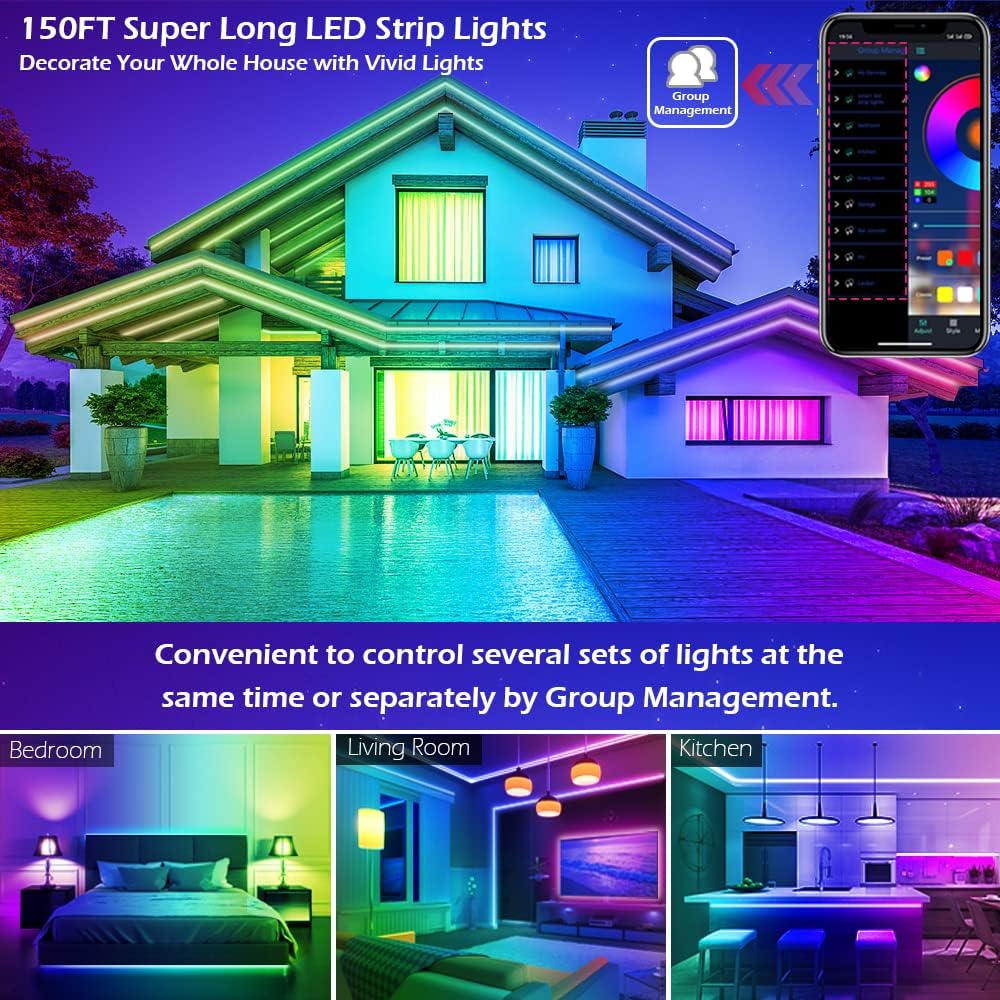
Image: A group of people enjoying LED lights that are synchronized with music, demonstrating the Music and MIC modes.
5.4. Timing-Funktion
Automate your lighting with the timing function:
- Set specific times for the LED lights to automatically turn on or off. This can be used as an "alarm clock" in the morning or to turn off lights at bedtime.
- Access this feature within the "HiLighting" app's schedule settings.

Image: Visual representation of the timing function, showing lights turning off at 11:00 PM and on at 7:00 AM.
5.5. Helligkeitseinstellung
Adjust the intensity of the lights to suit your mood or activity:
- Brightness can be adjusted from 0% (off) to 100% (full brightness) using either the "HiLighting" app or the IR remote control.
Image: The "HiLighting" app interface with a brightness adjustment slider.
5.6. Konzernleitung
For installations with multiple LETIANPAI LED light sets, the app allows for centralized control:
- Conveniently control several sets of lights at the same time or manage them separately by creating groups within the "HiLighting" app.
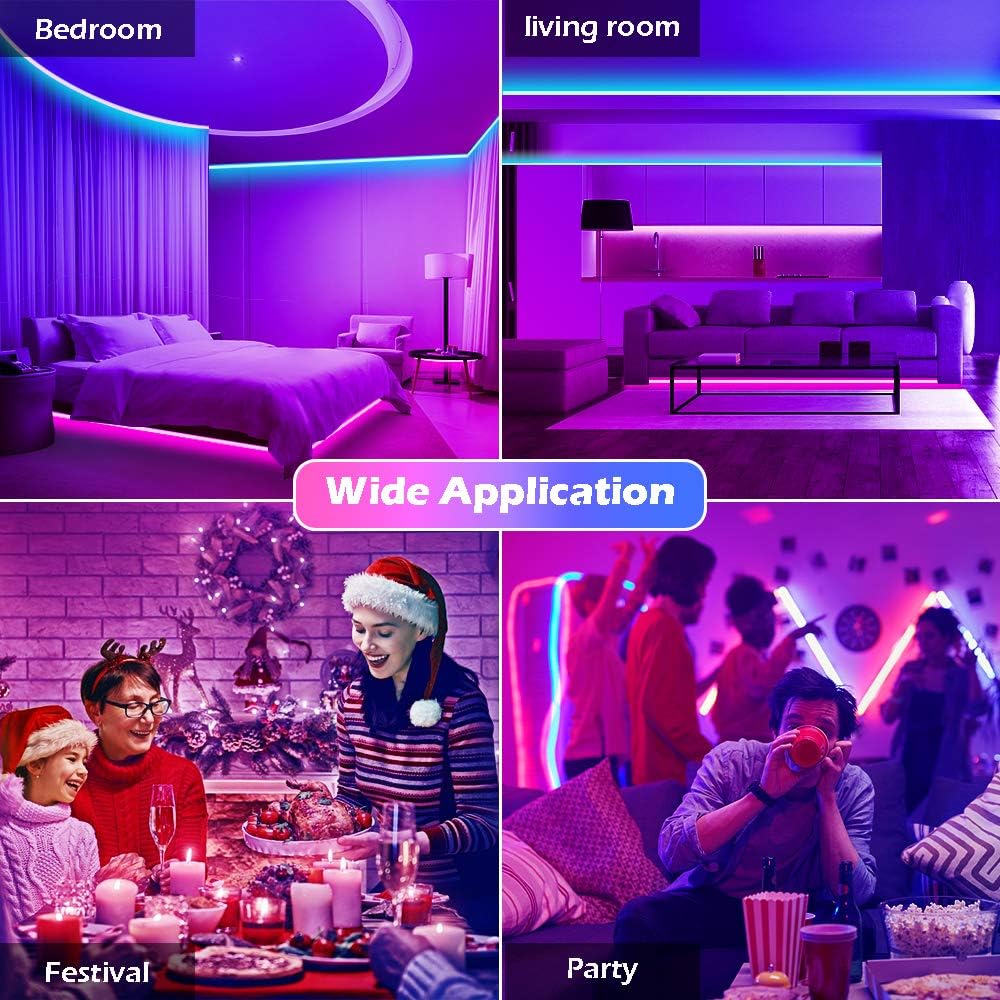
Image: A house illuminated with LED lights in different areas, illustrating the concept of group management for controlling multiple light sets.
6. Wartung
Um die Langlebigkeit und optimale Leistung Ihrer LED-Streifenleuchten zu gewährleisten, beachten Sie bitte folgende Wartungshinweise:
- Reinigung: Wischen Sie die LED-Streifen vorsichtig mit einem trockenen, weichen Tuch ab, um Staub zu entfernen. Verwenden Sie keine flüssigen Reinigungsmittel oder Scheuermittel.
- Klebstoff: If the adhesive begins to lose its grip, ensure the surface is clean. For long-term adhesion, consider using additional mounting clips (not included) if necessary.
- Lagerung: If storing the lights for an extended period, ensure they are clean, dry, and coiled loosely to prevent damage to the strip or wiring.
- Netzteil: Regularly check the power adapter and cables for any signs of damage (fraying, cuts, exposed wires). Discontinue use if damage is found.
7. Fehlerbehebung
Sollten Sie Probleme mit Ihren LED-Streifen haben, beachten Sie bitte die folgenden häufig auftretenden Probleme und Lösungen:
| Problem | Mögliche Ursache | Lösung |
|---|---|---|
| Das Licht geht nicht an. |
|
|
| Fernbedienung funktioniert nicht. |
|
|
| Die App kann keine Verbindung zu den Lampen herstellen. |
|
|
| Die Farben sind falsch oder uneinheitlich. |
|
|
| Adhesive not sticking well. |
|
|
8. Spezifikationen
| Marke | LETIANPAI |
| Modell | 100FT LED Strip Lights (Item model number: 50FT) |
| Lichtquellentyp | LED (5050 LEDs) |
| Lichtfarbe | RGB (Rot, Grün, Blau) |
| Länge | 100 Fuß (30 Meter) |
| Stromquelle | Kabelgebundene Elektrik |
| Bandtage | 12 Volt |
| Wastage | 24 Watt |
| Kontrollmethode | Remote Control, Bluetooth App (HiLighting) |
| Konnektivitätstechnologie | Bluetooth |
| Verwendung im Innen- und Außenbereich | Innenbereich |
| Besondere Merkmale | Cuttable, Strong self-adhesive, Flexible for easy install, Music Sync, MIC Mode, Timing Function, Brightness Adjustable, Group Management |
| Material | Plastik |
| Artikelgewicht | 7.1 Unzen |
| Technische Daten | 4.84 x 4.61 x 2.17 Zoll (Verpackung) |
| Wasserbeständigkeit | Nicht wasserfest |
9. Garantie und Support
LETIANPAI is committed to providing quality products and customer satisfaction. All accessories included with our LED rope lights are officially certified, and the power adapter has undergone rigorous testing for safety.
- Qualitätssicherung: Full refund or free replacement is provided for quality-related issues.
- Kundendienst: If you encounter any issues during installation or operation, please contact LETIANPAI customer service directly. We aim to resolve all inquiries within 24 hours.