
1. Einleitung
This manual provides essential instructions for the safe and effective use of your VMAI INR 18650-26E Replacement Battery. This battery is designed exclusively for the VMAI G700 Electric Mop. Please read this manual thoroughly before installation and use to ensure proper function and longevity of your battery.
2. Produktüberschreitungview
The VMAI INR 18650-26E is a lithium-ion replacement battery specifically engineered for the VMAI G700 Electric Mop. It is crucial to verify your mop model before purchasing and installing this battery. The G700 Electric Mop is typically identified by its green and white color scheme. This battery is compatible with G700 models manufactured from 2023 onwards. For older G700 models, please contact VMAI customer support for assistance.
Hauptmerkmale:
- Designed for VMAI G700 Electric Mop (Green and White model).
- Ermöglicht den kabellosen Betrieb.
- Lithium-Ion technology.
3. Einrichtung: Batterieeinbau
Follow these steps to correctly install the replacement battery into your VMAI G700 Electric Mop:
- Ensure the VMAI G700 Electric Mop is powered off and disconnected from any charging source.
- Locate the battery compartment on your G700 Electric Mop. This is typically found at the base of the handle or within the main body of the mop.
- If an old battery is present, carefully remove it by pressing any release tabs or unlatching the compartment cover.
- Align the new VMAI INR 18650-26E battery with the battery slot, ensuring the connectors match.
- Gently push the battery into the compartment until it clicks securely into place.
- Schließen Sie gegebenenfalls die Abdeckung des Batteriefachs.
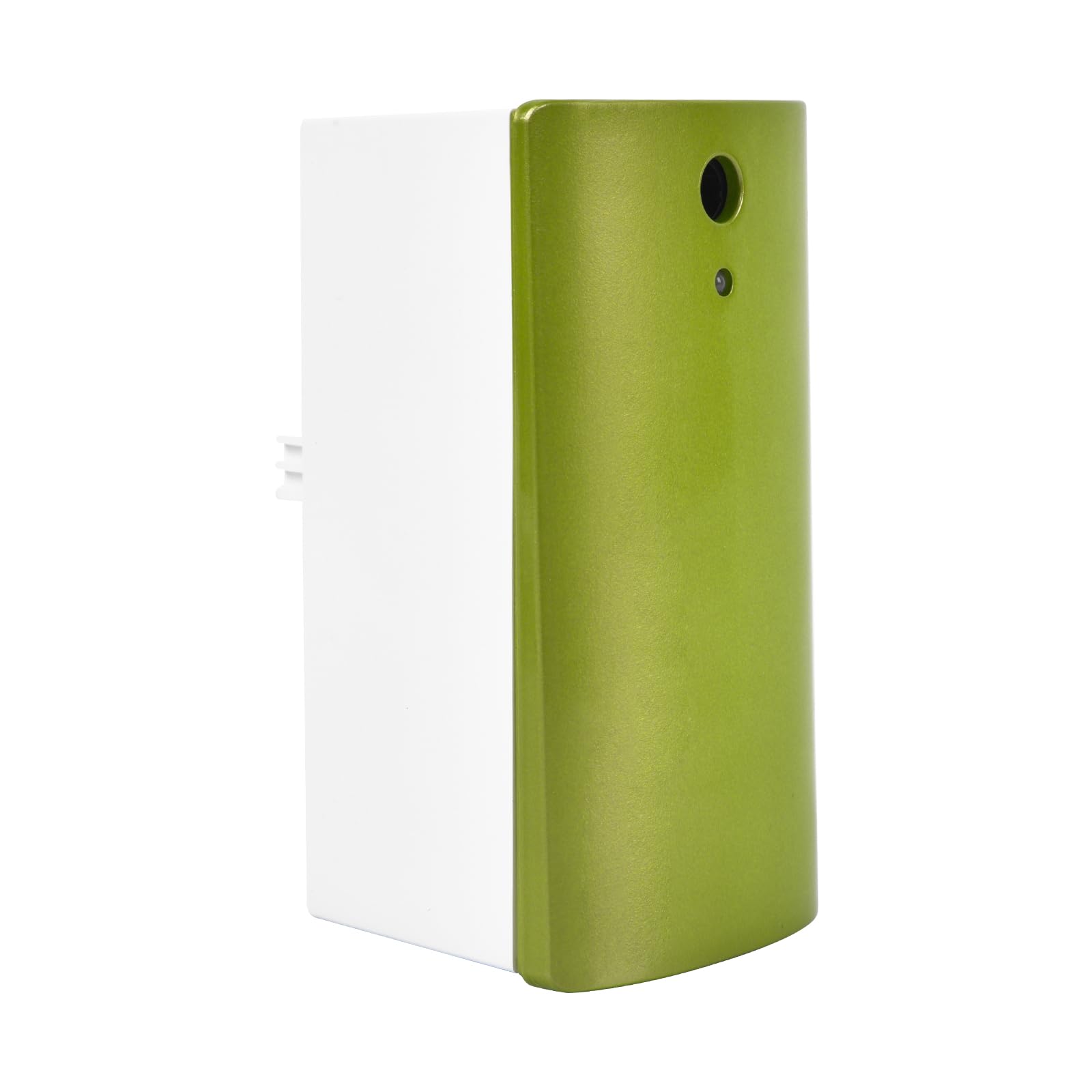
Image: The VMAI INR 18650-26E battery is shown being inserted into the designated slot of the VMAI G700 Electric Mop, illustrating the installation process.
4. Laden des Akkus
To ensure optimal performance, fully charge the battery before its first use and whenever the power level is low.
- Connect the VMAI G700 Electric Mop's charger to a power outlet.
- Plug the charger into the charging port on the mop.
- The charging indicator lights on the mop will illuminate, typically showing progress or a full charge status.
- Eine vollständige Aufladung dauert normalerweise etwa 2.5 bis 3 Stunden.
- Once fully charged, disconnect the charger from the mop and the power outlet.

Image: The VMAI G700 Electric Mop is displayed, highlighting its long-lasting and detachable battery. Text indicates a working time of 40 minutes for wet mopping and 60 minutes for dry mopping, with a fast charging time of 2.5-3 hours for its 2550mAh capacity.
5. Operating with the G700 Mop
Once the battery is installed and fully charged, your VMAI G700 Electric Mop is ready for use. Refer to your VMAI G700 Electric Mop's primary instruction manual for detailed operating procedures. The battery provides the necessary power for the mop's cordless cleaning functions.
6. Wartung und Pflege
Proper care extends the life of your battery:
- Verwenden Sie das richtige Ladegerät: Always use the original charger provided with your VMAI G700 Electric Mop. Using an incorrect charger can damage the battery and void the warranty.
- Lagerung: If storing the battery for an extended period, ensure it is partially charged (around 50%) and stored in a cool, dry place away from direct sunlight and extreme temperatures.
- Tiefentladung vermeiden: Lassen Sie den Akku nicht vollständig entladen, bevor Sie ihn wieder aufladen.
- Reinigung: Halten Sie die Batteriekontakte sauber und frei von Staub und Schmutz.
7. Fehlerbehebung
Sollten Sie Probleme mit Ihrer Ersatzbatterie haben, beachten Sie Folgendes:
- Akku lädt nicht: Ensure the charger is properly connected to both the mop and the power outlet. Verify that the power outlet is functional. Check if the battery is securely installed in the mop.
- Mop Not Powering On: Confirm the battery is fully charged and correctly installed. If the issue persists, the battery may need replacement or there might be an issue with the mop itself.
- Kurze Betriebszeit: Battery performance can degrade over time. Ensure the battery is fully charged. If operating time remains significantly reduced, the battery may be nearing the end of its lifespan.
- Kompatibilitätsprüfung: Double-check that your VMAI G700 Electric Mop is the green and white model and from 2023 or later, as this battery is specifically designed for these versions. Incompatibility can lead to non-functionality.
For persistent issues, please contact VMAI customer support.
8. Spezifikationen
| Attribut | Detail |
|---|---|
| Modellnummer | INR 18650-26E |
| Akku-Typ | Lithium-Ionen |
| Kompatibilität | VMAI G700 Electric Mop (Green & White, 2023+ models) |
| Artikelgewicht | 7.4 Unzen |
| Verpackungsabmessungen | 4.13 x 3.82 x 3.15 Zoll |
9. Sicherheitshinweise
Beachten Sie folgende Sicherheitsvorkehrungen:
- Die Batterie darf nicht zerlegt, durchstochen oder verändert werden.
- Die Batterie darf weder Wasser, Feuer noch extremen Temperaturen ausgesetzt werden.
- Bewahren Sie die Batterie außerhalb der Reichweite von Kindern und Haustieren auf.
- Entsorgen Sie gebrauchte Batterien gemäß den örtlichen Vorschriften.
- If the battery shows signs of damage, swelling, or leakage, discontinue use immediately and dispose of it safely.
10. Garantie und Support
For warranty information or technical support regarding your VMAI INR 18650-26E Replacement Battery, please refer to the documentation included with your original VMAI G700 Electric Mop or contact VMAI customer service directly. Contact details can typically be found on the VMAI official webWebsite oder über Ihre Einkaufsplattform.