
1. Einleitung
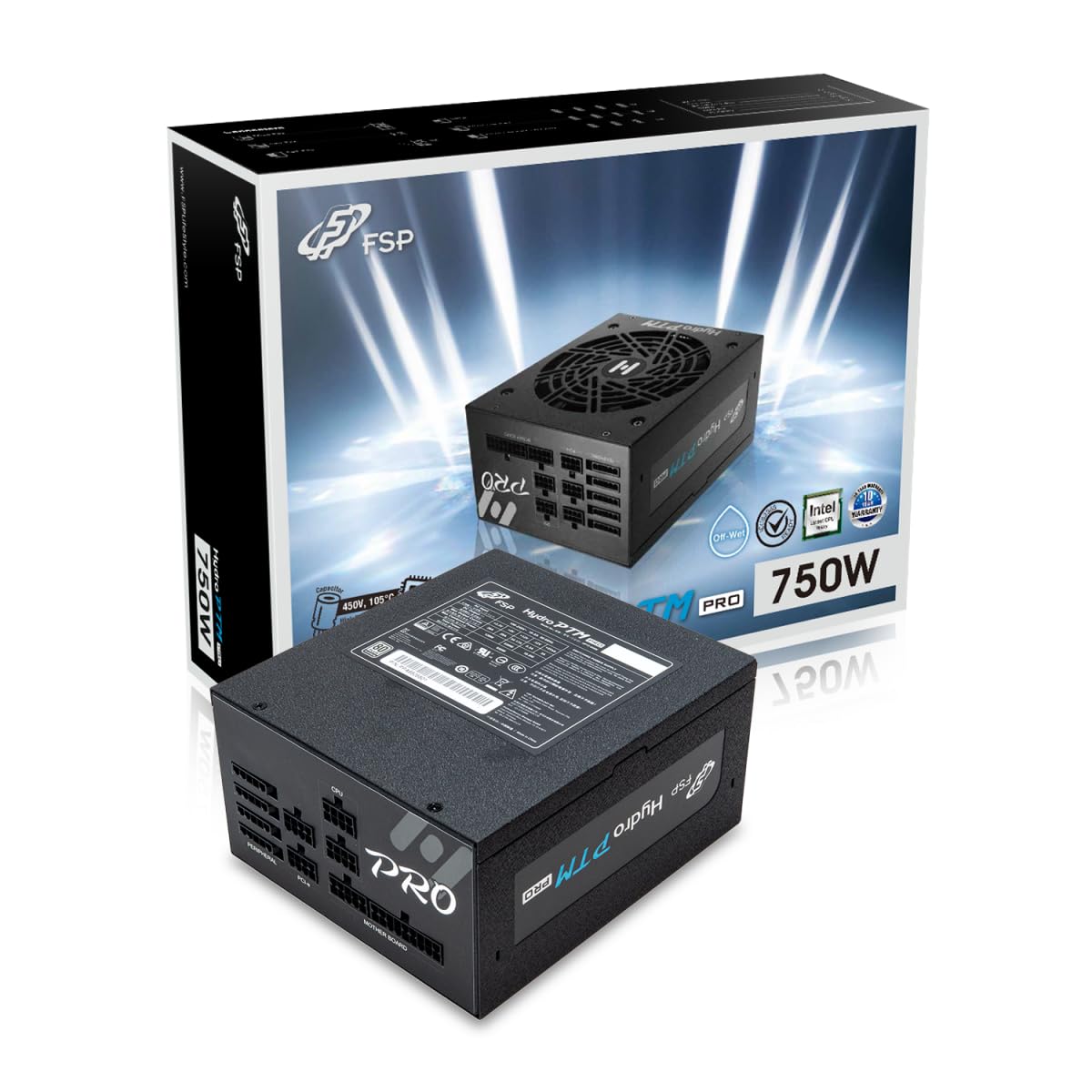
This manual provides detailed instructions for the installation, operation, and maintenance of your FSP Hydro PTM Pro 750W 80 Plus Platinum Full Modular ATX 12V Power Supply (Model: HPT2-750M). Please read this manual thoroughly before using the product to ensure proper function and safety.
The FSP Hydro PTM Pro series is designed for high efficiency and durability, featuring a conformal coating for protection against dust, humidity, and stains. It includes a semi-fanless Eco Mode for quiet operation under low loads and fully modular black ribbon cables for flexible system builds.
2. Sicherheitshinweise
WARNUNG: Improper installation or use can result in serious injury or damage to the power supply and other components. Always follow these safety guidelines:
- Öffnen Sie das Netzteil nicht. Hohe SpannungtagIm Inneren befinden sich Bauteile, und es gibt keine vom Benutzer austauschbaren Teile. Das Öffnen des Geräts führt zum Erlöschen der Garantie.
- Vor der Installation oder Wartung muss sichergestellt werden, dass die Stromversorgung von der Wechselstromsteckdose getrennt ist.
- Installieren Sie das Netzteil in einem gut belüfteten Bereich.
- Use only the modular cables provided with this power supply. Using incompatible cables may cause damage to the power supply and connected components.
- Dieses Produkt ist für die Verwendung in PCs bestimmt. Verwenden Sie es nicht für andere Zwecke.
- Keep the power supply away from water, moisture, and extreme temperatures.
- Stellen Sie sicher, dass alle Verbindungen sicher sind, bevor Sie das System einschalten.

3. Packungsinhalt
Überprüfen Sie, ob alle Artikel in Ihrem Paket vorhanden sind:
- FSP Hydro PTM Pro 750W Power Supply Unit (HPT2-750M)
- Netzkabel
- Modular Cable Set (refer to the "Cable Length and Connectors" section for details)
- Befestigungsschrauben
- Benutzerhandbuch (dieses Dokument)
4. Einrichtung und Installation
4.1 Physische Installation
- Bereiten Sie Ihr System vor: Stellen Sie sicher, dass Ihr Computer vollständig ausgeschaltet und vom Stromnetz getrennt ist.
- Altes Netzteil entfernen (falls zutreffend): Disconnect all cables from your old power supply and remove it from the PC case.
- Netzteil montieren: Insert the FSP Hydro PTM Pro 750W into the power supply bay of your PC case. Secure it with the provided mounting screws.
- Connect Motherboard Cables:
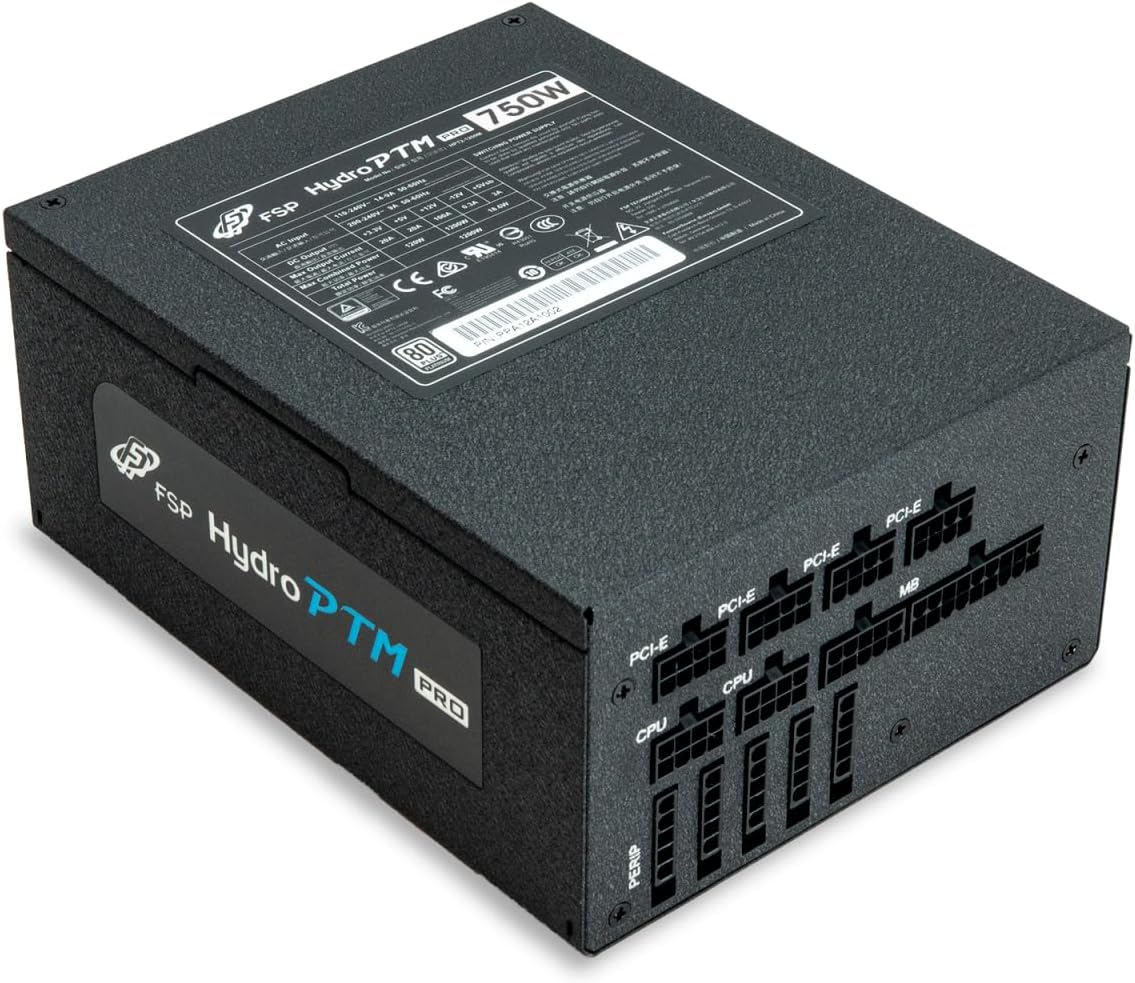
- Connect the 20+4 Pin ATX cable to your motherboard's main power connector.
- Connect the 4+4 Pin CPU (EPS) cable(s) to your motherboard's CPU power connector(s).
- Peripheriekabel anschließen:
- Connect the 6+2 Pin PCI-E cables to your graphics card(s).
- Schließen Sie SATA-Stromkabel an Ihre SSDs, HDDs und optischen Laufwerke an.
- Connect Molex cables to any other peripherals requiring them.
- Sichere Verbindungen: Ensure all modular cables are firmly seated into both the power supply and the respective components.
- Wechselstrom anschließen: Plug the AC power cord into the power supply's AC inlet and then into a wall outlet or surge protector.
4.2 Cable Length and Connectors
The FSP Hydro PTM Pro 750W comes with a set of fully modular black ribbon cables. Refer to the diagram below for connector types and approximate lengths.

5. Bedienung
5.1 Ein-/Ausschalten
After completing the installation, ensure the main power switch on the back of the power supply is in the "ON" (I) position. You can then power on your computer using its case power button.
5.2 Eco-Modus
The Hydro PTM Pro features a semi-fanless Eco Mode. When enabled, the power supply fan will remain off until the system load exceeds approximately 30%. This provides silent operation during low-power tasks.
- To activate Eco Mode: Locate the "ECO" switch next to the main power switch on the rear of the power supply and set it to the "ON" position.
- To disable Eco Mode: Set the "ECO" switch to the "OFF" position. The fan will operate continuously based on temperature.
Video: Ein überview of the FSP Hydro PTM Pro series, highlighting features like conformal coating, Eco Mode, and modular design. This video is provided by FSP GROUP USA.
6. Wartung
6.1 Reinigung
To maintain optimal performance and longevity, periodically clean your power supply:
- Ensure the power supply is completely powered off and unplugged from the AC outlet before cleaning.
- Use compressed air to gently remove dust from the fan grille and ventilation openings.
- Die Außenseite mit einem weichen, trockenen Tuch abwischen. Keine flüssigen Reiniger oder Lösungsmittel verwenden.
6.2 Umweltschutz
The FSP Hydro PTM Pro features a proprietary conformal coating that protects internal components from dust, humidity, and stains. This allows the power supply to reliably operate in environments with up to 95% relative humidity. While this coating offers enhanced protection, it is still recommended to operate the power supply in a clean, dry environment for best results.
7. Fehlerbehebung
Sollten Sie Probleme mit Ihrem Netzteil haben, beachten Sie bitte die folgenden häufig auftretenden Probleme und Lösungen:
| Problem | Mögliche Ursache | Lösung |
|---|---|---|
| Das System lässt sich nicht einschalten. |
|
|
| Das System schaltet sich ein, schaltet sich aber sofort wieder ab. |
|
|
| Fan is not spinning (Eco Mode off). |
|
|
If the problem persists after attempting these solutions, please contact FSP customer support.
8. Spezifikationen
| Besonderheit | Detail |
|---|---|
| Modellname | Hydro PTM Pro (HPT2-750M) |
| Marke | FSP |
| Ausgang Wattage | 750 W |
| 80 Plus-Zertifizierung | Platin |
| Formfaktor | ATX |
| Stromversorgungsdesign | Vollständig modular |
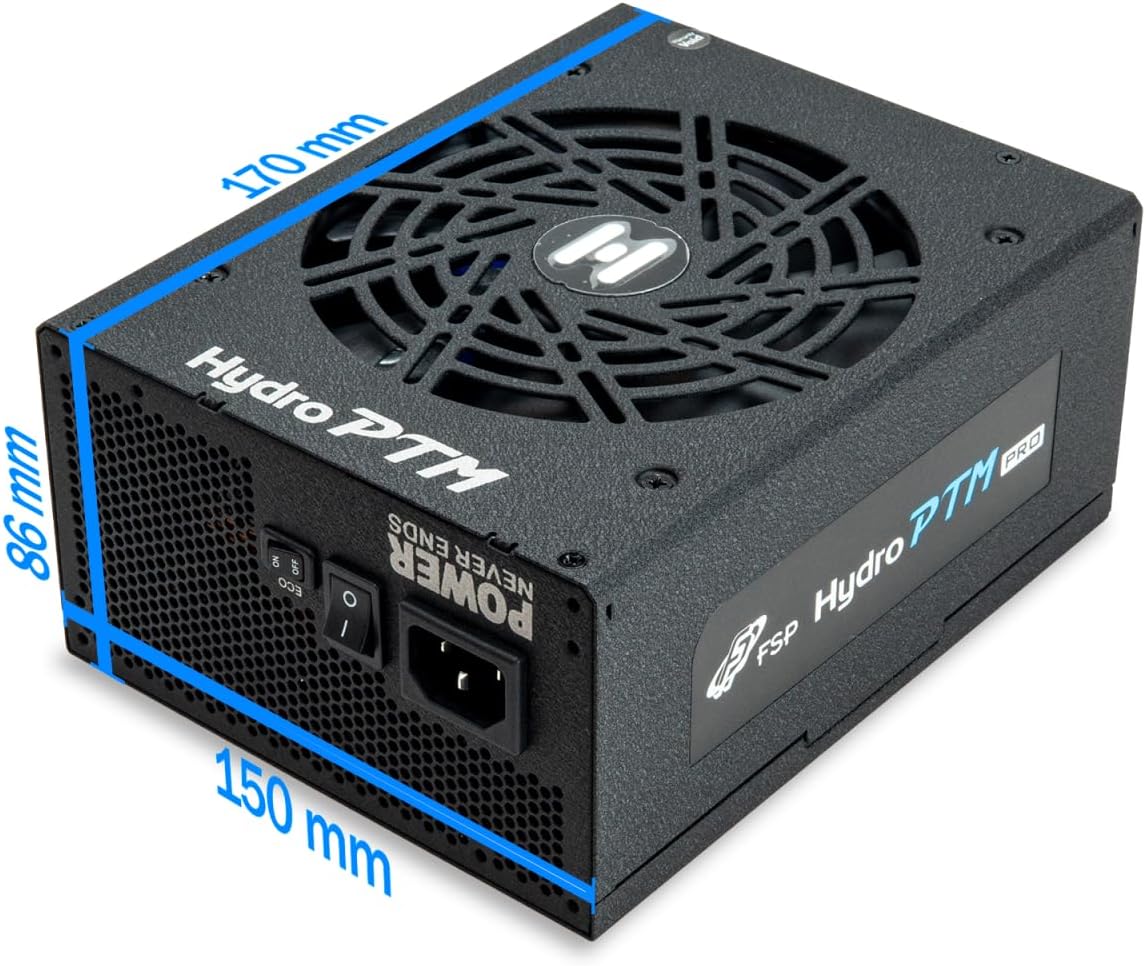
| Kühlmethode | Luft (135-mm-Lüfter) |
| Eingangslautstärketage | 115-240 Volt |
| Abmessungen (L x B x H) | 170 x 150 x 86 mm (6.7 x 5.9 x 3.4 Zoll) |
| Schutz | OCP, OVP, SCP, OPP, UVP, OTP |
| Kondensatoren | Japanese-made Electrolytic Capacitors |
| PFC | Active PFC ≥ 99% |
| Schutzbeschichtung | Yes (Dust, Humidity, Stain protection) |
9. Garantie und Support
9.1 Garantieinformationen
The FSP Hydro PTM Pro 750W power supply is covered by a 10 Jahr Garantie Diese Garantie gilt ab Kaufdatum und deckt Material- und Verarbeitungsfehler bei normalem Gebrauch ab. Bitte bewahren Sie Ihren Kaufbeleg für Garantieansprüche auf.
Die Garantie deckt keine Schäden ab, die entstehen durch:
- Unsachgemäße Installation oder Bedienung.
- Accidental damage, abuse, or misuse.
- Unbefugte Reparaturen oder Änderungen.
- Naturkatastrophen oder äußere Einflüsse.
9.2 Kundendienst
For technical assistance, troubleshooting, or warranty inquiries, please contact FSP customer support. Refer to the official FSP webDie aktuellsten Kontaktinformationen finden Sie auf dieser Website.
FSP GROUP USA
Visit the FSP Store on Amazon