
1. Einleitung
Thank you for choosing the Yimaut IR Remote Control. This remote is designed to provide seamless control for your Roku Built-in TV. It operates using infrared (IR) technology and does not require pairing or complex setup for basic Roku TV functions. This package includes two remote controls, one black silicone cover, and one pink glow-in-the-dark silicone cover, along with wrist straps.
Packungsinhalt
- 2 x Yimaut IR Remote Controls
- 1 x Black Silicone Remote Cover
- 1 x Pink Glow-in-the-Dark Silicone Remote Cover
- 2 x Handschlaufen
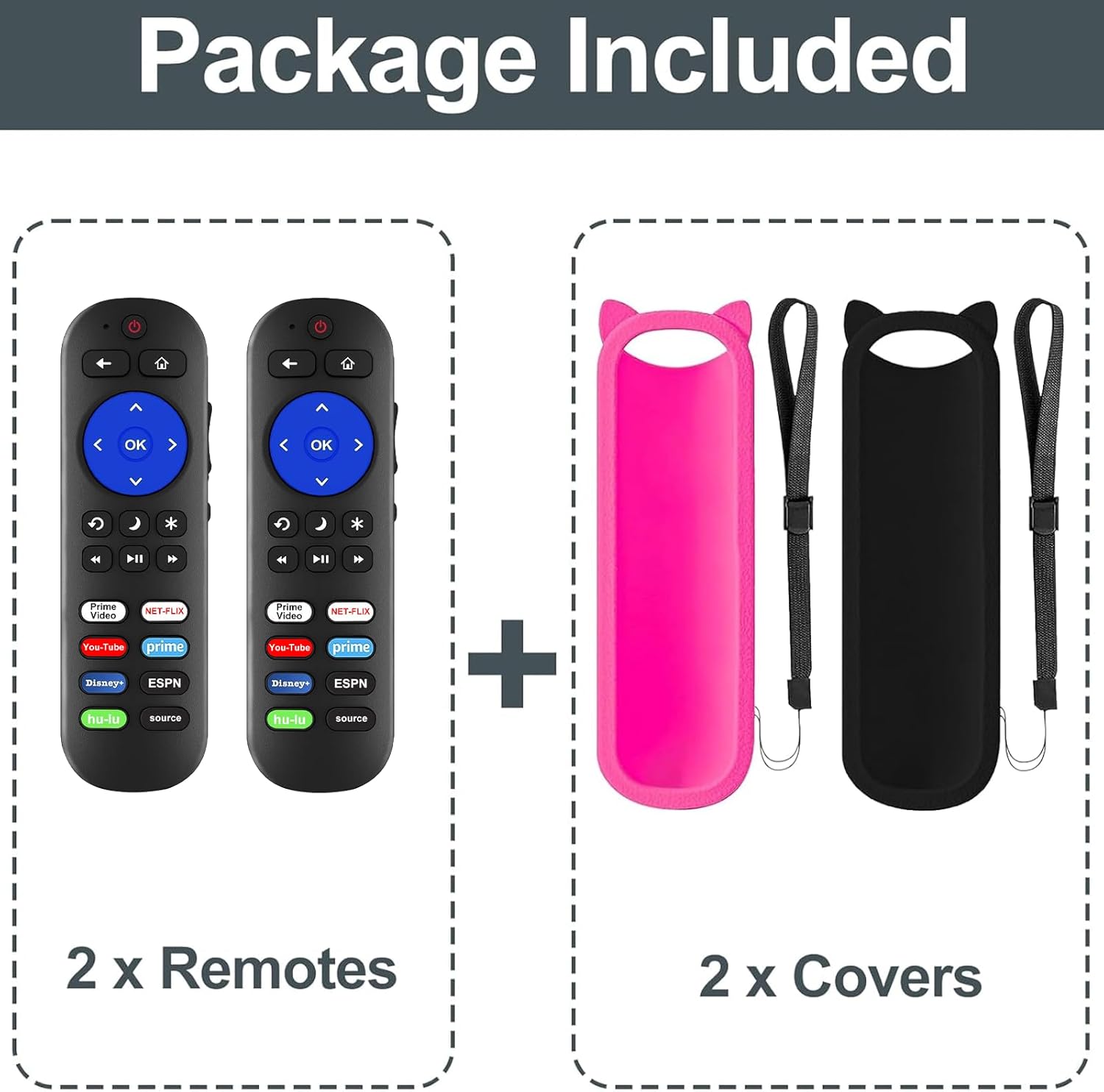
Abbildung 1: Packungsinhalt
Kompatibilität
This remote control is compatible with all Roku Built-in TVs. It is not compatible with Roku Stick or Roku Streaming Stick devices. It does not support RF, Wi-Fi, Bluetooth, voice control, or headphone jack functions.
Supported TV brands include:
- TCL Roku TV
- Hisense RokuTV
- Auf Roku TV
- Sharp Roku TV
- Haier Roku TV
- Insignia Roku-Fernseher
- Sanyo Roku TV
- Hitachi Roku TV
- RCA Roku TV
- Philips Roku-Fernseher
- Element Roku TV
- LG Roku TV
- JVC Roku-TV
- Magnavox Roku TV
- Westinghouse Roku TV

Abbildung 2: Kompatibilität überview
2. Einrichtung
Einlegen der Batterie
Für den Betrieb der Fernbedienung werden zwei (2) AAA-Batterien benötigt (nicht im Lieferumfang enthalten).
- Öffnen Sie den Batteriefachdeckel auf der Rückseite der Fernbedienung.
- Legen Sie zwei AAA-Batterien ein und achten Sie darauf, dass die Plus- (+) und Minus- (-) Anschlüsse mit den Markierungen im Inneren des Batteriefachs übereinstimmen.
- Schließen Sie den Batteriefachdeckel fest.

Figure 3: Remote Control (Batteries not shown installed)
Erste Verwendung
For Roku Built-in TVs, no pairing or programming is required. Once batteries are installed, the remote is ready for immediate use. Simply point the remote directly at your Roku TV.
3. Bedienungsanleitung
Grundfunktionen
- Netzschalter: Schaltet Ihren Fernseher ein oder aus.
- Lautstärke erhöhen/verringern: Passt die Lautstärke des Fernsehers an.
- Stummschaltfläche: Schaltet den TV-Ton stumm oder hebt die Stummschaltung auf.
- Steuerkreuz (Oben, Unten, Links, Rechts) und OK-Taste: Navigiert durch Menüs und wählt Optionen aus.
- Home "Button: Kehrt zum Roku-Startbildschirm zurück.
- Zurück-Schaltfläche: Kehrt zum vorherigen Bildschirm oder Menü zurück.
- Wiedergabesteuerung (Zurückspulen, Wiedergabe/Pause, Vorspulen): Steuert die Medienwiedergabe.
Tastenkombinationen
The remote features dedicated shortcut buttons for quick access to popular streaming services:
- Netflix
- Hulu
- Disney+
- Amazon Prime Video
- YouTube
- ESPN+
- Source Button (to change input source)
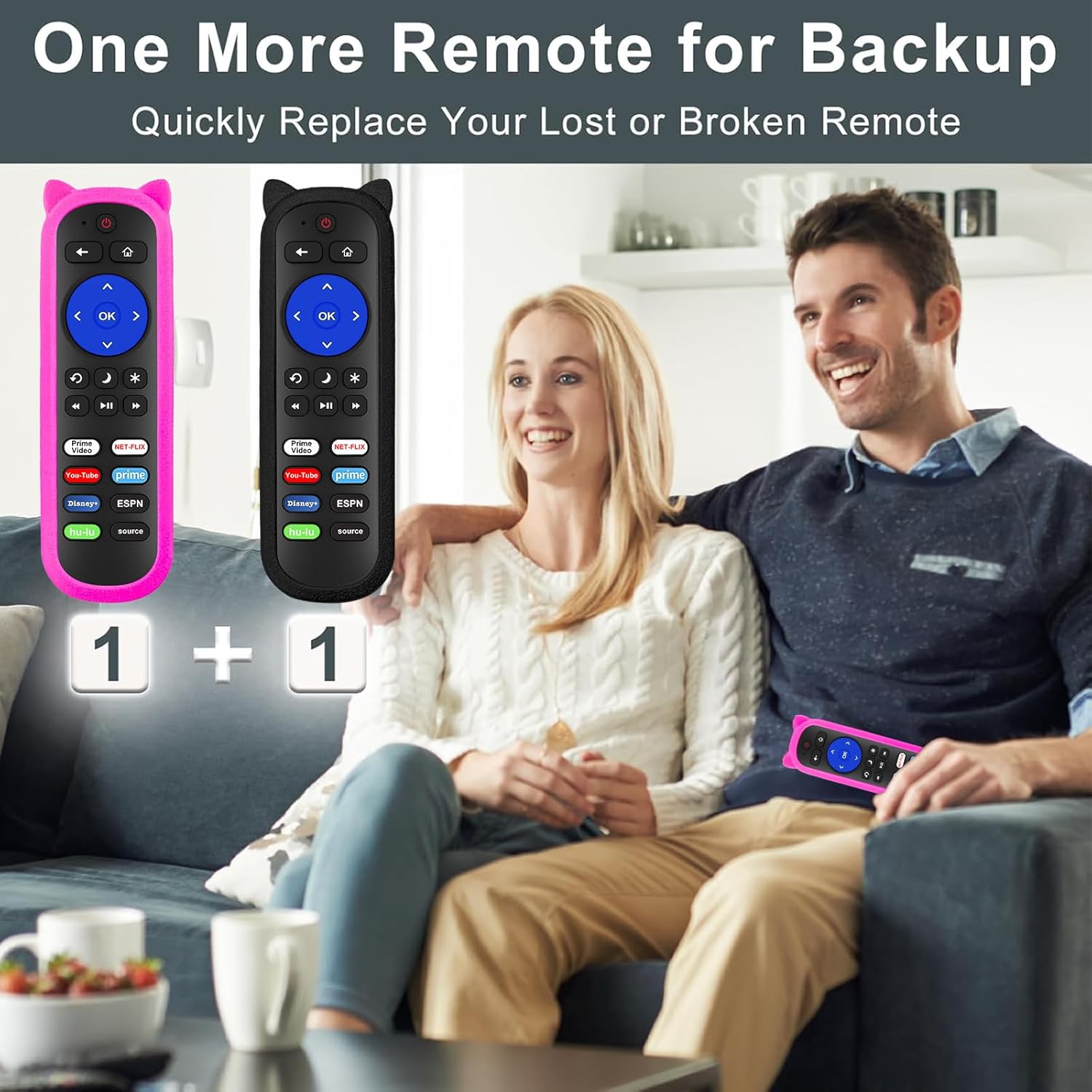
Figure 4: Remote Control Layout with Shortcut Buttons

Figure 5: 8 Channel Shortcut Keys Design
Infrared (IR) Operation
This remote operates via infrared signal. Ensure a clear line of sight between the remote control and your TV's IR receiver. Obstructions can interfere with the signal. The remote has a transmitting distance of up to 12 meters (40 feet).

Figure 6: Farther Transmitting Distance
4. Wartung
Silicone Remote Covers
The included silicone covers protect your remote from drops and scratches. The pink cover features a glow-in-the-dark material, making it easier to locate in low-light conditions.
- Reinigung: The silicone covers are washable. Remove the remote from the cover, wash the cover with mild soap and water, rinse thoroughly, and allow it to air dry completely before reinserting the remote.
- Anti-Lost Feature: Use the included wrist strap with the silicone cover to prevent accidental drops or misplacement.
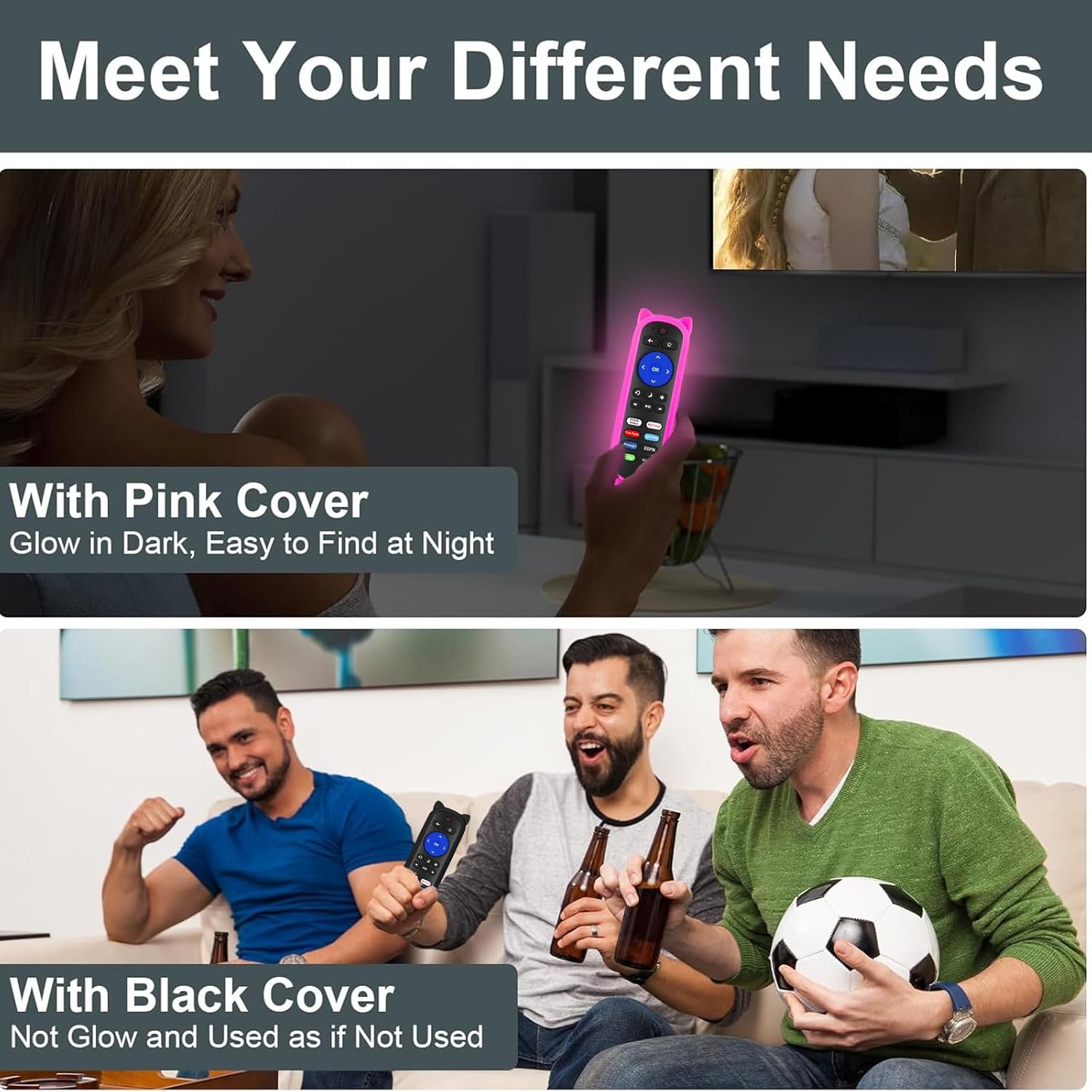
Figure 7: Remote with Pink Glow-in-the-Dark Cover

Figure 8: Detail of Silicone Remote Cover
Batteriewechsel
Replace batteries when the remote's response becomes sluggish or stops working. Always use fresh AAA batteries and dispose of old batteries responsibly.
5. Fehlerbehebung
Fernbedienung reagiert nicht
- Batterien prüfen: Ensure batteries are inserted correctly with the correct polarity and are not depleted. Replace if necessary.
- Sichtlinie: Verify there are no obstructions between the remote and your TV's IR receiver. Aim the remote directly at the TV.
- Interferenz: Avoid pointing the remote at glossy surfaces, as this can cause signal reflection issues. Keep the remote's path clear of bright LED light sources, which can interfere with the IR signal.
- Distanz: Ensure you are within the effective operating range (up to 12 meters / 40 feet).

Figure 9: Troubleshooting for Connection Failure
Programming TV Power/Volume (for Roku Express/Soundbar setups)
While this remote is primarily for Roku Built-in TVs, some users with Roku Express or soundbar setups may need to program the TV power and volume buttons. If the power and volume buttons do not control your TV directly, you may need to use a universal remote code for your TV brand. Refer to your TV's manual for compatible universal remote codes or contact Yimaut customer service for assistance.
Note: Some users have reported success using Sony TV codes for Sceptre TVs.
6. Spezifikationen
| Besonderheit | Spezifikation |
|---|---|
| Marke | Yimaut |
| Konnektivitätstechnologie | Infrarot (IR) |
| Kompatibilität | All Roku Built-in TVs (TCL, Hisense, Onn, Sharp, etc.) |
| Stromquelle | 2 x AAA-Batterien (nicht enthalten) |
| Besondere Merkmale | Ergonomic design, No programming required for Roku Built-in TV, Shortcut keys, Anti-lost silicone covers (one glow-in-the-dark) |
| Maximale Anzahl unterstützter Geräte | 3 (Roku TV, plus TV power/volume if programmed) |
| Artikelgewicht | 5.6 ounces (approx. for the pack) |
| Verpackungsabmessungen | 6.5 x 4.29 x 1.46 Zoll |
7. Garantie und Support
For any questions, concerns, or technical support regarding your Yimaut IR Remote Control, please contact Yimaut customer service. While specific warranty details are not provided in this manual, Yimaut is committed to providing quality products and support.
You can often find support information or contact details through the retailer where you purchased the product or by visiting the official Yimaut brand store online.
Yimaut Brand Store: Visit the Yimaut Store