
1. Einleitung
The Looki I3 Cam is an intelligent indoor security camera designed to provide real-time monitoring of your home. It is ideal for keeping an eye on your property when you are away, or for observing pets and children. The camera offers convenient features such as motion detection and two-way audio communication, all controllable via a dedicated mobile application. The package includes a free 32GB microSD card for secure storage of recordings.
2. Sicherheitshinweise
- Stellen Sie sicher, dass die Kamera an einem stabilen Ort installiert ist, um ein Herunterfallen zu verhindern.
- Setzen Sie die Kamera keinen extremen Temperaturen, hoher Luftfeuchtigkeit oder direkter Sonneneinstrahlung aus.
- Verwenden Sie ausschließlich das mitgelieferte Netzteil und USB-Kabel.
- Keep the camera away from water, despite its stated water resistance, as it is designed for indoor use.
- Do not attempt to disassemble or repair the camera yourself. Contact technical support for assistance.
- Außerhalb der Reichweite von Kindern und Haustieren aufbewahren.
3. Packungsinhalt
Überprüfen Sie, ob alle Artikel in Ihrem Paket vorhanden sind:
- Looki I3 Cam Indoor Security Camera
- 32 GB microSD-Karte (vorinstalliert oder separat)
- USB Power Adapter
- USB-Kabel
- Ceiling/Wall Mount Bracket
- Befestigungsschrauben
- Benutzerhandbuch (dieses Dokument)
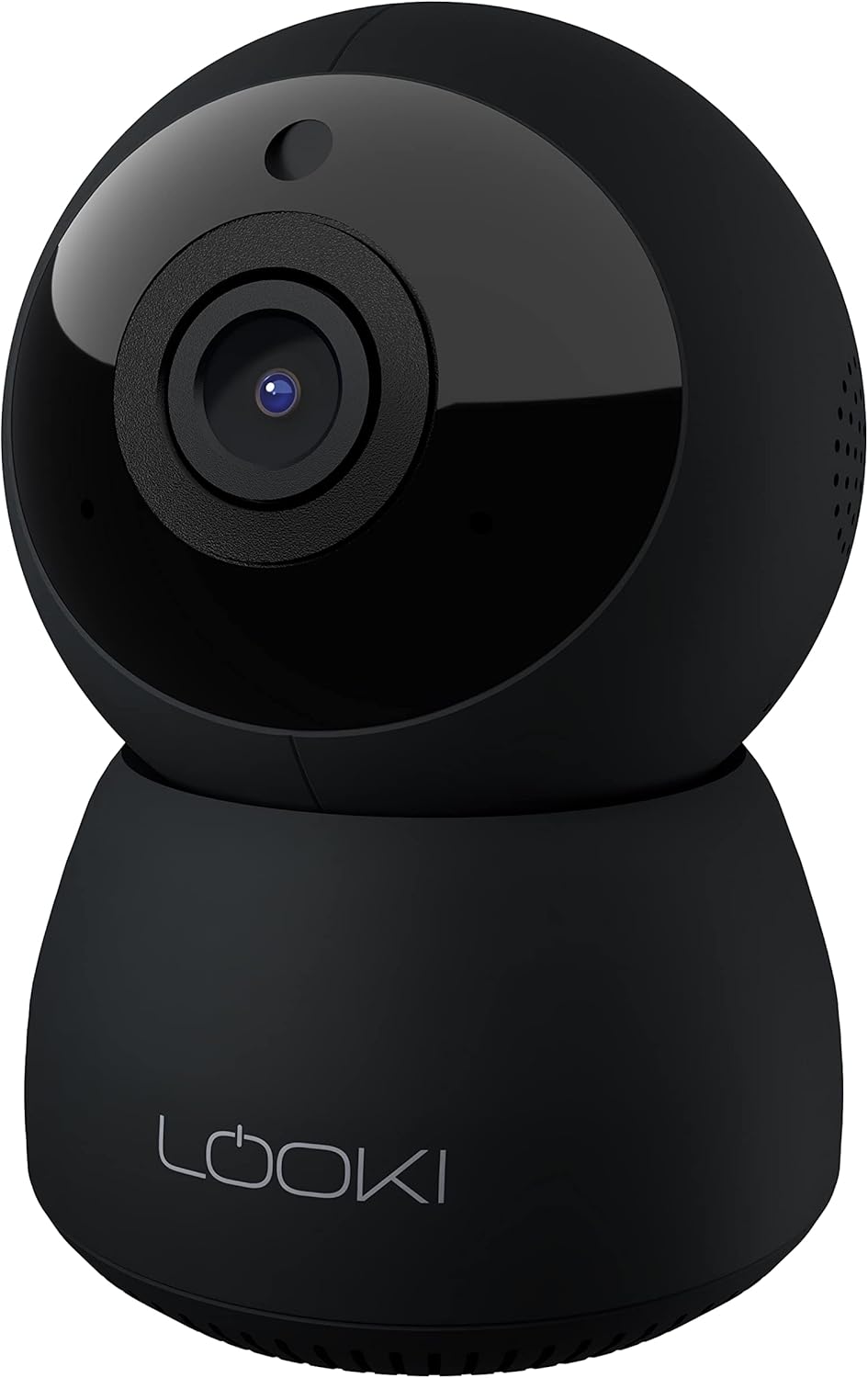
Figure 3.1: The Looki I3 Cam and its included accessories, such as the 32GB SD card, USB adapter, USB cable, and mounting hardware.
4. Produktüberschreitungview
Familiarize yourself with the main components of your Looki I3 Cam.
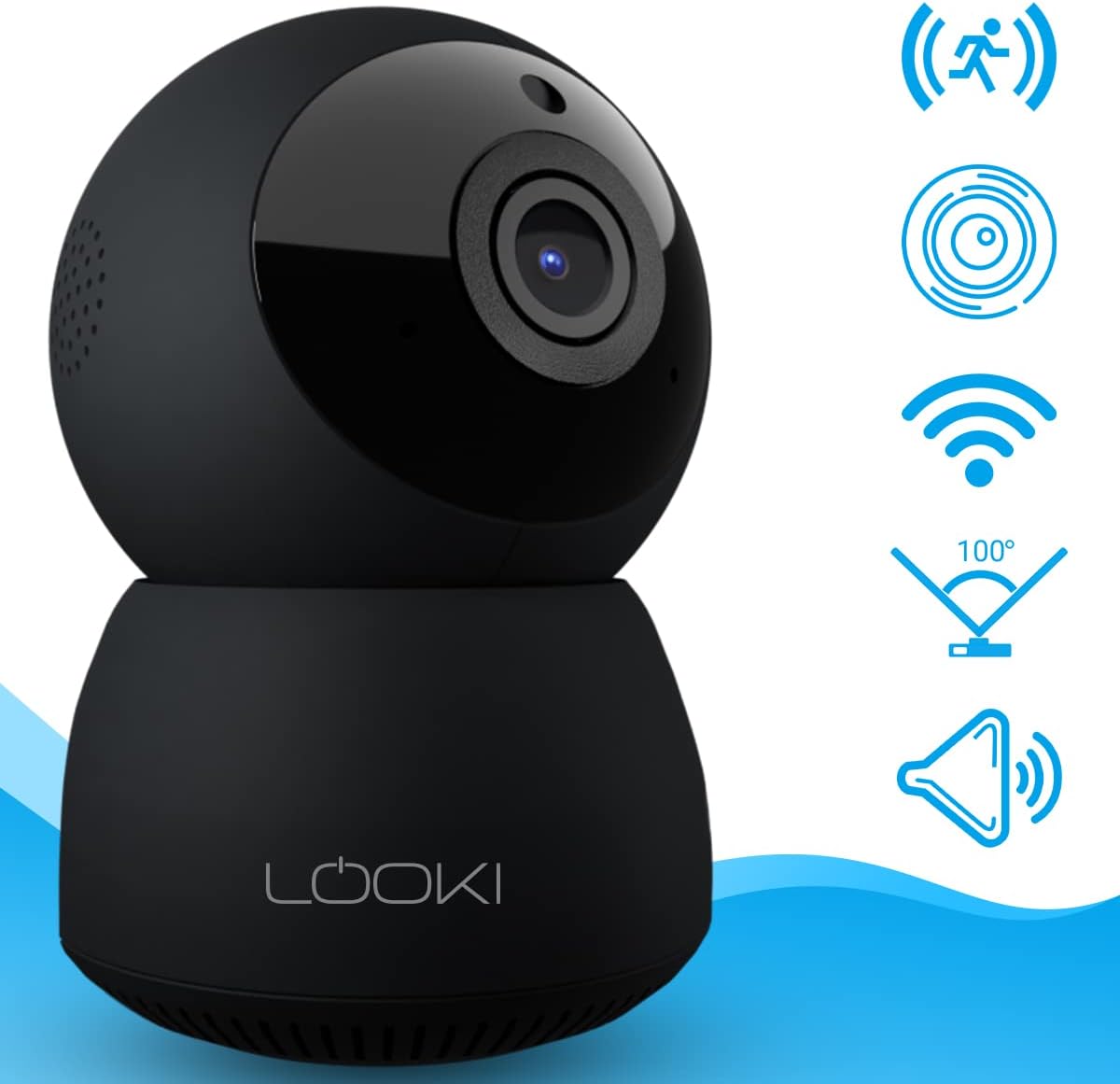
Abbildung 4.1: Vorderseite view of the Looki I3 Cam, showing the camera lens and indicator light.

Abbildung 4.2: Seite view of the Looki I3 Cam, highlighting the sleek design.

Abbildung 4.3: Zurück view of the Looki I3 Cam, showing the speaker grille and power port.
5. Einrichtung
Follow these steps to set up your Looki I3 Cam:
- Einschalten: Connect the USB cable to the camera's power port and the USB adapter. Plug the adapter into a power outlet. The camera will power on and an indicator light will illuminate.
- Lade App herunter: Download the official Looki app from your mobile device's app store (available for iOS).
- Benutzerkonto erstellen: Öffne die App und erstelle ein neues Benutzerkonto oder melde dich an, falls du bereits eines hast.
- Gerät hinzufügen: Follow the in-app instructions to add your new Looki I3 Cam. This typically involves scanning a QR code on the camera or connecting to its temporary Wi-Fi network.
- Mit WLAN verbinden: Select your home Wi-Fi network and enter the password when prompted. Ensure your camera is within range of your Wi-Fi router.
- Montage (Optional): If desired, use the included mount and screws to install the camera on a wall or ceiling. Ensure the mounting surface is sturdy enough to support the camera's weight.

Figure 5.1: The Looki I3 Cam connected to a smartphone, demonstrating live view capabilities and the inclusion of a 32GB SD card for storage.
6. Betrieb
Once set up, you can utilize the various features of your Looki I3 Cam through the mobile application.
6.1 Live View
Access the live video feed from your camera anytime, anywhere, directly from the app. The camera provides 1080p Full HD resolution for clear images.

Figure 6.1: A visual comparison demonstrating the superior clarity of 1080p Full HD resolution provided by the Looki I3 Cam compared to 720p.
6.2 Zwei-Wege-Audio
The camera is equipped with a built-in speaker and microphone, allowing for two-way communication. You can speak through the camera and hear audio from its surroundings via the app.
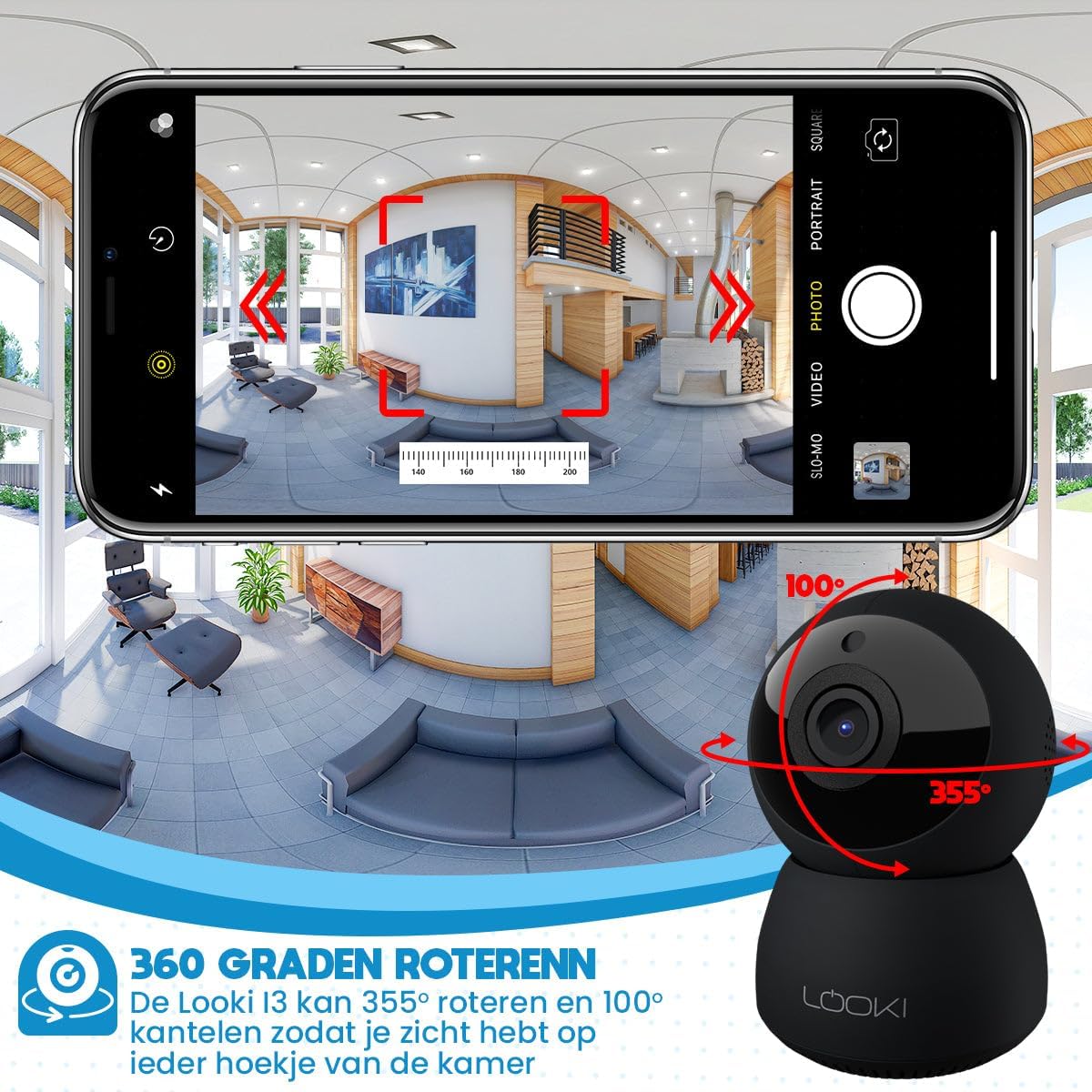
Figure 6.2: Illustration of the two-way audio feature, enabling communication through the camera from your mobile device.
6.3 Bewegungserkennung
The Looki I3 Cam features smart motion detection. When motion is detected, you will receive a push notification on your mobile device, and the camera will begin recording.
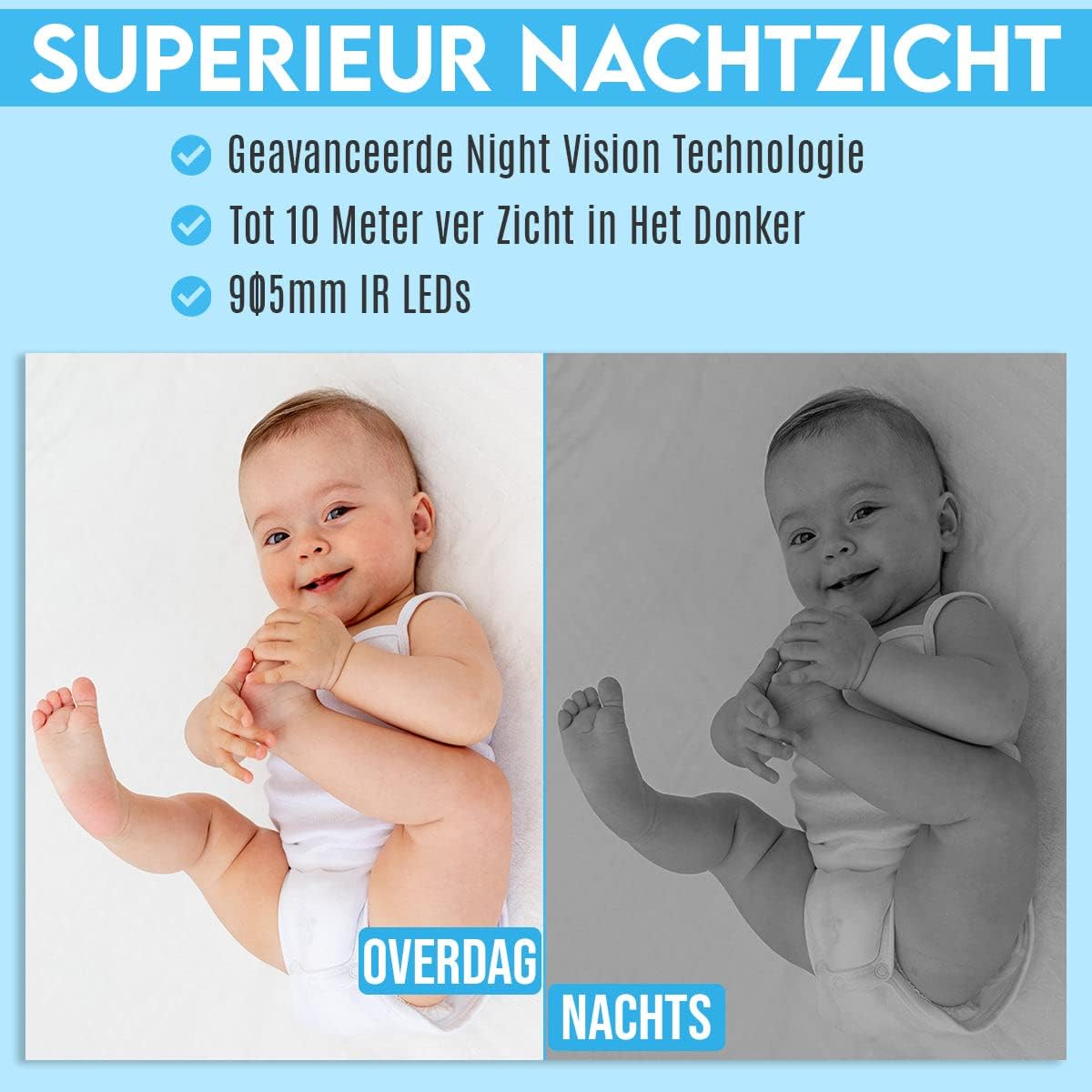
Figure 6.3: Depiction of the smart motion detection system, which alerts you to activity and initiates recording.
6.4 Nachtsicht
The camera is equipped with advanced night vision technology, allowing it to capture clear images in low-light conditions up to 10 meters away using 905mm IR LEDs.

Abbildung 6.4: Ein Bspample illustrating the camera's superior night vision, showing clear images in complete darkness.
6.5 Schwenken und Neigen
The Looki I3 Cam offers a 355-degree horizontal rotation (pan) and 100-degree vertical tilt, allowing you to remotely adjust the viewing angle to cover a wide area of your room.

Figure 6.5: Diagram showing the camera's 355-degree horizontal rotation and 100-degree vertical tilt capabilities for comprehensive room coverage.
7. Wartung
- Reinigung: Reinigen Sie Objektiv und Gehäuse der Kamera mit einem weichen, trockenen Tuch. Verwenden Sie keine flüssigen Reiniger oder Sprays.
- Lagerung: Wenn Sie die Kamera über einen längeren Zeitraum lagern, trennen Sie sie vom Stromnetz und bewahren Sie sie an einem kühlen, trockenen Ort auf.
- Firmware-Updates: Überprüfen Sie regelmäßig die App auf verfügbare Firmware-Updates, um optimale Leistung und Sicherheit zu gewährleisten.
8. Fehlerbehebung
If you encounter issues with your Looki I3 Cam, refer to the following common solutions:
- Kamera offline: Check your Wi-Fi connection and ensure the camera is powered on. Restart the camera and your router.
- Verbindung zur App nicht möglich: Ensure you have the latest version of the app. Try resetting the camera (refer to app instructions for reset procedure) and re-adding it.
- Schlechte Videoqualität: Überprüfen Sie Ihre Internetgeschwindigkeit. Stellen Sie sicher, dass die Kameralinse sauber und frei von Verunreinigungen ist.
- Bewegungserkennung funktioniert nicht: Verify that motion detection is enabled in the app settings. Adjust sensitivity if necessary.
- Kein Ton: Check the volume settings on your phone and within the app. Ensure the camera's microphone is not obstructed.
For further assistance, please contact Looki technical support.
9. Spezifikationen
| Besonderheit | Spezifikation |
|---|---|
| Modellname | I3 Cam incl. 32GB SD Card (Black) |
| Artikelmodellnummer | i3 |
| Farbe | Schwarz |
| Material | Plastik |
| Gewicht | 341 Gramm |
| Verwendung im Innen- und Außenbereich | Innenbereich |
| Auflösung der Videoaufzeichnung | 1080p |
| Viewing-Winkel | 355 Grad (Pfanne), 100 Grad (Neigung) |
| Bildfrequenz | 60 Bilder/s |
| Drahtlose Kommunikationstechnologie | W-lan |
| Konnektivitätstechnologie | Kabelgebunden, kabellos |
| Besondere Merkmale | Night Vision, Motion Detector, HD Resolution, Two-Way Audio |
| Stromquelle | Stromkabel |
| Montagetyp | Standing, Wall Mount, Ceiling Mount |
| Controllertyp | iOS (via Application) |
| Im Lieferumfang enthaltene Komponenten | Camera, 32GB SD Card, USB Adapter, USB Cable, Mount, Screws |
| Empfohlene Verwendung | Pet Monitoring, Indoor Security |
10. Garantie und Support
Looki provides lifetime technical support for the I3 Cam. If you have any questions, require assistance with setup, or encounter any issues not covered in this manual, please contact Looki customer service. Refer to the product packaging or the official Looki webWebsite für Kontaktinformationen.