
Einführung
This manual provides essential information for the safe and efficient use of your Apple 11-inch iPad Pro (2021 Model). It covers setup, operation, maintenance, and troubleshooting to help you maximize your device's capabilities. The iPad Pro features the Apple M1 chip, an 11-inch Liquid Retina display, advanced camera systems, and high-speed Wi-Fi connectivity.
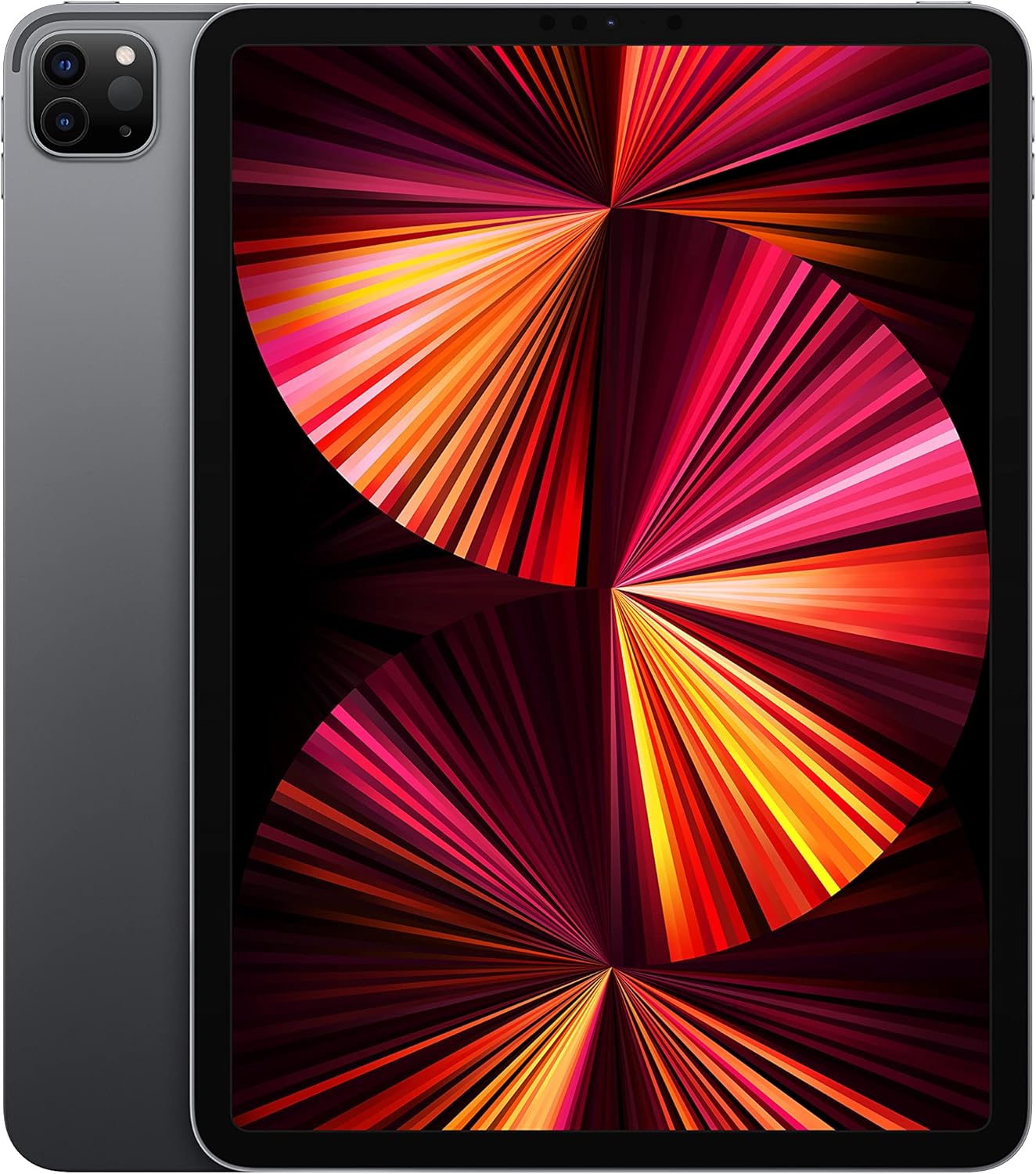
Image: The Apple 11-inch iPad Pro (2021 model) in Space Gray, showcasing its sleek design with the display active and the rear camera module visible.
Aufstellen
1. Auspacken und Inhalt
Nehmen Sie alle Teile vorsichtig aus der Verpackung. Prüfen Sie, ob die folgenden Komponenten enthalten sind:
- iPad Pro
- USB-C-Ladekabel (1 Meter)
- 18W USB-C Netzteil
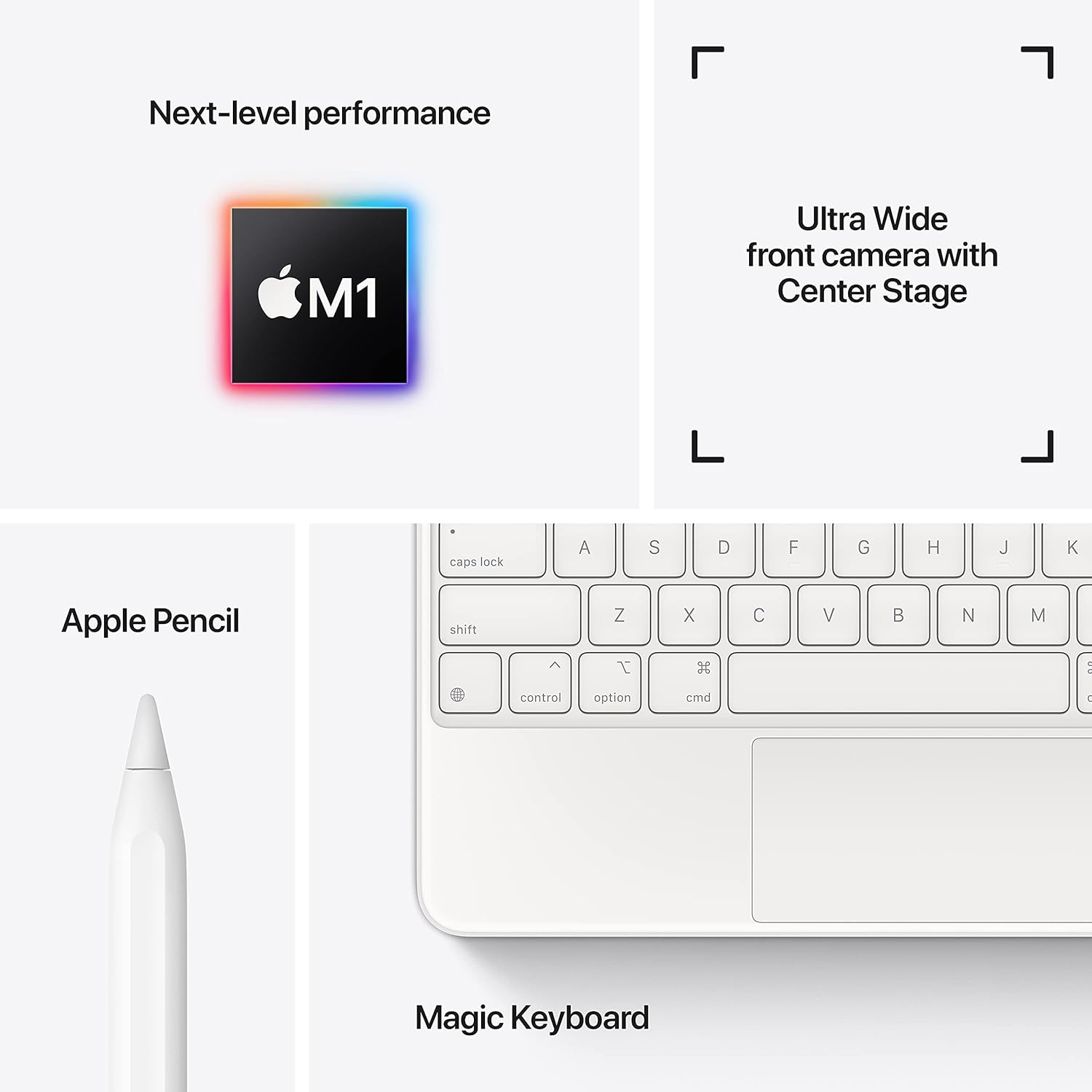
Image: A visual representation of the items included in the iPad Pro packaging: the iPad Pro device, a USB-C charging cable, and a USB-C power adapter.
2. Anfangsgebühr
Before first use, connect your iPad Pro to the power adapter using the provided USB-C cable and charge it until the battery indicator shows a full charge. This ensures optimal battery calibration.
3. Ein-/Ausschalten
- So schalten Sie das Gerät ein: Halten Sie die obere Taste gedrückt, bis das Apple-Logo erscheint.
- So schalten Sie das Gerät aus: Press and hold the top button and either volume button simultaneously until the power off slider appears. Drag the slider to shut down the device.
4. Erste Einrichtungsschritte
Follow the on-screen instructions to configure your iPad Pro:
- Wählen Sie Ihre Sprache und Region aus.
- Stellen Sie eine Verbindung zu einem Wi-Fi-Netzwerk her.
- Richten Sie Face ID für eine sichere Authentifizierung ein.
- Melde dich mit deiner Apple-ID an oder erstelle eine neue.
- Configure data and privacy settings.
Betrieb
1. Grundlegende Navigation
The iPad Pro uses intuitive multi-touch gestures for navigation:
- Startbildschirm: Wischen Sie vom unteren Bildschirmrand nach oben.
- App-Umschalter: Wischen Sie vom unteren Bildschirmrand nach oben und halten Sie in der Mitte des Bildschirms kurz inne.
- Kontrollzentrum: Wischen Sie von der oberen rechten Ecke des Bildschirms nach unten.
- Benachrichtigungen: Wischen Sie von der oberen linken Ecke oder von der Mitte des Bildschirms nach unten.
2. Gesichtserkennung
Face ID allows you to securely unlock your iPad, authorize purchases, and sign in to apps using facial recognition. Ensure your face is clear and visible to the TrueDepth camera.
3. Anschlusszubehör
The iPad Pro supports various accessories to enhance productivity and creativity:
- Apple Pencil (2. Generation): Attach the Apple Pencil magnetically to the side of your iPad Pro to pair and charge it.
- Magic Keyboard / Smart Keyboard Folio: Attach the keyboard magnetically to the Smart Connector on the back of your iPad Pro. No pairing is required.

Image: A user engaged in creative work on an iPad Pro, utilizing both the Magic Keyboard and Apple Pencil for enhanced interaction.

Image: An infographic illustrating the core features of the iPad Pro, including the M1 chip for performance, the Ultra Wide front camera with Center Stage, and compatibility with Apple Pencil and Magic Keyboard.
4. Verwenden der Kameras
The iPad Pro features a 12MP Wide camera, 10MP Ultra Wide camera, and a LiDAR Scanner on the rear, and a 12MP Ultra Wide TrueDepth front camera with Center Stage. Center Stage sorgt automatisch dafür, dass Sie bei Videoanrufen im Bild bleiben.
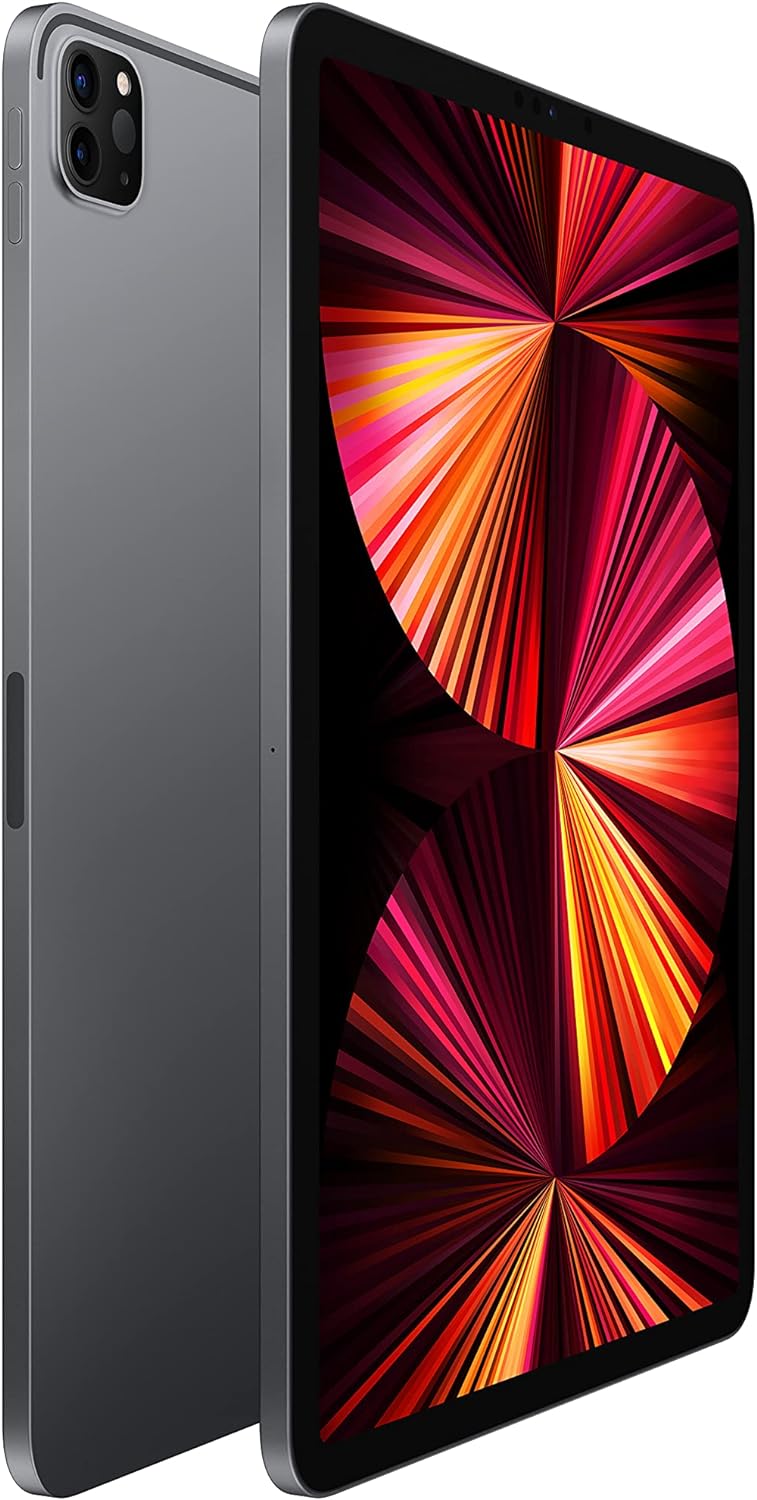
Image: A detailed close-up of the iPad Pro's advanced camera system and its sleek side design, with a glimpse of the Magic Keyboard in the background.
5. Wi-Fi-Konnektivität
Um eine Verbindung zu einem WLAN-Netzwerk herzustellen, gehen Sie zu Einstellungen > WLAN, select your desired network, and enter the password if prompted. The iPad Pro supports ultrafast Wi-Fi for reliable internet access.
Wartung
1. Reinigen des Displays
Use a soft, lint-free cloth to clean the display. For stubborn smudges, slightly dampen the cloth with water. Avoid using abrasive materials or chemical cleaners.
2. Batteriepflege
So verlängern Sie die Akkulaufzeit:
- Vermeiden Sie extreme Temperaturen.
- Keep the software updated.
- Optimize settings such as screen brightness and background app refresh.
The iPad Pro offers up to 10 hours of web surfing on Wi-Fi or video playback.
3. Software-Updates
Regularly check for and install software updates to ensure your iPad Pro has the latest features, security enhancements, and performance improvements. Go to Einstellungen > Allgemein > Softwareupdate.
Fehlerbehebung
1. Gerät reagiert nicht
If your iPad Pro is unresponsive, perform a force restart:
- Drücken Sie kurz die Lauter-Taste und lassen Sie sie dann wieder los.
- Drücken Sie kurz die Leiser-Taste und lassen Sie sie dann wieder los.
- Halten Sie die obere Taste gedrückt, bis das Apple-Logo erscheint.
2. Probleme mit der WLAN-Verbindung
- Stellen Sie sicher, dass WLAN aktiviert ist in Einstellungen > WLAN.
- Starten Sie Ihren WLAN-Router neu.
- Forget the network and reconnect: Settings > Wi-Fi > (i) icon > Forget This Network.
3. App Not Working Correctly
- Schließen Sie die App und öffnen Sie sie erneut.
- Prüfen Sie im App Store, ob App-Updates verfügbar sind.
- Löschen Sie die App und installieren Sie sie neu.
4. Zurücksetzen auf Werkseinstellungen (Letzter Ausweg)
If issues persist, you may need to erase all content and settings. This will delete all data on your iPad. Go to Einstellungen > Allgemein > iPad übertragen oder zurücksetzen > Alle Inhalte und Einstellungen löschen. Sichern Sie Ihre Daten, bevor Sie fortfahren.
Technische Daten
| Besonderheit | Detail |
|---|---|
| Modellnummer | MHQR3LL/A |
| Marke | Apfel |
| Modellname | iPad Pro |
| Technische Daten | 9.74 x 7.02 x 0.23 Zoll (247.6 x 178.5 x 5.9 mm) |
| Artikelgewicht | 1.03 Pfund (466 Gramm) Wi-Fi-Modell |
| Bildschirmgröße | 11 Zoll |
| Anzeige | Liquid Retina display with ProMotion technology and True Tone |
| Maximale Bildschirmauflösung | Auflösung von 2388 x 1668 Pixeln bei 264 Pixel pro Zoll (ppi) |
| Chip | Apple M1 Chip (8-Kern-CPU, 8-Kern-GPU, 16-Kern-Neural-Engine) |
| Kapazität | 128GB (as per this model variant) |
| Rückfahrkamera | 12MP Wide and 10MP Ultra Wide cameras with Smart HDR and LiDAR Scanner |
| Videoaufzeichnung | 4K video at 24 fps, 30 fps, or 60 fps |
| Frontkamera | 12-MP-Ultraweitwinkel-TrueDepth-Frontkamera mit Porträtmodus, Porträtbeleuchtung und Smart HDR 3 |
| Akkulaufzeit | Bis zu 10 Std web surfing on Wi-Fi, watching video, or listening to music |
| Konnektor | USB-C |
| Batterien | 1 Lithium-Polymer-Akku (im Lieferumfang enthalten) |
| Datum der ersten Verfügbarkeit | 30. April 2021 |
Garantie und Support
Your Apple iPad Pro is covered by Apple's standard limited warranty. For detailed warranty information, please refer to the documentation included with your purchase or visit the official Apple webWebsite.
For technical assistance, troubleshooting, and service, please visit the Apple-Support webWebsite oder wenden Sie sich direkt an den Apple-Kundendienst.


