
1. Einleitung
This manual provides essential information for the setup, operation, and maintenance of your Anderic OEM ONN Roku TV Remote Control. Designed as a direct replacement, this remote offers seamless control for compatible ONN Roku TV models without requiring complex programming.

Abbildung 1.1: Vorder- und Seitenansicht view of the Anderic OEM ONN Roku TV Remote Control, highlighting its ergonomic design and button layout.
The Anderic RCAFIR remote is engineered to provide convenient access to all essential functions of your ONN Roku TV, including dedicated buttons for popular streaming services like Netflix, Disney, Hulu, and Vudu.

Image 1.2: The Anderic remote control pointing towards an ONN Roku TV, illustrating its capability to control the TV with a single device.
2. Einrichtung
2.1 Einlegen der Batterie
The remote control requires two (2) AAA batteries for operation. Batteries are not included.
- Suchen Sie die Batteriefachabdeckung auf der Rückseite der Fernbedienung.
- Schieben Sie den Deckel nach unten oder drücken Sie den Riegel (falls vorhanden) und heben Sie ihn an, um ihn zu öffnen.
- Legen Sie zwei AAA-Batterien ein und achten Sie darauf, dass die Plus- (+) und Minus- (-) Anschlüsse mit den Markierungen im Inneren des Batteriefachs übereinstimmen.
- Setzen Sie die Abdeckung des Batteriefachs wieder ein, indem Sie sie so weit hineinschieben, bis sie sicher einrastet.

Image 2.1: Diagram illustrating the remote control's dimensions and the required AAA batteries for operation.
2.2 Initial Use (No Programming Required)
This Anderic remote control is pre-programmed for ONN Roku TVs. No manual programming or setup is required. Once batteries are installed, the remote is ready for immediate use with compatible ONN Roku TV models.

Image 2.2: A couple comfortably using the remote control, emphasizing the 'No Programming Needed' feature for immediate enjoyment.
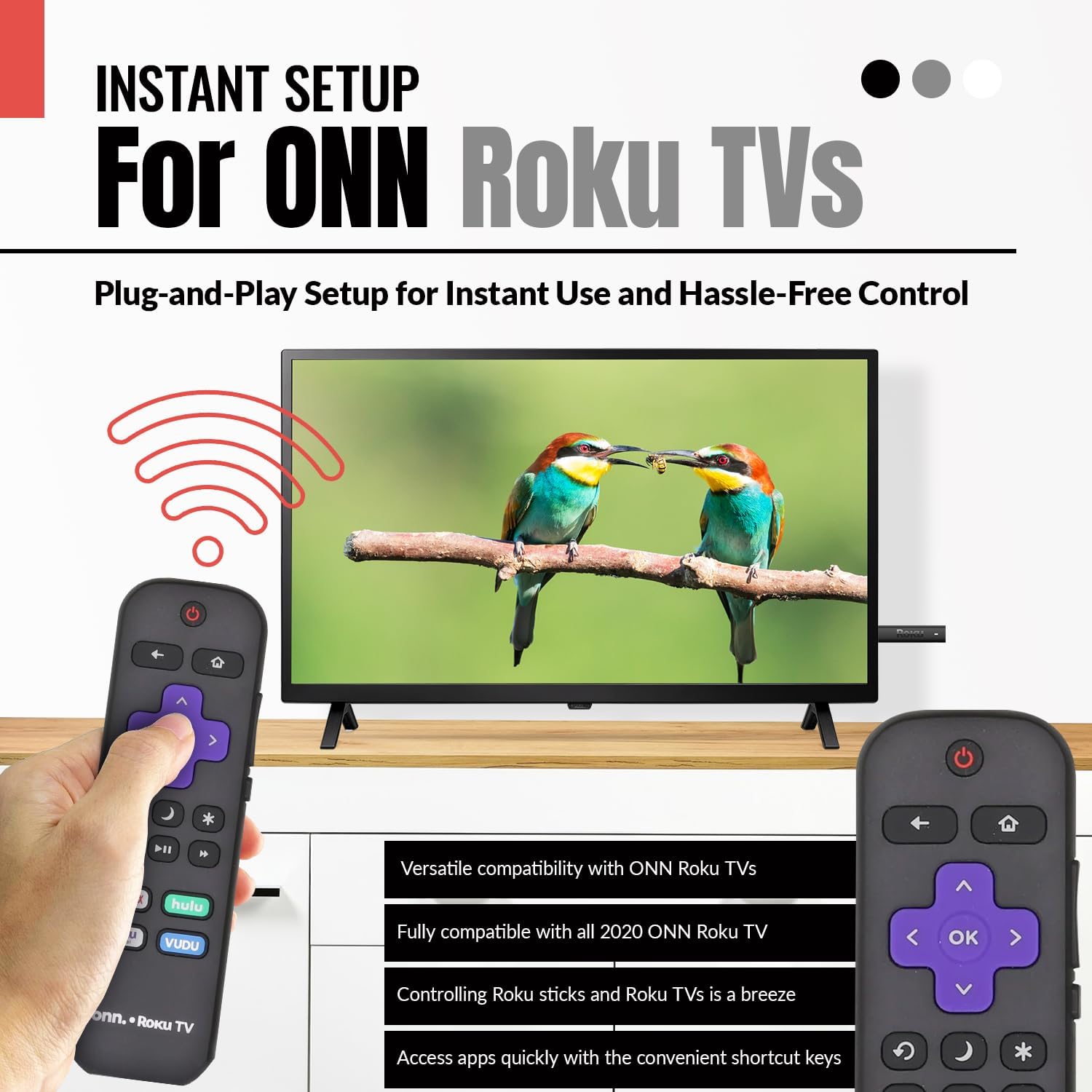
Image 2.3: A hand holding the remote control with a TV displaying content, illustrating the instant plug-and-play setup for ONN Roku TVs.
3. Bedienungsanleitung
3.1 Tastenlayout und Funktionen
The Anderic ONN Roku TV remote control features a user-friendly layout with dedicated buttons for various functions. Ensure a clear line of sight between the remote and your TV's infrared sensor for optimal performance.

Bild 3.1: Eine Nahaufnahme view of the remote control, emphasizing dedicated TV power, volume buttons, and pre-programmed streaming shortcut buttons for accessibility.
- Power-Taste (Roter Kreis mit Linie): Schaltet den Fernseher ein oder aus.
- Zurück-Button (Pfeil nach links): Kehrt zum vorherigen Bildschirm oder Menü zurück.
- Home "Button (Haussymbol): Navigator zum Roku-Startbildschirm.
- Directional Pad (Purple Arrows): Used to navigate through menus and content.
- OK Button (Purple 'OK'): Wählt ein Element aus oder bestätigt eine Aktion.
- Lautstärketasten: Regelt die Lautstärke des Fernsehers.
- Stummschaltfläche: Schaltet den Ton des Fernsehers stumm oder hebt die Stummschaltung auf.
- Instant Replay Button (Curved Arrow): Jumps back a few seconds during video playback.
- Schlaftaste (Mondikone): Stellt einen Sleep-Timer für den Fernseher ein.
- Sternknopf (Sternchen): Ermöglicht den Zugriff auf Optionen oder Einstellungen innerhalb bestimmter Apps.
- Wiedergabe-/Pause-Taste (Triangle/Two Bars): Spielt Medieninhalte ab oder pausiert sie.
- Tasten für schnellen Vorlauf/Rücklauf: Springt in Medieninhalten vor oder zurück.
- Streaming Service Shortcut Buttons (Netflix, Hulu, Vudu, Roku Channel): Bietet direkten Zugriff auf diese Streaming-Anwendungen.

Image 3.2: A user operating the remote control, highlighting its comprehensive functionality beyond just streaming.
4. Kompatibilität
The Anderic RCAFIR remote control is designed for broad compatibility with ONN Roku TV models. It functions as a direct replacement for several original ONN Roku remotes.
4.1 Compatible ONN Roku TV Models
This remote is fully compatible with all 2020 ONN Roku TV models and is supplied with the following specific ONN Roku TV models:
- 100005397
- 100012584
- 100012585
- 100012586
- 100012587
- 100012589
- 100012590
- 100018971
- 100021258
- 100021261
- 100024699
4.2 Replacement for Original Remotes
The RCAFIR remote serves as a direct replacement for the original ONN RCALIR Roku remote with Netflix, Disney, Hulu, and Vudu buttons, as well as other compatible models including:
- 276168
- 3226000855
- 3226000887

Image 4.1: A graphic illustrating the replacement compatibility for the ONN Roku TV RCALIR remote, highlighting preset compatibility and easy setup.

Image 4.2: A woman holding the remote control, signifying its role as a reliable replacement for entertainment mastery.
5. Fehlerbehebung
5.1 Fernbedienung reagiert nicht
- Batterien prüfen: Achten Sie darauf, dass die Batterien mit der richtigen Polarität (+/-) eingelegt sind. Ersetzen Sie alte oder leere Batterien durch neue AAA-Batterien.
- Sichtlinie: Verify there are no obstructions between the remote control and the TV's infrared sensor. The remote operates using infrared technology, requiring a direct line of sight.
- TV-Leistung: Confirm that your ONN Roku TV is powered on and not in standby mode.
- Remote-Reset: Remove the batteries from the remote, press each button a few times to discharge any residual power, then reinsert the batteries.
5.2 Specific Button Issues
- If a specific button is not working, gently clean around the button with a soft, dry cloth to remove any dust or debris that might be interfering with its function.
- Ensure the remote is pointed directly at the TV's IR sensor when pressing the button.
6. Produktspezifikationen
| Besonderheit | Detail |
|---|---|
| Modellnummer | ONN-RCAFIR |
| Technische Daten | 5.75 x 1.75 x 1 Zoll |
| Artikelgewicht | 1.76 Unzen |
| Batterien erforderlich | 2 AAA-Batterien (nicht im Lieferumfang enthalten) |
| Konnektivitätstechnologie | Infrarot (IR) |
| Kompatible Geräte | Television (ONN Roku TV models) |
| Besonderheit | Ergonomic design, Pre-programmed |
7. Wichtige Informationen
7.1 Haftungsausschluss
Anderic is a registered trademark of Dan's Electronics Etc., Inc. All Rights Reserved. We are not affiliated with Roku. Roku is a registered trademark of Roku Inc.
7.2 Herstellerinformationen
Anderic, a brand of Dan's Electronics Etc., Inc., has been manufacturing replacement remote controls since 1999. The company is based in NC, USA, and focuses on providing high-quality replacement remote controls and accessories to extend the life of your equipment.