
1. Produktüberschreitungview
The REXING HS01 is a 1080p wireless smart home security camera system designed for both indoor and outdoor use. It features a rechargeable battery, solar panel charging capability, two-way intercom, motion activation, infrared night vision, and cloud storage options. The camera connects to your home WiFi network and is managed via a mobile application.
Hauptmerkmale:
- 1080p Full HD-Video: Records clear video with a 120-degree wide-angle lens.
- Kabellos und wiederaufladbar: Operates wirelessly with a 6000mAh rechargeable battery.
- Solarbetrieben: Can be continuously charged by the included solar panel.
- Gegensprechanlage: Allows for real-time communication via the mobile app.
- Wasserdichtes Design: IP65 rated for outdoor weather resistance.
- Bewegungserkennung: PIR motion sensor with adjustable sensitivity up to 33ft.
- Infrarot Nachtsicht: Provides clear visibility up to 33ft in low light conditions.
- Cloud-Speicher: Offers free 3-day cloud storage with options for extended plans.
- Mobile App-Steuerung: Manage and monitor the camera from your smartphone.
2. Packungsinhalt
Bitte prüfen Sie das Paket auf folgende Artikel:
- REXING HS01 Überwachungskamera
- Solarpanel
- Montagehalterung und Schrauben
- USB-Ladekabel
- Bedienungsanleitung
3. Installationsanleitung
3.1 Erstaufladung
Before first use, fully charge the camera's internal 6000mAh battery using the provided USB cable. Connect the cable to the camera's charging port and a standard USB power adapter (not included). The charging indicator will show the charging status.
3.2 App-Installation
Laden Sie die Rexing Home Anwendung aus dem App Store Ihres Smartphones (verfügbar für iOS und Android). Suchen nach "Rexing Home" and install the application.
3.3 Wi-Fi-Verbindung
- Open the Rexing Home app and create an account or log in.
- Befolgen Sie die Anweisungen in der App, um ein neues Gerät hinzuzufügen.
- Stellen Sie sicher, dass Ihr Smartphone mit einem 2.4 GHz Wi-Fi-Netzwerk. The HS01 camera does not support 5GHz Wi-Fi.
- Scannen Sie den auf Ihrem Telefon angezeigten QR-Code mit der Kameralinse, wenn Sie dazu aufgefordert werden.
- Warten Sie, bis die Kamera mit Ihrem WLAN-Netzwerk verbunden ist. Eine Sprachansage bestätigt die erfolgreiche Verbindung.
3.4 Montage der Kamera und des Solarpanels
The REXING HS01 camera and solar panel can be mounted indoors or outdoors. Choose a location that provides the desired viewing angle and ensures the solar panel receives ample direct sunlight throughout the day for optimal charging.

Image: The REXING HS01 camera with its solar panel mounted on an exterior wall, highlighting its 100% wireless and solar-powered operation. The camera is designed for outdoor use and is weatherproof.
- Use the provided mounting bracket and screws to securely attach the camera to a wall or desired surface.
- Mount the solar panel in a location that receives maximum direct sunlight. Connect the solar panel cable to the camera's charging port.
- Stellen Sie den Kamerawinkel so ein, dass der gewünschte Überwachungsbereich abgedeckt wird.
4. Bedienungsanleitung
4.1 Live View and Remote Playback
Once connected, open the Rexing Home app to access the live video feed from your camera. You can view Echtzeit footage from anywhere with an internet connection. The app also allows you to review aufgezeichnetes Videofootage stored in the cloud.

Image: A smartphone screen showing a live view from the REXING HS01 camera, with icons for remote playback and indicating motion alerts. This demonstrates complete control from the Rexing Home App.
4.2 Zwei-Wege-Audiokommunikation
The HS01 camera features a built-in microphone and speaker, enabling two-way audio communication. From the live view in the Rexing Home app, you can speak to individuals near the camera and hear their responses.
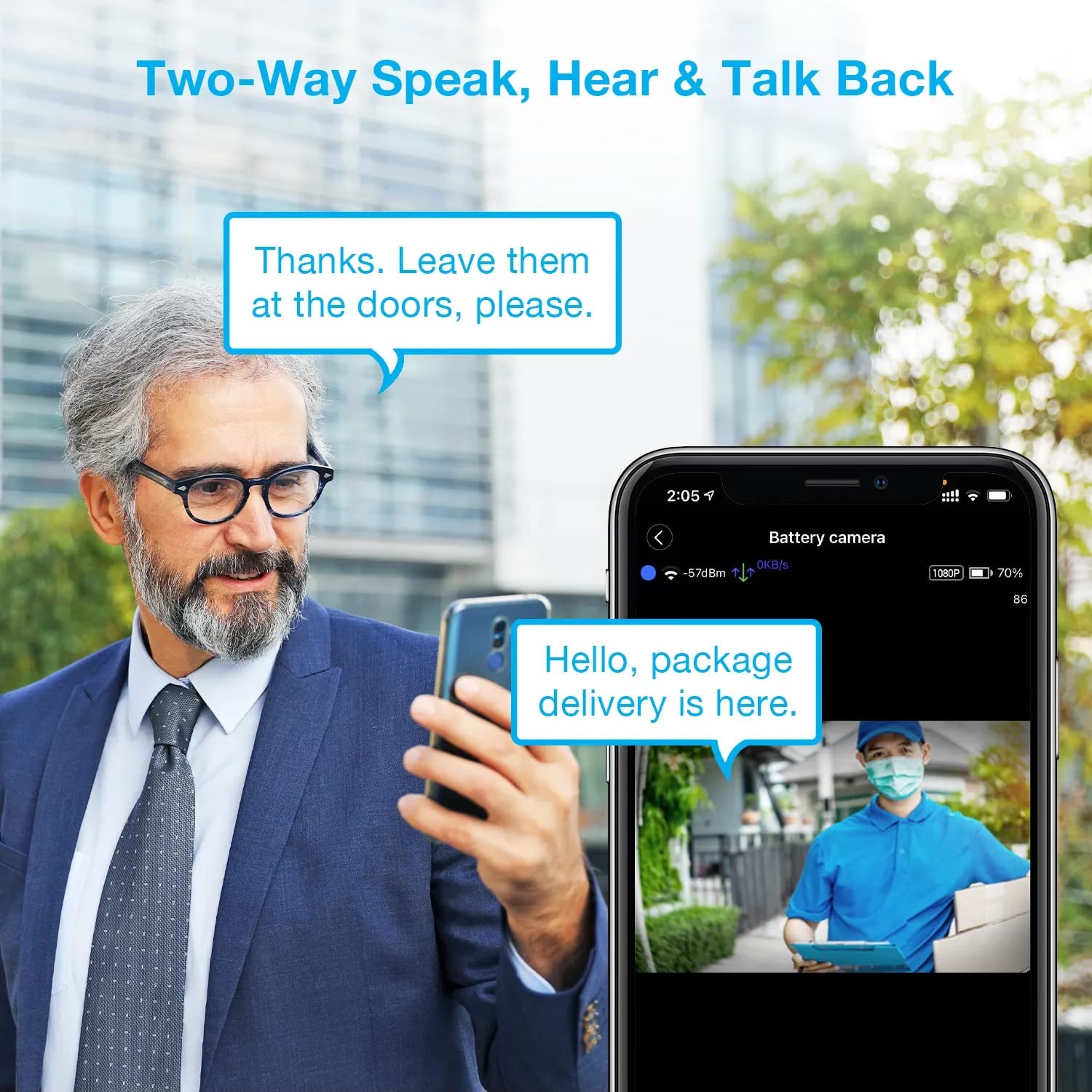
Image: A man using his smartphone to communicate with a delivery person visible on his screen, demonstrating the two-way speak and talk-back functionality of the REXING HS01 camera.
4.3 Bewegungserkennung und Benachrichtigungen
The camera utilizes a PIR (Passive Infrared) motion sensor to detect movement. When motion is detected, the camera will begin recording and send instant notifications to your smartphone via the Rexing Home app.
- Einstellen der Empfindlichkeit: You can adjust the PIR motion sensitivity settings within the app, with options up to 33ft.
- Benachrichtigungseinstellungen: Customize alert preferences in the app to receive notifications for every detected motion.
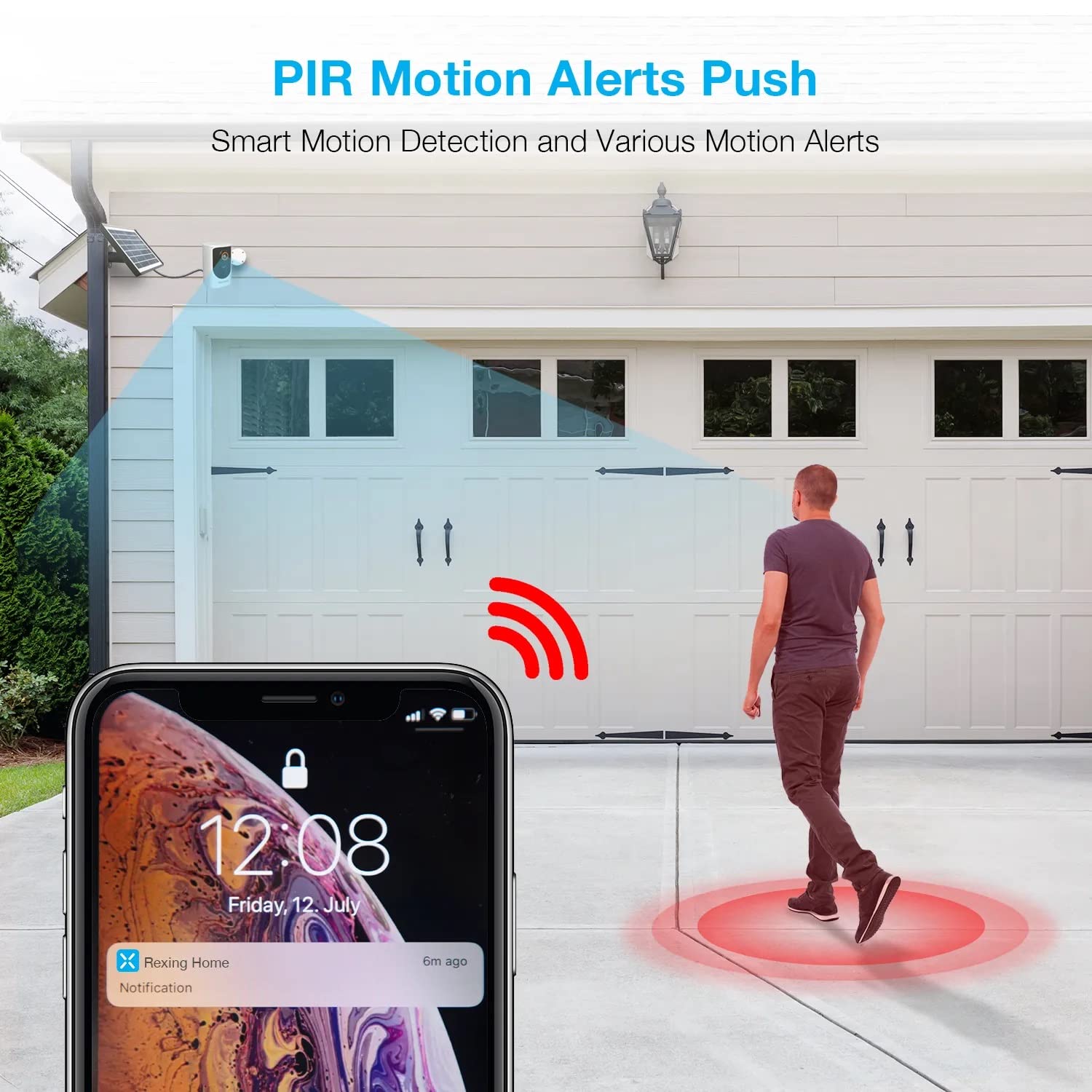
Image: A smartphone screen showing a notification from the Rexing Home app indicating a motion alert, with a visual representation of a person walking into the camera's detection zone.
4.4 Nachtsicht
The HS01 camera is equipped with 8 built-in 850nm Infrared LEDs and enhanced CMOS imaging sensors, providing clear night vision up to 33ft. The night vision mode activates automatically in low-light conditions.
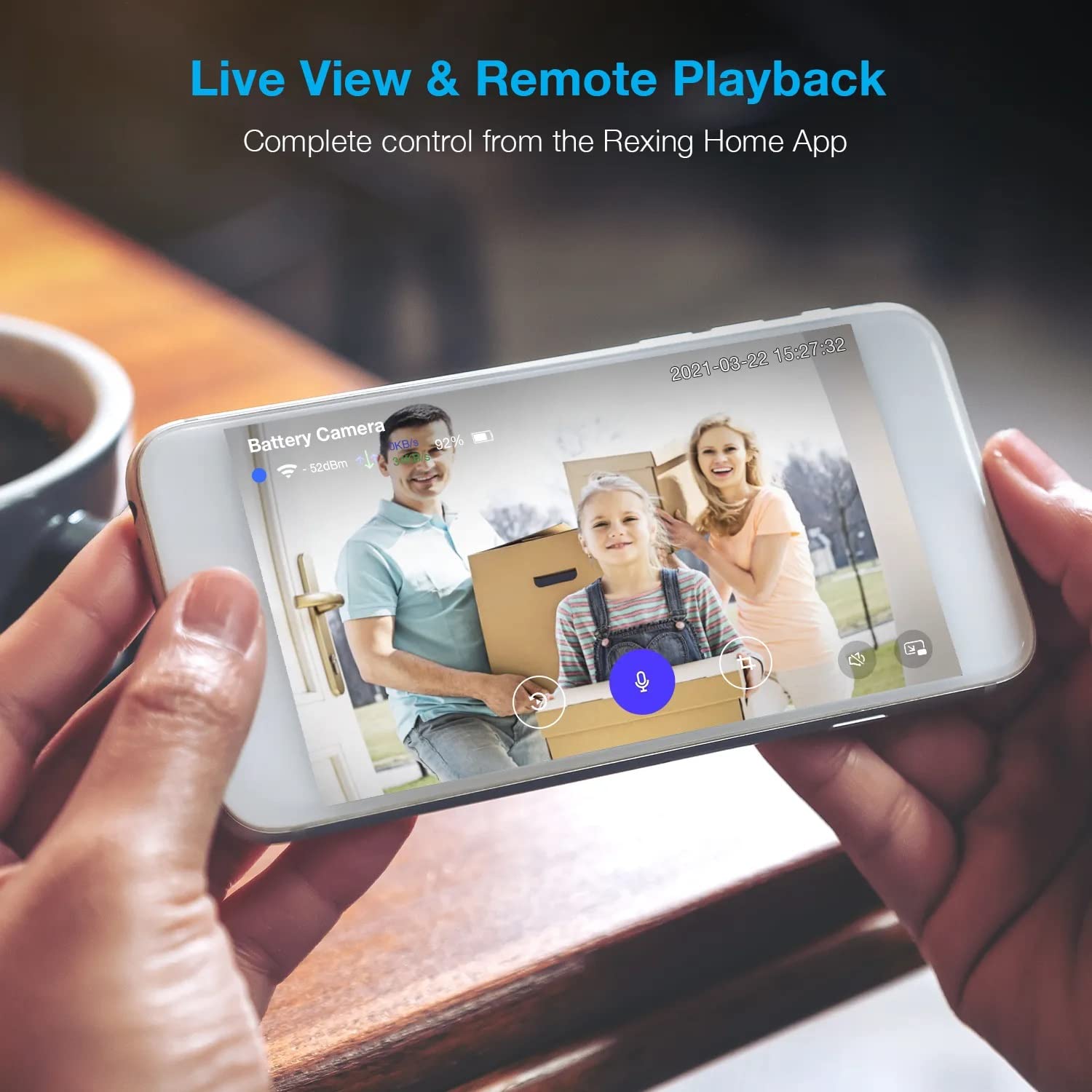
Image: A smartphone displaying a split screen, with one side showing a daytime view of a house in full color and the other side showing the same house in enhanced infrared night vision, demonstrating the camera's 1080p HD and night vision capabilities.
4.5 Cloud-Speicher
The camera offers secure cloud storage for recorded video footage. You can access the past 3 days of video recordings for free. Extended cloud storage plans are available for purchase through the Rexing Home app.
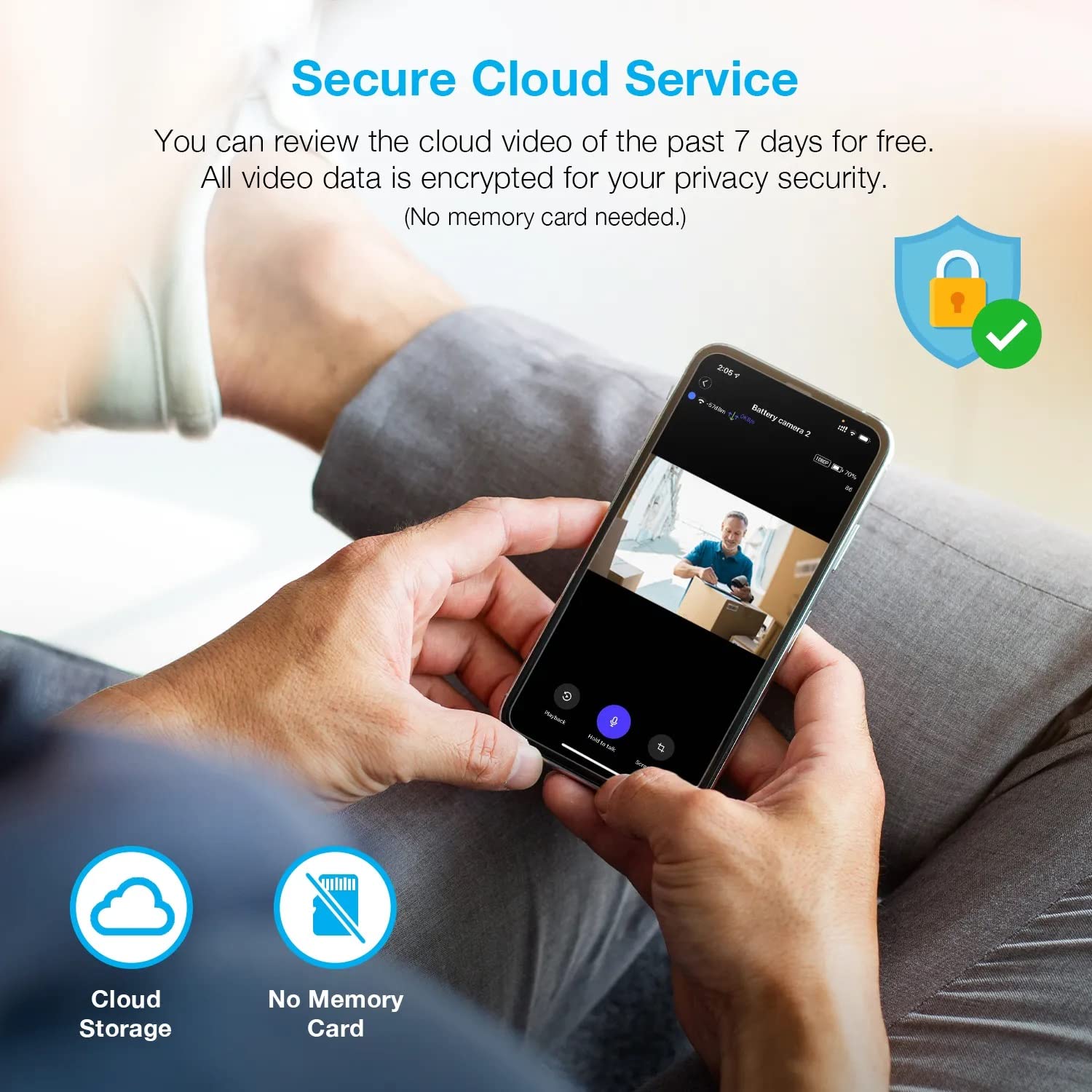
Bild: Eine Person viewing recorded camera footage on a smartphone, accompanied by icons for cloud storage and indicating that no memory card is needed, highlighting the secure cloud service feature.
5. Wartung
5.1 Batteriemanagement
The HS01 camera is powered by a 6000mAh rechargeable battery. For continuous operation, ensure the solar panel is positioned to receive adequate direct sunlight. If the camera is used in an area with limited sunlight, periodic manual charging via the USB cable may be required.
5.2 Reinigung
To maintain optimal performance, periodically clean the camera lens and the solar panel surface with a soft, damp Mit einem Tuch abwischen. Vermeiden Sie die Verwendung von scheuernden Reinigern oder Lösungsmitteln, die die Oberflächen beschädigen könnten.
6. Fehlerbehebung
- Kamera verbindet sich nicht mit WLAN:
- Stellen Sie sicher, dass Ihr WLAN-Netzwerk mit 2.4 GHz arbeitet. Die Kamera unterstützt keine 5-GHz-Netzwerke.
- Überprüfen Sie die WLAN-Signalstärke am Standort der Kamera.
- Überprüfen Sie, ob das in der App eingegebene WLAN-Passwort korrekt ist.
- Starten Sie Ihren Router und die Kamera neu.
- Schlechte Videoqualität:
- Ensure a strong Wi-Fi signal. Weak signals can affect streaming quality.
- Clean the camera lens if it appears dirty or smudged.
- Bewegungserkennung funktioniert nicht oder ist zu empfindlich:
- Adjust the PIR motion sensitivity settings in the Rexing Home app.
- Stellen Sie sicher, dass keine Hindernisse die Sicht der Kamera blockieren. view oder dem PIR-Sensor.
- Check the camera's battery level. Low battery can affect sensor performance.
- Battery not holding charge or solar panel not working:
- Stellen Sie sicher, dass das Solarpanel so ausgerichtet ist, dass es täglich mehrere Stunden direktes Sonnenlicht erhält.
- Reinigen Sie die Oberfläche des Solarmoduls, um Schmutz und Ablagerungen zu entfernen.
- Prüfen Sie, ob das Kabel des Solarpanels fest mit der Kamera verbunden ist.
- Sollten die Probleme weiterhin bestehen, versuchen Sie, die Kamera direkt über USB aufzuladen.
- Kein Ton oder schlechte Zwei-Wege-Audioqualität:
- Check the volume settings on your smartphone and in the Rexing Home app.
- Stellen Sie sicher, dass das Mikrofon Ihres Telefons für die App aktiviert ist.
- Verify a stable internet connection for both the camera and your smartphone.
7. Spezifikationen
| Besonderheit | Spezifikation |
|---|---|
| Modellnummer | HS01 |
| Videoauflösung | 1080p Full HD |
| Fachgebiet View | 120 Grad |
| Nachtsichtbereich | 33 Fuß |
| Batteriekapazität | 6000 mAh |
| Konnektivität | Drahtlos (Wi-Fi 2.4 GHz) |
| Wasserdichtigkeit | IP65 |
| Kompatible Geräte | Smartphone (Amazon Alexa, Google Assistant) |
| Artikelabmessungen | 8.5 x 7.25 x 3.75 Zoll |
| Artikelgewicht | 1 Pfund |
| Stromquelle | Wiederaufladbarer Akku, Solarpanel |
8. Garantie und Support
8.1 Garantieinformationen
For detailed warranty information regarding your REXING HS01 Smart Home Security Camera System, please refer to the warranty card included with your product or visit the official REXING webDie Garantiebedingungen können je nach Region und Händler variieren.
8.2 Kundendienst
If you encounter any issues or have questions about your REXING HS01 camera, please contact REXING customer support. You can typically find support contact information on the official REXING website or within the Rexing Home mobile application.
For the latest updates, FAQs, and additional resources, please visit the official REXING webWebsite: www.rexingusa.com