
Einführung
This manual provides detailed instructions for the operation and maintenance of your TOZO G1 Wireless Gaming Earbuds. Please read thoroughly before use to ensure optimal performance and longevity of your device.
Lieferumfang
- TOZO G1 Kabellose Ohrhörer
- Kabelloses Ladecase
- Eartips (multiple sizes for comfortable fit)
- USB-A-zu-USB-C-Ladekabel
- Benutzerhandbuch (dieses Dokument)
Aufstellen
1. Aufladen der Ohrhörer und des Ladecase
Vor dem ersten Gebrauch sollten die Ohrhörer und das Ladecase vollständig aufgeladen werden, um eine maximale Akkulaufzeit zu gewährleisten.
Image: The TOZO G1 charging case connected via a USB-C cable, indicating charging status with an illuminated logo.
- Connect the USB A to USB C charging cable to the charging port on the case.
- Verbinden Sie das andere Ende mit einer kompatiblen USB-Stromquelle.
- The LED indicator on the case will show the charging status. A full charge provides up to 6 hours of playback for the earbuds and an additional 30 hours with the charging case.
2. Koppeln mit Ihrem Gerät
Befolgen Sie diese Schritte, um Ihre Ohrhörer mit einem Bluetooth-fähigen Gerät zu koppeln.
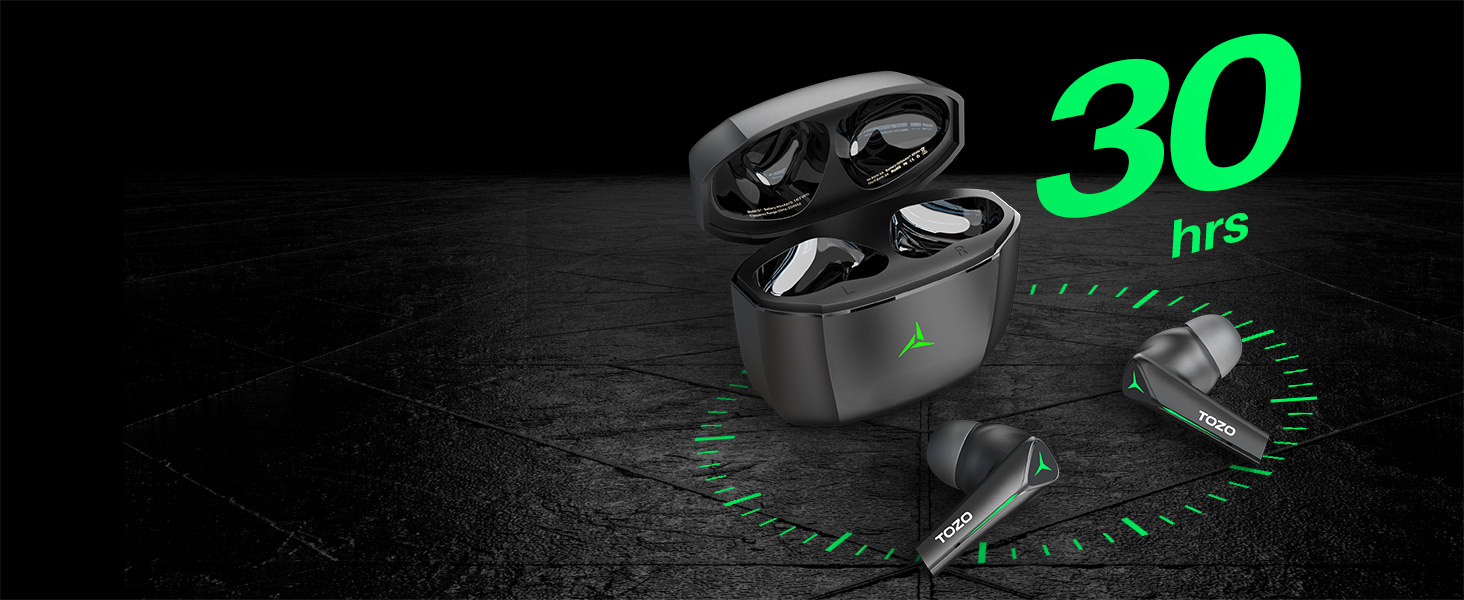
Image: TOZO G1 earbuds shown next to a smartphone displaying Bluetooth pairing options, with the earbuds emitting a green light.
- Öffnen Sie das Ladecase. Die Ohrhörer wechseln automatisch in den Kopplungsmodus (erkennbar an blinkenden LED-Leuchten).
- On your device (smartphone, tablet, laptop, gaming console), enable Bluetooth.
- Suchen nach "TOZO G1" in the list of available devices and select it to connect.
- Once connected, the earbud LED lights will turn off or show a steady light.
Bedienungsanleitung
1. Dualmodus für Spiele und Musik
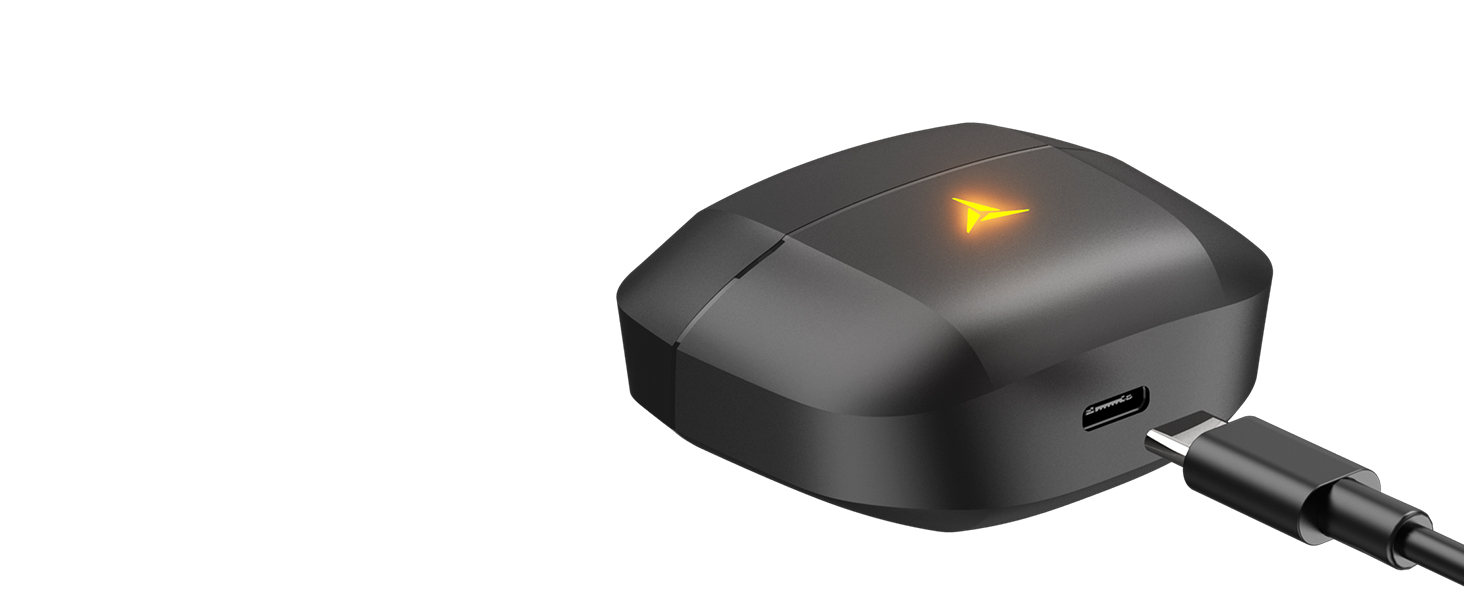
Image: A split image showing the TOZO G1 earbuds in "Game Mode" with a gaming scene and "Music Mode" with a person playing guitar, highlighting the dual functionality.
The TOZO G1 earbuds feature a dual mode for optimized audio performance:
- Spielmodus: Provides 45ms ultra-low latency for synchronized audio and video, enhancing gaming with accurate sound detection (footsteps, gunfire).
- Musikmodus: Delivers high-fidelity sound with powerful bass (16Hz-20kHz), mellow midrange, and clear treble for an immersive listening experience.
2. Intelligente Touch-Steuerung

Image: A diagram illustrating the touch control functions for the left and right TOZO G1 earbuds, including play/pause, track skipping, volume control, call management, and voice assistant/game mode activation.
Steuern Sie Ihre Ohrhörer mit einfachen Berührungsgesten:
| Aktion | Linker Ohrhörer | Rechter Ohrhörer |
|---|---|---|
| Abspielen/Pause | Einzeltippen (X1) | Einzeltippen (X1) |
| Vorheriges / Nächstes Lied | Double Tap (X2) - Previous | Double Tap (X2) - Next |
| Anruf annehmen/auflegen | Einzeltippen (X1) | Einzeltippen (X1) |
| Anruf ablehnen | 2 Sekunden gedrückt halten | 2 Sekunden gedrückt halten |
| Lautstärke leiser / lauter | Hold for 2 seconds - Volume Down | Hold for 2 seconds - Volume Up |
| Voice Assistant/Game Mode | Triple Tap (X3) - Voice Assistant | Triple Tap (X3) - Game Mode |
Wartung
- Reinigen Sie die Ohrhörer und das Ladecase regelmäßig mit einem weichen, trockenen Tuch.
- Avoid exposing the earbuds to extreme temperatures or liquids. While waterproof, prolonged submersion is not recommended.
- Store in the charging case when not in use to protect and keep them charged.
Fehlerbehebung
- Ohrhörer lassen sich nicht koppeln:
- Ensure both earbuds are in the charging case and the case is open. Check your device's Bluetooth settings and try reconnecting. If issues persist, reset the earbuds (refer to the full user manual for specific reset instructions).
- Kein Ton oder geringe Lautstärke:
- Check the volume levels on both your device and the earbuds. Ensure earbuds are properly seated in your ears. Verify the earbuds are connected to the correct device.
- Probleme beim Aufladen:
- Stellen Sie sicher, dass das Ladekabel fest mit dem Ladecase und der Stromquelle verbunden ist. Versuchen Sie es mit einem anderen USB-C-Kabel oder Netzteil. Reinigen Sie die Ladekontakte an den Ohrhörern und im Ladecase.
Technische Daten
| Besonderheit | Detail |
|---|---|
| Modellname | G1 |
| Konnektivitätstechnologie | Kabellos (Bluetooth 5.3) |
| Audio-Latenz | 45 Millisekunden (Spielmodus) |
| Akkulaufzeit (Ohrhörer) | Bis zu 6 Stunden |
| Gesamtspielzeit (mit Ladeetui) | Bis zu 30 Stunden |
| Wasserbeständigkeit | Wasserdicht (IPX5) |
| Kontrollmethode | Berühren |
| Im Lieferumfang enthaltene Komponenten | TOZO G1 Wireless Earbuds, Wireless Charging Case, Eartips, USB A to USB C Charging Cable, User Manual |
Offizielles Produktvideo
Video: Ein offizielles Produktvideo präsentiertasing the TOZO G1 Wireless Gaming Earbuds and their features.
Garantie und Support
TOZO products come with a standard manufacturer's warranty. For detailed warranty information, product support, or to contact customer service, please visit the official TOZO webSiehe die Website oder die in der Produktverpackung enthaltene Garantiekarte.
Offiziell WebWebsite: www.tozostore.com