
1. Einleitung
Thank you for choosing the OUILA 36 LED Motion Sensor Cabinet Light. This manual provides essential information for the safe and efficient use of your new lighting product. Please read these instructions carefully before installation and operation, and retain them for future reference.
2. Sicherheitshinweise
- Do not expose the light to extreme temperatures, direct sunlight, or high humidity.
- Halten Sie das Gerät von Wasser und anderen Flüssigkeiten fern.
- Versuchen Sie nicht, die Leuchte zu zerlegen, zu reparieren oder zu verändern. Dadurch erlischt die Garantie und es können Schäden oder Verletzungen entstehen.
- Verwenden Sie zum Aufladen ausschließlich das mitgelieferte USB-Kabel.
- Vor dem Auftragen des Klebstoffs muss sichergestellt werden, dass die Montagefläche sauber und trocken ist.
- Dieses Produkt ist nur für den Gebrauch in Innenräumen vorgesehen.
3. Packungsinhalt
Überprüfen Sie, ob alle Artikel in Ihrem Paket vorhanden sind:
- OUILA 36 LED Motion Sensor Cabinet Light (x2)
- USB-Ladekabel (x2)
- Strong Nano Sticker / 3M Adhesive Magnetic Strip (x4)
- Benutzerhandbuch (x1)
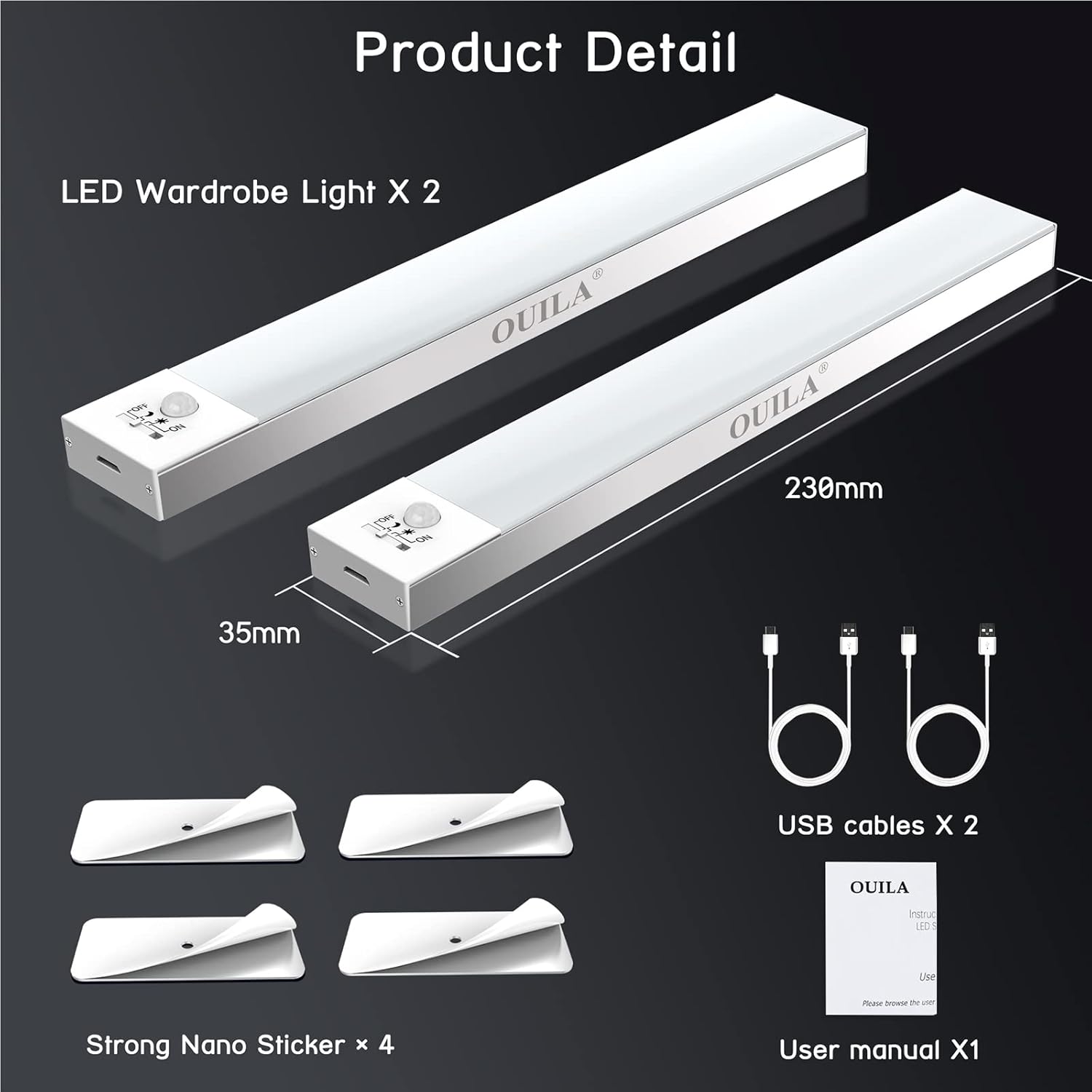
The package includes two LED wardrobe lights, two USB charging cables, and four strong nano stickers for installation.
4. Produktüberschreitungview
The OUILA 36 LED Motion Sensor Cabinet Light is designed to provide convenient and efficient illumination with its integrated motion sensor and versatile installation options.
Hauptmerkmale:
- 36 helle LEDs: Provides 5000K cool white light with a high color rendering index (>80 Ra).
- Built-in Magnetic Design: Ermöglicht eine einfache Befestigung an Metalloberflächen.
- PIR Bewegungs-Sensor: Detects human movement within 3-5 meters at a 120° angle.
- 4 Beleuchtungsmodi: Offers flexibility for various lighting needs (Night Sensing, Daytime Sensing, Always ON, OFF).
- USB wiederaufladbar: Ausgestattet mit einem 1000-mAh-Akku für lange Nutzungsdauer.
- Eye-Care Illumination: Designed to provide soft, non-glaring light.

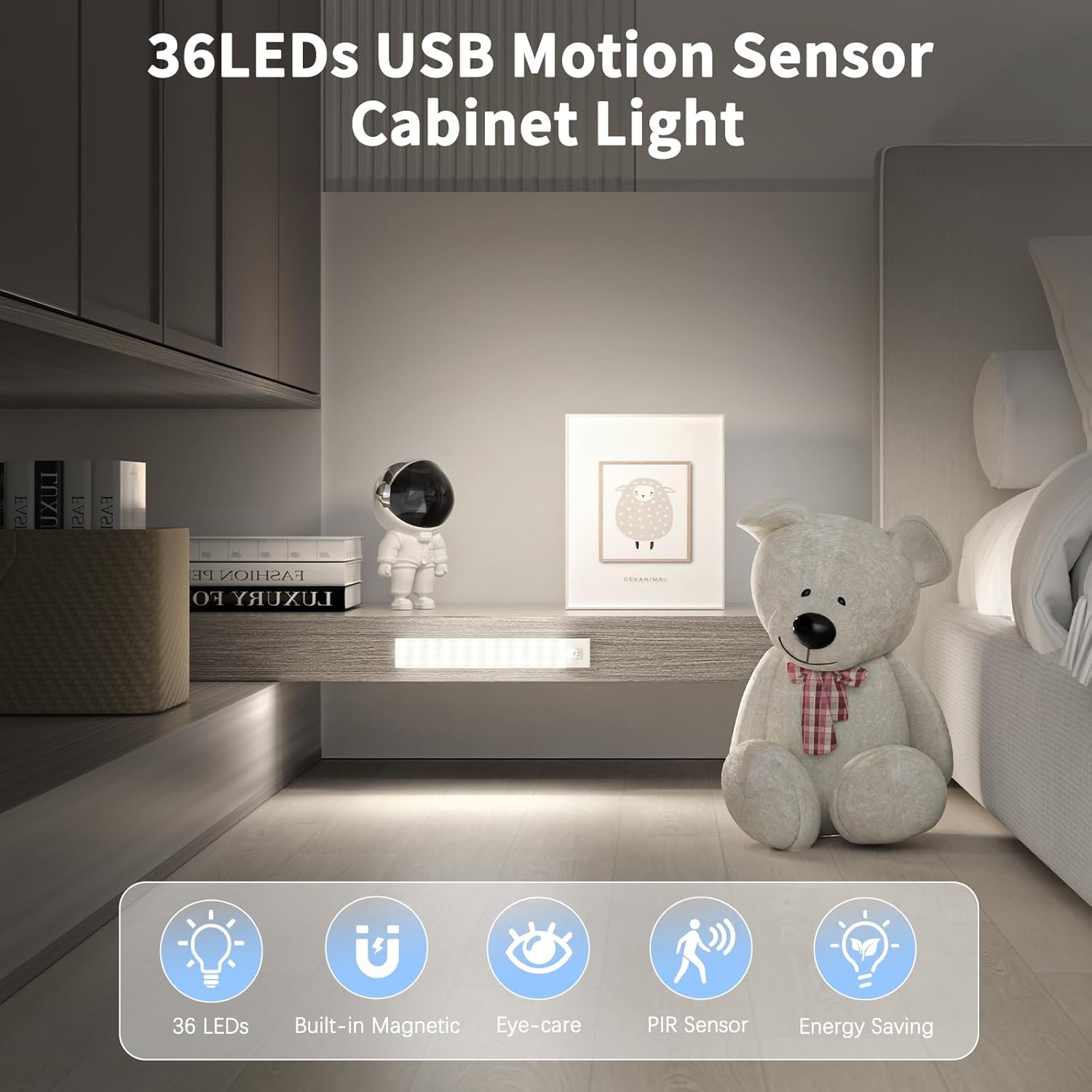
The OUILA 36 LED Motion Sensor Cabinet Light features 36 LEDs, a built-in magnetic design, eye-care illumination, a PIR motion sensor, and energy-saving operation.
5. Einrichtung und Installation
The OUILA cabinet light offers two primary installation methods:
Method 1: Magnetic Attachment (for Iron Surfaces)
- Ensure the iron surface is clean and dry.
- Simply place the light directly onto the iron surface. The built-in magnets will secure it in place.
Method 2: Adhesive Magnetic Strips (for Non-Iron Surfaces)
- Clean and dry the desired installation surface thoroughly.
- Ziehen Sie die Schutzfolie von einer Seite des 3M-Klebemagnetstreifens ab.
- Firmly press the adhesive side onto the clean surface and hold for a few seconds.
- Attach the light to the magnetic strip. The light can be easily removed for charging or repositioning.
The light can be installed directly on iron surfaces using its built-in magnets. For non-iron surfaces, use the included 3M adhesive magnetic strips.
6. Bedienungsanleitung
Das Licht aufladen:
The light is equipped with a 1000mAh rechargeable battery. To charge:
- Suchen Sie den USB-Ladeanschluss an der Seite der Lampe.
- Connect the provided USB charging cable to the light and to a USB power source (e.g., USB adapter, computer, power bank).
- A rote Kontrollleuchte will illuminate, indicating that the light is charging.
- Sobald der Akku vollständig geladen ist, leuchtet die Kontrollleuchte auf. Grün.
Charging typically takes 3-4 hours. A full charge can provide up to 30 days of use in motion sensor mode, depending on usage frequency.

Connect the included USB cable to the charging port. A red indicator light signifies charging, and a green light indicates a full charge. Charging takes approximately 3-4 hours. The 1000mAh battery provides up to 30 days of use in motion sensor mode.
Beleuchtungsmodi auswählen:
The light features a switch to cycle through four operating modes:
- 1. Night Sensing Mode (Moon Icon): The light will only turn on automatically when human motion is detected in a dark environment. It will turn off after 15-18 seconds if no further motion is detected.
- 2. Daytime Sensing Mode (Sun Icon): The light will turn on automatically when human motion is detected, regardless of the ambient light conditions. It will turn off after 15-18 seconds if no further motion is detected.
- 3. Always ON Mode (ON): The light will remain continuously on, functioning as a constant light source.
- 4. OFF Mode (OFF): The light is turned off and will not activate.

The light offers four modes: Daytime Sensing (auto-on when motion detected, regardless of ambient light), Night Sensing (auto-on when motion detected in dark conditions), ON Mode (light stays on continuously), and OFF Mode (light is off).
7. Wartung
- Reinigung: Reinigen Sie die Lampe mit einem weichen, trockenen Tuch. Verwenden Sie keine Scheuermittel oder Lösungsmittel.
- Batteriepflege: To prolong battery life, avoid fully discharging the battery frequently. Charge the light regularly, especially if it has not been used for an extended period.
- Sensorwartung: Keep the motion sensor clear of obstructions to ensure optimal performance.
8. Fehlerbehebung
| Problem | Mögliche Ursache | Lösung |
|---|---|---|
| Licht geht nicht an. | Der Akku ist schwach oder leer. Falscher Modus ausgewählt. | Charge the light fully. Ensure the light is not in OFF mode. |
| Bewegungssensor funktioniert nicht. | Light is in Always ON or OFF mode. Ambient light is too bright (for Night Sensing mode). Sensor is obstructed. | Switch to Night Sensing or Daytime Sensing mode. Ensure the environment is dark enough for Night Sensing. Clear any obstructions from the sensor. |
| Kurze Akkulaufzeit. | Frequent activation. Light is in Always ON mode. | Consider using Night Sensing mode in frequently used areas. Avoid using Always ON mode for extended periods if battery life is a concern. Ensure the light is fully charged. |
| Licht bricht sich an der Oberfläche. | Klebstoff nicht ordnungsgemäß aufgetragen oder Oberfläche nicht sauber. | Clean the surface thoroughly and reapply the adhesive magnetic strip firmly. Ensure the surface is suitable for adhesive mounting. |
9. Spezifikationen
| Besonderheit | Spezifikation |
|---|---|
| Modellnummer | GLS-C002 |
| Lichtquelle | 36 LED-Lampen |
| Farbtemperatur | 5000 Kelvin (Kaltweiß) |
| Farbwiedergabeindex (CRI) | > 80 Ra |
| Akku-Typ | 2 Lithium-Polymer (im Lieferumfang enthalten) |
| Batteriekapazität | 1000 mAh |
| Ladezeit | 3-4 Stunden |
| Usage Time (Motion Sensor Mode) | Bis zu 30 Tage |
| Reichweite des Bewegungssensors | 3-5 Meter |
| Bewegungssensorwinkel | 120° |
| Automatische Abschaltverzögerung | 15-18 seconds (after no motion) |
| Abmessungen (L x B x H) | 23 cm x 3.5 cm x 1.4 cm |
| Gewicht | Ca. 280.66 Gramm (9.9 Unzen) |
| Material | Aluminium |
| Eingangslautstärketage | 5 Volt |
| Wastage | 2 Watt |
| UPC | 650380990738 |
10. Garantie und Support
OUILA products are designed for reliability and performance. For warranty information or technical support, please refer to the contact details provided with your purchase or visit the official OUILA website. Please have your model number (GLS-C002) and purchase information ready when contacting support.