
1. Einleitung
The Ring Spotlight Cam Pro Plug-In is an advanced security camera designed to provide comprehensive surveillance for your home or business. It features 2K HDR video, color night vision, two-way talk with Audio+, and advanced 3D Motion Detection. This manual provides instructions for setting up, operating, and maintaining your device.
2. Lieferumfang
Vergewissern Sie sich vor Beginn der Installation, dass alle Komponenten vorhanden sind:
- Spotlight Cam Pro
- Montagehalterung
- Montagewerkzeuge und Schrauben
- USB-C Power Adapter (19.7 feet long)
- Benutzerhandbuch (dieses Dokument)
- Sicherheitsaufkleber
3. Einrichtung und Installation
The average installation time for the Spotlight Cam Pro is 5-10 minutes. A vertical or horizontal surface is required for mounting.
- Laden Sie die Ring-App herunter: Download the Ring app from your device's app store. Create an account or log in if you already have one.
- Gerät hinzufügen: In the Ring app, tap 'Set Up a Device' and follow the on-screen instructions to add your Spotlight Cam Pro.
- Montage: Secure the mounting bracket to your desired location using the provided tools and screws. Ensure the location provides a clear view and access to a standard power outlet.
- Kamera anschließen: Attach the Spotlight Cam Pro to the mounting bracket.
- Strom anschließen: Plug the USB-C Power Adapter into the camera and then into a standard power outlet.
- Anpassen View: Adjust the camera's angle to cover your desired area.

Figure 3.1: Easy DIY Installation of the Ring Spotlight Cam Pro.
4. Bedienungsanleitung
The Ring Spotlight Cam Pro offers several features to enhance your security.
4.1 Videoüberwachung
The camera provides 2K HDR video with a 140° horizontal and 80° vertical field of view. It also features Color Night Vision, allowing you to see clear, full-color video even in low-light conditions.

Figure 4.1: Retinal 2K Video with Color Night Vision displayed on a mobile device.
4.2 Bewegungserkennung
Utilize 3D Motion Detection with Bird's Eye Zones and Bird's Eye View for precise motion alerts. You can customize motion zones within the Ring app to focus on specific areas and reduce unwanted notifications.

Figure 4.2: Visual representation of 3D Motion Detection.

Figure 4.3: Customizing Motion Zones in the Ring App.
4.3 Two-Way Talk with Audio+
Communicate with visitors or deter intruders using the built-in microphone and speaker. Audio+ provides advanced noise cancellation for clearer communication.
4.4 Integrierte Scheinwerfer und Sirene
The camera features two 3000° Kelvin spotlights that can be activated manually or automatically upon motion detection. A remote-activated security siren is also included to alert others and deter unwanted activity.
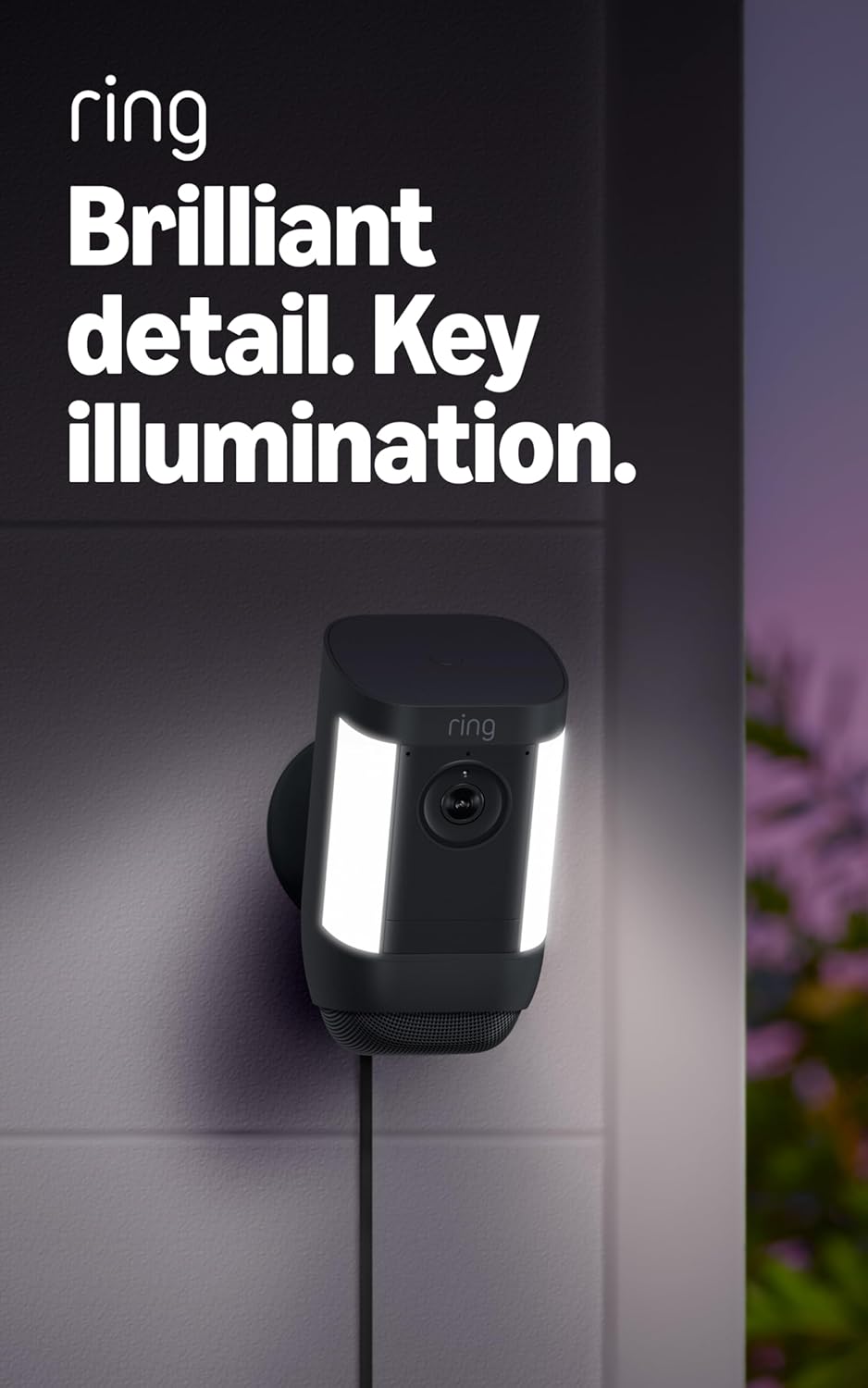
Figure 4.4: Spotlight Cam Pro with activated illumination.
4.5 Alexa-Integration
The Spotlight Cam Pro works with Alexa. You can receive announcements on Echo devices when motion is detected and use select Echo and Fire TV devices to see, hear, and speak to people on camera.
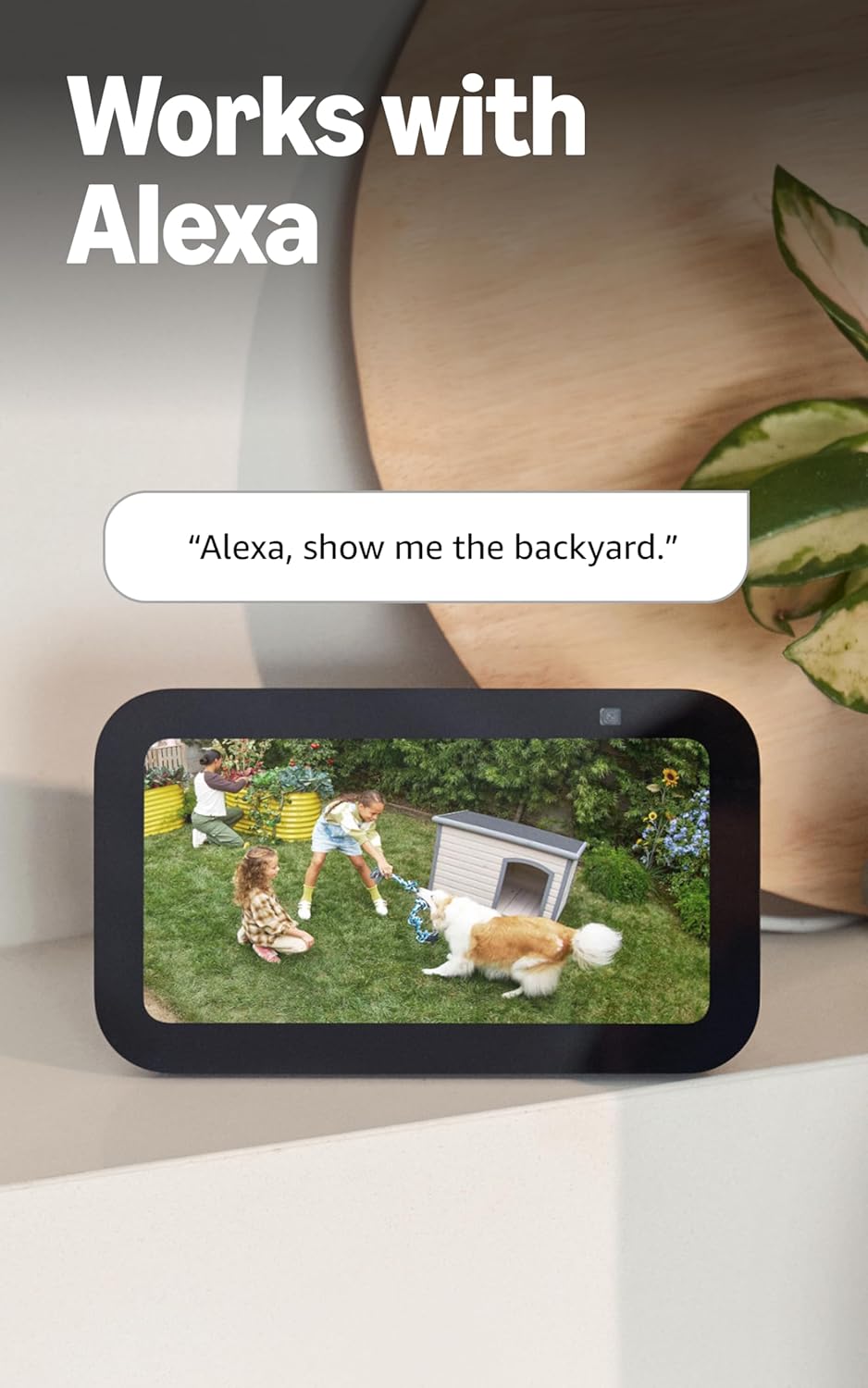
Figure 4.5: Ring Spotlight Cam Pro integration with Alexa.
5. Wartung
To ensure optimal performance and longevity of your Ring Spotlight Cam Pro, follow these maintenance guidelines:
- Reinigung: Reinigen Sie die Kameralinse und das Gehäuse regelmäßig mit einem weichen, fusselfreien Tuch.amp Tuch, um Staub und Schmutz zu entfernen. Vermeiden Sie die Verwendung aggressiver Chemikalien oder scheuernder Materialien.
- Firmware-Updates: Halten Sie die Firmware Ihres Geräts über die Ring-App stets auf dem neuesten Stand, um von den aktuellsten Funktionen und Sicherheitsverbesserungen zu profitieren.
- Stromanschluss: Regularly check the USB-C power adapter and cable for any signs of damage.
6. Fehlerbehebung
If you encounter issues with your Ring Spotlight Cam Pro, consider the following common solutions:
- Kein Strom: Ensure the USB-C power adapter is securely plugged into both the camera and a working power outlet.
- Schlechte Videoqualität: Check your internet connection. A recommended minimum upload speed of 4.5 Mbps is required for optimal performance. Video resolution may vary with bandwidth.
- Probleme bei der Bewegungserkennung: Verify that motion zones are correctly configured in the Ring app. Ensure there are no obstructions blocking the camera's view.
- Verbindungsprobleme: Confirm your Wi-Fi network is operational. The camera supports 802.11 b/g/n/ac Wi-Fi @2.4GHz and 5.0GHz. Try restarting your router.
- App reagiert nicht: Close and reopen the Ring app. If the issue persists, try reinstalling the app.
Weitere Hilfe finden Sie im Supportbereich oder kontaktieren Sie den Ring-Kundendienst.
7. Spezifikationen
| Durchschnittliche Installationszeit | 5-10 Minuten |
| Video | 2K, HDR, Live View, Farbnachtsicht |
| Fachgebiet View | 140 ° horizontal, 80 ° vertikal |
| Bewegungserkennung | 3D-Bewegungserkennung mit Vogelperspektivenzonen und Vogelperspektive View |
| Audio | Zwei-Wege-Kommunikation mit Audio+ und fortschrittlicher Geräuschunterdrückung |
| Sirene | Fernaktivierbare Sicherheitssirene |
| Beleuchtung | Zwei 3000° Kelvin-Scheinwerfer |
| Funktioniert mit Alexa | Illuminates and sends announcements to Echo devices whenever motion is detected, and lets you see, hear and speak to people on camera with select Echo and Fire TV devices. |
| Leistung | Plug-In USB-C Power Adapter (19.7 feet long) |
| Dual-Power-Modus | Dynamic switching between plug-in and battery power modes (requires purchase of Quick Release Battery Pack) |
| Internetanforderungen | Für optimale Leistung wird eine Upload-Mindestgeschwindigkeit von 4.5 Mbit/s empfohlen. Die Videoauflösung kann je nach Internetbandbreite variieren. |
| Konnektivität | 802.11 b/g/n/ac Wi-Fi connection @2.4GHz and 5.0GHz |
| Betriebsbedingungen | -4 °F bis 120 °F (-20 °C bis 48.5 °C), witterungsbeständig |
| Verfügbare Farben | Weiß, Schwarz |
| Setup-Anforderungen | Vertical or horizontal surface for mounting. |
| Maße | 3.1 Zoll x 3.2 Zoll x 5.7 Zoll (77.8 mm x 81.5 mm x 144.63 mm) |
8. Garantie und Support
Your Ring Spotlight Cam Pro comes with a one-year limited warranty. Purchase and use of the product are subject to terms and conditions.
For additional information, troubleshooting guides, and customer service, please visit the official Ring support page. You can also find information regarding software security updates in the Ring Control Center.
Important Disclaimers:
- Limited to 10 devices at one location. Not compatible with select features.
- Recordings are temporarily stored in the cloud, up to 14 days. This feature is dependent upon network connectivity and other factors.
- Your Ring videos in the cloud are stored temporarily, up to 180 days of Video Event History. Changing your video storage time will only affect videos that are recorded after you adjust your storage time setting. Check Ring Subscription Plans for more information.
- Ring Home Premium subscription required, sold separately. For customers in Illinois & Texas: Ring Smart Video Search is not available on Ring devices due to specific state legislation. Feature only available in English.