
ELEHOT Direct HZ-9457
ELEHOT Direct Portable Wireless Bluetooth Speaker User Manual
Modell: HZ-9457
Marke: ELEHOT Direct
Einführung
Thank you for choosing the ELEHOT Direct Portable Wireless Bluetooth Speaker. This speaker is designed to provide high-quality audio with versatile connectivity options and dynamic lighting effects, enhancing your listening experience. Please read this manual carefully before use to ensure proper operation and to maximize the lifespan of your device.

Bild: Vorderseite view of the ELEHOT Direct Portable Wireless Bluetooth Speaker, showcasing its cylindrical design and illuminated blue light grid.
Produkteigenschaften
- 5-Color Light Modes: The speaker features five distinct light modes to create an engaging party atmosphere or ambient lighting.
- Echtes drahtloses Stereo (TWS): Equipped with 10 watts of dual precision stereo drivers, this speaker delivers loud, room-filling sound. Two speakers can be paired together for an immersive surround sound experience. The lights will also change in sync with the music.
- Durable Play Time: Enjoy 8-16 hours of music playback and call time on a single charge, depending on the volume level.
- Multi-Functional Connectivity: Supports 32GB SD/TF card playback and 3.5mm AUX input for non-Bluetooth devices like PCs. Features a built-in microphone for hands-free calling.
- Hi-Fi-Lautsprecher: Designed for rich bass enjoyment and clear audio.

Image: Several ELEHOT Direct speakers lined up, each displaying a different color light mode (blue, red, green, orange, rainbow), illustrating the 5-color light feature.
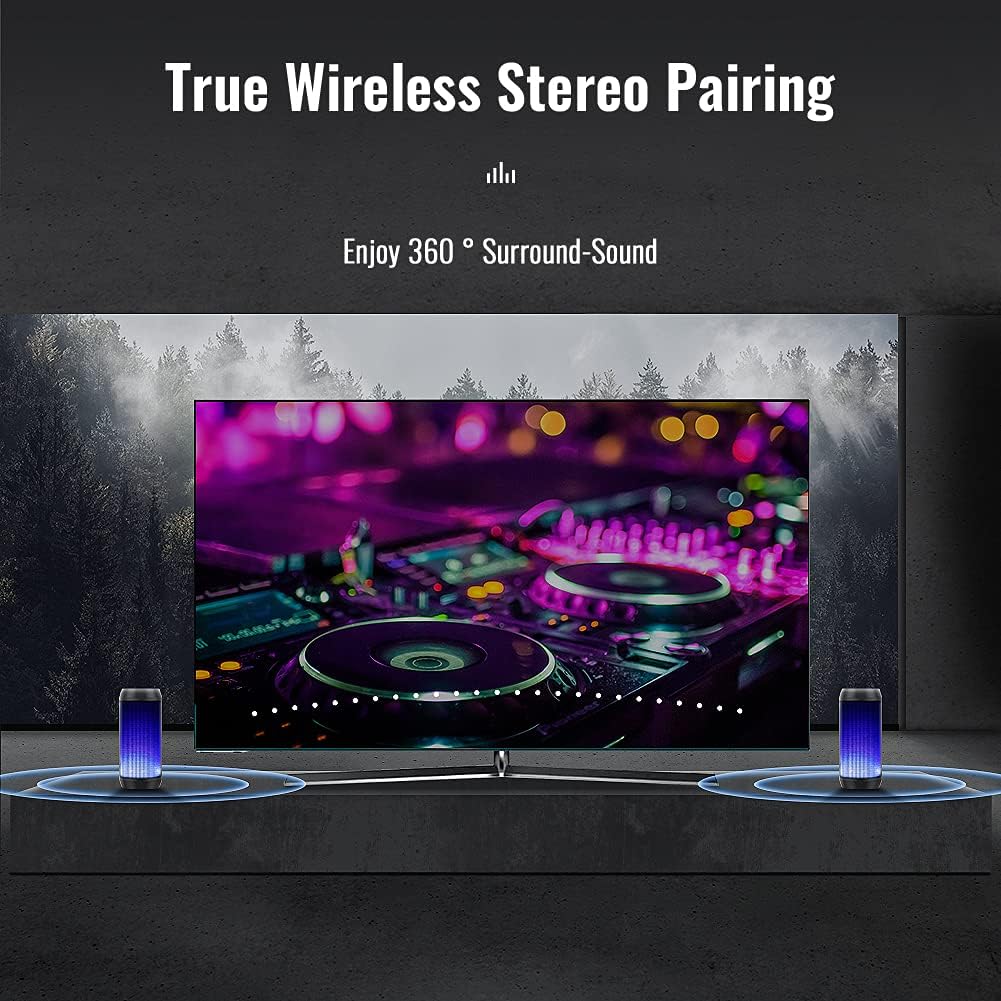
Image: Two ELEHOT Direct speakers positioned on either side of a television screen, demonstrating the True Wireless Stereo pairing for enhanced audio.
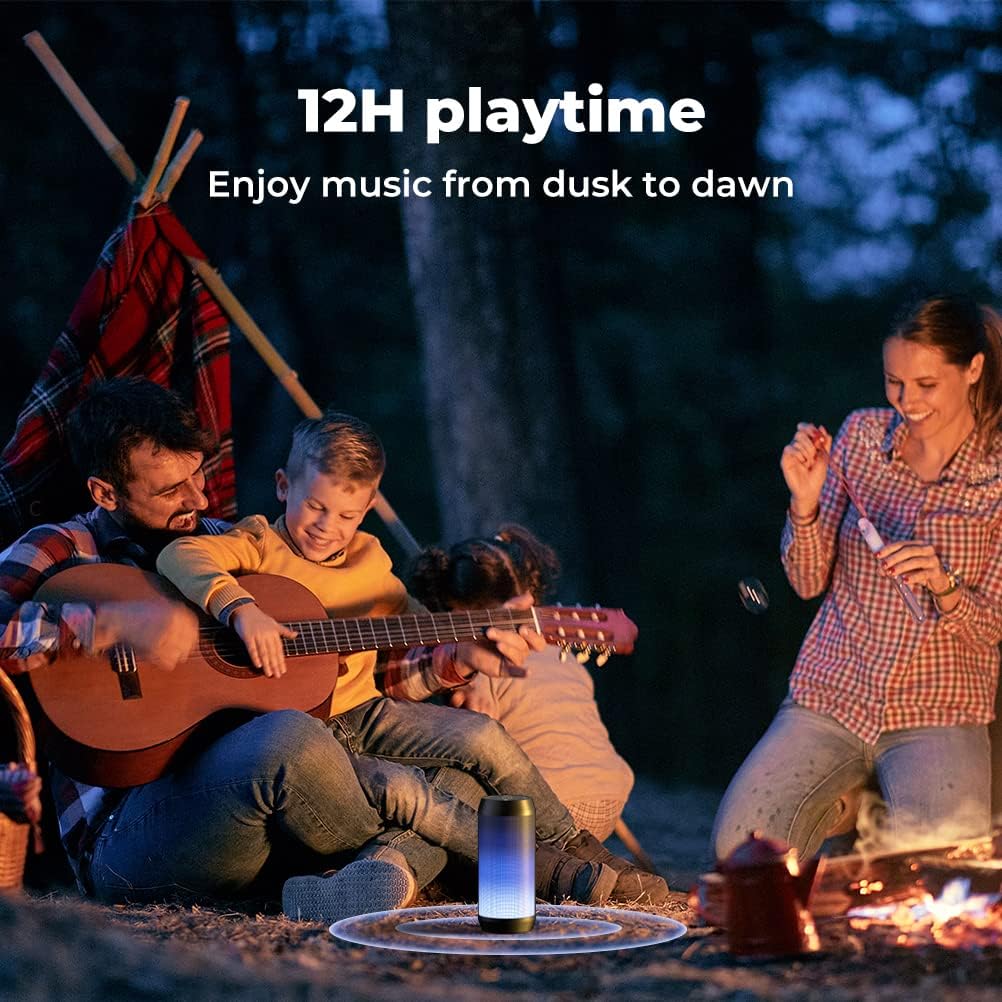
Image: A family gathered around a campfire outdoors, with the ELEHOT Direct speaker providing music, symbolizing its long playtime capability.

Bild: Eine detaillierte view of the top and side of the ELEHOT Direct speaker, highlighting the TF/SD card slot, AUX-in port, and USB port, along with icons for hand-free and built-in mic features.

Bild: Eine explodierte view diagram of the ELEHOT Direct speaker, illustrating its internal Hi-Fi speaker components for superb sound quality.
Packungsinhalt
- 1 x ELEHOT Direct Portable Wireless Bluetooth Speaker
- 1 x USB-Ladekabel
- 1 x 3.5-mm-AUX-Audiokabel
- 1 x Benutzerhandbuch
Aufstellen
1. Laden Sie den Lautsprecher auf
Before first use, fully charge the speaker. Connect the provided USB charging cable to the speaker's charging port and the other end to a USB power adapter (not included) or a computer's USB port. The charging indicator light will show charging status and turn off when fully charged. A full charge typically takes 2-3 hours.
2. Bluetooth-Kopplung
- Power on the speaker by pressing and holding the Power button (⏻) until you hear an audible prompt. The LED light will flash, indicating it's in pairing mode.
- Aktivieren Sie Bluetooth auf Ihrem Gerät (Smartphone, Tablet, Computer).
- Suchen nach "HZ-9457" or "ELEHOT Speaker" in the list of available Bluetooth devices.
- Select the speaker to connect. Once successfully paired, you will hear a confirmation sound, and the LED light will remain solid.
3. True Wireless Stereo (TWS) Pairing (Requires two HZ-9457 speakers)
- Stellen Sie sicher, dass beide Lautsprecher ausgeschaltet sind.
- Turn on both speakers simultaneously. They will automatically enter Bluetooth pairing mode.
- On one of the speakers (this will be your primary speaker), double-press the Power button (⏻). You will hear a TWS pairing prompt.
- Die beiden Lautsprecher verbinden sich automatisch miteinander. Nach erfolgreicher Verbindung ertönt ein Bestätigungston, und die LED-Leuchten beider Lautsprecher leuchten synchronisiert.
- Now, connect your device to the primary speaker via Bluetooth as described in "2. Bluetooth Pairing". Audio will play through both speakers in stereo.
Bedienungsanleitung
1. Ein-/Ausschalten
- Einschalten: Halten Sie die Ein-/Aus-Taste (⏻) für 2-3 Sekunden.
- Ausschalten: Halten Sie die Ein-/Aus-Taste (⏻) für 2-3 Sekunden.
2. Lautstärkeregelung
- Lautstärke erhöhen: Drücken Sie kurz die "+"-Taste.
- Lautstärke verringern: Drücken Sie kurz die "-"-Taste.
3. Wiedergabesteuerung
- Abspielen/Pause: Drücken Sie kurz die Wiedergabe-/Pause-Taste (▶‖).
- Nächster Titel: Die "+"-Taste lange drücken.
- Vorheriges Lied: Die "-"-Taste lange drücken.
4. Light Mode Control
- Lichtmodus ändern: Drücken Sie kurz die Lichttaste (☀) to cycle through the 5 available light modes.
- Lichter ausschalten: Die Lichttaste lange drücken (☀).
5. Mode Switching (M Button)
Short press the "M" button to switch between Bluetooth mode, TF/SD card mode, and AUX mode.
6. Freisprechen
- Anruf annehmen: Drücken Sie kurz die Wiedergabe-/Pause-Taste (▶‖) wenn ein Anruf eingeht.
- Anruf beenden: Drücken Sie kurz die Wiedergabe-/Pause-Taste (▶‖) während eines Anrufs.
- Anruf ablehnen: Die Wiedergabe-/Pause-Taste lange drücken (▶‖) wenn ein Anruf eingeht.
- Wahlwiederholung letzte Nummer: Drücken Sie die Wiedergabe-/Pause-Taste zweimal (▶‖).
Wartung
- Reinigung: Reinigen Sie den Lautsprecher mit einem weichen, trockenen Tuch. Verwenden Sie keine Scheuermittel oder Lösungsmittel.
- Wasserbeständigkeit: Dieser Sprecher ist NICHT wasserdicht. Keep it away from water, rain, and excessive moisture to prevent damage.
- Lagerung: Bewahren Sie den Lautsprecher bei Nichtgebrauch an einem kühlen, trockenen Ort auf. Vermeiden Sie extreme Temperaturen.
- Batteriepflege: To prolong battery life, avoid fully discharging the speaker frequently. If storing for a long period, charge it to about 50% every few months.
Fehlerbehebung
| Problem | Mögliche Ursache | Lösung |
|---|---|---|
| Der Lautsprecher lässt sich nicht einschalten. | Schwache Batterie. | Laden Sie den Lautsprecher vollständig auf. |
| Kopplung via Bluetooth nicht möglich. | Lautsprecher nicht im Kopplungsmodus; Bluetooth am Gerät deaktiviert; zu weit vom Gerät entfernt. | Ensure speaker is in pairing mode (flashing LED). Enable Bluetooth on your device. Move speaker closer to device (within 10 meters). Forget previous pairings on your device and try again. |
| Kein Ton. | Lautstärke zu niedrig; falscher Modus; Gerät nicht angeschlossen. | Increase speaker and device volume. Ensure correct mode (Bluetooth, AUX, TF/SD). Verify Bluetooth connection. |
| Poor sound quality (distortion, low bass). | Volume too high; low battery; interference; speaker placement. | Reduce volume. Charge speaker. Move speaker away from other electronic devices. Adjust speaker placement for optimal sound. |
| Die Lichter funktionieren nicht oder hängen. | Lights turned off; software glitch. | Drücken Sie kurz die Lichttaste (☀) to cycle modes. Long press to turn on if off. Try restarting the speaker. |
| Battery does not charge to 100% or drains quickly. | Battery degradation; using lights excessively. | This is a known characteristic for some units, charging may stop around 80%. Using the light modes will consume battery faster. Ensure you are using a suitable charger. If issues persist, contact customer support. |
Technische Daten
- Modellname: HZ-9457
- Marke: ELEHOT Direkt
- Lautsprechertyp: Surround-Sound
- Besonderheit: Tragbar
- Empfohlene Verwendung: Für Musik-Player
- Kompatible Geräte: Projector, Laptop, Gaming Console, Personal Computer, Smartphone
- Maximale Ausgangsleistung des Lautsprechers: 10 Watt
- Akkulaufzeit: 8-16 Hours (depending on volume and light usage)
- Produktabmessungen: 3.54"T x 7.28"B x 3.54"H
- Artikelgewicht: 1.13 Unzen (ca. 32 Gramm)
- Ist wasserdicht: FALSE (Not waterproof)
- Maximale Reichweite: 10 Meters (Bluetooth Range)
- Kontrollmethode: App (implied by data, but physical buttons are primary)
- Drahtlose Kommunikationstechnologie: Bluetooth
- Konnektivitätstechnologie: Bluetooth, Zusatz
- Audioausgabemodus: Surround, Stereo
- Verwendung im Innen- und Außenbereich: Indoor (as per specifications, but marketing shows outdoor use)
- Hersteller: Dongguan Sogoode Computer System Co.,Ltd
Garantie und Support
This ELEHOT Direct product comes with a Limited Warranty. For detailed warranty information, product support, or technical assistance, please refer to the contact information provided on the product packaging or visit the official ELEHOT Direct webWebsite.
Please note that damage caused by misuse, accident, or unauthorized modification is not covered under warranty. As stated in the product information, the speaker is not waterproof; damage due to water exposure will void the warranty.
Ask a question about this manual
Ask about setup, troubleshooting, compatibility, parts, safety, or missing instructions. Manuals+ will review the question and use this page’s manual context to help answer it.