
Einführung
The Ring Spotlight Cam Plus, Battery is a versatile security camera designed for home or business surveillance. It features 1080p HD video, Two-Way Talk, Color Night Vision, and a built-in security siren to enhance your property's safety. This manual provides essential information for setting up, operating, and maintaining your device.
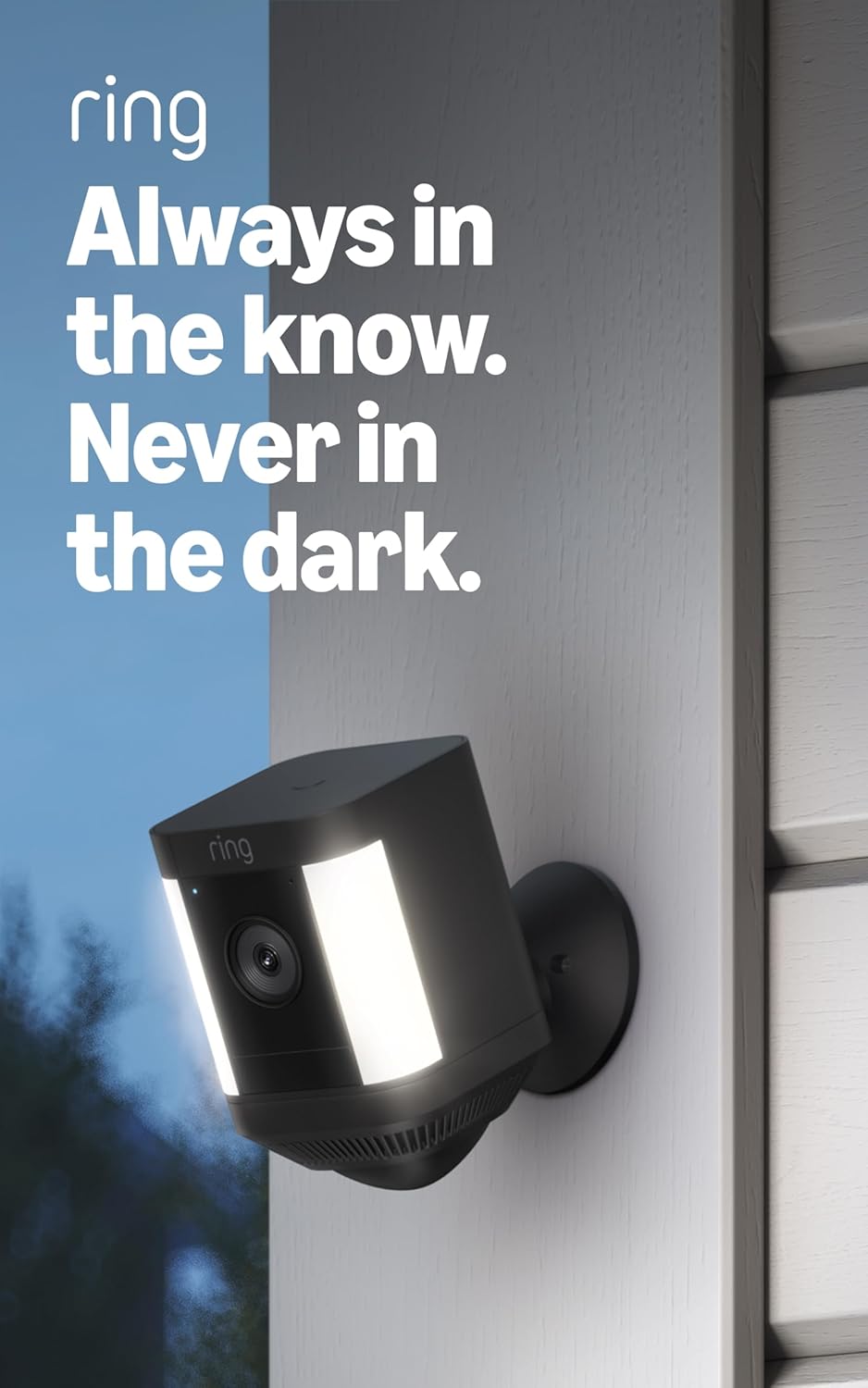
Image: The Ring Spotlight Cam Plus, Battery, showcasing its design and integrated spotlights.
Aufstellen
The average installation time for the Spotlight Cam Plus, Battery is 5 to 10 minutes. Ensure you have a vertical or horizontal surface for mounting and a stable 2.4 GHz Wi-Fi connection with a minimum upload speed of 2 Mbps for optimal performance.
Lieferumfang:
- Spotlight Cam Plus (Batterie)
- Befestigungsbasis
- Akkupack mit Schnellverschluss
- Installationshardware
- Micro-USB-Ladekabel
- Bedienungsanleitung
- Sicherheitsaufkleber
Installationsschritte:
- Laden Sie den Akku auf: Fully charge the Quick-Release Battery Pack using the provided Micro USB charging cable.
- Laden Sie die Ring-App herunter: Download the Ring app from your device's app store and create an account or log in.
- Gerät hinzufügen: In the Ring app, select "Set Up a Device" and follow the on-screen instructions to add your Spotlight Cam Plus.
- Montieren Sie die Kamera: Secure the mounting base to your desired vertical or horizontal surface using the installation hardware. Insert the charged battery pack into the camera and attach the camera to the mounting base.
- Anpassen View: Adjust the camera angle to cover your desired area.

Image: A user performing a DIY installation of the Ring Spotlight Cam Plus camera on a home exterior.
Bedienungsanleitung
Your Ring Spotlight Cam Plus offers various features for comprehensive security monitoring.
Hauptmerkmale:
- 1080p HD-Video & Live View: Access real-time, high-definition video of your property at any time through the Ring app.
- Farbnachtsicht: See clear, full-color video even in low-light conditions.
- Gegenseitiges Gespräch: Speak to visitors or deter intruders using the built-in microphone and speaker.

Image: A user interacting with the Ring app on a smartphone, utilizing the Two-Way Talk function to communicate with individuals visible on camera.
- Erweiterte Bewegungserkennung: Receive alerts when motion is detected. Customize motion zones to focus on specific areas and reduce unnecessary notifications.

Image: The Ring app displaying a customizable motion zone feature, allowing users to define specific areas for motion detection.
- Remote-Activated Security Siren: Activate a loud siren from the Ring app to deter unwanted visitors.
- Arbeitet mit Alexa: Integrate your camera with Alexa-enabled devices. Receive motion announcements, stream live video to Echo Show devices, and use voice commands to control security features.
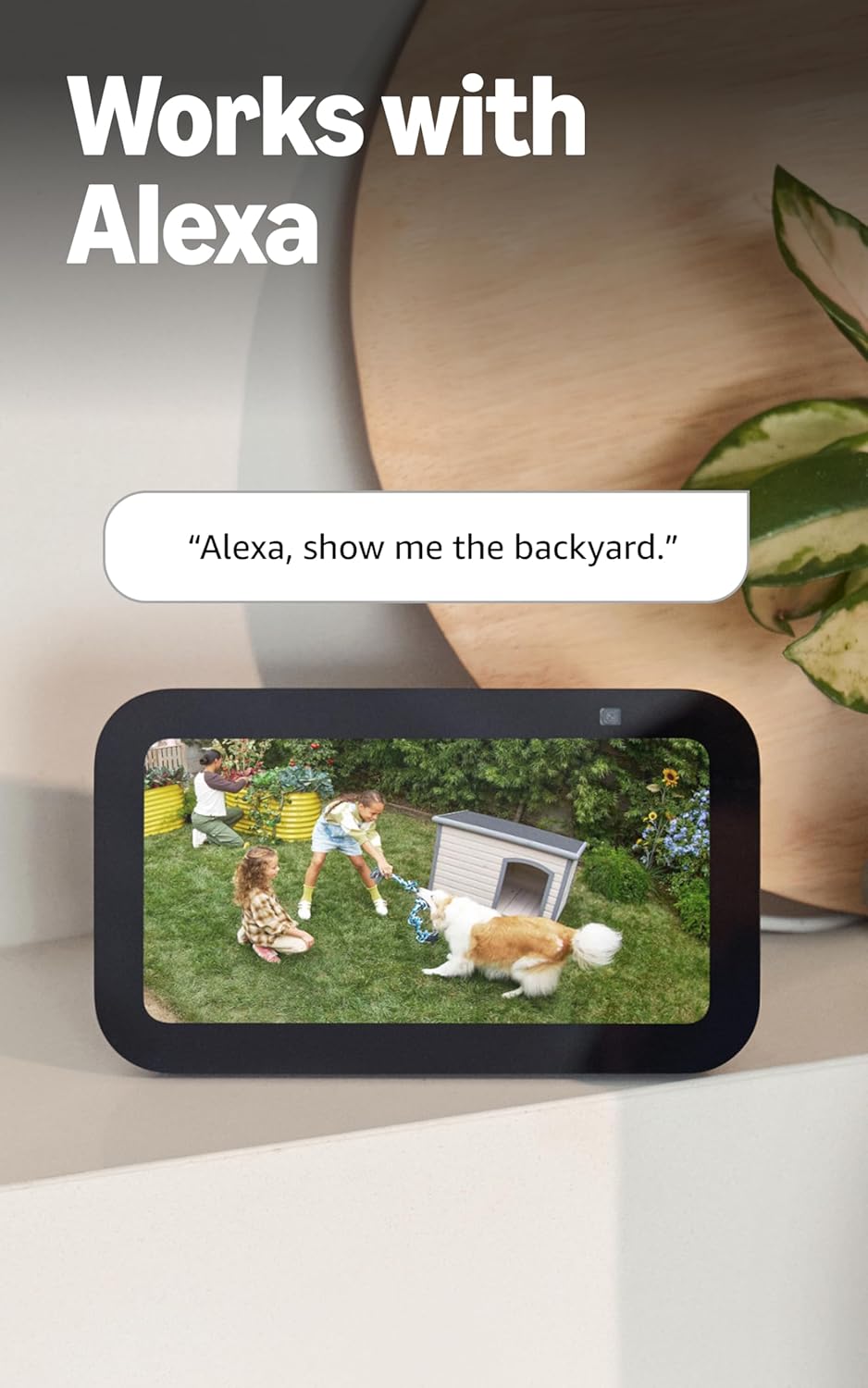
Image: An Echo Show device displaying a live video feed from a Ring camera, demonstrating integration with Alexa.
Wartung
Proper maintenance ensures optimal performance and longevity of your Ring Spotlight Cam Plus.
Batteriemanagement:
- The camera uses a Quick-Release Battery Pack. Monitor battery levels via the Ring app.
- To recharge, remove the battery pack from the camera and connect it to the Micro USB charging cable.
- Kauf in Erwägung ziehenasing an additional battery pack (sold separately) to ensure continuous operation while one battery charges.
- An optional solar panel (sold separately) can be connected to provide continuous charging.
Reinigung:
- Reinigen Sie Objektiv und Gehäuse der Kamera regelmäßig mit einem weichen Tuch.amp Mit einem Tuch Staub und Schmutz entfernen. Scheuermittel vermeiden.
- Stellen Sie sicher, dass das Sichtfeld der Kamera view remains unobstructed by foliage or other objects.
Fehlerbehebung
If you encounter issues with your Ring Spotlight Cam Plus, refer to the following common solutions:
- Keine Strom-/Batterieprobleme: Ensure the Quick-Release Battery Pack is fully charged and correctly inserted. If using a solar panel, verify it is receiving adequate sunlight and properly connected.
- Verbindungsprobleme: Check your Wi-Fi router and ensure it is functioning correctly. Confirm your camera is within range of your 2.4 GHz Wi-Fi network. A minimum upload speed of 2 Mbps is required for optimal performance.
- Bewegungserkennung funktioniert nicht: Review your motion zone settings in the Ring app. Ensure the zones cover the desired areas and sensitivity is adjusted appropriately.
- Schlechte Videoqualität: Verify your internet connection meets the minimum speed requirements. Ensure the camera lens is clean and free from obstructions.
- App-Probleme: Stellen Sie sicher, dass Ihre Ring-App auf dem neuesten Stand ist. Versuchen Sie, die App oder Ihr Mobilgerät neu zu starten.
For further assistance, consult the Ring app's help section or the official Ring support webWebsite.
Technische Daten
| Besonderheit | Detail |
|---|---|
| Maße | 3.0 Zoll x 3.2 Zoll x 5.0 Zoll (76.40 mm x 80.50 mm x 126.25 mm) |
| Farboptionen | Schwarz, Weiß |
| Video | 1080p HD-Video, Live View, Farbnachtsicht |
| Bewegungserkennung | Erweiterte Bewegungserkennung mit anpassbaren Bewegungszonen |
| Fachgebiet View | 140 ° horizontal |
| Sirene | Fernaktivierbare Sicherheitssirene |
| Audio | Zwei-Wege-Audio mit Geräuschunterdrückung |
| Leistung | Wiederaufladbarer Akkusatz (1 im Lieferumfang enthalten, fasst bis zu 2), optionales Solarpanel (separat erhältlich) |
| Dual-Power-Modus | Dynamisches Umschalten zwischen Steckernetzteil- und Batteriebetrieb (erfordert den Kauf eines Steckernetzteils) |
| Internetanforderungen | Für eine optimale Leistung ist eine minimale Upload-Geschwindigkeit von 2 Mbit/s erforderlich. |
| Konnektivität | 802.11 b/g/n WLAN-Verbindung bei 2.4 GHz |
| Durchschnittliche Installationszeit | 5 bis 10 Minuten |
| Betriebsbedingungen | -5 °F bis 120 °F (-20 °C bis 48 °C), witterungsbeständig |
| Setup-Anforderungen | Vertikale oder horizontale Montagefläche |
Zusätzliche Hinweise:
- Ring Home Plan: Your Ring videos in the cloud are stored temporarily, up to 180 days of Video Event History. Changing your video storage time will only affect videos recorded after the adjustment. Snapshot Capture photos are stored for up to 7 days. Refer to Ring Home Plan for more details.
- Alexa-Integration: Works with Alexa to illuminate and send announcements to Echo devices, and allows viewing, hearing, and speaking to people on camera with select Echo and Fire TV devices.
Garantie
The Ring Spotlight Cam Plus, Battery comes with a Einjährige beschränkte Garantie. Please retain your proof of purchase for warranty claims. For specific terms and conditions, refer to the warranty documentation included with your product or visit the official Ring webWebsite.
Unterstützung
For technical support, product information, or assistance with your Ring Spotlight Cam Plus, Battery, please utilize the following resources:
- Ring App: The Ring app provides in-app help, FAQs, and troubleshooting guides.
- Software-Sicherheitsupdates: For information specific to your device regarding software security updates, visit the Software Security Updates section in the Ring Control Center.
- Online-Ressourcen: Visit the official Ring support website for comprehensive guides, video tutorials, and community forums.


