
Einführung
Vielen Dank für Ihren Einkauf.asing the Cuifati A100 Mini Cartoon Kids Camera. This camera is designed for children aged 3-12, offering a fun and safe way to explore photography and videography. Its compact, lightweight, and durable design, made from food-grade ABS material, ensures a comfortable and secure grip for small hands. This manual provides essential information for setting up, operating, and maintaining your camera.
The camera features a 2.0-inch color display, 20MP photo resolution, 720P video recording, and includes various photo frames and filters to enhance creativity. It is equipped with a built-in 400mAh rechargeable battery for extended use.
Sicherheitshinweise
- This product is intended for children aged 3-12. Adult supervision is recommended during use.
- The camera is made from food-grade ABS material, ensuring it is safe for children.
- Do not expose the camera to extreme temperatures, direct sunlight for prolonged periods, or moisture.
- Vermeiden Sie es, die Kamera fallen zu lassen oder starken Stößen auszusetzen.
- Kleinteile wie Speicherkarten sollten für Kleinkinder unzugänglich aufbewahrt werden, um Erstickungsgefahren zu vermeiden.
- Use only the provided charging cable or a compatible DC5V 1A charger.
- The battery is built-in and non-detachable. Do not attempt to replace it.
Packungsinhalt
Bitte überprüfen Sie das Paket, um sicherzustellen, dass alle Artikel vorhanden sind:
- 1 x Cuifati A100 Children Camera
- 1 x Fixing Strap
- 1 x Anti-lost Rope
- 1 x USB-Ladekabel

Abbildung 1: Package contents including the camera, straps, and charging cable.
Produkt überview
The Cuifati A100 camera features a user-friendly design with a durable, rounded body for comfortable handling.

Abbildung 2: The camera's light and round design.
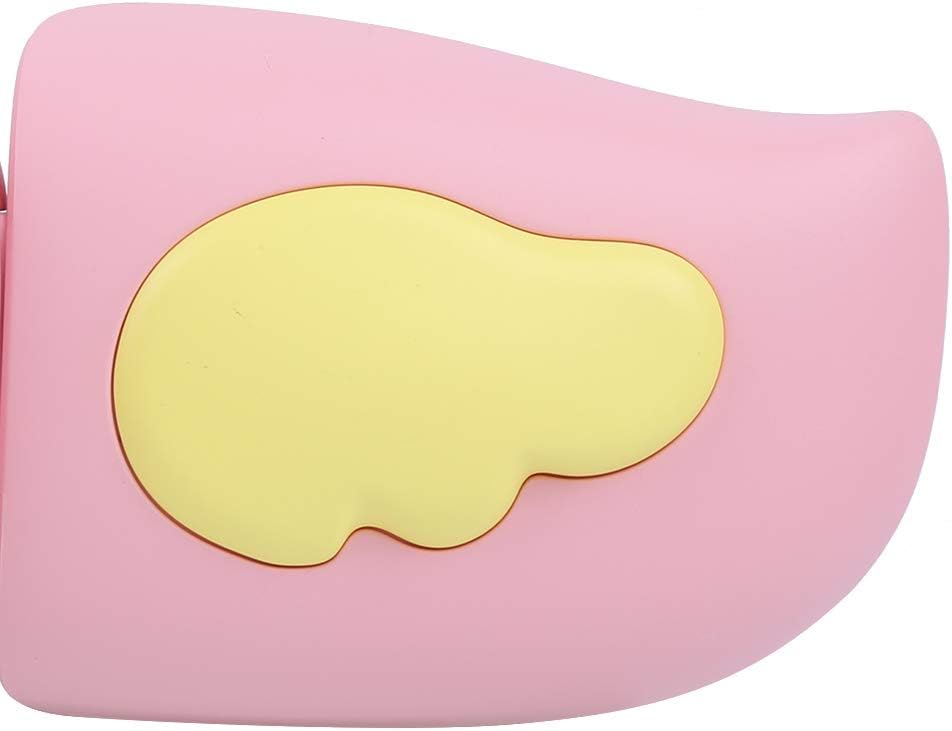
Abbildung 3: Detail of the camera's ergonomic design.
Hauptmerkmale:
- 2.0-Zoll-Farbdisplay: Für viewFotos und Videos ansehen sowie Menüs bedienen.
- Feste Linse: 100° viewing angle for capturing wide scenes.
- Benutzerfreundliche Schaltflächen: Intuitive Bedienelemente für einfache Handhabung.
- USB-Schnittstelle: Zum Aufladen und zur Datenübertragung.
- Speicherkartensteckplatz: Unterstützt bis zu 32 GB (Karte nicht im Lieferumfang enthalten).
Aufstellen
1. Aufladen der Kamera
Before first use, fully charge the camera's built-in 400mAh battery. The camera features a large capacity battery for strong endurance.
- Schließen Sie das mitgelieferte USB-Ladekabel an den USB-Anschluss der Kamera an.
- Connect the other end of the USB cable to a DC5V 1A USB power adapter (not included) or a computer's USB port.
- Die Ladeanzeige leuchtet auf. Sobald der Ladevorgang abgeschlossen ist, kann die Farbe der Anzeige wechseln oder sie erlöschen.
2. Einlegen einer Speicherkarte
A memory card (MicroSD card, up to 32GB) is required to save photos and videos. It is not included in the package.
- Suchen Sie den Speicherkartensteckplatz an der Seite der Kamera.
- Gently insert a MicroSD card into the slot with the metal contacts facing the front of the camera until it clicks into place.
- To remove the card, gently push it in again until it springs out.
Bedienungsanleitung
1. Ein-/Ausschalten
- So schalten Sie das Gerät ein: Halten Sie die Ein-/Aus-Taste gedrückt (normalerweise mit gekennzeichnet). Ⓜ or a similar icon) for a few seconds until the screen lights up.
- So schalten Sie das Gerät aus: Drücken und halten Sie den Ein-/Ausschalter erneut, bis sich der Bildschirm ausschaltet.

Abbildung 4: Camera in hand, showing the display and control buttons.
2. Fotos machen
- Schalten Sie die Kamera ein. Normalerweise befindet sie sich standardmäßig im Fotomodus.
- Frame your shot using the 2.0-inch color display.
- Press the Shutter button (often a prominent button on top or side) to take a picture.
- The camera supports 20MP photo resolution.
- Utilize the 4 types of photo stickers and 9 kinds of filters for creative effects.
- Time-lapse shooting for selfies can be set for 3 or 5 seconds.
3. Videos aufnehmen
- From photo mode, navigate to video mode using the mode button (usually marked 'M' or a video camera icon).
- Drücken Sie den Auslöser, um die Aufnahme zu starten. Eine Aufnahmeanzeige erscheint auf dem Bildschirm.
- Drücken Sie den Auslöser erneut, um die Aufnahme zu stoppen.
- The camera records videos in 720P (1080x720) resolution.
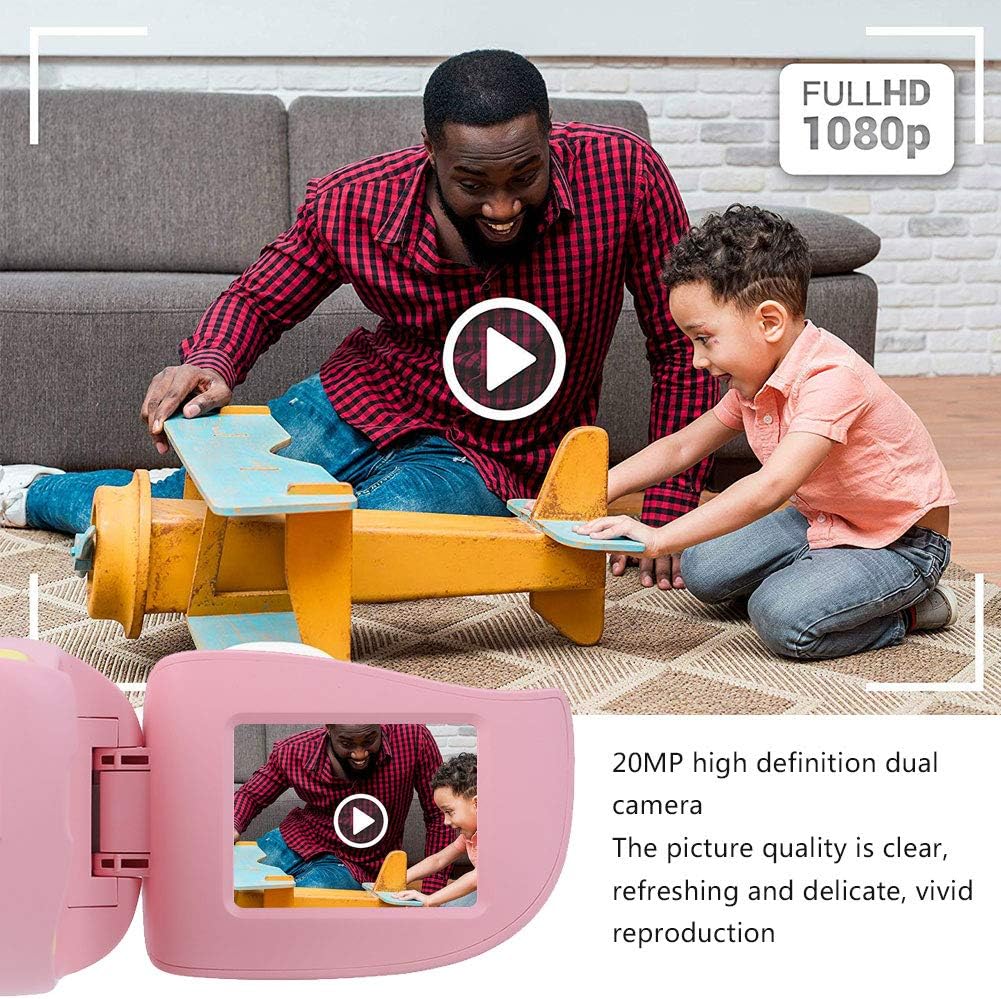
Abbildung 5: Illustrating the camera's 20MP photo and 720P video capabilities.
4. Wiedergabemodus
- Wechseln Sie mit der Modus-Taste in den Wiedergabemodus.
- Use the navigation buttons (up/down or left/right arrows) to browse through your photos and videos.
- Press the OK/Shutter button to view ein Foto oder ein Video abspielen.
5. Settings and Games
- Access the settings menu via the mode button or a dedicated menu button. Here you can adjust language (Chinese, English, Russian, Korean, Japanese), date/time, and other camera parameters.
- The camera supports a variety of built-in games for entertainment. Navigate to the game section through the menu.
Wartung
- Reinigung: Use a soft, dry cloth to clean the camera body. For the lens, use a specialized lens cleaning cloth. Do not use liquid cleaners or abrasive materials.
- Lagerung: Bewahren Sie die Kamera bei Nichtgebrauch an einem kühlen, trockenen Ort fern von direkter Sonneneinstrahlung und Feuchtigkeit auf.
- Batteriepflege: Um die Akkulaufzeit zu verlängern, vermeiden Sie häufiges vollständiges Entladen des Akkus. Laden Sie die Kamera regelmäßig auf, auch wenn sie längere Zeit nicht benutzt wird.
Fehlerbehebung
| Problem | Mögliche Ursache | Lösung |
|---|---|---|
| Die Kamera schaltet sich nicht ein. | Der Akku ist schwach oder leer. | Charge the camera using the USB charging cable. |
| Es ist nicht erlaubt, Fotos zu machen/Videos aufzunehmen. | Es ist keine Speicherkarte eingelegt oder die Karte ist voll/beschädigt. | Insert a compatible MicroSD card (up to 32GB). Check if the card has sufficient space or try formatting it (this will erase all data). |
| Bilder/Videos sind unscharf. | Lens is dirty or lighting is poor. | Clean the lens with a soft cloth. Ensure adequate lighting for your shots. |
| Die Kamera friert ein oder reagiert nicht mehr. | Softwarefehler. | Press and hold the Power button for an extended period (e.g., 10-15 seconds) to force a restart. If the issue persists, ensure the battery is charged. |
Technische Daten
| Modell | A100 |
| Material | ABS in Lebensmittelqualität |
| Bildschirm | 2.0 Inch Color Display Screen (LCD) |
| Linse | Fixed Lens, 100° Viewing-Winkel |
| Speichermedium | Memory Card (MicroSD), Maximum Support 32GB (Not Included) |
| Bildformat | JPG |
| Videoformat | JPEG |
| Videoauflösung | 720p (1080x720) |
| Fotopixel | 20 MP effektive Standbildauflösung |
| Bilderrahmen | 4 Typen |
| Filtereffekte | 9 Arten |
| Eingangslautstärketage | Gleichstrom 5 V, 1 A |
| Funktionen | Taking Pictures, Video Recording, Games |
| Unterstützte Sprachen | Chinese, English, Russian, Korean, Japanese |
| Batterie | Built-in, Non-Detachable 400mAh Lithium Battery |
| Gewicht | Ca. 220g |
| Abmessungen (ca.) | 13 x 11 x 7 cm (Paketabmessungen) |
| Konnektivität | USB, WLAN |
| Fotosensor-Technologie | CMOS |
| Belichtungssteuerung | Handbuch |
| Aufnahmemodi | Sport |
| Reihenaufnahmen | 30 FPS |
| Altersspanne | Kind (3-12 Jahre) |
Garantie und Support
Specific warranty information is not provided in this manual. For details regarding warranty coverage, technical support, or service, please refer to the documentation included with your purchase or contact the retailer where the product was acquired. You may also visit the official Cuifati brand store for additional information.
Cuifati Brand Store: Besuchen Sie den Shop