
Cuifati Cuifatip0izksa79g3281
Cuifati Wireless Smart Remote Control User Manual
Model: Cuifatip0izksa79g3281
Einführung
This manual provides comprehensive instructions for the Cuifati Wireless Smart Remote Control. It covers setup, operation, maintenance, and troubleshooting to ensure optimal performance and longevity of your device. This remote control features 2.4G and Bluetooth 5.0 connectivity, voice control, and IR learning capabilities, making it compatible with a wide range of devices such as Nvidia Shield, PCs, Projectors, Smart TVs, and Android TV Boxes.
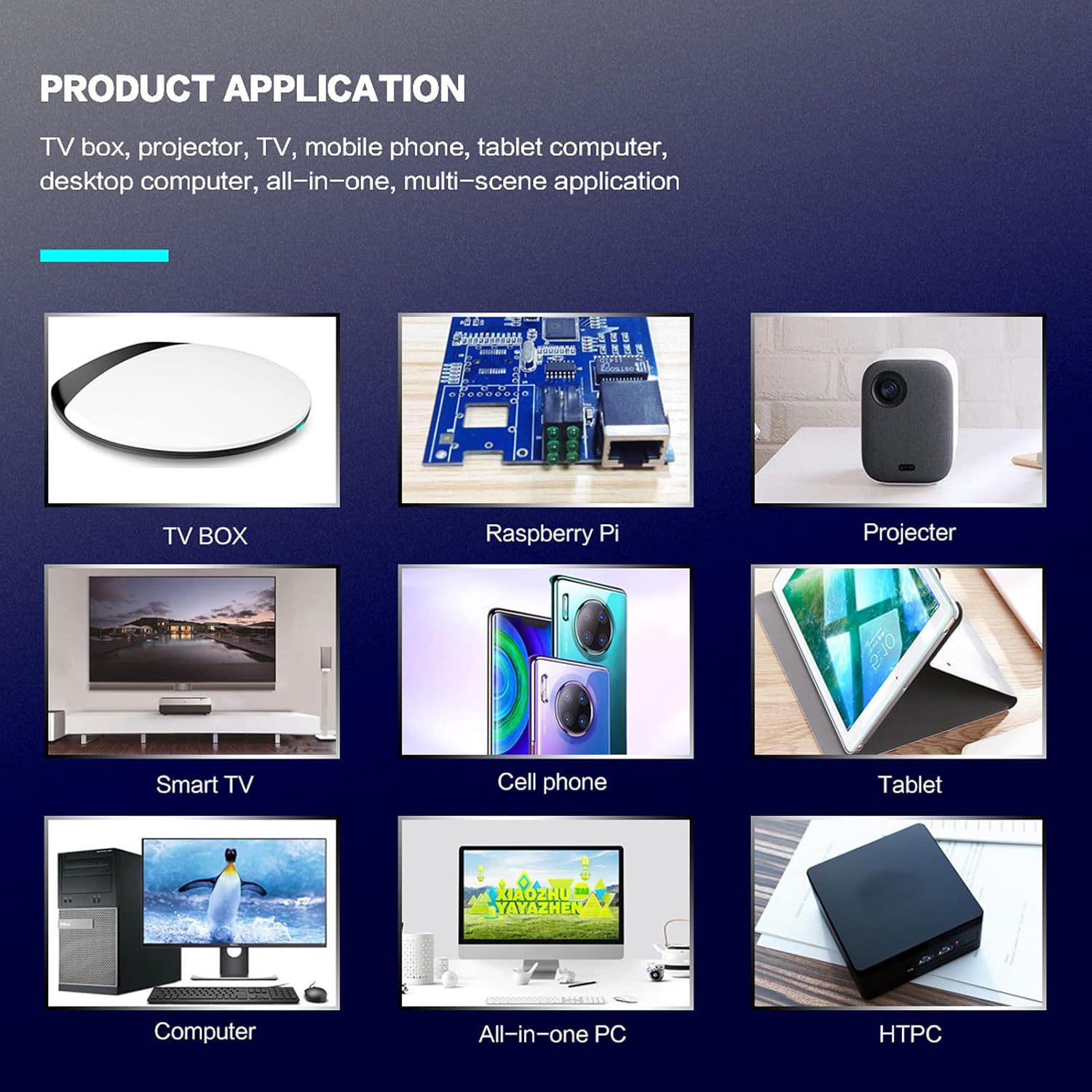
Abbildung 1: Product application examples.
Packungsinhalt
Bitte überprüfen Sie, ob alle Artikel in Ihrem Paket vorhanden sind:
- 1 x Cuifati Wireless Smart Remote Control
- 1 x 2.4G USB-Empfänger
- 1 x Benutzerhandbuch
Technische Daten
| Besonderheit | Detail |
|---|---|
| Marke | Cuifati |
| Modellnummer | Cuifatip0izksa79g3281 |
| Material | ABS |
| Bandtage | 3.0 V |
| Konnektivitätsmodi | 2.4G, Bluetooth 5.0 |
| Betriebsstrom | <15 mA |
| Ruhestrom | <20 µA |
| Reichweite | >10 Meter (32.8 Fuß) |
| Akku-Typ | 2 x AAA-Batterien (nicht im Lieferumfang enthalten) |
| Anzahl der Tasten | 5 (Control buttons, total buttons are more) |
| Kompatible Geräte | Streaming devices, Televisions, PCs, Projectors, Smart TVs, Android TV Boxes |
| Besonderheit | Universal, Voice Control, IR Learning, Backlit |
Installationshandbuch
1. Einlegen der Batterie
Die Fernbedienung benötigt zwei AAA-Batterien (nicht im Lieferumfang enthalten).
- Öffnen Sie den Batteriefachdeckel auf der Rückseite der Fernbedienung.
- Legen Sie zwei AAA-Batterien ein und achten Sie dabei auf die richtige Polarität (+ und -).
- Schließen Sie den Batteriefachdeckel fest.

Abbildung 2: Battery compartment with AAA batteries.
2. Anschließen der Fernbedienung
The remote control supports both 2.4G wireless and Bluetooth 5.0 connectivity.
2.1. 2.4G Wireless Connection (via USB Receiver)
- Insert the 2.4G USB receiver into an available USB port on your device (e.g., Smart TV, Android TV Box, PC).
- Das Gerät sollte die notwendigen Treiber automatisch erkennen und installieren.
- Die Fernbedienung ist nun betriebsbereit.
2.2. Bluetooth 5.0-Verbindung
For Bluetooth connection, ensure your device supports Bluetooth 5.0 or higher.
- Halten Sie auf der Fernbedienung gedrückt OK und die Zurückkehren button simultaneously for 3 seconds. The indicator light on the remote will flash rapidly, indicating it is in pairing mode.
- On your device, navigate to the Bluetooth settings and search for available devices.
- Select "G20s Pro" (or similar device name) from the list of found devices to pair.
- Sobald die Kopplung abgeschlossen ist, hört die Kontrollleuchte an der Fernbedienung auf zu blinken.

Abbildung 3: Anweisungen zur Bluetooth-Kopplung.
Bedienungsanleitung
1. Tastenfunktionen (Über)view
Machen Sie sich mit dem Layout und den Funktionen der Fernbedienungstasten vertraut.

Abbildung 4: Tastenanordnung und Funktionen der Fernbedienung.
- Power (IR Learning Key): Turns the device on/off. Can be programmed via IR learning.
- Mikrofon: Activates voice input.
- Kontrollleuchte: Shows status (pairing, IR learning).
- Mute (IR Learning Key): Mutes/unmutes audio. Can be programmed via IR learning.
- Pg+ / Pg-: Page Up / Page Down.
- Navigation Keys (Up/Down/Left/Right): For menu navigation.
- OK / Enter / Mouse Left: Confirms selection or acts as left mouse click.
- Return / Mouse Right: Goes back or acts as right mouse click.
- Heim: Returns to the home screen.
- Open Google Voice Assistant: Dedicated button for voice assistant.
- Volume - / Volume +: Regelt die Lautstärke.
- Abspielen/Pause: Steuert die Medienwiedergabe.
- Vorherige Nächste: Skips to previous or next media track.
- Rücktaste: Deletes characters.
- Speisekarte: Press and hold to turn on/off the backlight.
2. Sprachsteuerung
The remote control supports voice commands for compatible devices. Press the Mikrofon button and speak clearly into the remote to issue commands or search content.
3. IR-Lernfunktion
The Power and Mute buttons can learn infrared signals from your existing TV remote control, allowing you to control basic TV functions with this remote.

Abbildung 5: IR Learning process for the Power button.
- Halten Sie die Leistung Taste (oder Stumm button) on the Cuifati remote for 3 seconds. The red indicator light will flash slowly, entering IR learning mode.
- Point the infrared emitter of your original TV remote control directly at the infrared receiver of the Cuifati remote (approximately 2-3 cm apart).
- Press the desired button on your original TV remote (e.g., Power button). The Cuifati remote's red indicator light will flash rapidly and then turn off, indicating successful learning.
- Repeat the process for other buttons if desired.
4. Motion Sensing (Air Mouse)
The remote control features a gyroscope core compensation algorithm for motion sensing, allowing it to function as an air mouse. Move the remote in the air to control the cursor on your screen.

Abbildung 6: Motion sensing in action.
Wartung
- Halten Sie die Fernbedienung trocken. Vermeiden Sie den Kontakt mit Feuchtigkeit oder Flüssigkeiten.
- Reinigen Sie die Fernbedienung mit einem weichen, trockenen Tuch. Verwenden Sie keine Scheuermittel oder Lösungsmittel.
- Wenn die Fernbedienung längere Zeit nicht benutzt wird, sollten die Batterien entfernt werden, um ein Auslaufen zu verhindern.
- Vermeiden Sie es, die Fernbedienung fallen zu lassen oder starken Stößen auszusetzen.
Fehlerbehebung
- Die Fernbedienung reagiert nicht:
- Stellen Sie sicher, dass die Batterien korrekt eingesetzt und nicht entladen sind. Tauschen Sie sie gegebenenfalls aus.
- Check if the 2.4G USB receiver is properly inserted into the device's USB port.
- For Bluetooth connection, ensure the remote is paired correctly. Re-pair if connection is lost.
- Ensure there are no obstructions between the remote and the device (for 2.4G) or within Bluetooth range.
- Die Sprachsteuerung funktioniert nicht:
- Ensure the remote is properly connected via 2.4G or Bluetooth.
- Verify that your device supports voice input and that the microphone is enabled.
- Sprechen Sie deutlich und nah an das Mikrofon der Fernbedienung.
- IR-Lernen fehlgeschlagen:
- Ensure the original remote's IR emitter is pointed directly at the Cuifati remote's IR receiver, within 2-3 cm.
- Make sure the original remote has sufficient battery power.
- Repeat the learning steps carefully.
Garantie und Support
Specific warranty information is not provided in this manual. For warranty details, technical support, or service inquiries, please refer to the product packaging or contact the manufacturer directly through their official webSite oder Kundendienstkanäle.
Ask a question about this manual
Ask about setup, troubleshooting, compatibility, parts, safety, or missing instructions. Manuals+ will review the question and use this page’s manual context to help answer it.