
RIYO KH22B
RIYO Kinder-Bluetooth-Kopfhörer – Benutzerhandbuch
Model: KH22B | Brand: RIYO
Einführung
This manual provides detailed instructions for the RIYO Kids Bluetooth Headphones (Model KH22B). Please read this manual thoroughly before using the product to ensure proper operation and safety. These headphones are designed for children, featuring a volume limit for hearing protection, comfortable wear, and engaging LED lights.
Lieferumfang
Upon unboxing your RIYO Kids Bluetooth Headphones, you should find the following items:
- RIYO KH22B Kids Bluetooth Headphones (Navy Blue)
- USB-A auf USB-C Ladekabel
- 3.5-mm-Audiokabel
- Bedienungsanleitung
- Decorative Stickers (may vary)
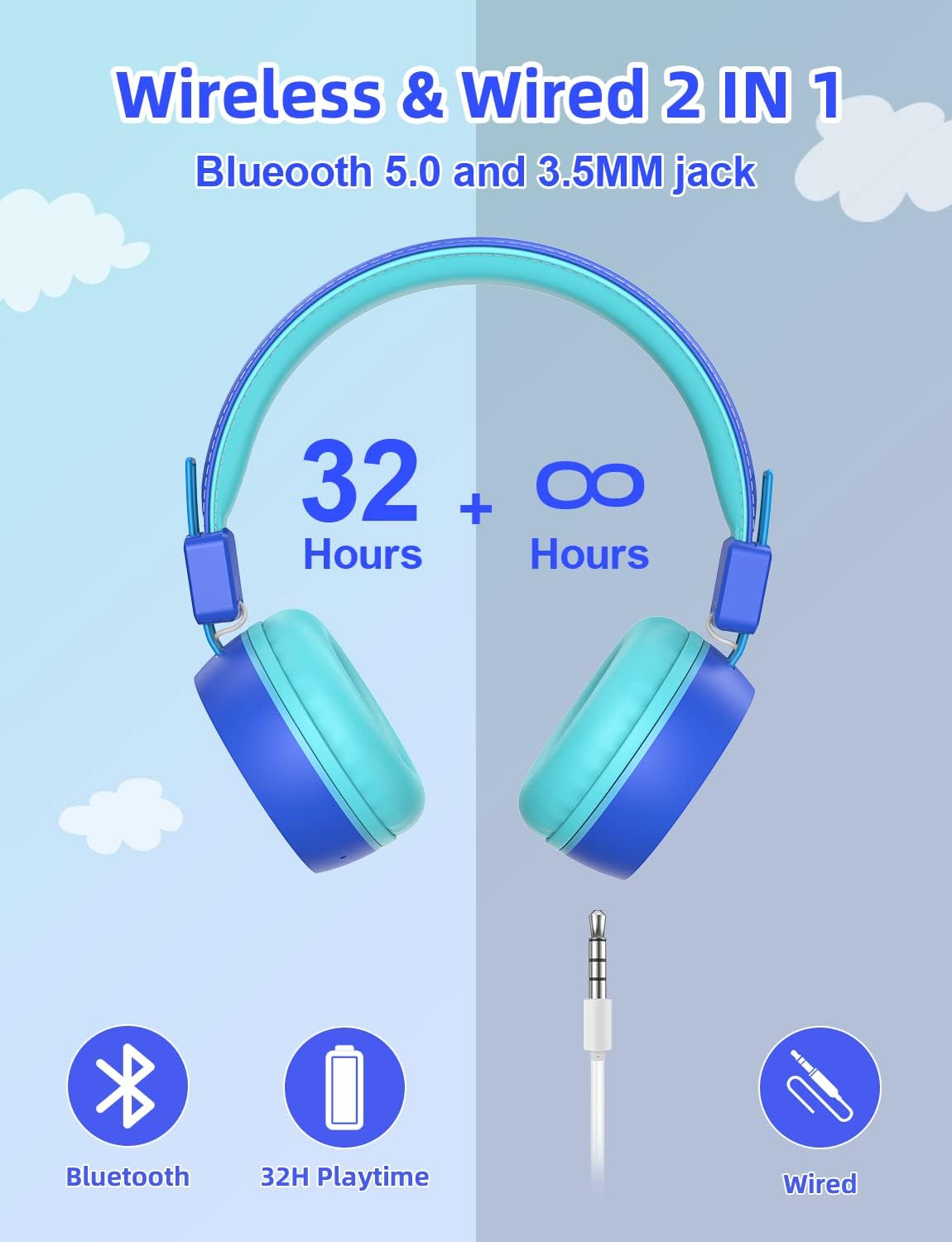
Bild: The image displays the contents of the RIYO Kids Bluetooth Headphones packaging. Visible items include the folded navy blue headphones, a white USB-C charging cable, a white 3.5mm audio cable, and the user manual.
Video: Dieses Video bietet ein Overview of the RIYO KH22B Kids Bluetooth Headphones, demonstrating their features and components.
Produkt überview und Funktionen
The RIYO KH22B headphones are designed with both wireless and wired capabilities, ensuring continuous audio playback. They feature soft ear pads for comfort and adjustable headbands for a secure fit.
Hauptmerkmale:
- Drahtlose und kabelgebundene Verbindungen: Bluetooth V5.0 for stable wireless connection up to 15 meters, plus a 3.5mm audio jack for wired use when battery is low.
- Lautstärkebegrenzung: Max volume of 92dB to protect children's hearing.
- Bunte LED-Leuchten: Three types of LED lighting effects that can change with music rhythm.
- Angenehmer Tragekomfort: Soft and breathable ear pads designed for extended use without discomfort.
- Faltbares und tragbares Design: Durable plastic frame with a retractable design for easy storage and transport.
- Eingebautes Mikrofon: For hands-free calling and online communication.

Bild: A pair of navy blue RIYO Kids Bluetooth Headphones with light blue earcups and headband padding. The right earcup features a glowing star design, indicating its LED light capability.

Bild: An infographic illustrating the dual connectivity options of the headphones: Bluetooth 5.0 for wireless use with up to 32 hours of playtime, and a 3.5mm audio jack for wired connection when the battery is low.

Bild: A diagram pointing to the built-in HD microphone on the headphone earcup, indicating its use for online courses, phone calls, and hands-free communication.
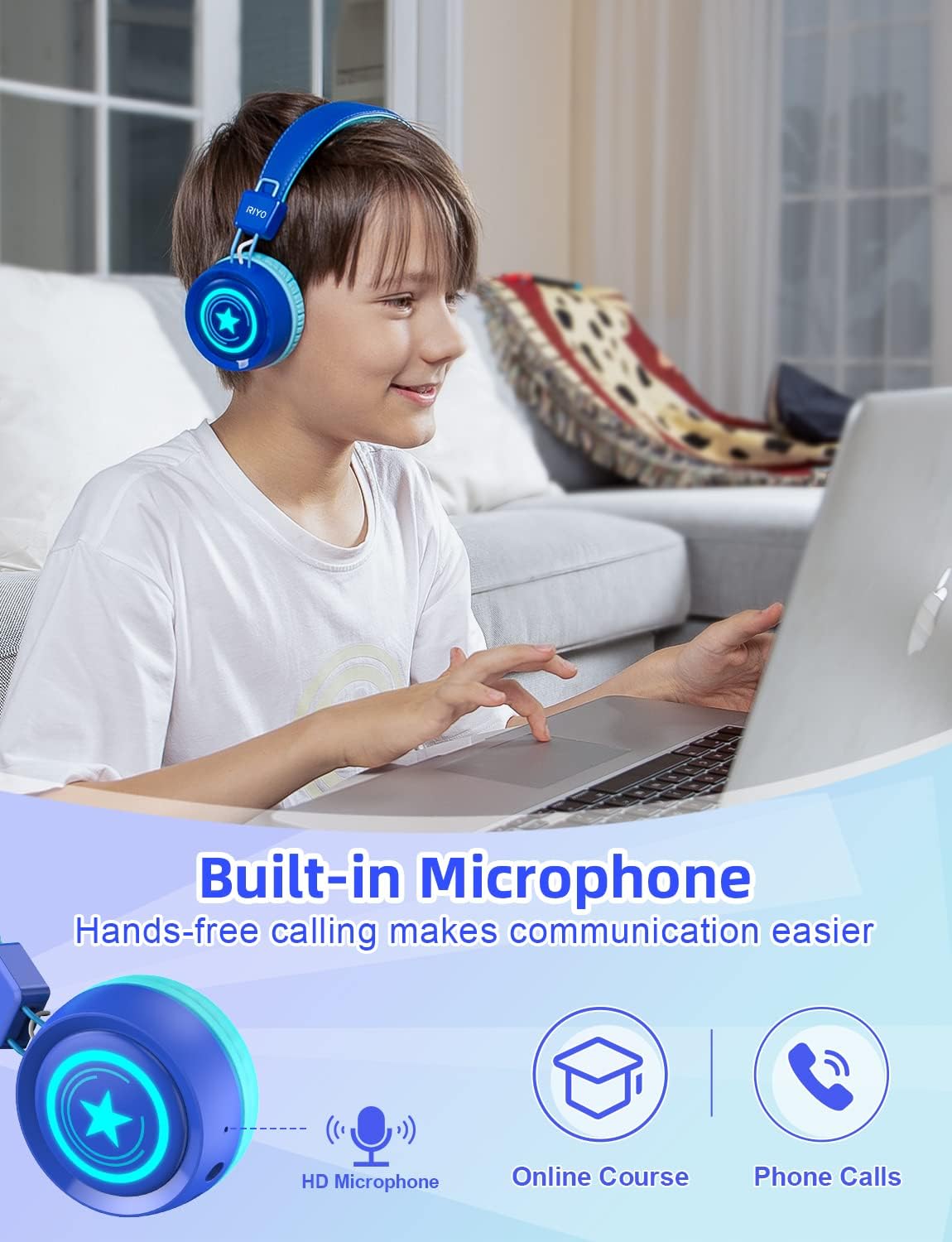
Bild: A young girl is shown wearing the navy blue RIYO Kids Bluetooth Headphones. The earcups are illuminated with vibrant LED lights, highlighting the product's colorful lighting effects.

Bild: A young boy is wearing the RIYO Kids Bluetooth Headphones, showcasing the comfortable fit of the soft ear pads and adjustable headband. The headphones appear snug and secure on his head.

Bild: Ein explodiert view of the headphone earcup reveals the internal components, specifically highlighting the 40mm high-quality speaker drivers responsible for delivering clear stereo sound.
Steuerung:
| Taste/Port | Funktion |
|---|---|
| Netzschalter | Press and hold to power on/off. Hold longer for Bluetooth pairing. |
| Lautstärke + / - | Lautstärke erhöhen oder verringern. |
| Lichtsteuertaste | Change LED lighting effects (Breathe Fast, Quick Flash, Music Beat, LED OFF). |
| Typ-C Ladeanschluss | Schließen Sie das USB-C-Kabel zum Aufladen an. |
| 3.5mm Audiobuchse | Schließen Sie ein 3.5-mm-Audiokabel für kabelgebundenes Hören an. |
| Mikrofon | Built-in for voice communication. |
Video: This video showcases the wireless capabilities and various features of the RIYO Kids Bluetooth Headphones, including their foldable design and LED light functions.
Installationshandbuch
1. Aufladen der Kopfhörer:
Before first use, fully charge the headphones. Connect the provided USB-A to USB-C charging cable to the Type-C charging port on the headphone and a compatible USB power source. The LED indicator will show charging status.
2. Bluetooth-Kopplung:
- Stellen Sie sicher, dass die Kopfhörer ausgeschaltet sind.
- Press and hold the Power Button for approximately 3-5 seconds until the LED indicator flashes blue and red, indicating pairing mode.
- Aktivieren Sie auf Ihrem Gerät (Smartphone, Tablet, Computer) Bluetooth und suchen Sie nach verfügbaren Geräten.
- Select "KH22B" from the list of found devices.
- Once connected, the LED indicator will turn solid blue or flash slowly, and you will hear an audible confirmation.
3. Kabelverbindung:
If the battery is depleted or you prefer a wired connection, simply plug the 3.5mm audio cable into the headphone's audio jack and the other end into your device's audio port. The headphones will automatically switch to wired mode.
Bedienungsanleitung
1. Ein-/Ausschalten:
Press and hold the Power Button for 3 seconds to turn the headphones on or off.
2. Lautstärkeregelung:
Use the Volume + and Volume - buttons to adjust the listening volume. Note that these headphones have a maximum volume limit of 92dB for hearing protection.
3. LED-Lichtsteuerung:
Press the Light Control Button to cycle through different LED lighting effects: Breathe Fast, Quick Flash, Music Beat, and LED OFF. The lights can add a fun visual element to the listening experience.
4. Anrufe entgegennehmen:
When connected via Bluetooth, a short press of the Multifunctional Button (often the Power Button) will answer an incoming call. Press again to end the call.
Wartung und Pflege
- Reinigung: Reinigen Sie die Kopfhörer mit einem weichen, trockenen Tuch. Verwenden Sie keine Scheuermittel oder Lösungsmittel.
- Lagerung: Wenn die Kopfhörer nicht benutzt werden, falten Sie sie zusammen und bewahren Sie sie an einem kühlen, trockenen Ort fern von direkter Sonneneinstrahlung und extremen Temperaturen auf.
- Batteriepflege: Um die Akkulaufzeit zu verlängern, sollten Sie die Kopfhörer nicht häufig vollständig entladen. Laden Sie sie regelmäßig auf, auch wenn Sie sie nicht ständig benutzen.
- Wasser vermeiden: Diese Kopfhörer sind nicht wasserdicht. Vermeiden Sie den Kontakt mit Wasser oder übermäßiger Feuchtigkeit.
- Vorsichtig handhaben: While durable, avoid dropping or subjecting the headphones to strong impacts.
Fehlerbehebung
Häufige Probleme und Lösungen:
- Die Kopfhörer lassen sich nicht einschalten: Stellen Sie sicher, dass der Akku geladen ist. Verbinden Sie das Gerät mit einer Stromquelle über das USB-C-Kabel.
- Kopplung via Bluetooth nicht möglich:
- Stellen Sie sicher, dass sich die Kopfhörer im Kopplungsmodus befinden (blinkende blaue/rote LED).
- Stellen Sie sicher, dass Bluetooth auf Ihrem Gerät aktiviert ist.
- Bringen Sie die Kopfhörer näher an Ihr Gerät heran.
- Forget "KH22B" from your device's Bluetooth list and try pairing again.
- Starten Sie sowohl die Kopfhörer als auch Ihr Gerät neu.
- Kein Ton im drahtlosen Modus:
- Prüfen Sie, ob die Kopfhörer erfolgreich gekoppelt wurden.
- Increase the volume on both the headphones and your device.
- Ensure no 3.5mm audio cable is plugged in (it overrides Bluetooth).
- Kein Ton im Kabelmodus:
- Ensure the 3.5mm audio cable is fully inserted into both the headphones and the device.
- Check the volume on your device.
- Testen Sie es gegebenenfalls mit einem anderen 3.5-mm-Audiokabel.
- LED-Leuchten funktionieren nicht:
- Press the Light Control Button to cycle through modes.
- Stellen Sie sicher, dass die Kopfhörer eingeschaltet sind.
- Batteriestand prüfen.
Technische Daten
| Besonderheit | Detail |
|---|---|
| Modellname | KH22B |
| Marke | RIYO |
| Konnektivitätstechnologie | Wireless (Bluetooth V5.0) & Wired (3.5mm Jack) |
| Maximale Lautstärkebegrenzung | 92 dB |
| Spielzeit | Up to 32 hours (Wireless) |
| Ladeanschluss | USB Typ C |
| Platzierung des Ohrs | Am Ohr |
| Material | Plastik |
| Eingebautes Mikrofon | Ja |
| Faltbares Design | Ja |
| LED-Leuchten | Ja (3 Modi) |
| Hersteller | LinkDream |
Garantie und Support
RIYO products come with a standard manufacturer's warranty. For detailed warranty information, technical support, or customer service inquiries, please refer to the contact information provided on the product packaging or visit the official RIYO webWebsite.
Weitere Hilfe finden Sie unter RIYO Store on Amazon.
Ask a question about this manual
Ask about setup, troubleshooting, compatibility, parts, safety, or missing instructions. Manuals+ will review the question and use this page’s manual context to help answer it.