
1. Einleitung
The JMT RJ45 Ethernet Extender is designed to extend the length of your Ethernet network cables by connecting two shorter cables. This device provides a reliable and stable connection, ensuring no loss of signal quality or speed over the extended distance. It is compatible with various Ethernet cable categories, including CAT5E, CAT6, and CAT8.
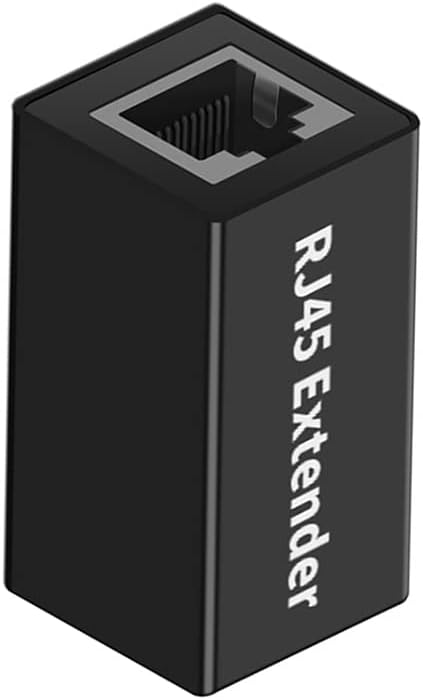
Image 1: JMT RJ45 Ethernet Extender. This image shows an isometric view of the black RJ45 extender, highlighting its compact design and the RJ45 port on one end.
2. Packungsinhalt
Please verify that all items listed below are included in your package. If any item is missing or damaged, please contact customer support.
- 1 x JMT RJ45 Ethernet Extender (Model N47397)
3. Einrichtungsanweisungen
The JMT RJ45 Ethernet Extender is designed for simple plug-and-play operation, requiring no software installation or complex configuration.
- Identify your Ethernet cables: Ensure you have two standard RJ45 Ethernet cables that you wish to connect.
- Connect the first cable: Insert the RJ45 connector of your first Ethernet cable into one end of the JMT RJ45 Extender until it clicks securely into place.
- Connect the second cable: Insert the RJ45 connector of your second Ethernet cable into the other end of the JMT RJ45 Extender until it clicks securely into place.
- Verbindung überprüfen: Once both cables are connected, your extended network connection should be active. No additional power or drivers are required.
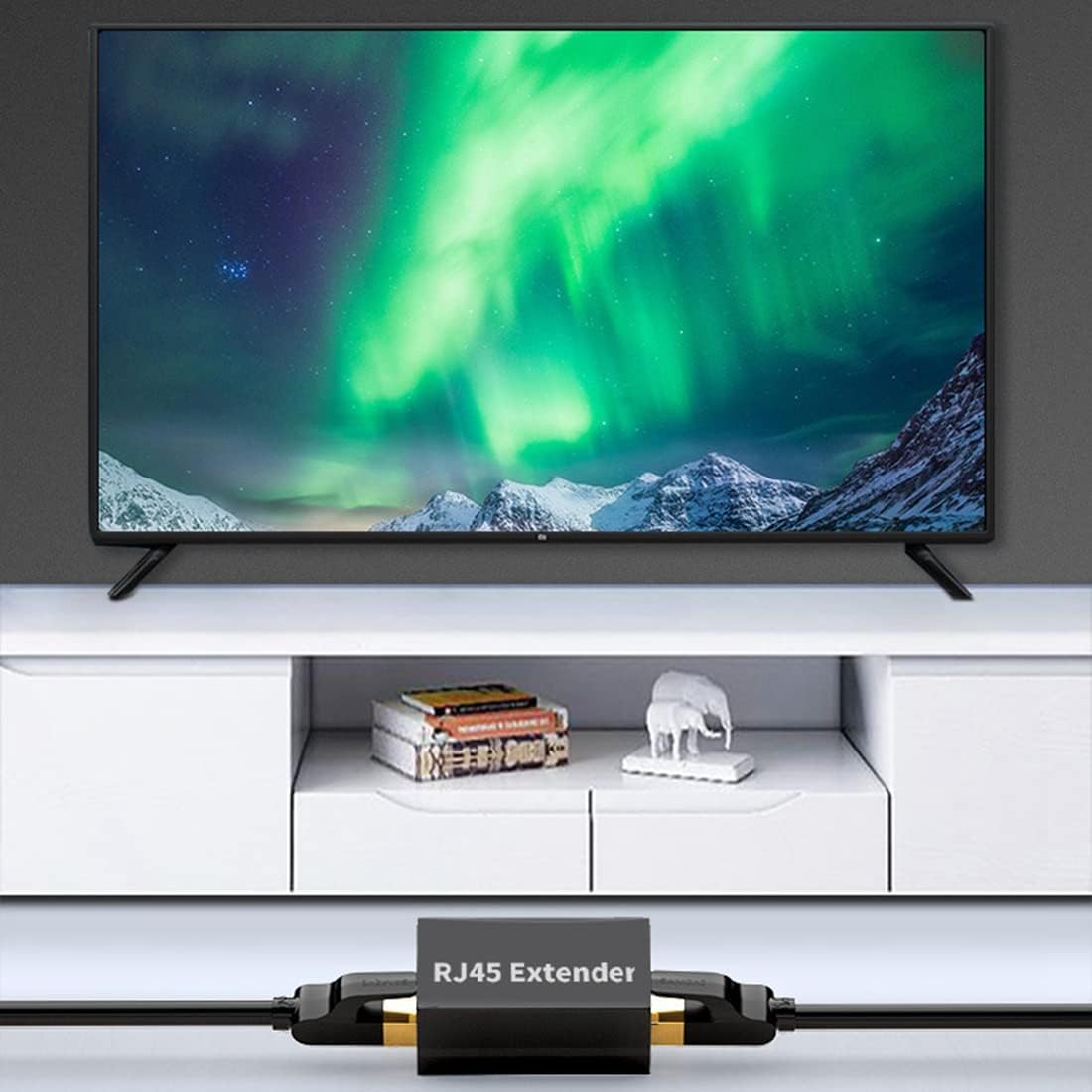
Image 2: JMT RJ45 Extender in use, connecting an Ethernet cable to a device near a television. This illustrates a typical application where the extender is used to reach a distant device.

Image 3: JMT RJ45 Extender connecting two Ethernet cables, one leading to a laptop. This image demonstrates the extender's use in a home office or desktop setup.
4. Bedienungsanleitung
Once properly connected, the JMT RJ45 Ethernet Extender operates automatically. It facilitates the seamless transmission of data between your connected devices.
- Lossless Internet Speed: The extender features a built-in metal shielding layer designed to prevent external electromagnetic interference, ensuring no loss of signal quality or internet speed.
- Hochgeschwindigkeitsdatenübertragung: Supports high-speed data transfer without delay, allowing for efficient network performance.
- Erweitertes Getriebe: The transmission distance for the extended Ethernet connection can be up to 100 meters, depending on the quality of the connected cables and network environment.
- Breite Kompatibilität: This RJ45 extender is compatible with various network cable standards, including CAT5E, CAT6, and CAT8 Ethernet LAN cables.
5. Wartung
The JMT RJ45 Ethernet Extender requires minimal maintenance.
- Reinigung: If necessary, gently wipe the exterior of the extender with a dry, soft cloth. Avoid using liquid cleaners or abrasive materials.
- Lagerung: Store the extender in a cool, dry place away from direct sunlight and extreme temperatures when not in use.
- Handhabung: Avoid dropping the device or subjecting it to strong impacts, as this may damage the internal components or the RJ45 ports.

Bild 4: Nahaufnahme view of the JMT RJ45 Extender's aluminum alloy casing. This image highlights the durable material used in its construction.
6. Fehlerbehebung
If you encounter issues with your JMT RJ45 Ethernet Extender, please refer to the following common troubleshooting steps:
| Problem | Mögliche Ursache | Lösung |
|---|---|---|
| No network connection after connecting extender. |
|
|
| Langsame Netzwerkgeschwindigkeit. |
|
|
| Zeitweise unterbrochene Verbindung. |
|
|
7. Spezifikationen
| Besonderheit | Detail |
|---|---|
| Modellnummer | N47397 |
| Marke | JMT |
| Typ | RJ45 Ethernet Extender / Coupler |
| Steckertyp | RJ45 Female to RJ45 Female |
| Kompatibilität | CAT5E, CAT6, CAT8 Ethernet LAN cables |
| Material | Aluminiumlegierung |
| Farbe | Schwarz |
| Data Link-Protokoll | Ethernet |
| Datenübertragungsrate | Up to 100 Megabits Per Second (dependent on connected cables and network) |
| Übertragungsdistanz | Bis zu 100 Meter (ca. 328 Fuß) |
| Abmessungen (ungefähr) | 37.0 mm (L) x 23.7 mm (B) x 22.0 mm (H) |

Image 5: Diagram showing the approximate dimensions of the JMT RJ45 Extender in millimeters.
8. Garantie und Support
Garantieinformationen: Specific warranty details for the JMT RJ45 Ethernet Extender are typically provided at the point of purchase or can be found on the official JMT webBitte bewahren Sie Ihren Kaufbeleg für Garantieansprüche auf.
Kundendienst: For technical assistance, troubleshooting beyond this manual, or warranty inquiries, please contact JMT customer support through their official channels. You may also visit the JMT Store on Amazon für weitere Informationen.