
1. Installationsanleitung
This section provides instructions for the initial setup of your Kinhank Super Console X King. Please follow these steps carefully to ensure proper functionality.
1.1 Auspacken und Komponentenidentifizierung
Nehmen Sie alle Komponenten vorsichtig aus der Verpackung. Überprüfen Sie, ob alle in der Packliste aufgeführten Artikel vorhanden sind.

Bild: The packing list for the Kinhank Super Console X King, showing the console unit, remote control, two gamepads, HDMI cable, power adapter, and an SD card.
1.2 Anschluss an Ihren Fernseher
- Locate the HDMI port on the back of your Super Console X King.
- Connect one end of the provided HDMI cable to the console's HDMI port.
- Connect the other end of the HDMI cable to an available HDMI input on your television. Note the HDMI input number (e.g., HDMI 1, HDMI 2) for later selection.
1.3 Stromanschluss
- Connect the power adapter to the DC-in port on the console.
- Plug the power adapter into a standard electrical outlet. The console should power on automatically or can be powered on using the remote control.
1.4 Controller anschließen
The console supports wireless controllers. Insert the USB receiver for the wireless controllers into one of the USB ports on the console. The controllers should automatically pair. If not, refer to the troubleshooting section.
1.5 Netzwerkverbindung
The Super Console X King supports both Wi-Fi (2.4G+5G) and Gigabit Ethernet for internet connectivity.
- W-lan: Navigate to the system settings, select Network, and choose your Wi-Fi network. Enter the password to connect.
- Ethernet: Connect an Ethernet cable from your router to the RJ45 port on the console. The connection should be established automatically.

Bild: A diagram illustrating the various ports on the Kinhank Super Console X King, including DC-in, USB 2.0, HD 2.1, RJ45, Audio SPDIF, AV (CVBS), USB 3.0, and Micro SD Card Slot.
2. Bedienungsanleitung
Your Super Console X King features three operating systems: Android 9.0, EmuELEC 4.5, and CoreELEC. This section explains how to navigate and use each system.
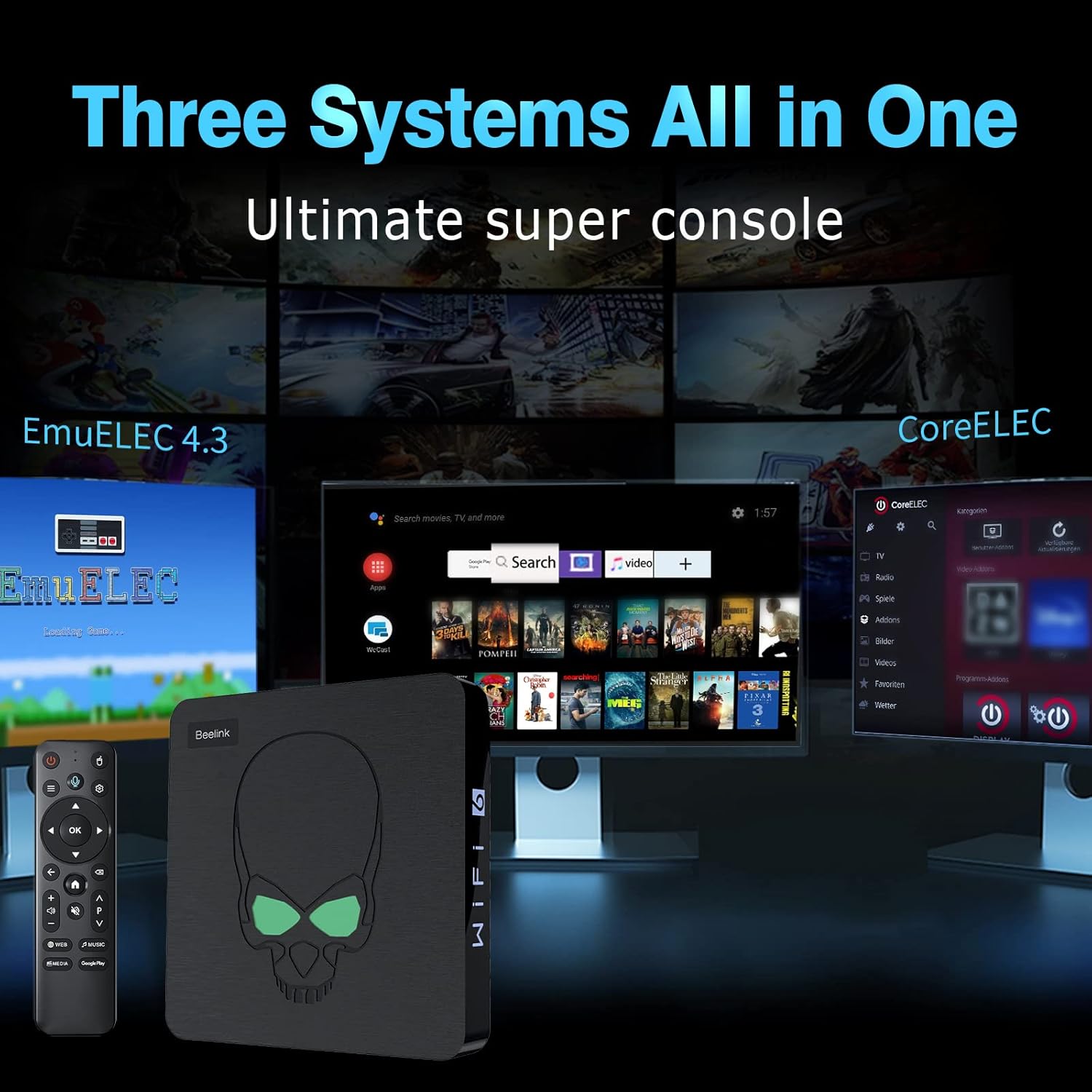
Bild: A visual representation of the three systems (EmuELEC, Android, CoreELEC) integrated into the Kinhank Super Console X King, highlighting its versatility.
2.1 Systemauswahl
Upon booting, you will typically be presented with an option to select your desired operating system. Use the remote control or gamepad to navigate and choose between Android, EmuELEC, or CoreELEC.

Bild: Ein Überview showing the interfaces of Android 9.0, EmuELEC 4.5, and CoreELEC systems running on the console.
2.2 EmuELEC (Spielsystem)
- Spielauswahl: EmuELEC provides access to over 117,000 pre-installed classic games across 70+ emulators. Use the gamepad to navigate through the game libraries.
- Ein Spiel starten: Select a game from the list and press the designated button (usually 'A' or 'X') to launch it.
- Spielfortschritt speichern: Most emulators allow you to save your game progress (save states). Refer to the in-emulator menu for specific instructions, typically accessed by a combination of buttons on the gamepad.
- Spiele hinzufügen: The console supports adding additional games. This usually involves transferring ROM files to the appropriate folders on the SD card or internal storage. Detailed instructions for adding games can be found in advanced user guides online.

Bild: The Kinhank Super Console X King console with a remote, showcasing its capability to run over 117,000 classic games.
2.3 Android 9.0 (Smart TV System)
- Navigation: Use the remote control to navigate the Android interface. The remote often functions as an air mouse for easier selection.
- Anwendungen: Access pre-installed apps like YouTube, Google Play, Netflix, and more. You can download additional applications from the Google Play Store.
- Medienwiedergabe: Use Android apps to stream videos, music, and view photos on your 4K television.

Bild: A user playing a game on a 4K television, demonstrating the 4K HD output capability of the Kinhank Super Console X King.
2.4 CoreELEC (Media Center System)
CoreELEC is a lightweight operating system designed for media playback. It is ideal for users who primarily want to use the console as a dedicated media center. Navigate using the remote control to access your media files und Streaming-Dienste.
2.5 Offizielles Produktvideo
Video: Ein offizielles Produktvideo zeigtasing the features and capabilities of the Kinhank Super Console X King, including its design, S922X chip, game system, 4K output, and included accessories.
3. Wartung
Durch sachgemäße Wartung wird die Langlebigkeit und optimale Leistung Ihrer Konsole sichergestellt.
3.1 Reinigung
- Verwenden Sie ein weiches, trockenes Tuch, um die Außenseite der Konsole abzuwischen.
- Verwenden Sie keine flüssigen Reinigungsmittel oder Scheuermittel, da diese die Oberfläche beschädigen können.
- Um eine Überhitzung zu vermeiden, sollten die Lüftungsöffnungen frei von Staub und Schmutz gehalten werden.
3.2 Softwareaktualisierungen
Periodically check for software updates for Android, EmuELEC, and CoreELEC. Updates can provide performance improvements, new features, and bug fixes. Follow the on-screen prompts within each system's settings menu to perform updates.
3.3 Speicherverwaltung
Regularly manage your storage to ensure sufficient space for new games and applications. Delete unused files or applications to free up space. The console supports external storage via USB drives or additional SD cards.
4. Fehlerbehebung
This section addresses common issues you might encounter with your Kinhank Super Console X King.
4.1 Kein Strom
- Ensure the power adapter is securely connected to both the console and a working electrical outlet.
- Versuchen Sie es mit einer anderen Steckdose.
- Verify the power adapter is the correct one supplied with the console.
4.2 Kein Bild auf dem Fernseher
- Check that the HDMI cable is securely connected to both the console and the TV.
- Ensure your TV input is set to the correct HDMI port (e.g., HDMI 1, HDMI 2).
- Versuchen Sie es mit einem anderen HDMI-Kabel oder einem anderen HDMI-Anschluss an Ihrem Fernseher.
- Restart the console and the TV.
4.3 Controllers Not Responding
- Ensure the USB receiver for the wireless controllers is firmly plugged into a USB port on the console.
- Check if the controllers have sufficient battery charge.
- If the controllers are not pairing, try unplugging and re-plugging the USB receiver. Some systems may require manual pairing through their settings menu.
- If you experience difficulty with controller setup, refer to the specific system's (e.g., EmuELEC) configuration options for input devices.
4.4 Netzwerkverbindungsprobleme
- W-lan: Double-check your Wi-Fi password. Ensure the console is within range of your Wi-Fi router. Restart your router and the console.
- Ethernet: Verify the Ethernet cable is properly connected. Check your router's status.
5. Spezifikationen
Key technical specifications for the Kinhank Super Console X King:
| Besonderheit | Beschreibung |
|---|---|
| Prozessor | Amlogic S922X Hexa-Core (Quad-core A73 + Dual-core A53) |
| Grafikkarte | Mali G52MP6 |
| RAM | 4 GB LPDDR4 |
| Interner Speicher | 64 GB eMMC |
| Betriebssysteme | Android 9.0, EmuELEC 4.5, CoreELEC |
| Vorinstallierte Spiele | 117,000+ classic games (70+ emulators) |
| Videoausgang | 4K UHD (HD/AV 1080P/720P supported) |
| Konnektivität | 2.4G + 5G Wi-Fi 6, Bluetooth 4.1, Gigabit Ethernet |
| Maße | 3.9 x 3.9 x 1.3 Zoll |
| Gewicht | 2.25 Pfund |

Bild: Eine Nahaufnahme view of the S922X Hexa-Core Amlogic CPU, highlighting the powerful processing unit of the console.
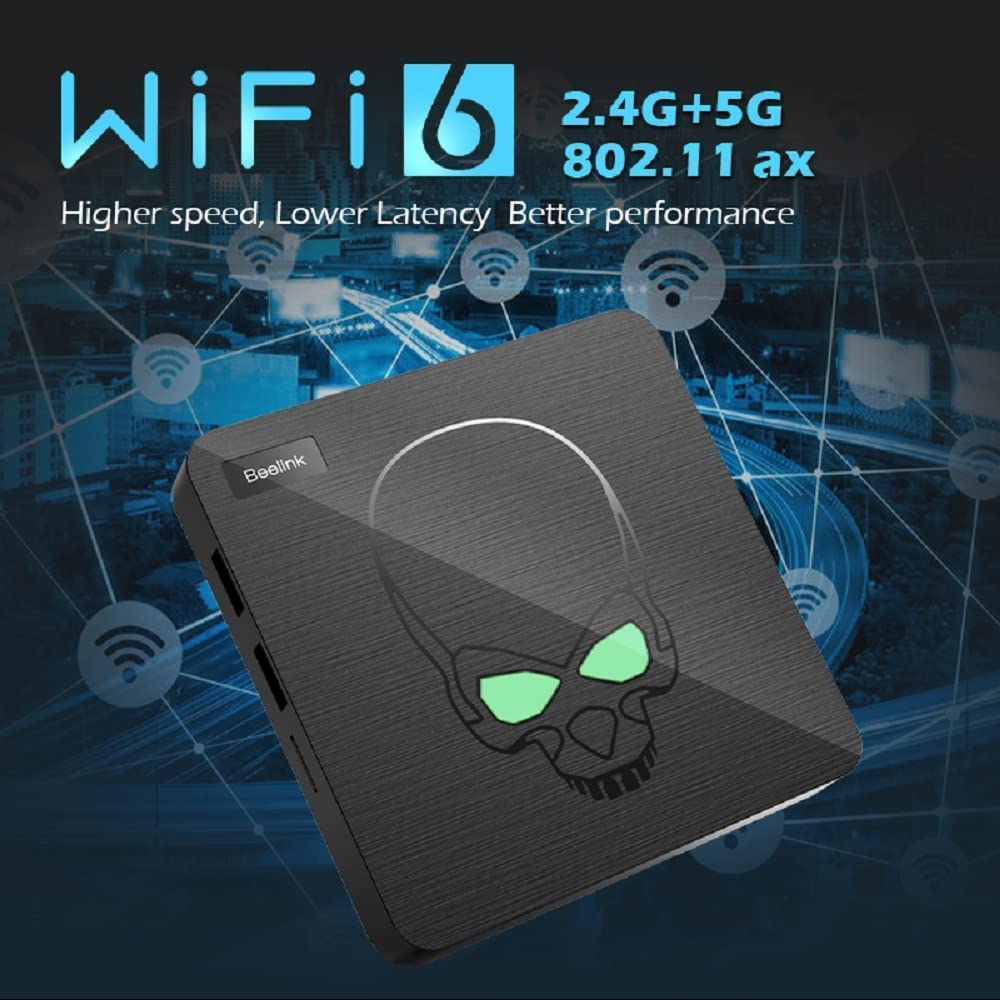
Bild: The console unit with an overlay indicating WiFi 6 (2.4G+5G) and Gigabit Ethernet for high-speed network connectivity.
6. Garantie und Support
For warranty information and technical support, please refer to the documentation included with your product or visit the official Kinhank webBewahren Sie Ihren Kaufbeleg als Kaufnachweis für Garantieansprüche auf.
Sollten Sie auf Probleme stoßen, die in diesem Handbuch nicht behandelt werden, wenden Sie sich bitte an den Kundendienst.