
1. Einleitung
Thank you for choosing the FEANS Q8 Wireless Earbuds. These earbuds are designed to provide a high-quality audio experience with advanced features for daily use, gaming, and calls. This manual will guide you through the setup, operation, and maintenance of your new earbuds.
The FEANS Q8 earbuds incorporate a Qualcomm QCC3040 chip for stable Bluetooth 5.2 connectivity, CVC8.0 noise cancellation for clear calls, and aptX audio support for enhanced sound quality. They are compatible with a wide range of devices including iPhone, Android, and Windows systems.
2. Lieferumfang
- FEANS Q8 Wireless Earbuds
- Ladeetui
- USB-Ladekabel (Typ-C)
- Multiple sizes of soft ear tips (Small, Medium, Large)
- Bedienungsanleitung
3. Produktüberschreitungview & Hauptmerkmale
The FEANS Q8 earbuds are engineered with several key technologies to optimize your listening experience:
- Qualcomm QCC3040 Chip & Bluetooth 5.2: Ensures seamless, high-speed transmission and low-latency audio. Supports HSP/HFP/A2DP/AVRCP protocols.
- Qualcomm CVC8.0 & 4 Microphones: Advanced call noise reduction technology filters environmental sound to enhance voice clarity during calls.
- AptX High Quality Sound: Features 6mm dynamic drivers for deep bass, clear mids, and bright highs, delivering balanced premium sound.
- Verlängerte Akkulaufzeit: Up to 7 hours of playback on a single charge. The charging case provides approximately 4 additional charges.
- Hall Switch & IPX5 Water Resistance: Enables quicker pairing upon opening the case. IPX5 rating provides sweat-resistant and waterproof protection for daily use and light rain.
- TrueWireless Mirroring Technology: Ensures stable connection and automatic pairing with the last connected device.
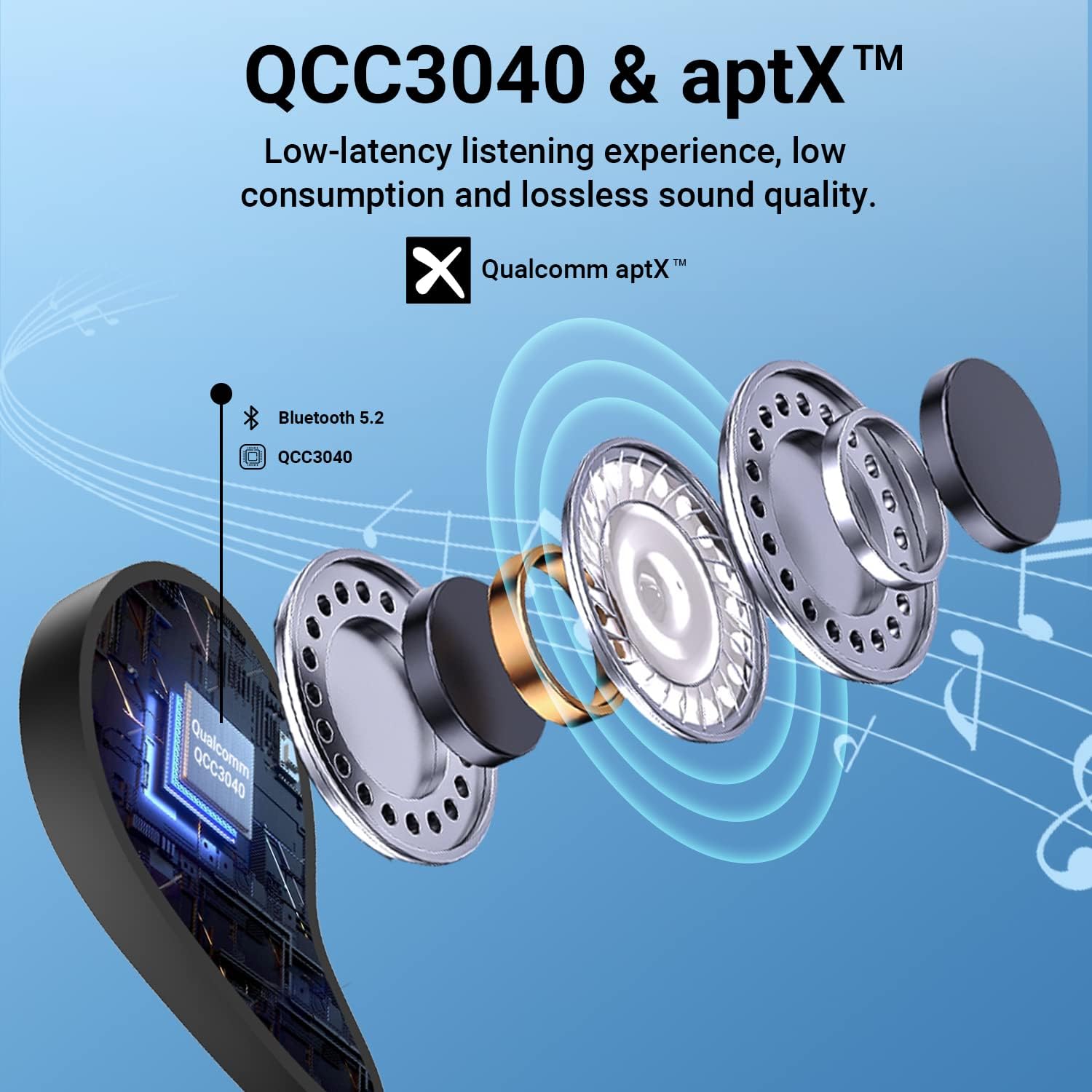
Figure 1: Internal structure highlighting the QCC3040 chip and Bluetooth 5.2.

Figure 2: CVC 8.0 technology for clear call quality.
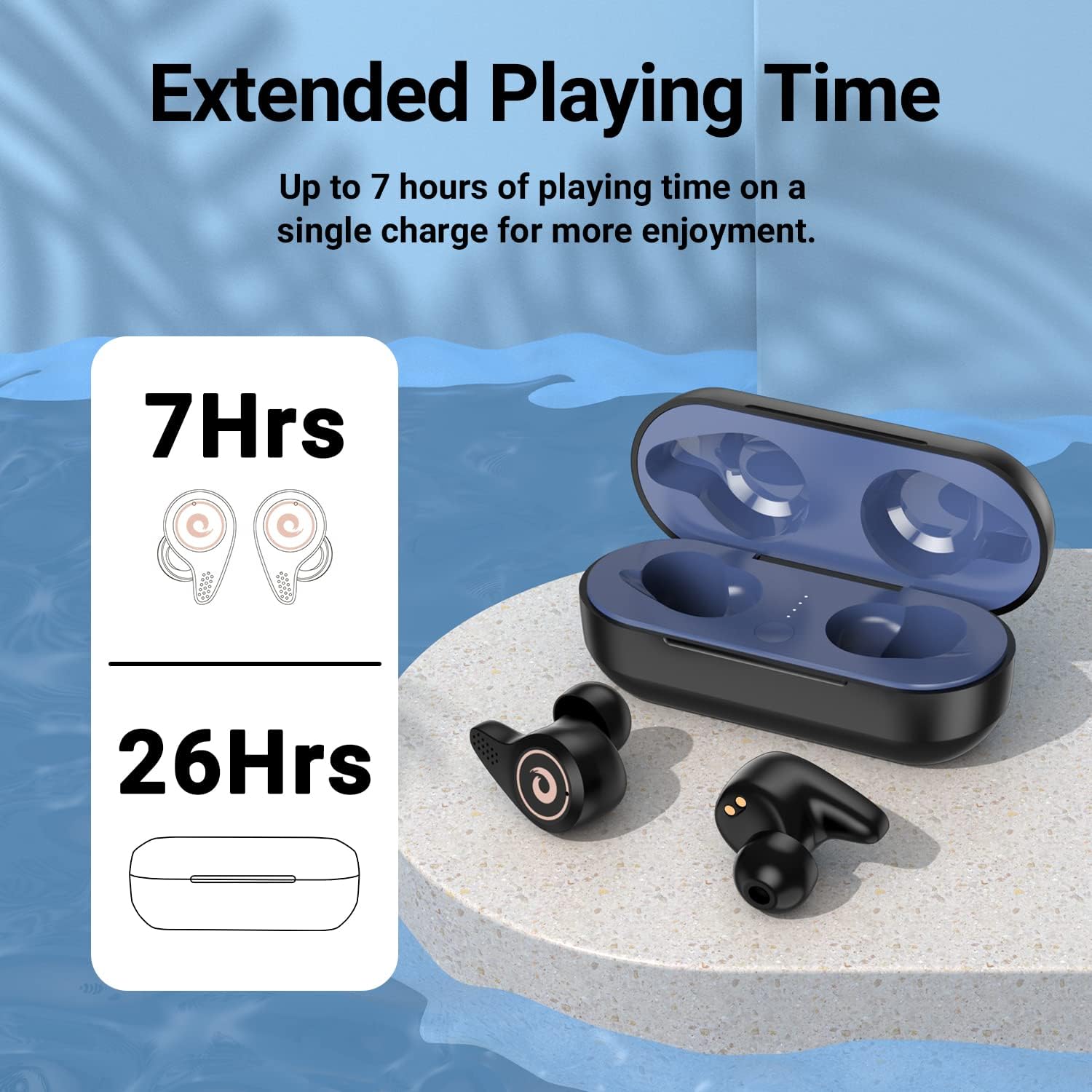
Figure 3: Battery life indication for earbuds and charging case.
4. Einrichtung
- Erstladung:
- Vor der ersten Benutzung sicherstellen, dass die Ohrhörer und das Ladecase vollständig aufgeladen sind.
- Open the charging case. Remove any protective plastic films from the charging contacts on the earbuds.
- Place the earbuds back into the charging case. Connect the USB Type-C cable to the charging port on the case and to a power source.
- The LED indicators on the charging case will show the charging status. A full charge is indicated by all four blue lights being solid.
- Auswahl der Ohrstöpsel:
- Select the ear tips that provide the most comfortable and secure fit for your ears. A good seal is crucial for optimal sound quality and noise isolation.
- Koppeln mit Ihrem Gerät:
- Stellen Sie sicher, dass Bluetooth auf Ihrem Gerät aktiviert ist.
- Öffnen Sie den Deckel des Ladecase. Die Ohrhörer wechseln automatisch in den Kopplungsmodus.
- Suchen Sie auf Ihrem Gerät nach Bluetooth-Geräten und wählen Sie "Q8" aus der Liste aus.
- Sobald die Verbindung hergestellt ist, hören Sie eine akustische Bestätigung, und die Ohrhörer sind einsatzbereit.
- The Hall Switch feature allows for quick re-connection to the last paired device simply by opening the case.
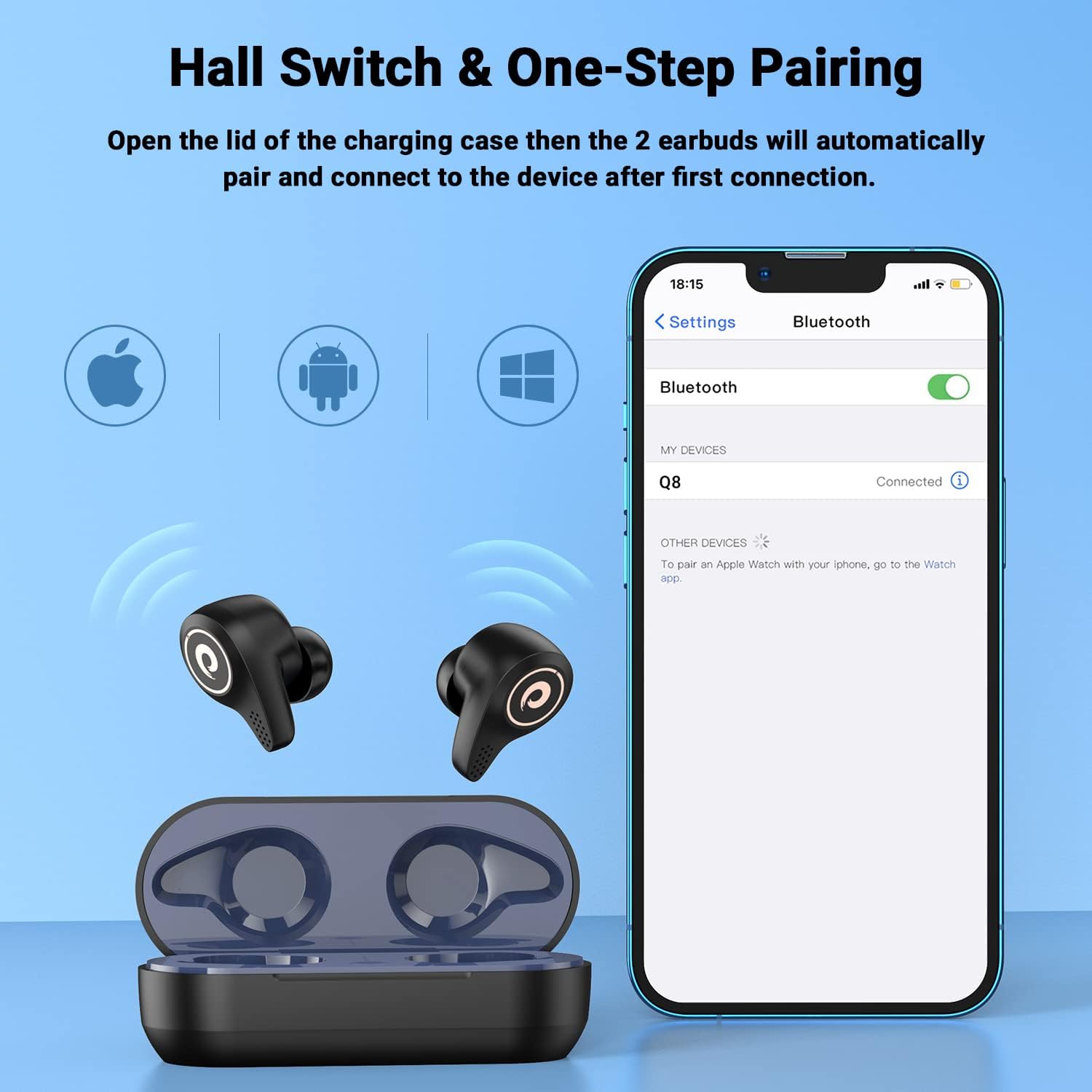
Figure 4: Hall Switch and one-step pairing process.
5. Bedienungsanleitung
- Ein-/Ausschalten:
- To power on, open the charging case. The earbuds will automatically turn on.
- To power off, place the earbuds back into the charging case and close the lid. They will automatically disconnect and begin charging.
- Touch-Steuerung:
- The earbuds feature intuitive touch controls for media playback and call management. Refer to the quick start guide for specific tap functions (e.g., single tap for play/pause, double tap for next track, etc.).
- Spielmodus:
- For a lag-free gaming experience, triple tap the left earbud to enter gaming mode. This reduces latency for synchronized audio and visuals.
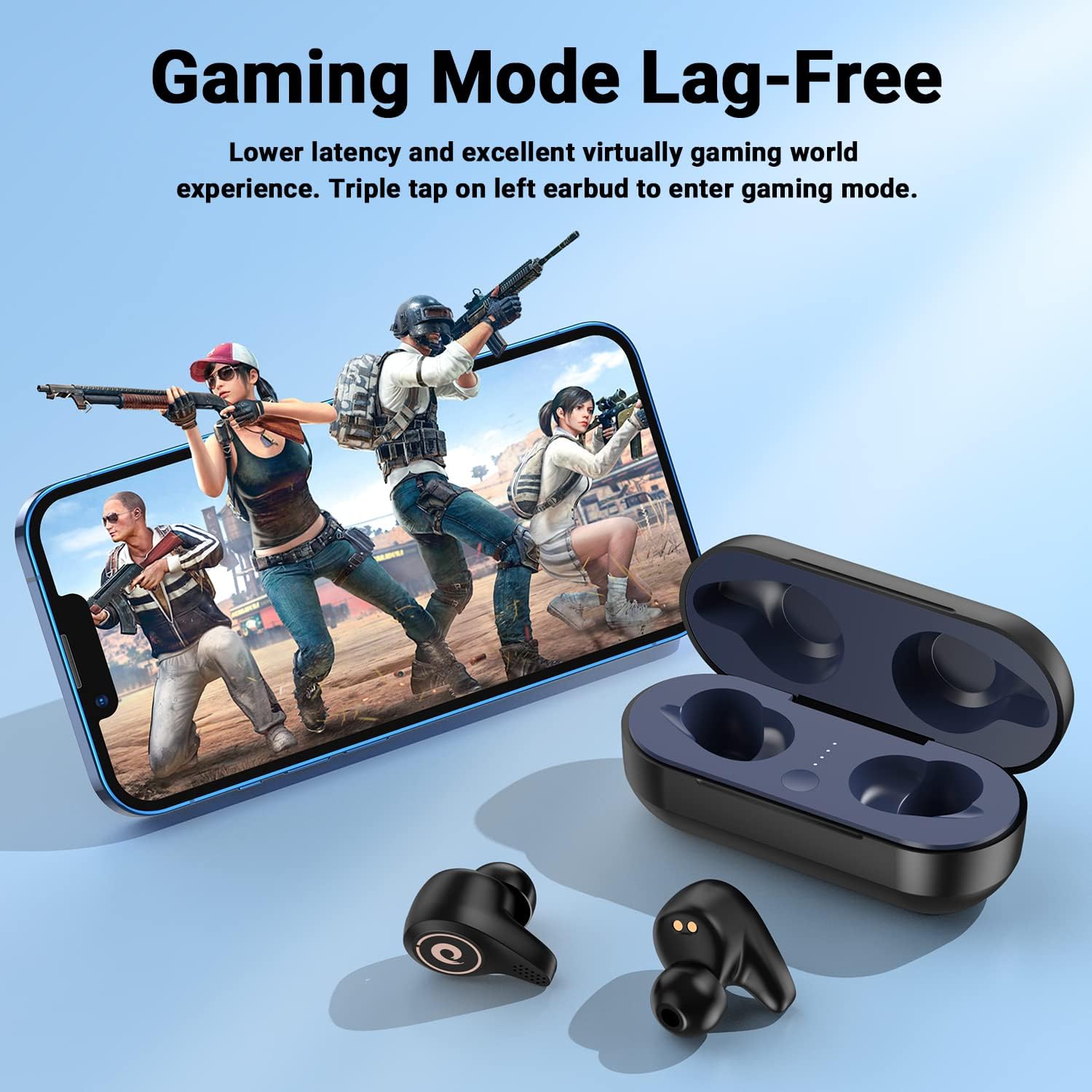
Figure 5: Activating Gaming Mode for reduced latency.
- Anrufe:
- Utilize the CVC8.0 noise cancelling technology and four microphones for clear conversations in various environments.
6. Wartung
- Reinigung:
- Reinigen Sie die Ohrhörer und das Ladecase regelmäßig mit einem weichen, trockenen Tuch.
- Entfernen Sie die Ohrstöpsel und reinigen Sie diese gegebenenfalls mit milder Seife und Wasser. Achten Sie darauf, dass sie vollständig trocken sind, bevor Sie sie wieder anbringen.
- Keep charging contacts on both earbuds and case free from dust and debris.
- Wasserbeständigkeit (IPX5):
- The earbuds are IPX5 water-resistant, meaning they can withstand sweat and light rain. They are not designed for submersion in water.
- Das Ladecase darf nicht mit Wasser in Berührung kommen.
- Falls die Ohrhörer nass werden, wischen Sie sie gründlich trocken, bevor Sie sie wieder in das Ladecase legen.

Figure 6: IPX5 water resistance for daily use.
7. Fehlerbehebung
- Ohrhörer lassen sich nicht koppeln:
- Stellen Sie sicher, dass die Ohrhörer aufgeladen und aus dem Ladecase entnommen sind.
- Schalten Sie Bluetooth an Ihrem Gerät aus und wieder ein und versuchen Sie es dann erneut.
- Falls das Gerät zuvor gekoppelt war, versuchen Sie, es auf Ihrem Telefon zu entkoppeln und erneut zu koppeln.
- Ohrhörer laden nicht:
- Check that any protective plastic films have been removed from the earbud charging contacts.
- Stellen Sie sicher, dass das Ladekabel sowohl mit dem Gehäuse als auch mit der Stromquelle fest verbunden ist.
- Verify that the charging case itself has power (check LED indicators).
- Geringe Lautstärke oder schlechte Tonqualität:
- Passen Sie die Lautstärke sowohl an Ihrem Gerät als auch an den Ohrhörern an.
- Ensure ear tips are properly seated and provide a good seal in your ear canal. Try different sized ear tips.
- Reinigen Sie die Ohrhörerlautsprecher von sämtlichem Schmutz.
8. Spezifikationen
| Modellname | Q8 |
| Marke | FEANS |
| Konnektivitätstechnologie | Kabellos (Bluetooth 5.2) |
| Drahtlose Kommunikationstechnologie | Bluetooth |
| Bluetooth-Version | 5.2 |
| Bluetooth-Reichweite | 10 Meter |
| Audiotreibertyp | Dynamic Driver (6mm diameter) |
| Akkulaufzeit (Ohrhörer) | Bis zu 7 Stunden |
| Charging Case Additional Charges | Ca. 4 mal |
| Wasserbeständigkeit | IPX5 |
| Kontrollmethode | Berühren |
| Besonderheit | Noise Cancellation (CVC8.0) |
| Kompatible Geräte | Cellphones, Laptops, Desktops, Tablets (iOS/Android/Windows) |
| Artikelgewicht | 4.2 Unzen |
9. Offizielles Produktvideo
Video 1: Ein überview of the FEANS Q8 Wireless Bluetooth Earbuds, showcasing their design, features, and functionality. This video provides a visual guide to the product's capabilities and highlights key selling points.
10. Garantie und Support
For warranty information, technical support, or any inquiries regarding your FEANS Q8 Wireless Earbuds, please refer to the contact details provided on the product packaging or visit the official FEANS webWebsite. Bewahren Sie Ihren Kaufbeleg für Garantieansprüche auf.