
1. Einleitung
Die MUBVIEW Indoor Security Camera 2K, Model PK320, is designed to provide reliable and high-quality surveillance for your home. Featuring 2K Full HD video, two-way audio, human detection, and motion tracking, this camera allows you to monitor your indoor spaces with ease and peace of mind. It supports both 2.4GHz and 5GHz Wi-Fi networks for stable connectivity and offers flexible storage options.

Abbildung 1: MUBVIEW Indoor Security Camera 2K (Model PK320)
2. Lieferumfang
Bitte überprüfen Sie vor der Installation, ob alle Komponenten vorhanden sind:
- Innenkamera mit 1.7 m Stromkabel
- Pet Camera Mounting Bracket
- Dog Camera Screw Kit
- Security Camera Indoor User Manual
- Pet Camera Indoor With Phone App Charger
3. Installationsanleitung
3.1 Ersteinrichtung
Befolgen Sie diese Schritte für eine schnelle und einfache Einrichtung:
- Laden Sie das MUB herunterVIEW APP: Suchen nach "MUBVIEW" im App Store Ihres Mobilgeräts (iOS oder Android) und laden Sie die offizielle Anwendung herunter.
- Power On and Connect to Wi-Fi: Plug the camera into a power outlet using the provided charger. The camera will power on. Open the MUBVIEW app and follow the on-screen instructions to connect the camera to your 2.4GHz or 5GHz Wi-Fi network. Ensure your Wi-Fi password is correct.
- Enjoy Monitoring: Once connected, you can begin monitoring your space, adjust settings, and utilize all camera features through the app.

Abbildung 2: Schneller und einfacher Einrichtungsprozess
3.2 Netzwerkverbindung
Die MUBVIEW PK320 supports both 2.4GHz and 5GHz dual-band Wi-Fi for fast and stable connectivity. Ensure your router is configured to allow connections on these frequencies. For optimal performance, place the camera within a reasonable range of your Wi-Fi router.
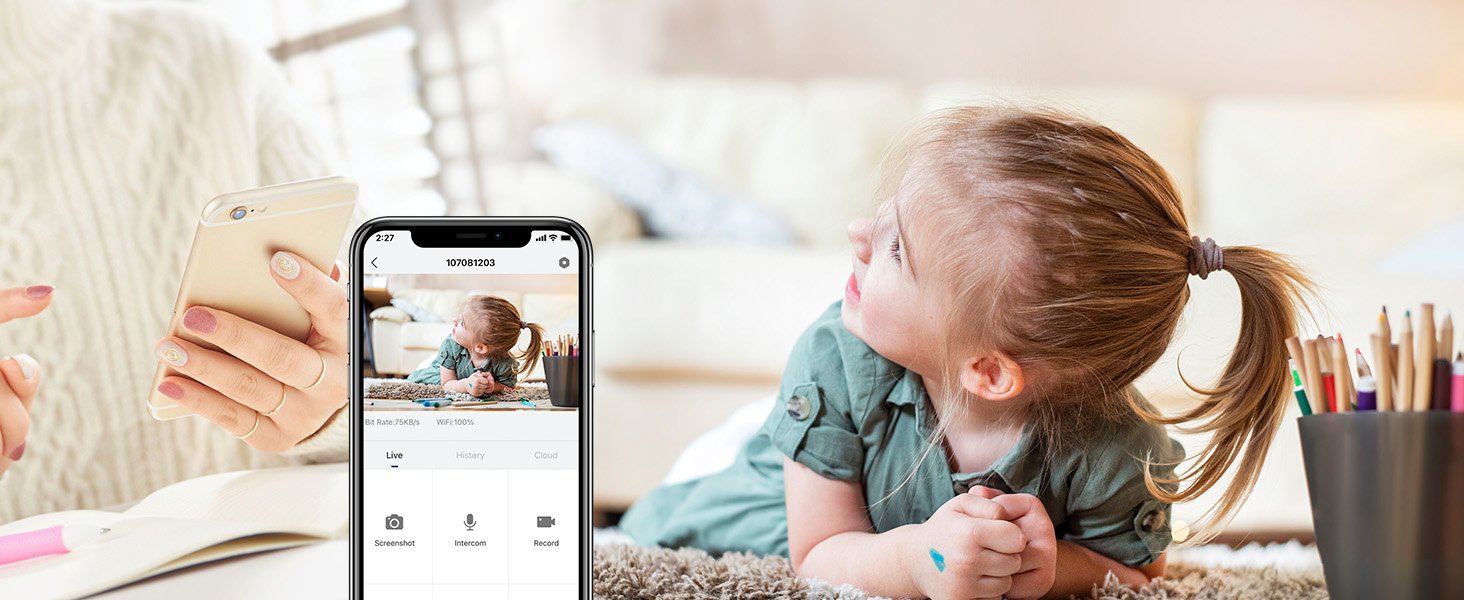
Abbildung 3: Dualband-WLAN-Unterstützung
3.3 Installation der SD-Karte (optional)
For local storage of recordings, you can install a Micro SD card (up to 128GB, not included). The SD card slot is typically located near the camera lens or on the side. Gently insert the card until it clicks into place. Format the SD card through the MUBVIEW app settings after insertion.
Figure 4: Location of SD Card Slot and Reset Button
4. Bedienung der Kamera
4.1 Live View and 2K FHD Quality
Access the live feed from your camera anytime, anywhere through the MUBVIEW app. The 2K Full HD resolution provides clear and detailed video, allowing you to see every important moment.

Figure 5: Key Features of PK320 Smart Camera
4.2 Schwenken, Neigen und Zoomen (PTZ)
Steuern Sie die Kamera viewing angle directly from your phone. Swipe on the live view screen to pan (355 degrees horizontally) and tilt (80 degrees vertically) the camera, ensuring comprehensive coverage of your room. The digital zoom allows you to focus on specific details.

Figure 6: Camera Pan and Tilt Capabilities
4.3 Zwei-Wege-Audio
The built-in microphone and speaker enable clear two-way communication. You can listen to what's happening in the room and speak through the camera to comfort a pet, soothe a baby, or communicate with family members.

Abbildung 7: Zwei-Wege-Audio im Einsatz
4.4 Bewegungserkennung und -verfolgung
The camera features smart human detection and motion tracking. When motion is detected, the camera can automatically track the moving object and send instant alerts to your phone. This ensures you are always informed of activity in your monitored area.

Abbildung 8: Automatisches Tracking in Aktion

Figure 9: Human Detection Capability
4.5 Nachtsicht
Equipped with 4 IR lights, the camera provides clear night vision, allowing you to monitor your space even in low-light or complete darkness. You can see every movement of your baby or pet at night.
4.6 Speichermöglichkeiten
Die Kamera bietet flexible Speicherlösungen für Ihre Aufnahmen:
- Cloud-Speicher: Securely save your footage to the cloud. MUBVIEW offers a free 7-day cloud service, with options for extended plans.
- Lokaler Speicher: Store recordings directly on a Micro SD card (up to 128GB, not included).

Abbildung 10: Cloud- und SD-Karten-Speicheroptionen
4.7 Multi-Geräte ViewTeilen und Teilen
Die MUBVIEW app allows simultaneous viewing of up to four cameras. You can also easily share camera access with trusted individuals, granting them either 'view only' or 'allow control' permissions. This is ideal for family members or security personnel.

Figure 11: Sharing Camera Access with Multiple Users

Figure 12: Multi-Device Sharing Options in App
4.8 Datenschutz
Die MUBVIEW app includes privacy protection features, allowing you to set schedules for when the camera's lens should be off or to manually turn off the lens for privacy. This ensures your personal moments remain private.
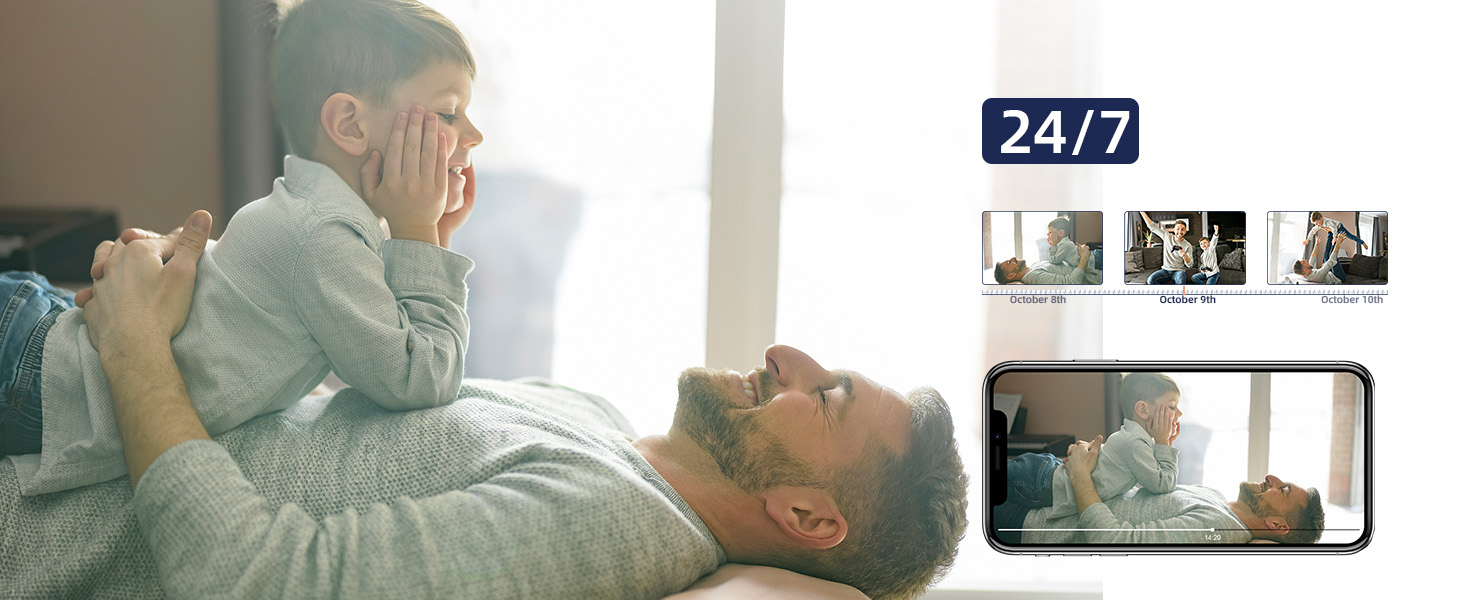
Figure 13: Privacy Protection Features
5. Wartung
Um eine optimale Leistung und Langlebigkeit Ihres MUB zu gewährleistenVIEW camera, consider the following maintenance tips:
- Reinigung: Gently wipe the camera lens and body with a soft, dry cloth. Avoid using harsh chemicals or abrasive materials that could scratch the surface.
- Firmware-Updates: Überprüfen Sie regelmäßig das MUB.VIEW app for available firmware updates. Updates often include performance improvements, new features, and security enhancements.
- Stromversorgung: Um Schäden zu vermeiden, verwenden Sie ausschließlich das mit der Kamera gelieferte Original-Netzteil.
- Platzierung: Stellen Sie sicher, dass die Kamera in einer stabilen, trockenen Innenumgebung aufgestellt wird, fern von direkter Sonneneinstrahlung, extremen Temperaturen und hoher Luftfeuchtigkeit.
6. Fehlerbehebung
Sollten Sie Probleme mit Ihrem MUB habenVIEW camera, try the following solutions:
- Kamera stellt keine Verbindung zum WLAN her:
- Stellen Sie sicher, dass Ihr WLAN-Netzwerk mit 2.4 GHz oder 5 GHz arbeitet.
- Überprüfen Sie Ihr WLAN-Passwort auf Richtigkeit.
- Bringen Sie die Kamera näher an Ihren WLAN-Router heran.
- Starten Sie Ihren Router und die Kamera neu.
- Perform a factory reset on the camera using the reset button (refer to Figure 4 for location) and try connecting again.
- Schlechte Videoqualität:
- Überprüfen Sie Ihre Internetverbindungsgeschwindigkeit. Eine stabile und schnelle Verbindung ist für 2K-Streaming unerlässlich.
- Stellen Sie sicher, dass die Kameralinse sauber und frei von Staub und Fingerabdrücken ist.
- Adjust the camera's position to avoid glare or backlighting.
- No Audio or Two-Way Talk Issues:
- Check the volume settings in the MUBVIEW app and on your phone.
- Stellen Sie sicher, dass Mikrofon und Lautsprecher der Kamera nicht verdeckt sind.
- Verify app permissions for microphone access on your mobile device.
- Bewegungserkennung funktioniert nicht:
- Ensure motion detection is enabled in the MUBVIEW App-Einstellungen.
- Passen Sie die Empfindlichkeit der Bewegungserkennung an.
- Überprüfen Sie das Sichtfeld der Kamera. view auf etwaige Hindernisse.
- SD-Karte zeichnet nicht auf:
- Stellen Sie sicher, dass die SD-Karte korrekt eingesetzt ist.
- Format the SD card through the MUBVIEW App.
- Verify the SD card is not full or corrupted.
- Ensure continuous recording or event recording is enabled in app settings.
7. Spezifikationen
| Besonderheit | Detail |
|---|---|
| Modellname | PK320 |
| Verwendung im Innen- und Außenbereich | Innenbereich |
| Auflösung der Videoaufnahme | 3MP (2K FHD) |
| Konnektivitätsprotokoll | Wi-Fi (2.4 GHz & 5 GHz) |
| Stromquelle | Corded Electric (5V AC, 5 watts) |
| Controllertyp | CloudEdge, iOS, Mubview, Android App |
| Montagetyp | Surface Mount, Ceiling Mount, Wall Mount |
| Viewing-Winkel | 355 Grad (Schwenkung), 80 Grad (Neigung) |
| Nachtsichtbereich | 8 Meter |
| Bildfrequenz | 15-20fps |
| Material | Acrylnitril-Butadien-Styrol (ABS) |
| Artikelabmessungen (L x B x H) | 3 x 5 x 3 Zoll |
| Artikelgewicht | 10.88 Unzen |
| Max Flash Memory Supported Size | 128 GB |
| Besondere Merkmale | Smart Tracking, Human Detection, 2-Way Audio, Night Vision, Privacy Protection |
8. Garantie und Support
MUBVIEW is committed to providing excellent customer service and product reliability:
- Lifetime Service/Warranty: Your MUBVIEW camera comes with a lifetime service and warranty, ensuring long-term support and confidence in your purchase.
- Schnelle Antwort: MUBVIEW aims for quick responses to all customer inquiries.
- Professioneller technischer Support rund um die Uhr: Access professional technical support around the clock for any assistance you may need.
For further assistance, please refer to the MUBVIEW app's support section or visit the official MUBVIEW webWebsite.