
1. Zu Endeview
The Timex Expedition North Tide-Temp-Compass 43mm Watch is a robust timepiece designed for outdoor enthusiasts, featuring specialized functions for tide tracking, temperature measurement, and compass navigation. This manual provides detailed instructions for setting up and operating your watch to ensure optimal performance and longevity.

Bild: Vorderseite view of the Timex Expedition North Tide-Temp-Compass watch, showcasing its black dial, white hour markers, and orange and blue accents on the bezel, set against a brown leather strap.
2. Hauptmerkmale
- 8 inch brown strap: Durable and comfortable strap for extended wear.
- 43mm case: A substantial case size for clear readability and robust presence.
- Black dial: Provides excellent contrast for time and feature readings.
- Mineral glass lens: Offers good scratch resistance and clarity.
- Water resistant up to 100 meters: Geeignet zum Schwimmen und Schnorcheln, jedoch nicht zum Tauchen.
- Tide Function: Displays current tide status.
- Temperaturfunktion: Misst die Umgebungstemperatur.
- Kompassfunktion: Bietet Richtungshinweise.
- INDIGLO Night-Light: Illuminates the watch dial for low-light conditions.
3. Einrichtung und Erstgebrauch
3.1 Uhrzeit und Datum einstellen
- Ziehen Sie die Krone (mittlerer Knopf) in Position 2 heraus.
- Durch Drehen der Krone im Uhrzeigersinn oder gegen den Uhrzeigersinn können Sie den Stunden- und Minutenzeiger einstellen.
- Push the crown back in to position 1 to start the watch.
- To set the date, pull the crown out to position 1 (first click). Turn the crown until the correct date appears.
- Drücken Sie die Krone wieder hinein, um die Einstellung zu sichern.
3.2 Calibrating Compass
For accurate compass readings, the watch must be calibrated. Refer to the specific instructions provided with your watch for the calibration procedure, which typically involves rotating the watch in a figure-eight motion.
3.3 Setting Tide Function
The tide function requires initial setup based on local tide data. Consult a local tide chart for your area and follow the watch's specific instructions to synchronize the tide indicator.

Bild: Seitenansichtfile of the Timex Expedition North watch, highlighting the textured crown and the two orange pushers used for activating various functions.
4. Betriebsfunktionen
4.1 Using the Tide Function
Once calibrated, the tide hand will indicate the current tide status (High, Low, Half). This is an approximation and should not be used for critical navigation.
4.2 Using the Temperature Function
The watch measures ambient temperature. For accurate readings, remove the watch from your wrist for at least 20-30 minutes to allow it to acclimate to the surrounding air temperature, as body heat can affect the sensor.
4.3 Using the Compass Function
Activate the compass function using the designated pusher. Hold the watch flat and level for an accurate reading. Recalibrate if readings become inconsistent, especially after exposure to strong magnetic fields.
4.4 INDIGLO Night-Light
Press the crown firmly to activate the INDIGLO night-light, illuminating the entire dial for easy reading in the dark.

Bild: Rückseite view of the Timex Expedition North watch, displaying the stainless steel case back with engravings such as "EXPEDITION NORTH", "TIDE-TEMP-COMPASS", "WR 100M", and "SAPPHIRE CRYSTAL".
5. Wartung und Pflege
- Wasserbeständigkeit: While water resistant to 100 meters, avoid operating pushers or crown underwater. Rinse with fresh water after exposure to salt water.
- Reinigung: Reinigen Sie das Uhrengehäuse und das Armband mit einem weichen, fusselfreien Tuch.amp cloth. For leather straps, avoid excessive moisture and use a leather conditioner periodically.
- Batteriewechsel: The watch uses a Lithium Metal battery. Battery replacement should be performed by a qualified watch technician to ensure water resistance is maintained.
- Lagerung: Bewahren Sie Ihre Uhr an einem kühlen, trockenen Ort fern von direkter Sonneneinstrahlung und extremen Temperaturen auf.
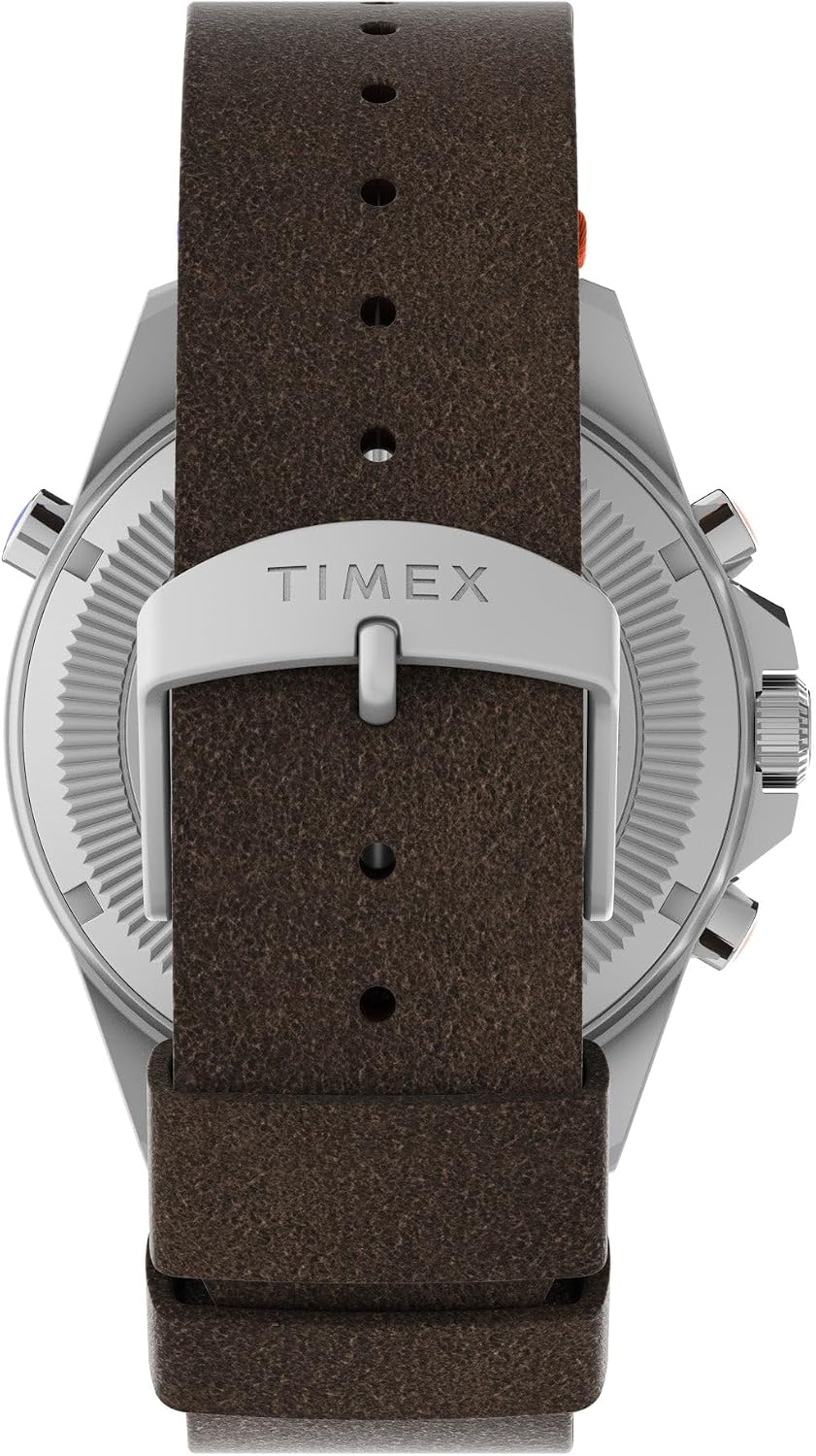
Bild: Nahaufnahme view of the watch's brown leather strap and the silver buckle, featuring the 'TIMEX' logo.
6. Fehlerbehebung
| Problem | Mögliche Ursache | Lösung |
|---|---|---|
| Watch not running or running intermittently | Batterie leer | Batterie austauschen (Fachmann wird empfohlen). |
| Inaccurate compass reading | Needs calibration; nearby magnetic interference | Recalibrate the compass; move away from electronic devices or large metal objects. |
| Temperature reading is too high | Watch is on wrist, affected by body heat | Remove watch from wrist for 20-30 minutes to allow it to stabilize to ambient temperature. |
| Tide function seems incorrect | Incorrect initial setup; local tide variations | Re-synchronize with a current local tide chart. Note that the watch provides an approximation. |
7. Spezifikationen
- Artikelmodellnummer: TW2V64400JR
- Paketabmessungen: 5.12 x 4.09 x 2.99 Zoll
- Artikelgewicht: 8.99 Unzen
- Batterien: 1 Lithium-Metall-Batterie (im Lieferumfang enthalten)
- Hersteller: Timex
- Wasserbeständigkeit: 100 Meter (330 Fuß)
- Linsenmaterial: Mineralglas
- Gehäusedurchmesser: 43 mm
8. Garantie und Support
Timex watches are manufactured to the highest quality standards and are covered by a limited warranty against manufacturing defects. For detailed warranty information, service, or support, please visit the official Timex webBesuchen Sie die Website oder kontaktieren Sie den Kundendienst. Bewahren Sie Ihren Kaufbeleg für Garantieansprüche auf.
Weitere Hilfe finden Sie unter Timex-Shop bei Amazon.