
Kidde KN-COP-DP-10YL-AQ-WF
Kidde Smart Kohlenmonoxid-Detektor & Innenraumluftqualitätsmonitor – Benutzerhandbuch
Model: KN-COP-DP-10YL-AQ-WF
1. Einleitung
The Kidde Smart Carbon Monoxide Detector & Indoor Air Quality Monitor is an advanced device designed to enhance home safety and air quality awareness. This plug-in unit provides continuous monitoring for carbon monoxide (CO) gas and various indoor air quality parameters, including Total Volatile Organic Compounds (TVOCs), temperature, and humidity. It features a digital display, voice alerts, and smart connectivity via the Kidde app, Amazon Alexa, and Google Home, ensuring you receive timely notifications and insights into your home environment.

Image: The Kidde Smart Carbon Monoxide Detector and Indoor Air Quality Monitor, shown with its packaging, highlighting its plug-in design and 2-in-1 smart alarm features.
2. Sicherheitshinweise
This device is designed to detect carbon monoxide gas and monitor indoor air quality. It is not designed to detect smoke or fire. For comprehensive home safety, install smoke detectors on each level of your home, inside and outside each bedroom.
Upon detection of carbon monoxide, the device will sound an 85-decibel alarm and provide a voice alert stating "Warning! Carbon Monoxide!". If this alarm sounds, immediately move to fresh air and call emergency services.
The device includes a lithium battery backup designed to last the full 10-year life of the alarm, ensuring continuous operation during power outages. Do not attempt to replace this battery.
3. Einrichtung
- Download the Kidde App: Begin by downloading the official Kidde app on your smartphone. The app is compatible with iPhone (iOS 12 or newer) and Android devices. You can find the download link here: Kidde App Download.
- QR-Code scannen: Locate the QR code on the back of your Kidde Smart Carbon Monoxide Detector. Open the Kidde app and follow the on-screen instructions to scan the QR code. This initiates the device pairing process.
- Plug In the Unit: Once the QR code is scanned and recognized by the app, plug the unit into a standard 120V AC power outlet. Ensure it is securely plugged in. The device requires a 2.4GHz Wi-Fi network for connectivity.
- Complete App Setup: Follow any remaining prompts within the Kidde app to finalize the setup, including connecting to your home Wi-Fi network.
- Integration des Sprachassistenten (optional): For added convenience, you can pair your device with Amazon Alexa or Google Home using voice commands to check the connection and status of carbon monoxide or air quality.

Image: A person plugging the Kidde Smart Carbon Monoxide Detector into a wall outlet, demonstrating its easy plug-in installation.

Image: Hands holding the Kidde device and a smartphone, illustrating the QR code scanning process for quick and easy setup, requiring a 2.4GHz Wi-Fi network.
4. Bedienung des Geräts
The Kidde Smart Carbon Monoxide Detector & Indoor Air Quality Monitor provides real-time information and alerts through its digital display and the Kidde app.
4.1 Digitalanzeige
The device features an easy-to-read LCD screen that provides immediate status updates. It shows carbon monoxide levels (CO PPM), Wi-Fi connection status, battery indicator, and air quality readings.

Bild: Eine Nahaufnahme view of the Kidde device's LCD screen, detailing the battery indicator, Wi-Fi connection status, and CO & Air Quality indicators for easy readability.
4.2 Luftqualitätsüberwachung
Beyond carbon monoxide detection, the device actively monitors indoor air quality by tracking:
- Total Volatile Organic Compounds (TVOCs): Detects harmful chemicals often found in cleaning products and paints.
- Luftfeuchtigkeitswerte: Helps identify conditions that could lead to mold growth.
- Temperatur: Monitors unexpected high or low temperatures.

Image: The Kidde device plugged into an outlet, visually representing its capability to detect carbon monoxide (CO) and monitor indoor air quality by identifying TVOCs.

Image: Icons illustrating the key indoor air quality parameters monitored by the device: Temperature, Humidity, and Total Volatile Organic Compounds (TVOCs), contributing to a healthier home environment.

Image: A woman painting a wall, symbolizing how the device notifies users of high TVOC levels and provides solutions to improve indoor air quality.
4.3 Buttons and Alerts
- Test-/Stummschalttaste: This button serves multiple functions. It can temporarily silence nuisance alarms, test if the unit is operating properly, and silence a low battery or end-of-life chirp for up to 24 hours at a time (maximum 7 days).
- Peak Level Memory Button: Drücken Sie diese Taste, um view the highest CO level recorded since the button was last pressed.
- Sprachwarnungen: The device provides clear voice alerts for specific hazards. For carbon monoxide, it announces "Warning! Carbon Monoxide!". At the end of its 10-year lifespan, it will announce "Replace Alarm".

Image: A close-up of the Kidde device's buttons, highlighting its voice warning alerts such as "Warning: Carbon Monoxide!" when CO is detected and "Replace Alarm" at the end of its life.
4.4 Kidde App Notifications
The Kidde app provides real-time notifications and allows you to monitor your home's air quality remotely. You can receive alerts for CO presence, high humidity levels (with mold risk notifications), and unexpected temperature changes. The app also allows you to easily test your alarm and notify friends and family in case of an alert.

Image: A hand holding a smartphone, showcasing the Kidde App's interface which provides real-time notifications and allows users to monitor their home's air quality.

Image: A woman looking at her smartphone, demonstrating the Kidde App's features, including the ability to easily test the alarm and notify friends and family in case of an event.

Image: A man looking at his smartphone, which displays mold risk notifications from the Kidde app, indicating high humidity levels and providing steps to remedy the situation.
5. Wartung
The Kidde Smart Carbon Monoxide Detector & Indoor Air Quality Monitor is designed for minimal maintenance. The internal lithium battery is sealed and lasts for the entire 10-year lifespan of the unit, eliminating the need for battery replacement.
- Regelmäßige Tests: Periodically press the Test/Hush button to ensure the unit is operating properly.
- Reinigung: Keep the device clean and free from dust. Gently wipe the exterior with a soft, dry cloth. Do not use cleaning solvents or waxes.
- Platzierung: Ensure the device is not obstructed by furniture, curtains, or other objects that could block the sensor or speaker.
6. Fehlerbehebung
If you encounter issues with your Kidde Smart Carbon Monoxide Detector & Indoor Air Quality Monitor, consider the following common solutions:
- Kein Strom/Display aus: Ensure the unit is securely plugged into a working 120V AC outlet. If there's a power outage, the internal battery backup should keep the unit operational.
- Probleme mit der Wi-Fi-Konnektivität: The device requires a 2.4GHz Wi-Fi network. Ensure your router is broadcasting on this frequency and the device is within range. Try restarting your router and the Kidde device. If issues persist, re-scan the QR code in the app to re-establish the connection.
- Nuisance Alarms/Chirping: Use the Test/Hush button to temporarily silence nuisance alarms or low battery/end-of-life chirps. If the alarm persists after silencing, investigate the cause.
- Ungenaue Messwerte: Ensure the device is placed in an appropriate location, away from direct drafts, vents, or areas with extreme temperature fluctuations. High TVOC levels can be caused by new paint, cleaning products, or new furniture; ventilate the area if possible.
- App Not Receiving Alerts: Check your phone's notification settings for the Kidde app to ensure alerts are enabled. Verify the device is connected to Wi-Fi and the app is logged in.
- "Replace Alarm" Voice Alert: This indicates the unit has reached the end of its 10-year lifespan and needs to be replaced.
7. Spezifikationen
| Besonderheit | Detail |
|---|---|
| Marke | Kidde |
| Modellnummer | KN-COP-DP-10YL-AQ-WF |
| Stromquelle | Plug-In (120 Volts AC) with Lithium Battery Backup |
| Sensortyp | Electrochemical (for CO) |
| Alarmtyp | Carbon Monoxide & Indoor Air Quality |
| Technische Daten | 1.5"T x 3"B x 5.5"H |
| Artikelgewicht | 8 Unzen |
| Luftfeuchtigkeit bei Betrieb | Bis zu 95 % relative Luftfeuchtigkeit, nicht kondensierend |
| Obere Temperaturbewertung | 100 Grad Fahrenheit |
| Kompatible Geräte | Android, iPad, iOS 12 or newer, iPhone |
| Im Lieferumfang enthaltene Komponenten | Battery, Carbon Monoxide Detector, QR Code, User Guide |
| Installationsmethode | Plug-In |
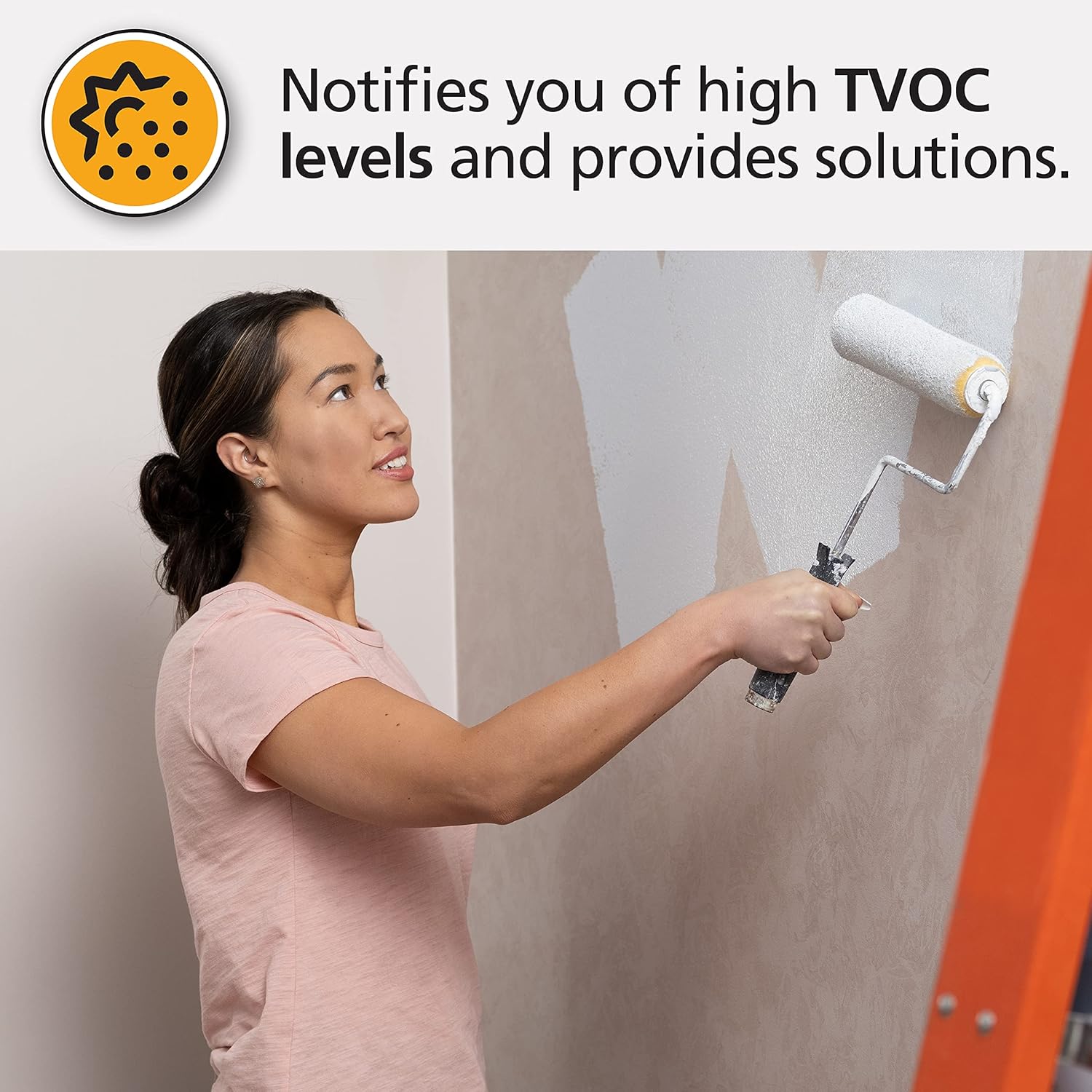
Image: The physical dimensions of the Kidde Smart Carbon Monoxide Detector, showing its depth (1.5"), width (3"), and height (5.5").
8. Gewährleistung
The Kidde Smart Carbon Monoxide Detector & Indoor Air Quality Monitor comes with a 10-year limited warranty. This warranty covers defects in materials and workmanship under normal use. Please note that this is not a battery performance claim, as the internal lithium battery is designed to last the full 10-year life of the alarm.
The product is UL Certified, ensuring it meets rigorous safety and performance standards.
9. Unterstützung
For further assistance, technical support, or detailed product information, please refer to the Kidde app or visit the official Kidde website. The Kidde app provides a dedicated support section and allows for direct communication regarding your device.
You can also visit the Kidde Store on Amazon for more products and information: Kidde Amazon Store.
Ask a question about this manual
Ask about setup, troubleshooting, compatibility, parts, safety, or missing instructions. Manuals+ will review the question and use this page’s manual context to help answer it.