
iJoy DHP2431
iJoy Disney Nightmare Before Christmas Sally Dress Bluetooth Headphones User Manual
Model: DHP2431 | Brand: iJoy
Einführung

Bild: The iJoy Disney Nightmare Before Christmas Sally Dress Bluetooth Headphones, showcasing ihr einzigartiges Design.
Thank you for choosing the iJoy Disney Nightmare Before Christmas Sally Dress Bluetooth Headphones. These wireless over-ear headphones are designed to provide a rich audio experience with a unique Sally Dress design. They feature a built-in microphone for hands-free calling, a foldable design for portability, and versatile connectivity options. This manual will guide you through the setup, operation, and maintenance of your new headphones.
Aufstellen
1. Aufladen der Kopfhörer
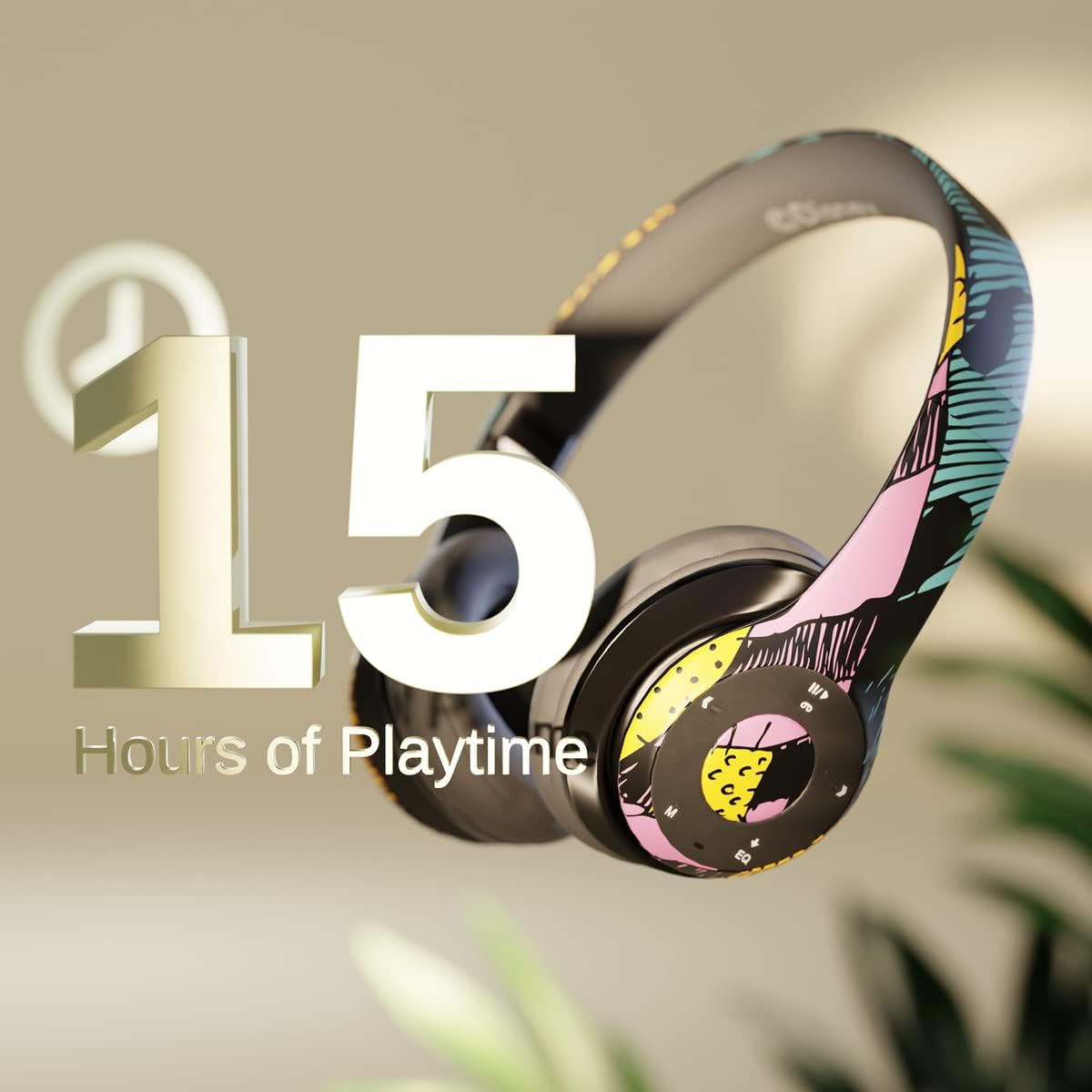
Bild: Graphic indicating 15 hours of playtime for the headphones, highlighting battery endurance.
Before first use, fully charge your headphones. Connect the provided charging cable to the charging port on the headphones and a USB power source. The LED indicator will show charging status and turn off when fully charged. A full charge provides approximately 15 hours of battery life.
2. Bluetooth-Kopplung

Bild: The headphones with a graphic illustrating universal compatibility with both Apple and Android devices.
- Stellen Sie sicher, dass die Kopfhörer ausgeschaltet sind.
- Halten Sie die Ein-/Aus-Taste gedrückt, bis die LED-Anzeige blau und rot blinkt. Dies signalisiert den Kopplungsmodus.
- Gehen Sie auf Ihrem Bluetooth-fähigen Gerät (Smartphone, Tablet, Computer) zu den Bluetooth-Einstellungen und suchen Sie nach verfügbaren Geräten.
- Select "iJoy DHP2431" (or similar name) from the list.
- Sobald die Verbindung hergestellt ist, blinkt die LED-Anzeige langsam blau.
3. Using the Auxiliary Cable
For a wired connection, plug one end of the 3.5mm auxiliary cable into the headphone's audio jack and the other end into your audio device. This allows for continued listening even if the battery is depleted.
4. Wiedergabe von Micro-SD-Karten
Insert a Micro SD card with your favorite music into the designated slot on the headphones. The headphones will automatically switch to Micro SD card playback mode. Use the control buttons to manage your music.
Bedienungsanleitung
Ein-/Ausschalten
- So schalten Sie das Gerät ein: Halten Sie den Ein-/Ausschalter gedrückt, bis die LED-Anzeige aufleuchtet.
- So schalten Sie das Gerät aus: Halten Sie den Netzschalter gedrückt, bis die LED-Anzeige erlischt.
5-Button Control System
The headphones feature a convenient 5-button control system located on the ear cup for easy management of audio and calls.

Bild: Detaillierte view of the 5-button control panel on the headphone ear cup, indicating functions for volume, track navigation, equalizer, and call management.
- Play/Pause/Answer/Hang-up: Press the center button to play or pause music, or to answer/end a phone call.
- Lautstärke erhöhen / Nächster Titel: Press the '+' button to increase volume. Hold the '+' button to skip to the next track.
- Lautstärke verringern / Vorheriger Titel: Press the '-' button to decrease volume. Hold the '-' button to go to the previous track.
- Equalizer: Press the 'EQ' button to cycle through different equalizer presets.
- Modusauswahl: Press the 'M' button to switch between Bluetooth, Micro SD card, and FM Radio modes.
Freisprechen
With the built-in microphone, you can make and receive calls directly through your headphones when connected via Bluetooth to your smartphone. Use the center button to answer or end calls.
Eingebauter Funkempfänger
Switch to FM Radio mode using the 'M' button. The headphones will automatically scan and tune into available radio stations. Use the track navigation buttons to change stations.
Faltbares Design

Bild: The headphones are shown in their folded configuration, highlighting their compact and portable design for easy storage and transport.
The headphones feature a foldable design, allowing for easy storage and portability. Simply fold the ear cups inwards towards the headband to reduce their size for travel or storage in a backpack.
Noise Canceling Design

Bild: Ein explodiert view of the headphone's ear cup, illustrating the internal speaker components and the connection point for the auxiliary cable, emphasizing the noise-canceling technology.
The over-ear cup design helps to isolate audio, providing a more immersive listening experience by reducing external noise interference.
Wartung
- Reinigung: Reinigen Sie die Kopfhörer mit einem weichen, trockenen Tuch. Verwenden Sie keine Scheuermittel oder Lösungsmittel.
- Lagerung: Bewahren Sie die Kopfhörer bei Nichtgebrauch an einem kühlen, trockenen Ort auf. Nutzen Sie das faltbare Design für eine platzsparende Aufbewahrung.
- Batteriepflege: Um die Akkulaufzeit zu verlängern, sollten Sie die Kopfhörer nicht häufig vollständig entladen. Laden Sie sie regelmäßig auf, auch wenn Sie sie nicht ständig benutzen.
- Wasserbeständigkeit: Diese Kopfhörer sind nicht wasserbeständig. Vermeiden Sie den Kontakt mit Flüssigkeiten.
Fehlerbehebung
- Kein Strom: Stellen Sie sicher, dass die Kopfhörer vollständig aufgeladen sind. Schließen Sie sie an eine Stromquelle an und überprüfen Sie die Ladeanzeige.
- Kopplung via Bluetooth nicht möglich:
- Stellen Sie sicher, dass sich die Kopfhörer im Kopplungsmodus befinden (LED blinkt blau und rot).
- Stellen Sie sicher, dass Bluetooth auf Ihrem Gerät aktiviert ist und sich in Reichweite befindet (typischerweise 10 Meter).
- Entfernen Sie das Gerät aus der Bluetooth-Liste Ihres Telefons und versuchen Sie es erneut mit einer Kopplung.
- Starten Sie sowohl die Kopfhörer als auch Ihr Gerät neu.
- Kein Ton:
- Überprüfen Sie die Lautstärke sowohl an den Kopfhörern als auch an Ihrem angeschlossenen Gerät.
- Ensure the headphones are properly connected via Bluetooth or auxiliary cable.
- If using an SD card, ensure the audio files liegen in einem kompatiblen Format vor.
- Schlechte Tonqualität:
- Um Störungen zu vermeiden, gehen Sie näher an Ihr Bluetooth-Gerät heran.
- Prüfen Sie die Audioquelle auf Qualitätsprobleme.
- Ensure the ear cups are properly positioned over your ears for optimal sound isolation.
Technische Daten
| Modellname | DHP2431 |
| Konnektivitätstechnologie | Kabellos (Bluetooth) |
| Drahtlose Kommunikationstechnologie | Bluetooth |
| Im Lieferumfang enthaltene Komponenten | Headphones, Charging Cable, Auxiliary Cable |
| Altersspanne (Beschreibung) | Adult (suitable for kids) |
| Material | Plastic, Metal, Fabric, Memory Foam |
| Empfohlene Verwendung für das Produkt | Musik, Anrufe |
| Kompatible Geräte | Bluetooth-fähige Geräte |
| Steuerungstyp | Volume Control, Track Navigation, Equalizer, Mode Selector |
| Kabelfunktion | Retractable, Without Cable (for wireless use) |
| Artikelgewicht | 0.26 Kilogramm (9.1 Unzen) |
| Wasserbeständigkeit | Nicht wasserfest |
| Stil | Sally Dress |
| Kontrollmethode | Taste |
| Anzahl der Artikel | 1 |
| Akkulaufzeit | 15 Stunden |
| Audiotreibertyp | Dynamischer Treiber |
| Form der Hörmuschel | Over-Ear |
| Hardware-Schnittstelle | 3.5-mm-Audio |
| UPC | 842700197150 |
| Besonderheit | Built-in Radio Receiver, Foldable and Adjustable headband, Micro SD Card Plug-in, Microphone Included |
| Hersteller | iJoy |
| Verpackungsabmessungen | 6.57 x 6.1 x 3.19 Zoll |
| Batterien | 1 Lithium-Polymer-Akku erforderlich (im Lieferumfang enthalten) |
Garantie
iJoy provides a 6 Monate Umtauschgarantie for these headphones. If your headset breaks or is damaged for any reason within this period, iJoy will provide you with a free replacement.
Unterstützung
For further assistance, troubleshooting, or warranty claims, please contact iJoy customer support. You can often find contact information on the product packaging or by visiting the official iJoy webWebsite.
Produktvideos
iJoy Disney Nightmare Before Christmas Headphones Overview
Video: Ein offizielles Produktvideo zeigtasing the iJoy Disney Nightmare Before Christmas Headphones, highlighting their design and features.
Ask a question about this manual
Ask about setup, troubleshooting, compatibility, parts, safety, or missing instructions. Manuals+ will review the question and use this page’s manual context to help answer it.