
WeCool X3
WeCool Freesolo X3 Earbuds User Manual
Model: X3 | Brand: WeCool
Einführung
Thank you for choosing the WeCool Freesolo X3 Earbuds. These earbuds are designed to provide a superior audio experience for both gaming and music, featuring low latency, dynamic drivers, and a comfortable fit. Please read this manual carefully to ensure proper use and maintenance of your device.
Lieferumfang
- WeCool Freesolo X3 Earbuds
- Kabelloses Ladecase
- USB-Kabel Typ C.
- Bedienungsanleitung
Produkt überview
The WeCool Freesolo X3 Earbuds feature an ergonomic design for a secure and comfortable fit. The charging case is compact and provides additional battery life. Both earbuds and the case are equipped with LED indicators for status updates.

Image: WeCool Freesolo X3 Earbuds and their charging case, showcasing the sleek black design with green LED accents.
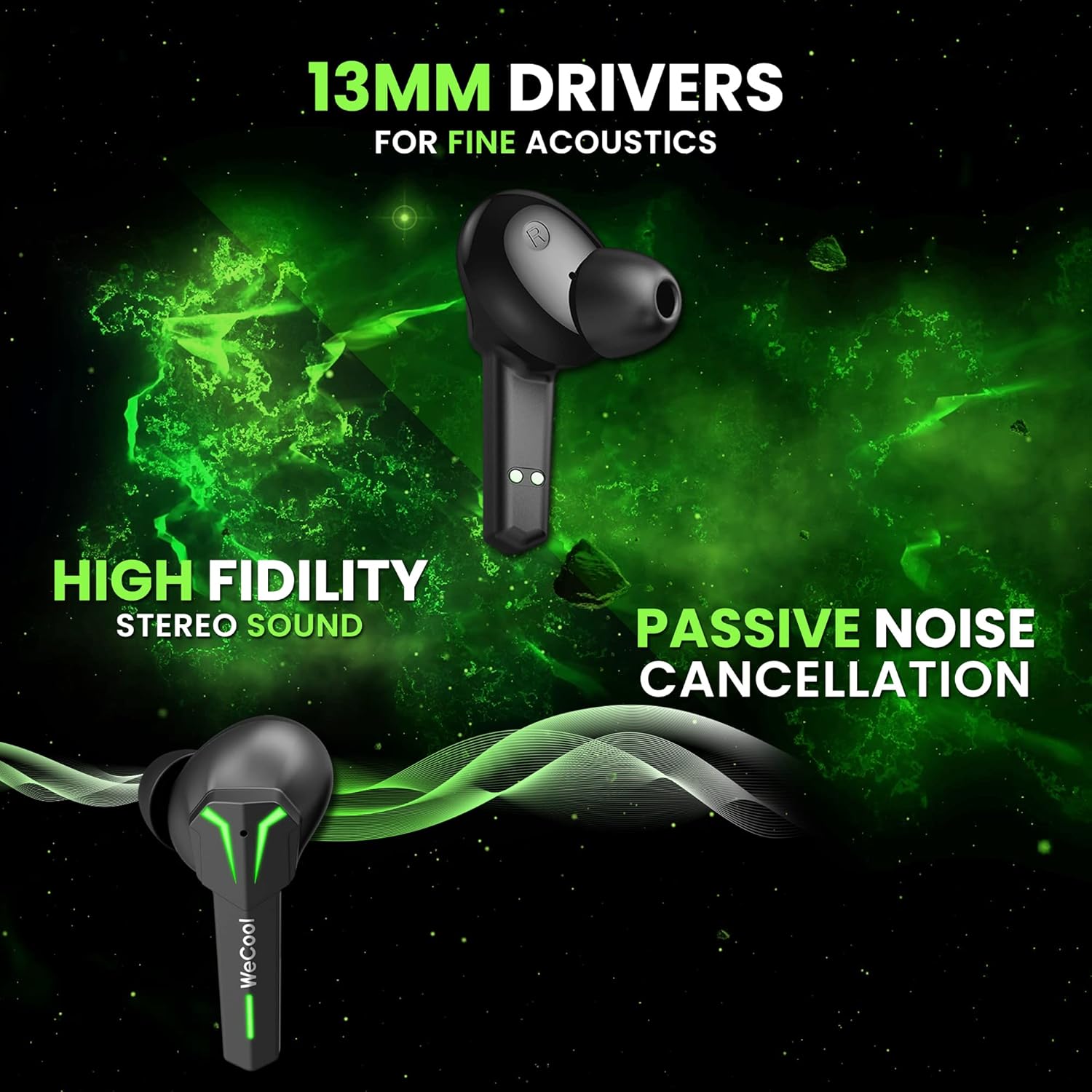
Bild: Eine Nahaufnahme view of a single WeCool Freesolo X3 earbud, emphasizing its 13mm drivers for fine acoustics, high fidelity stereo sound, and passive noise cancellation capabilities.
Einrichtung und erstmalige Verwendung
1. Aufladen der Ohrhörer und des Ladecase
Before first use, fully charge the earbuds and the charging case. Connect the provided USB Type-C cable to the charging port on the case and to a power source. The LED indicators on the case will show the charging status. Once fully charged, the indicators will change or turn off.
2. Koppeln mit Ihrem Gerät
- Öffnen Sie das Ladecase. Die Ohrhörer wechseln automatisch in den Kopplungsmodus, was durch blinkende LED-Leuchten angezeigt wird.
- Aktivieren Sie auf Ihrem Gerät (Smartphone, Tablet, Laptop) Bluetooth und suchen Sie nach verfügbaren Geräten.
- Select "WeCool Freesolo X3" from the list of devices.
- Once connected, the earbuds' LED indicators will stop flashing or show a steady light, and you will hear a confirmation tone.
The earbuds utilize Bluetooth V5.1 for a fast and stable wireless connection with lower power consumption.
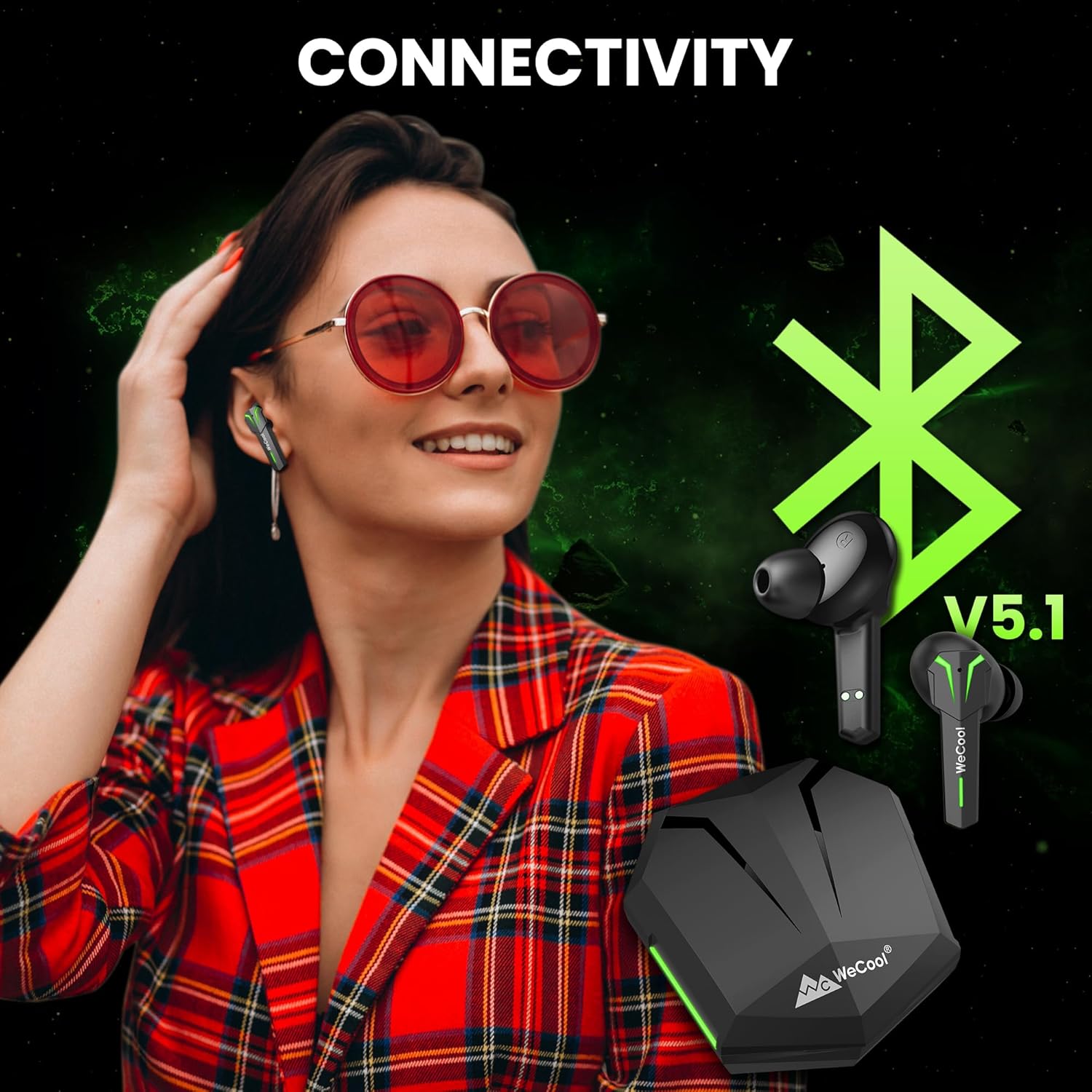
Image: A visual representation of the WeCool Freesolo X3 Earbuds and charging case, highlighting Bluetooth V5.1 connectivity for seamless pairing with various devices.
Bedienelemente
The WeCool Freesolo X3 Earbuds feature intuitive smart touch controls on each earbud. Refer to the diagram below for specific functions:

Image: Diagram illustrating the smart touch controls on both the left (L) and right (R) WeCool Freesolo X3 earbuds, detailing actions for volume, play/call, track skipping, voice assistant, and gaming/audio mode switch.
- Einmaliges Tippen (L/R): Musik abspielen/pausieren, Anruf annehmen/beenden.
- Double Tap (L): Vorheriges Lied.
- Double Tap (R): Nächster Titel.
- Triple Tap (L): Lautstärke verringern.
- Triple Tap (R): Lautstärke erhöhen.
- Four Taps (L/R): Sprachassistent aktivieren.
- Press and Hold for 2 Seconds (L/R): Wechseln Sie zwischen Spielemodus und Musikmodus.
Dual Modes: Gaming & Music
The Freesolo X3 Earbuds offer two distinct modes optimized for different audio experiences:
- Spielmodus: Provides ultra-low latency of 40ms, ensuring synchronized audio and visuals for an immersive gaming experience. This mode minimizes audio delay, giving you a competitive edge.
- Musikmodus: Delivers rich, high-fidelity stereo sound with punchy bass, powered by 13mm dynamic drivers. Ideal for enjoying your favorite music with enhanced clarity and depth.

Image: A visual illustrating the dual modes of the WeCool Freesolo X3 Earbuds. Music Mode emphasizes 13mm drivers, boosted bass, and high-fidelity stereo sound, while Gaming Mode highlights 40ms low latency, low ping, and ambient sound monitoring.
Hauptmerkmale
Verlängerte Akkulaufzeit
Enjoy up to 6 hours of playback on a single charge. The portable charging case provides an additional 30 hours of battery backup, offering a total of 36 hours of listening time. The Type-C fast charging ensures quick power-ups.
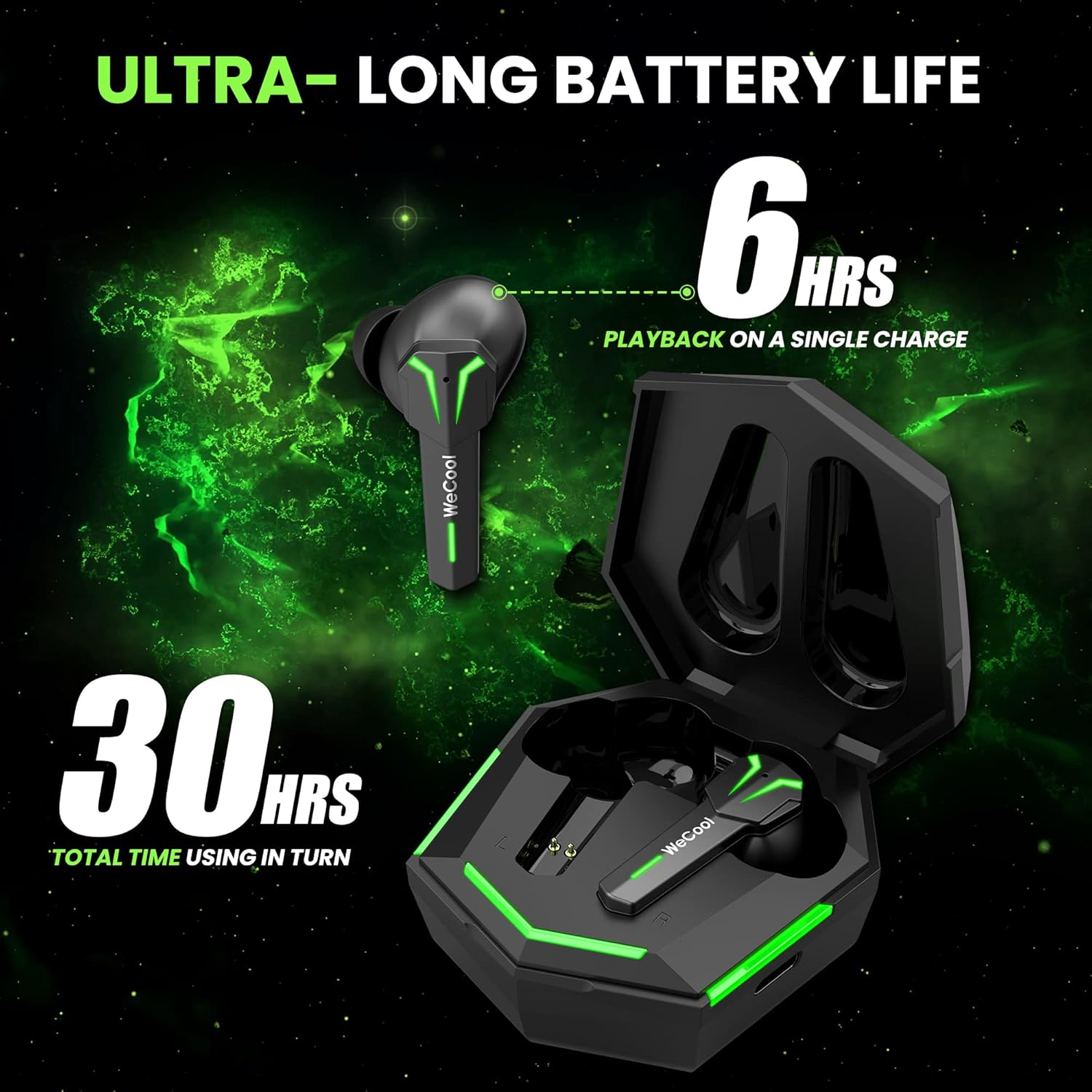
Image: WeCool Freesolo X3 Earbuds and charging case, illustrating the ultra-long battery life with 6 hours of playback on a single charge and 30 hours total usage time with the case.
Clear Calling Experience
Equipped with a built-in microphone, these earbuds ensure clear hands-free calling, making them suitable for both communication and entertainment.

Image: A single WeCool Freesolo X3 earbud, representing its clear calling experience feature.
IPX5 Spritzwasserschutz
The earbuds are IPX5 rated, providing protection against sweat and splashes. This makes them suitable for workouts and outdoor activities without concern for moisture damage.

Image: WeCool Freesolo X3 Earbuds shown with water splashes, illustrating their IPX5 splash-resistance, allowing use during sports without fear of sweat and rain.
Produktvideos
Video: Ein kurzer Vorberichtview highlighting key features of the WeCool Freesolo X3 Earbuds, including USB Type-C, Bluetooth V5.1, Passive Noise Cancellation, 13mm drivers, Punchy Bass, Clear Calling, dimensions, weight, matte finish, IPX5 rating, Gaming Mode, Music Mode, battery life, fast charging, and box contents.
Video: Ein kurzer Vorberichtview highlighting key features of the WeCool Freesolo X3 Earbuds, including USB Type-C, Bluetooth V5.1, Passive Noise Cancellation, 13mm drivers, Punchy Bass, Clear Calling, dimensions, weight, matte finish, IPX5 rating, Gaming Mode, Music Mode, battery life, fast charging, and box contents.
Technische Daten
| Besonderheit | Detail |
|---|---|
| Markenname | WeCool |
| Modellnummer | X3 |
| Name des Elementtyps | Bluetooth-Ohrhörer |
| Farbe | Schwarz |
| Product Finish Type | Matt |
| Kompatible Geräte | Desktop, Laptop, Smartphone, iPhone |
| Steckertyp | USB Typ C |
| Bluetooth-Version | V5.1 |
| Geringe Latenz | 40 ms (Gaming Mode) |
| Treibergröße | 13 mm dynamische Treiber |
| Wasserbeständigkeit | IPX5 spritzwassergeschützt |
| Akkulaufzeit (eine Ladung) | Bis zu 6 Stunden |
| Gesamtspielzeit (mit Hülle) | Bis zu 30 Stunden |
| Artikelabmessungen (L x B x H) | 50 x 50 x 25 Millimeter |
| Artikelgewicht | 48 Gramm |
Wartung
- Reinigung: Reinigen Sie die Ohrhörer und das Ladecase regelmäßig mit einem weichen, trockenen Tuch. Vermeiden Sie die Verwendung von scharfen Chemikalien oder scheuernden Materialien.
- Lagerung: Bewahren Sie die Ohrhörer bei Nichtgebrauch im Ladecase auf, um sie vor Staub und Beschädigungen zu schützen. Lagern Sie sie an einem kühlen, trockenen Ort und vermeiden Sie extreme Temperaturen.
- Laden: Use only the provided USB Type-C cable for charging. Avoid overcharging or completely draining the battery for extended periods to prolong battery life.
Fehlerbehebung
Ohrhörer lassen sich nicht koppeln
- Stellen Sie sicher, dass beide Ohrhörer aufgeladen sind.
- Schalten Sie Bluetooth auf Ihrem Gerät aus und wieder ein.
- Forget/delete "WeCool Freesolo X3" from your device's Bluetooth list and try pairing again.
- Legen Sie die Ohrhörer zurück in das Ladecase, schließen Sie den Deckel, warten Sie einige Sekunden und öffnen Sie ihn dann wieder, um den Kopplungsmodus erneut zu aktivieren.
Kein Ton oder zeitweise unterbrochene Verbindung
- Überprüfen Sie die Lautstärke sowohl auf Ihrem Gerät als auch an den Ohrhörern.
- Ensure the earbuds are within the Bluetooth range (up to 10m) of your device.
- Avoid obstacles between the earbuds and your device that might interfere with the signal.
- Try resetting the earbuds (refer to specific reset instructions if available in a separate guide or contact support).
Probleme beim Aufladen
- Vergewissern Sie sich, dass das Ladekabel sowohl mit dem Gehäuse als auch mit der Stromquelle fest verbunden ist.
- Ensure the charging pins on the earbuds and inside the case are clean and free from debris.
- Versuchen Sie es mit einem anderen USB-Typ-C-Kabel oder Netzteil.
Garantie und Support
The WeCool Freesolo X3 Earbuds are covered by a 1 Jahr Herstellergarantie. To avail the warranty, please register your product on the official WeCool website (wecool.in) within 10 days of purchase.
For technical support or any warranty-related queries, you can reach the technical support team:
- Telefon: 9036228529
- E-Mail: support@wecoolimports.com
Manufacturer: Shenzhen Sounthonly Shipping Company Ltd
Importer: Wecool Imports and Trading Pvt Ltd, Bangalore
Ask a question about this manual
Ask about setup, troubleshooting, compatibility, parts, safety, or missing instructions. Manuals+ will review the question and use this page’s manual context to help answer it.