
1. Einleitung
The BuzzTV B5 is an advanced Android 11 TV Box designed to deliver a superior 4K UHD streaming experience. This device allows you to access a wide range of entertainment, including movies, TV shows, and applications, directly on your television. This manual provides essential information for the proper setup, operation, maintenance, and troubleshooting of your BuzzTV B5.
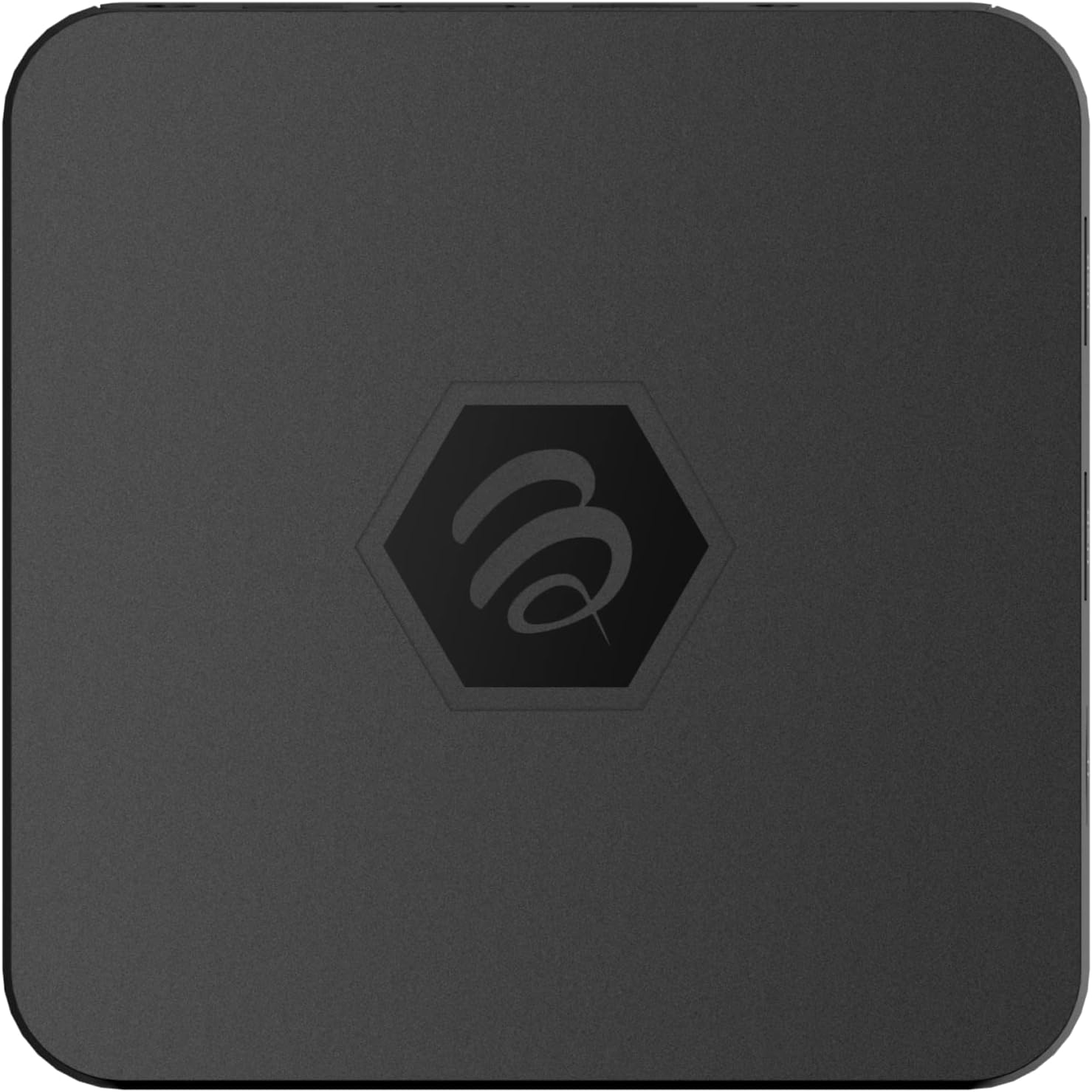
Abbildung 1.1: Oben view of the BuzzTV B5 Android 11 TV Box.
2. Packungsinhalt
Please verify that all items listed below are included in your BuzzTV B5 package:
- BuzzTV B5 Set Top Box
- IR-100 Remote Control
- Netzteiladapter
- 2 AAA-Batterien (für die Fernbedienung)
- HDMI-Kabel
- Benutzerhandbuch (dieses Dokument)

Image 2.1: Contents included in the BuzzTV B5 retail package.
3. Installationsanleitung
Follow these steps to set up your BuzzTV B5 TV Box:
- Anschluss an den Fernseher: Connect one end of the provided HDMI cable to the HDMI port on the BuzzTV B5 and the other end to an available HDMI input on your television.
- Strom anschließen: Plug the power supply adapter into the DC 5V port on the BuzzTV B5, then plug the adapter into a wall outlet. The device should power on automatically or can be powered on using the remote control.
- Batterien in die Fernbedienung einlegen: Open the battery compartment on the back of the IR-100 Remote Control and insert the two AAA batteries, ensuring correct polarity (+/-).
- Netzwerkverbindung: Once the device boots up, follow the on-screen instructions to connect to your network. You can choose between Wi-Fi (wireless) or Ethernet (wired) connection. For a wired connection, connect an Ethernet cable from your router to the Ethernet port on the BuzzTV B5.
- Ersteinrichtung: Complete the initial Android setup process, which may include language selection, Google account login, and time zone settings.

Image 3.1: Rear ports of the BuzzTV B5 for connectivity.
4. Bedienungsanleitung
The BuzzTV B5 operates on Android 11, providing a user-friendly interface for navigation and content access.
4.1 Fernbedienungsfunktionen
The IR-100 Remote Control is your primary interface for the BuzzTV B5. Key functions include:
- Netzschalter: Schaltet das Gerät ein oder aus.
- Navigationsfeld (Oben/Unten/Links/Rechts/OK): Dient zur Navigation in Menüs und zur Auswahl von Elementen.
- Zurück-Schaltfläche: Kehrt zum vorherigen Bildschirm oder Menü zurück.
- Home "Button: Kehrt zum Android-Startbildschirm zurück.
- Lautstärketasten: Regelt die Lautstärke.
- App/Menu Buttons: Accesses specific applications or context menus.

Image 4.1: Layout of the IR-100 Remote Control.
4.2 Zugriff auf Anwendungen
From the home screen, you can access pre-installed applications like Netflix and YouTube, or download new applications from the Google Play Store. Use the navigation pad on your remote to select and launch applications.
4.3 4K UHD Streaming
The BuzzTV B5 supports 4K UHD resolution. Ensure your television is 4K compatible and that you are using a high-speed HDMI cable for optimal picture quality. Streaming quality will also depend on your internet connection speed and the content source.
5. Wartung
To ensure the longevity and optimal performance of your BuzzTV B5, consider the following maintenance tips:
- Reinigung: Reinigen Sie die Außenseite des Geräts mit einem weichen, trockenen Tuch. Vermeiden Sie flüssige Reinigungsmittel oder Scheuermittel.
- Belüftung: Stellen Sie sicher, dass das Gerät an einem gut belüfteten Ort aufgestellt wird, um eine Überhitzung zu vermeiden. Decken Sie die Lüftungsöffnungen nicht ab.
- Software-Updates: Periodically check for and install system updates to benefit from new features, performance improvements, and security patches. These can usually be found in the device's settings menu.
- Aus- und Wiedereinschalten: Wenn das Gerät nicht mehr reagiert, trennen Sie das Netzteil, warten Sie 10 Sekunden und schließen Sie es dann wieder an, um einen Neustart durchzuführen.
6. Fehlerbehebung
If you encounter issues with your BuzzTV B5, refer to the following common problems and solutions:
| Problem | Mögliche Ursache | Lösung |
|---|---|---|
| Kein Strom | Netzteil nicht angeschlossen; Steckdose defekt. | Stellen Sie sicher, dass das Netzteil fest mit dem Gerät und einer funktionierenden Steckdose verbunden ist. Versuchen Sie es mit einer anderen Steckdose. |
| Kein Fernsehsignal | Incorrect HDMI input selected; faulty HDMI cable. | Select the correct HDMI input on your TV. Check HDMI cable connections or try a different HDMI cable. |
| Fernbedienung reagiert nicht | Leere Batterien; Fernbedienung nicht gekoppelt (falls zutreffend); Hindernis. | Replace AAA batteries. Ensure no obstructions between remote and device. |
| Probleme mit der Netzwerkverbindung | Incorrect Wi-Fi password; router issues; weak signal. | Verify Wi-Fi password. Restart your router. Move the device closer to the router or use an Ethernet cable. |
| Applications Crashing/Freezing | Insufficient memory; outdated app; software glitch. | Close background apps. Update the app or the device's firmware. Clear app cache/data in settings. |
7. Spezifikationen
Detailed technical specifications for the BuzzTV B5 Android 11 TV Box:
- Betriebssystem: Android OS 11
- CPU: Amlogic S905W2 Quad-Core A-35
- Grafikkarte: Mali-G31 MP2
- RAM: 2GB DDR
- Lagerung: 16 GB eMMC
- W-lan: Dual Band AC
- LAN: 10 / 100 Mbps Ethernet
- Bluetooth: 4.2
- USB-Anschlüsse: 2x USB 2.0
- MicroSD-Steckplatz: 1
- Stromschnittstelle: Gleichstrom 5 V
- HDMI-Ausgang: 1
- Optischer Audioausgang: 1
- Ausgabeauflösung: 4K (32 FPS)
- Abmessungen: 9.06 x 5.63 x 2.32 Zoll
- Artikelgewicht: 1.01 Pfund

Image 7.1: BuzzTV B5 with a summary of its technical specifications.
8. Garantieinformationen
For detailed warranty information regarding your BuzzTV B5, please refer to the warranty card included in your product packaging or visit the official BuzzTV webDie Garantiebedingungen können je nach Region und Händler variieren.
9. Unterstützung
If you require further assistance or have questions not covered in this manual, please contact BuzzTV customer support or visit their official webWebsite mit häufig gestellten Fragen, Software-Downloads und weiteren Ressourcen.
BuzzTV Official WebWebsite: www.buzztv.com