
Einführung
This manual provides instructions for the safe and efficient operation of your iLiving 12-Inch Rechargeable Battery Operated Camping Floor Fan. Please read all instructions carefully before use and retain this manual for future reference.
Wichtige Sicherheitshinweise
- Stellen Sie stets sicher, dass der Ventilator auf einer stabilen, ebenen Fläche steht, um ein Umkippen zu verhindern.
- Do not insert fingers or any objects through the fan grilles when the fan is operating.
- Keep the fan away from water or excessive moisture. This product has an IPx4 rating for indoor and outdoor use, but should not be submerged.
- Betreiben Sie den Ventilator nicht mit einem beschädigten Kabel oder Stecker.
- Halten Sie Kinder und Haustiere während des Betriebs vom Ventilator fern.
- Disconnect the power adapter when not in use or before cleaning.
- Verwenden Sie zum Laden ausschließlich den mitgelieferten Adapter.
Packungsinhalt
- iLiving 12-Inch Rechargeable Fan
- Netzteil
- Bedienungsanleitung
Produkt überview
Familiarize yourself with the main parts of your iLiving fan.
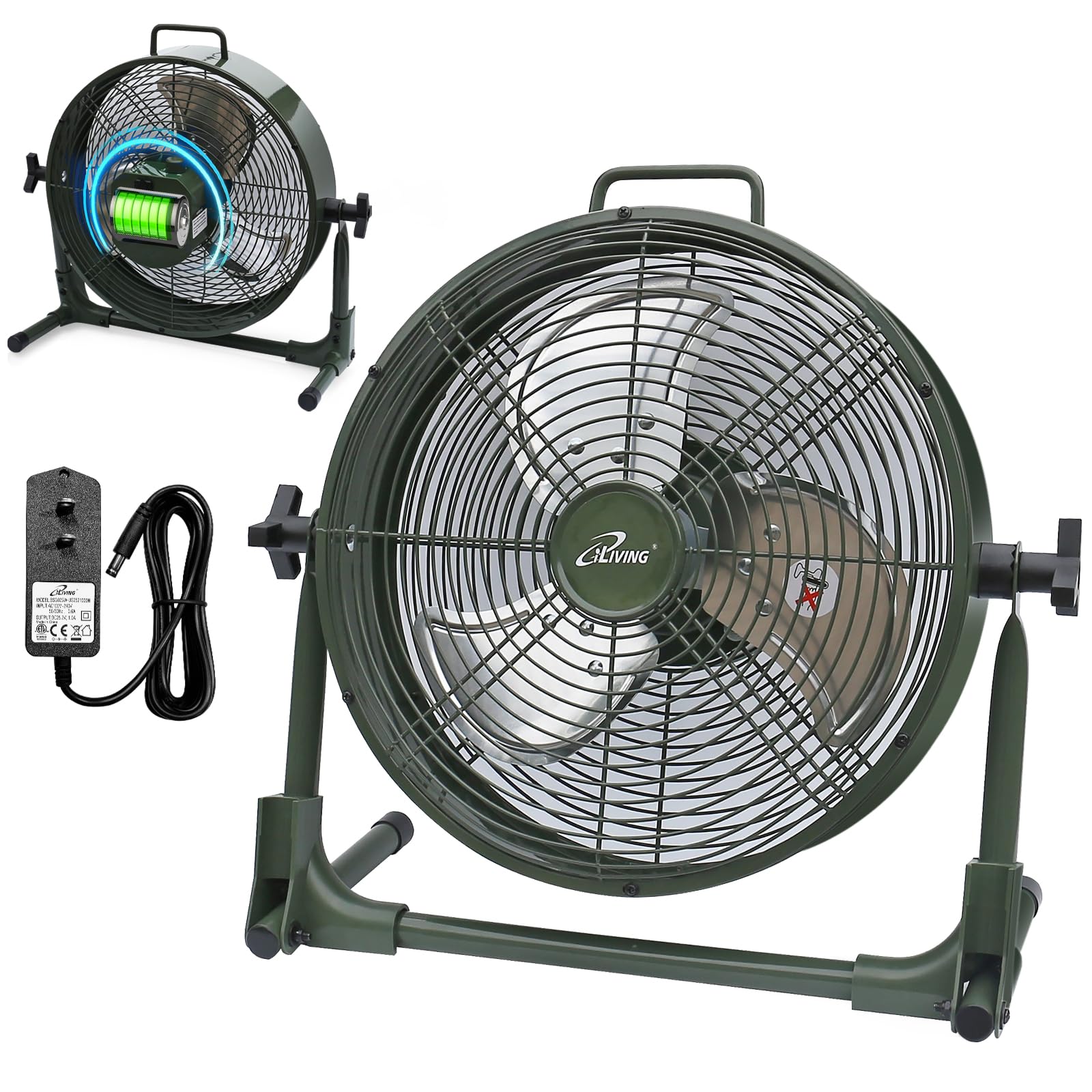
Aufstellen
Your iLiving fan comes mostly pre-assembled. Follow these steps for initial setup:
- Packen Sie den Ventilator und sämtliches Zubehör aus dem Karton aus.
- Stellen Sie den Ventilator auf eine stabile, ebene Fläche.
- Adjust the fan head to your desired angle by loosening the side knobs, tilting the fan, and then tightening the knobs.
- Before first use, fully charge the fan using the provided power adapter. Connect the adapter to the charging port on the fan and plug it into a standard electrical outlet. The battery indicator lights will show charging progress.
Bedienungsanleitung
Ein-/Ausschalten und Geschwindigkeitsanpassung
The fan features a control knob located on the back for power and speed adjustment.
- To turn the fan on, rotate the control knob clockwise from the "OFF" position.
- Continue rotating the knob clockwise to increase the fan speed from "LOW" to "MAX".
- To decrease the fan speed, rotate the knob counter-clockwise.
- To turn the fan off, rotate the knob counter-clockwise until it reaches the "OFF" position.
Batterieanzeige
The LED lights next to the control knob indicate the current battery level. When charging, these lights will illuminate to show progress.

Powerbank-Funktion
Your iLiving fan can also function as a portable power bank to charge mobile devices.
- Locate the USB charging port on the back of the fan.
- Connect your mobile device's USB cable (not included) to this port.
- Press the "USB ON/OFF" button to activate the charging function.
- The fan's internal battery will provide power to charge your device.

Wartung
Pflege und Reinigung
- Ziehen Sie vor der Reinigung immer den Stecker aus der Steckdose.
- Verwenden Sie ein weiches,amp Tuch zum Abwischen der Außenflächen des Ventilators.
- To clean the fan blades, carefully remove the front grille (if removable, otherwise use a vacuum cleaner with a brush attachment). Ensure the fan is completely off and unplugged.
- Verwenden Sie keine Scheuermittel oder Lösungsmittel, da diese die Oberfläche des Ventilators beschädigen können.
- Bewahren Sie den Ventilator an einem kühlen, trockenen Ort auf, wenn Sie ihn nicht verwenden.
Fehlerbehebung
Häufige Probleme
| Problem | Mögliche Ursache | Lösung |
|---|---|---|
| Der Ventilator schaltet sich nicht ein. | Kein Strom oder schwacher Akku. | Ensure the fan is charged or plugged into a working outlet. Check the power adapter connection. |
| Der Ventilator läuft langsam oder schwach. | Niedriger Batteriestand oder Verstopfung. | Charge the battery fully. Check for any obstructions around the fan blades or grilles. |
| Der USB-Ladeanschluss funktioniert nicht. | USB function not activated or low fan battery. | Press the "USB ON/OFF" button. Ensure the fan has sufficient battery charge to power external devices. |
| Ungewöhnliche Geräusche während des Betriebs. | Lose Teile oder Fremdkörper. | Turn off and unplug the fan. Inspect for any loose parts or foreign objects within the fan grille. If the issue persists, contact customer support. |
Produktspezifikationen
| Besonderheit | Detail |
|---|---|
| Modellname | ILG8RX12 |
| Marke | iLeben |
| Technische Daten | 7.25"T x 16"B x 15.25"H |
| Artikelgewicht | 6.4 Pfund |
| Stromquelle | Rechargeable Battery Operated |
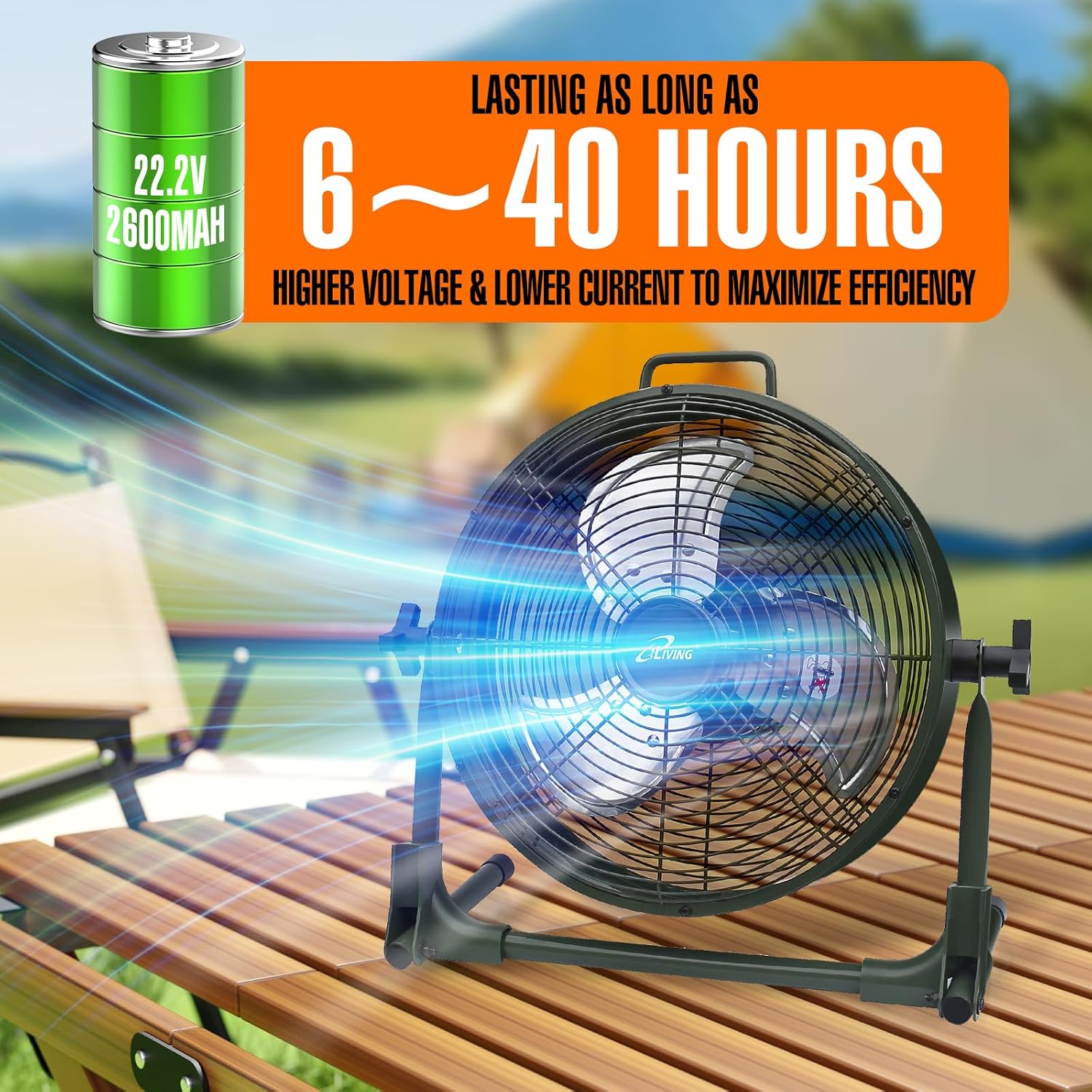
| Batterie | 22.2 V, 2600 mAh Lithium-Ionen |
| Wastage | 13 Watt |
| Geschwindigkeit | 1360 U/min |
| Geräuschpegel | 58 Dezibel |
| Material | Metall (casing), Plastic (blade) |
| Besonderheit | Adjustable Tilt, Power Bank Function |
| Verwendung im Innen- und Außenbereich | Innenbereich, Außenbereich |
| Wasserbeständigkeit | IPx4-zertifiziert |
| Im Lieferumfang enthaltene Komponenten | Rechargeable Fan, Adapter, Owner's Manual |
| Zertifizierungen | UL, cUL |
Garantieinformationen
This iLiving product comes with a 1-Year Limited Component Warranty. For warranty claims or technical assistance, please contact iLiving customer service.
Kundenservice
For any questions, concerns, or support needs, please visit the official iLiving webWebsite oder wenden Sie sich an die Kundendienstabteilung.
You can also leave a review for the product at Amazon Product Review Seite.