
Einführung
This manual provides detailed instructions for the installation, operation, and maintenance of your Mars Gaming MARSGAMING MCX ATX PC Gaming Case, Model MCF. Please read this manual thoroughly before beginning assembly to ensure proper setup and optimal performance.

Figure 1: Mars Gaming MARSGAMING MCX ATX PC Gaming Case (Model MCF)
Hauptmerkmale
- Advanced Gaming Lighting: Features triple vented front and rear fans with ARGB lighting, complemented by a Metal-Mesh front design and tempered glass side window.
- Aerodynamisches Design: Sophisticated look with pure geometric lines and premium finishes. The aerodynamically designed front panel enhances ventilation and airflow.
- Volle ARGB-Kompatibilität: ARGB lighting with multiple preset effects, controllable via an ARGB connector or motherboard for extensive aesthetic customization.
- Maximale Kühlleistung: Includes a triple front fan system and a 120mm rear fan. Supports up to 6 x 120mm fans, removable magnetic top and bottom filters, and dual chamber design. Full support for up to 360mm liquid cooling.
- Maximum Internal Capacity: Supports ATX, micro-ATX, and mini-ITX motherboards, up to 5 hard drives, and efficient internal cable management. Accommodates VGAs up to 305mm long (330mm without front fan) and 167mm wide, and heatsinks up to 177mm high.
Packungsinhalt
Vergewissern Sie sich vor der Installation, dass alle Komponenten im Paket vorhanden sind.
- Mars Gaming MARSGAMING MCX ATX PC Gaming Case (Model MCF)
- 4 x 120-mm-ARGB-Lüfter (vorinstalliert)
- Accessory kit (screws, standoffs, cable ties)
- Benutzerhandbuch (dieses Dokument)
Installationsanweisungen
1. Vorbereitung des Falls
Place the case on a stable, flat surface. Remove the tempered glass side panel by unscrewing the thumb screws at the rear of the case and carefully sliding the panel off.
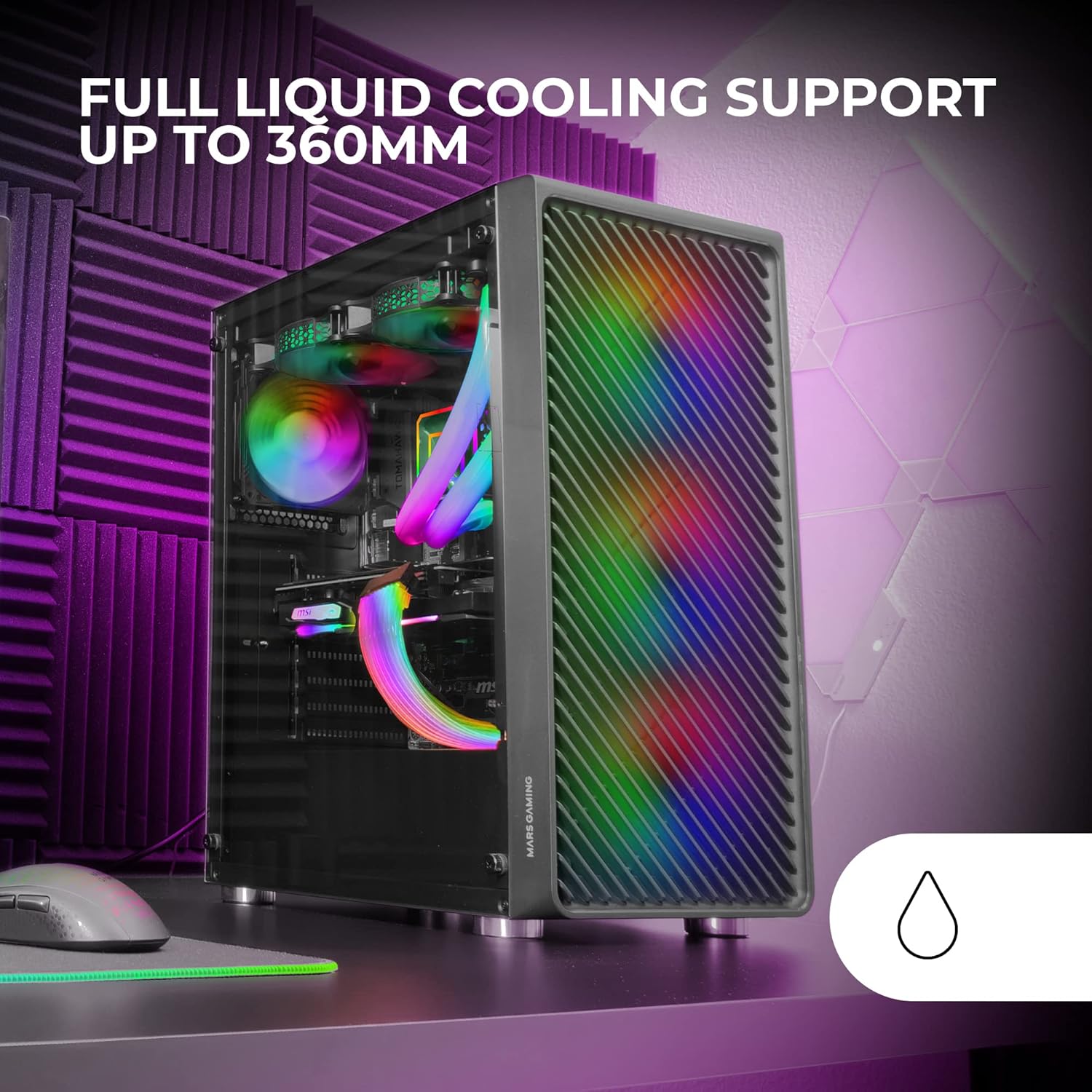
Figure 2: Tempered Glass Side Window
The front panel features a Metal-Mesh design for optimal airflow.

Figure 3: Metal-Mesh Front Panel
2. Motherboard-Installation
Install the appropriate standoffs for your ATX, Micro-ATX, or Mini-ITX motherboard. Carefully place the motherboard into the case, aligning it with the standoffs and the I/O shield opening. Secure the motherboard with screws from the accessory kit.
3. Installation des Netzteils (PSU)
The case features a bottom-mount power supply design. Slide your PSU into its designated compartment at the bottom rear of the case and secure it with screws. Route the necessary cables through the cable management cutouts.
4. Installation des Speicherlaufwerks
Install your 3.5-inch hard drives and 2.5-inch solid-state drives into the available drive bays. The case supports up to 5 hard drives. Refer to the internal layout diagram for bay locations.
5. Installation der Grafikkarte (VGA).
Remove the necessary PCI-E slot covers. Insert your graphics card into the appropriate PCI-E slot on your motherboard and secure it with screws. The case supports VGAs up to 305mm long (330mm without a front fan) and 167mm wide.
6. Cooling System Installation (Fans & Liquid Cooling)
The case comes with four pre-installed 120mm ARGB fans (three front, one rear). Additional fans can be installed as follows:
- Spitze: Bis zu 2 x 120-mm- oder 2 x 140-mm-Lüfter.
- Front: Up to 3 x 120mm or 2 x 140mm fans (pre-installed).
- Hinteren: 1 x 120-mm-Lüfter (vorinstalliert).
For liquid cooling, the case supports radiators up to 360mm.

Figure 4: Pre-installed 4x 120mm ARGB Fans

Figure 5: Internal Layout and Cooling Support
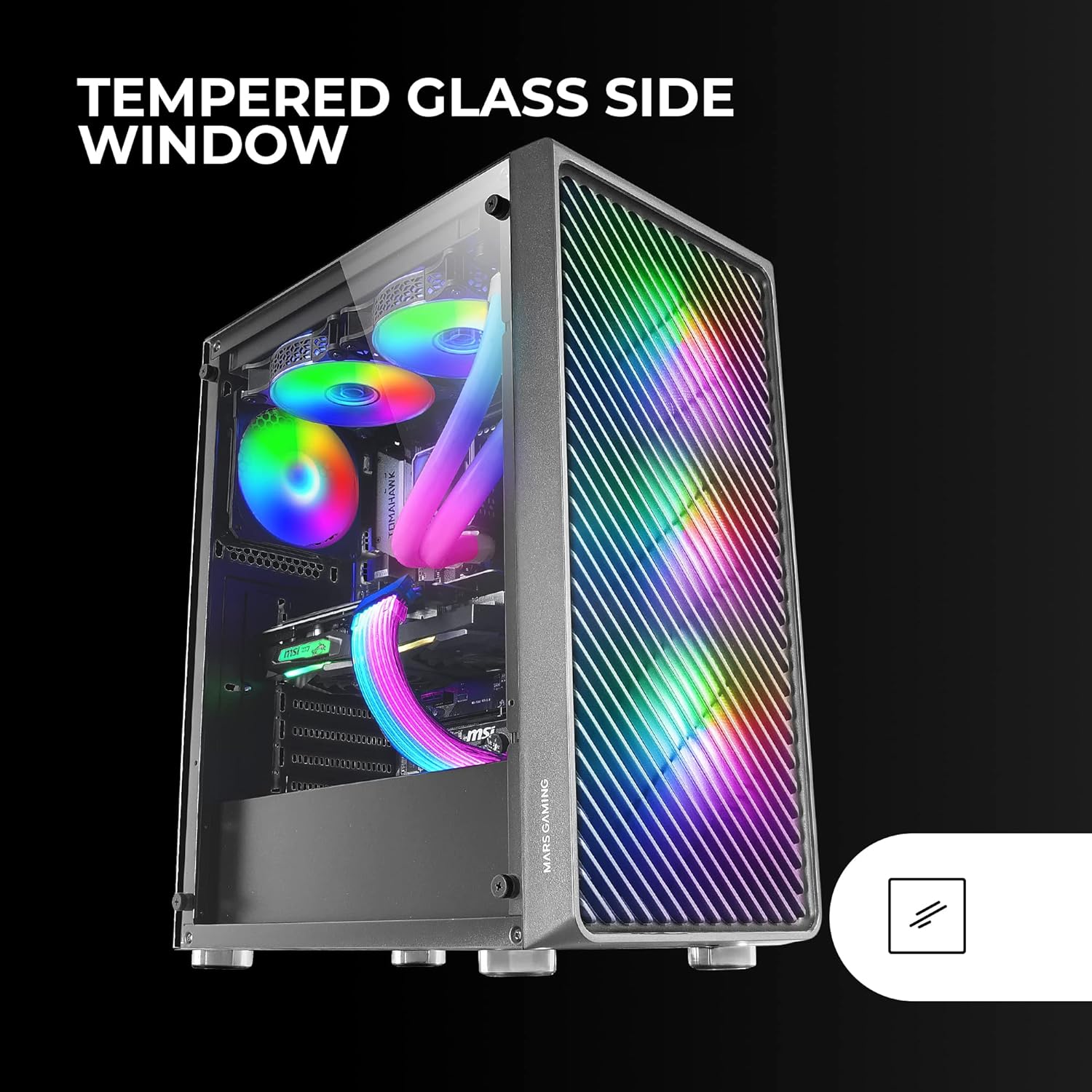
Figure 6: Liquid Cooling Support
7. Kabelmanagement
Nutzen Sie die Kabeldurchführungen und Befestigungspunkte hinter dem Mainboard-Tray, um Kabel zu verlegen und zu sichern. Dies verbessert die Luftzirkulation und die Optik.
8. Endmontage
Sobald alle Komponenten installiert und die Kabel verlegt sind, bringen Sie die Seitenwand aus gehärtetem Glas wieder an und befestigen Sie sie mit den Rändelschrauben.
Bedienungsanleitung
Einschalten
Connect your power supply to a wall outlet. Press the power button located on the top panel of the case to turn on your system.
ARGB-Beleuchtungssteuerung
The pre-installed ARGB fans can be controlled via your motherboard's ARGB software (if connected to an ARGB header) or through the integrated controller (if applicable). Refer to your motherboard manual for specific ARGB software instructions. The case offers multiple preset lighting effects.
Wartung
Reinigen des Gehäuses
Reinigen Sie die Außenseite des Gehäuses regelmäßig mit einem weichen, feuchten Tuch.amp cloth. Avoid abrasive cleaners. For interior cleaning, use compressed air to remove dust from components and fans.
Wartung des Staubfilters
The case features removable magnetic dust filters on the top and bottom. Periodically remove and clean these filters to maintain optimal airflow and prevent dust buildup inside the system. Wash with water and mild soap, then dry completely before reattaching.
Fehlerbehebung
Fans Not Spinning / RGB Not Working
- Check all fan and ARGB connections to the motherboard or controller.
- Ensure the power supply is providing adequate power.
- Verify that ARGB software or physical controls are correctly configured.
Poor Airflow / Overheating
- Reinigen Sie alle Staubfilter und Lüfter.
- Ensure proper fan orientation for intake and exhaust.
- Verify that no cables are obstructing airflow.
- Consider adding additional fans if temperatures remain high.
System lässt sich nicht einschalten
- Überprüfen Sie alle Stromverbindungen vom Netzteil zum Motherboard und den Komponenten.
- Stellen Sie sicher, dass das Kabel des Netzschalters an der Vorderseite korrekt mit dem Motherboard verbunden ist.
- Verify the PSU is switched on.
Technische Daten
| Besonderheit | Detail |
|---|---|
| Marke | Mars Gaming |
| Modellname | MCF |
| Gehäusetyp | Mittlerer Turm |
| Motherboard-Kompatibilität | ATX, Micro-ATX, Mini-ITX |
| Material | Metall |
| Farbe | Schwarz |
| Artikelabmessungen (T x B x H) | 14.96"T x 8.5"B x 18.11"H |
| Artikelgewicht | 4.7 Kilogramm |
| Internal Bays Quantity | 5 (for 3.5" Hard Disk Form Factor) |
| Maximale GPU-Länge | 305mm (330mm without front fan) |
| Maximale Höhe des CPU-Kühlers | 177 mm |
| Vorinstallierte Lüfter | 4 x 120-mm-ARGB-Lüfter |
| Kühlmethode | Luft, Wasser |
| Unterstützung für flüssige Kühlung | Up to 360mm radiator |
| Montageart des Netzteils | Untere Montage |
| Anzahl USB-Anschlüsse | 2 (USB-2.0) |
| Besondere Merkmale | RGB Lighting, Tempered Glass Side Panel, Metal-Mesh Front Panel |
Garantie und Support
Informationen zur Garantie und zum technischen Support finden Sie auf der offiziellen Mars Gaming-Website. webBesuchen Sie die Website oder kontaktieren Sie den Kundendienst. Bewahren Sie Ihren Kaufbeleg für Garantieansprüche auf.
Hersteller: Mars Gaming