
Einführung
Thank you for choosing the ieGeek 2K Wireless Outdoor Wi-Fi Camera with Solar Panel. This manual provides detailed instructions for setting up, operating, and maintaining your security camera. Please read this manual carefully before use and keep it for future reference.
This camera offers advanced features including 2K resolution, 360° Pan-Tilt-Zoom (PTZ) functionality, efficient solar charging, clear color night vision, accurate PIR motion detection, two-way audio communication, and an integrated siren, all within an IP65 weather-resistant design.
Lieferumfang
Überprüfen Sie, ob alle Komponenten in Ihrem Paket vorhanden sind:
- 1 × PTZ Battery Camera
- 1 × 0.5m USB Cable
- 2 × Dome Screws
- 2 × Dome Nuts
- 1 × Camera User Manual
- 1 × Solar Panel with 3m Power Cable
- 1 × Solar Panel Instruction Manual
- 1 × Solar Panel Bracket
- 3 × Solar Panel Screws
- 3 × Solar Panel Nuts

Produkt überview
Familiarize yourself with the main parts of your ieGeek camera:

- Wi-Fi-Antenne: Für drahtlose Netzwerkverbindungen.
- PIR-Sensor: Detects human and animal motion.
- Arbeitsstatusleuchte: Zeigt den Kamerastatus an.
- Strobe Light and IR: Provides illumination for color night vision and infrared for standard night vision.
- Linse: Nimmt Videoaufnahmen auftage.
- Mikrofon: Für Audioeingabe und Zwei-Wege-Kommunikation.
- Charging Port (Type-C 5V/2A): For connecting the solar panel or USB power adapter.
Installationshandbuch
1. Aufladen der Kamera
Before initial use, fully charge the camera battery using the provided USB cable and a 5V/2A power adapter (not included). Alternatively, connect the solar panel to the camera for continuous charging.
2. App-Installation und Kontoerstellung
Download the "ieGeek Cam" app from the Google Play Store or Apple App Store. Register for an account and log in.

3. Verbinden mit Wi-Fi
- Open the ieGeek Cam app and follow the on-screen instructions to add a new device.
- Ensure your camera is powered on and in pairing mode (indicated by a flashing light).
- Wählen Sie Ihr 2.4-GHz-WLAN-Netzwerk aus und geben Sie das Passwort ein. Note: The camera only supports 2.4 GHz Wi-Fi.
- Scannen Sie den auf Ihrem Smartphone-Bildschirm angezeigten QR-Code mit der Kameralinse.
- Nach erfolgreicher Verbindung bestätigt die Kamera die erfolgreiche Kopplung.

4. Montage der Kamera und des Solarpanels
Choose a suitable outdoor location for optimal solar charging and camera coverage. Use the provided bracket and screws for secure wall mounting. Ensure the solar panel is positioned to receive maximum direct sunlight.

Bedienungsanleitung
1. Leben View und Wiedergabe
Greifen Sie auf Live-Videostreams und aufgezeichnete Speisen zu.tage through the ieGeek Cam app. You can view real-time events and review past recordings stored on the SD card (up to 128GB, not included) or cloud storage (subscription may be required).

2. Schwenk-Neige-Zoom-Steuerung (PTZ)
Use the app to remotely control the camera's horizontal rotation (355°) and vertical tilt (120°). The 4X digital zoom allows for closer inspection of details.

3. Bewegungserkennung und Benachrichtigungen
The camera features advanced PIR motion detection with AI algorithms to accurately identify human shapes, vehicles, and pets, reducing false alarms. When motion is detected, you will receive real-time notifications on your smartphone. The camera can also activate a siren and strobe lights to deter intruders.
- Empfindlichkeit anpassen: Customize motion detection sensitivity (10 levels) in the app.
- Erkennungszonen: Legen Sie spezifische Bereiche für die Bewegungserkennung fest, um sich auf kritische Zonen zu konzentrieren.
- Siren and Strobe: Configure automatic siren and strobe light activation upon detection, especially at night.

4. Zwei-Wege-Audio
Utilize the built-in microphone and speaker for real-time two-way communication. Speak to visitors or deter unwanted guests directly through the app.

5. Nachtsicht
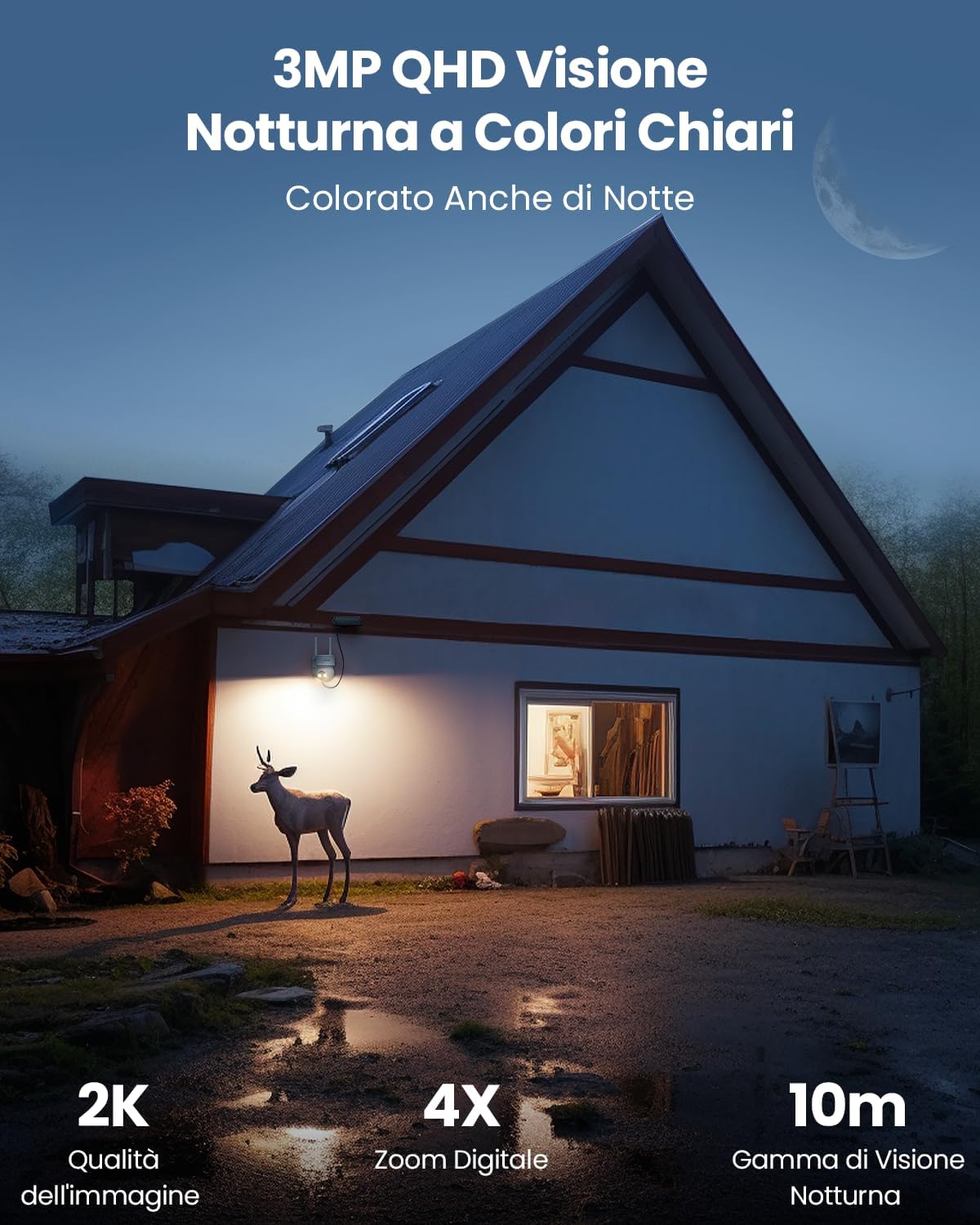
The camera supports both infrared night vision and full-color night vision. When motion is detected at night, the integrated spotlights can automatically activate to provide clear color images up to 10 meters. Spotlights can be manually turned off via the app.

6. Smart Home Integration
The ieGeek camera is compatible with Amazon Alexa. Use voice commands to view Ihr Kamerabild auf kompatiblen Smart-Displays.
Example command: "Alexa, show me the Garage."

Wartung
1. Reinigung
Reinigen Sie das Kameraobjektiv und das Solarpanel regelmäßig mit einem weichen Tuch.amp cloth to ensure optimal performance. Avoid abrasive cleaners or solvents.
2. Batteriemanagement
The camera is designed for continuous power with the solar panel. In areas with limited sunlight, monitor the battery level via the app and recharge using the USB cable if necessary.
3. Firmware-Updates
Check the ieGeek Cam app periodically for firmware updates. Keeping your camera's firmware up-to-date ensures optimal performance and access to new features.
4. Witterungsbeständigkeit
The camera has an IP65 rating, making it resistant to dust and water jets. While designed for outdoor use, extreme weather conditions may temporarily affect performance. Ensure proper installation to prevent water ingress.

Fehlerbehebung
| Problem | Mögliche Ursache | Lösung |
|---|---|---|
| Kamera stellt keine Verbindung zum WLAN her | Incorrect Wi-Fi password, 5GHz network, weak signal, camera too far from router. |
|
| Schlechte Bildqualität | Dirty lens, low light conditions, weak Wi-Fi signal. |
|
| Bewegungserkennung funktioniert nicht oder es gibt zu viele Fehlalarme | Incorrect sensitivity settings, objects outside detection zone, environmental factors (e.g., swaying branches). |
|
| Akku wird nicht über Solarpanel geladen | Unzureichendes Sonnenlicht, verschmutztes Solarpanel, fehlerhafte Verbindung. |
|
Technische Daten
| Marke | ieGeek |
| Modellnummer | DQ201 |
| Konnektivitätstechnologie | Drahtlos (Wi-Fi 2.4 GHz) |
| Empfohlene Verwendung | Outdoor Security, Indoor Security |
| Innen-/Außenbereich | Im Freien |
| Besondere Merkmale | WiFi, PTZ (Pan-Tilt-Zoom), Color Night Vision, PIR Motion Detection, Two-Way Audio, Siren |
| Kompatible Geräte | Smartphones (iOS/Android), Amazon Alexa |
| Montagetyp | Wandhalterung |
| Farbe | Creme |
| Formfaktor | Kuppel |
| Materialien | Plastik |
| Alarmtyp | Ton und Licht |
| Lichtquellentyp | LED and Infrared |
| Effektive Standbildauflösung | 3 MP (2K) |
| Internationale Schutzbewertung | IP65 |
| Stromquelle | Solar Powered and Battery |
| Wastage | 10 Watt |
| Videoaufnahmeformat | MP4 |
| Nachtsichtbereich | 15 Meter |
| Nachtsichttyp | FarbeNacht |
| Artikelabmessungen | 14 x 10 x 12.5 cm |
| Auflösung der Videoaufnahme | 3 Megapixel |
| Bildfrequenz | 15 FPS |
| Viewing-Winkel | 130 Grad |
| Fachgebiet View | 360 Grad (PTZ) |
| Zoomtyp | Digital Zoom |
| Zoomverhältnis | 4X |
| Optische Sensorik | CMOS |
Garantie und Support
ieGeek bietet ein 1 Jahr Garantie for this product. For any technical assistance, product inquiries, or warranty claims, please contact ieGeek customer support. They provide 24-hour online service (during business days).
You can find more information and contact details on the official ieGeek website or through the ieGeek Cam app.

Kontaktinformationen: Refer to your product packaging or the ieGeek Cam app for the most up-to-date support contact methods.