
Einführung
Thank you for choosing the Yunseity Portable Voice Amplifier. This device is designed to provide clear and stable sound amplification for various applications such as teaching, presentations, meetings, and outdoor activities. Please read this manual carefully before using the product to ensure proper operation and to maximize its lifespan.
Produkt überview
The Yunseity Portable Voice Amplifier is a compact and versatile device. Familiarize yourself with its components and controls.

Image: The voice amplifier unit shown with its accompanying headset microphone, waistband strap, and USB charging cable.
Hauptbestandteile:
- Stimme AmpVerstärkereinheit: The main speaker and control unit.
- Headset-Mikrofon: For hands-free voice input.
- Waistband Strap: Für bequemen Transport.
- USB-Ladekabel: Zum Aufladen des internen Akkus.
Bedienfeld und Anschlüsse:

Image: A labeled diagram indicating the location and function of each button, knob, and port on the ampschwerer.
- 3.5-mm-Mikrofonbuchse: Connect the headset microphone here.
- Lautstärkeregler: Drehen Sie, um die amplifikationsvolumen.
- Ladeanschluss: Schließen Sie hier das USB-Ladekabel an.
- Schaltfläche „Vorheriges Lied“: Press to go to the previous track (when playing media).
- Wiedergabe-/Pause-Taste: Tap to play or pause media. Long press to turn the device on or off.
- Nächster Song-Button: Press to go to the next track. Long press to switch between single song loop and list loop.
- U Disk Interface: Schließen Sie einen USB-Stick zur Medienwiedergabe an.
- Speicherkartensteckplatz: Insert a Memory Card (TF card) for media playback.
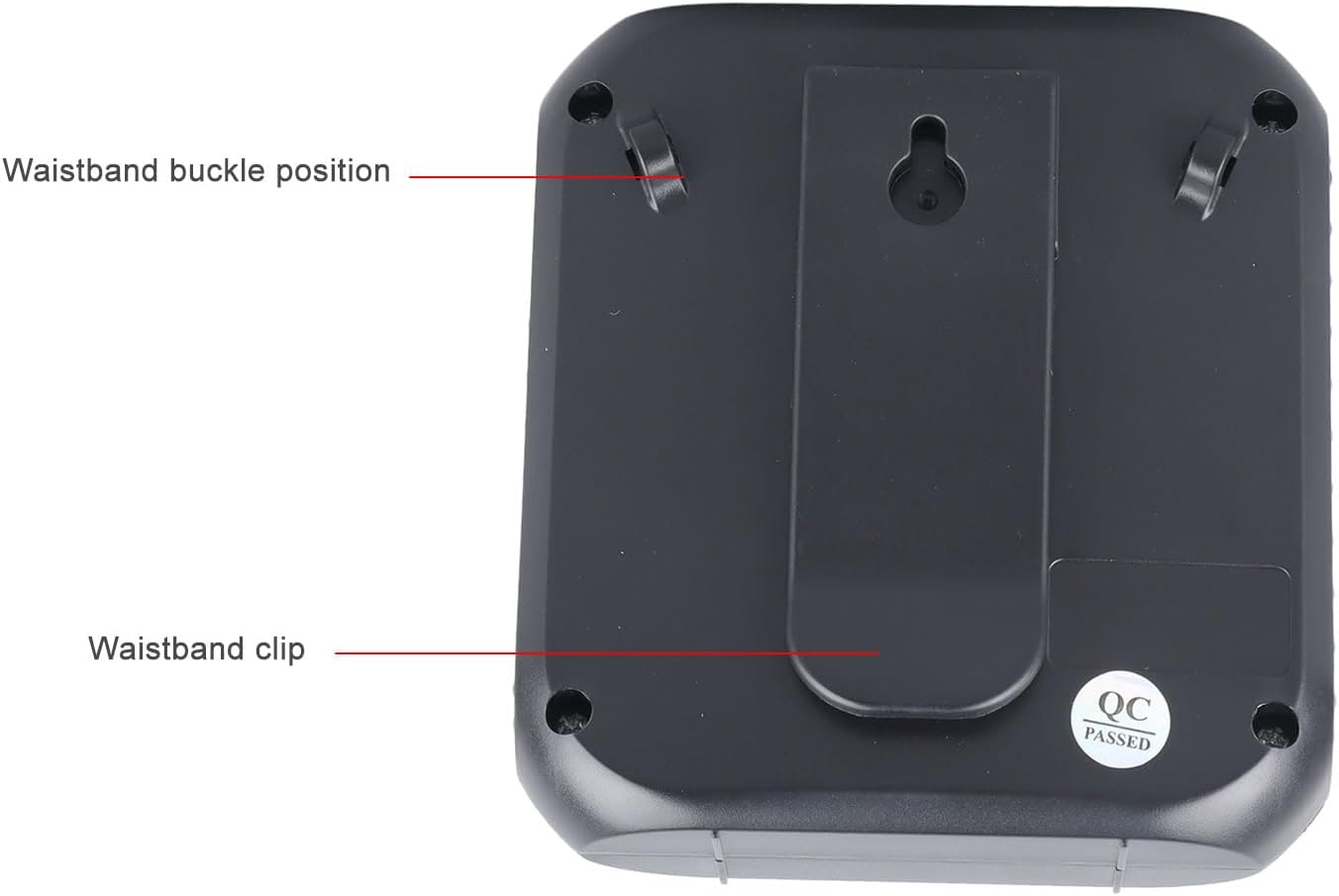
Image: The back of the amplifier, highlighting the attachment points for the waistband strap.
- Waistband Buckle Positions: Slots for attaching the waistband strap.
- Waistband Clip: For direct attachment to clothing or a belt.
Aufstellen
- Grundgebühr: Vor dem ersten Gebrauch den amplifier. Connect the USB charging cable to the charging port on the amplifier and to a standard USB power adapter (not included) or computer USB port. The charging indicator will illuminate.
- Mikrofon anschließen: Insert the 3.5mm plug of the headset microphone into the microphone jack on the amplifier. Ensure it is securely connected.
- Wear Microphone: Position the headset microphone comfortably on your head, ensuring the microphone element is close to your mouth for optimal voice pickup.
- Befestigen AmpReiniger: Use the waistband strap by threading it through the buckle positions on the back of the amplifier, or use the integrated clip to attach the amplifier to your belt or clothing.
Bedienungsanleitung
- Ein-/Ausschalten: Drücken Sie lange die Abspielen/Pause Knopf zum Drehen amplifier on or off. A voice prompt will indicate the power status.
- Lautstärke anpassen: Drehen Sie den Lautstärkeregler clockwise to increase volume and counter-clockwise to decrease volume. Start with a low volume and gradually increase to avoid feedback.
- Stimme Amplifikation: Once powered on and the microphone is connected, speak into the headset microphone. Your voice will be ampdurch den Lautsprecher geleitet.
- Media Playback (U Disk/Memory Card):
- Insert a U disk into the U disk interface or a Memory Card (TF card) into the Memory Card slot.
- Der ampDer Verstärker erkennt automatisch die Audioausgabe und beginnt mit der Wiedergabe. files.
- Verwenden Sie die Vorheriges Lied Und Nächstes Lied Schaltflächen zum Navigieren in den Tracks.
- Tippen Sie auf das Abspielen/Pause Taste, um die Wiedergabe anzuhalten oder fortzusetzen.
- Drücken Sie lange die Nächstes Lied button to cycle through playback modes (single song loop, list loop).
- AUX-Eingang: Connect an external audio source (e.g., smartphone, MP3 player) to the amplifier's AUX input port (if available, typically shared with microphone jack or a separate port) using an AUX cable (not included). The amplifier will play audio from the connected device.
Laden
Der amplifier features a built-in 2200mAh rechargeable battery, providing extended usage time.
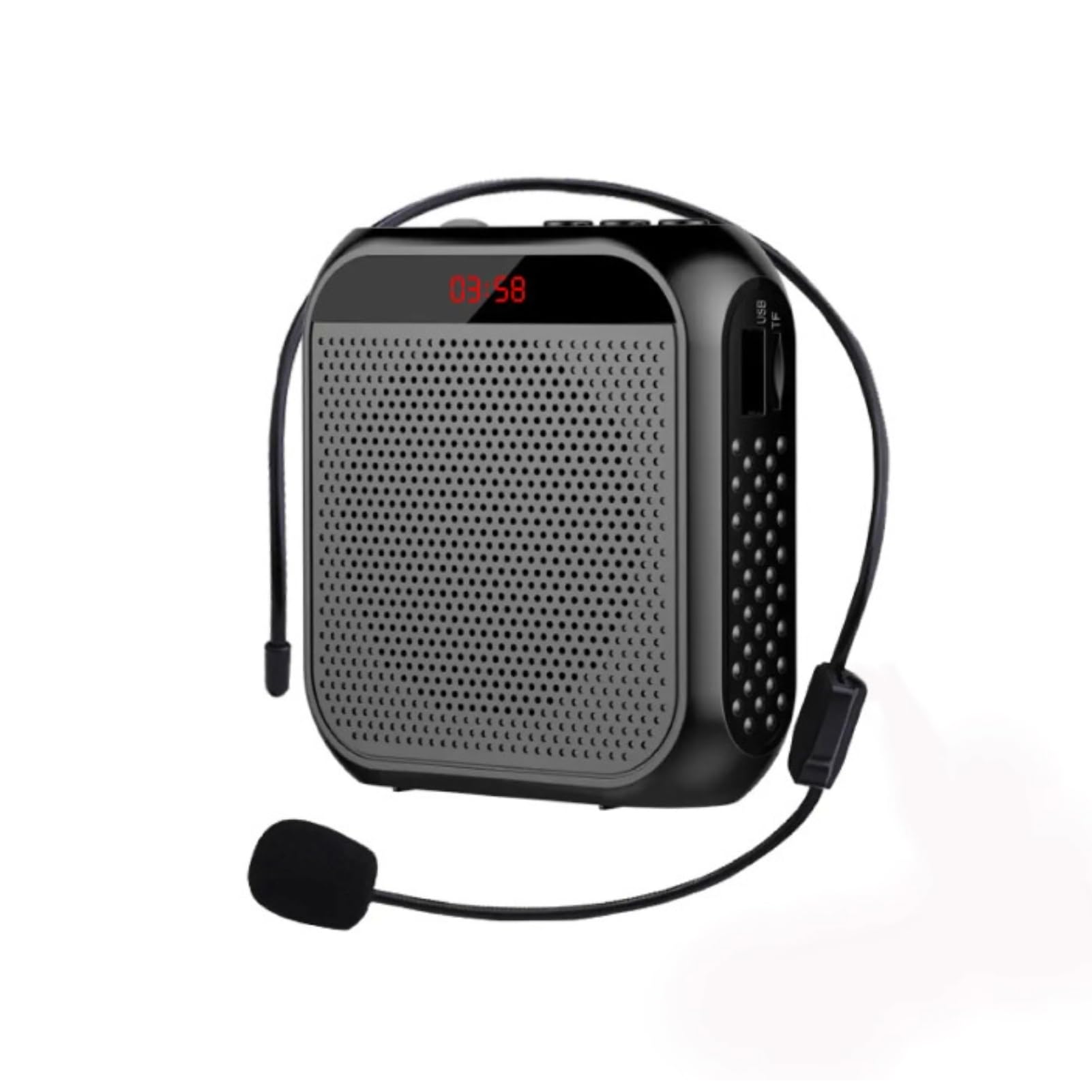
Abbildung: Visuelle Darstellung der amplifier's long battery life and capacity.
- Schließen Sie das mitgelieferte USB-Ladekabel an das Gerät an. amplifier's charging port and a USB power source.
- Die Ladeanzeigeleuchte zeigt den Ladestatus an.
- A full charge can provide up to 10 days of playtime, depending on usage.
- When the battery is low, the device may emit an audible alert or the indicator light may change. Recharge promptly.
Vielfältige Einsatzmöglichkeiten
This portable voice amplifier is suitable for a wide range of scenarios where clear and amplified voice is needed.
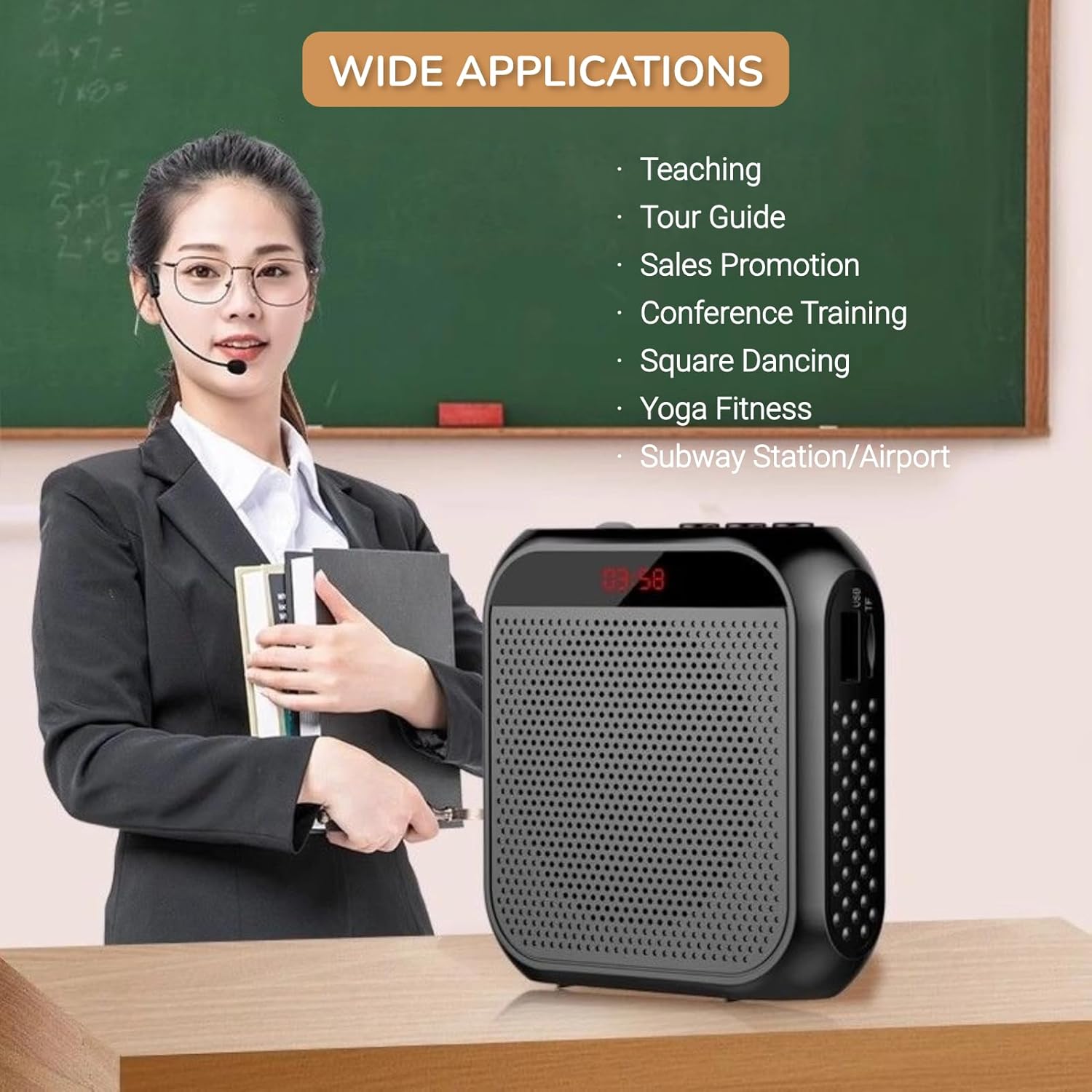
Image: A visual demonstrating various professional and recreational uses for the voice ampschwerer.
- Lehre
- Reiseleitung
- Conference Training
- Präsentationen
- Öffentliches Reden
- Outdoor-Aktivitäten
Tragemethoden
Der amplifier offers flexible wearing options for user comfort and convenience.

Bild: Examples darüber, wie die amplifier can be worn using the waistband strap or clip.
- Bund: Attach the provided strap to the buckle positions on the amplifier and wear it around your waist or over your shoulder.
- Gürtelschnalle: Use the integrated clip on the back of the amplifier to secure it directly to your belt, pocket, or clothing.
Technische Daten
Key technical specifications of the Yunseity Portable Voice Ampschwerer.

Image: Diagram showing the physical dimensions of the ampschwerer.
| Besonderheit | Spezifikation |
|---|---|
| Marke | Yunseity |
| Modellnummer | Yunseity07h6poqxat |
| Konnektivitätstechnologie | AUX |
| Farbe | Schwarz |
| Kompatible Geräte | Headset |
| Montagetyp | Tragbar, Tischgerät |
| Stromquelle | Batteriebetrieben |
| Steckertyp | Zusatz |
| Anzahl der Kanäle | 1 |
| Audioeingang | USB, Memory Card, Auxiliary |
| Gehäusematerial | Plastik |
| Batteriekapazität | 2200 mAh |
| Abmessungen (ca.) | 8.4 cm x 2.8 cm x 9.2 cm (3.30 Zoll x 1.10 Zoll x 3.62 Zoll) |
Wartung
- Reinigung: Wischen Sie die ampMit einem weichen, trockenen Tuch abwischen. Keine scharfen Chemikalien oder Scheuermittel verwenden.
- Lagerung: Bewahren Sie das Gerät an einem kühlen, trockenen Ort fern von direkter Sonneneinstrahlung und extremen Temperaturen auf.
- Batteriepflege: Um eine optimale Akkulaufzeit zu gewährleisten, vermeiden Sie häufiges vollständiges Entladen des Akkus. Laden Sie das Gerät regelmäßig auf, auch wenn es längere Zeit nicht benutzt wird.
- Vorsichtig handhaben: Vermeiden Sie es, das Gerät fallen zu lassen oder starken Stößen auszusetzen.
Fehlerbehebung
If you encounter issues with your voice amplifier, bitte beachten Sie die folgenden häufigen Probleme und Lösungen:
| Problem | Mögliche Ursache | Lösung |
|---|---|---|
| Kein Ton oder geringe Lautstärke | Device is off; Volume is too low; Microphone not connected; Microphone faulty. | Long press Play/Pause to turn on; Rotate volume knob clockwise; Ensure microphone is fully plugged in; Test with another microphone if available. |
| Rückkopplungs-/Pfeifgeräusch | Microphone too close to speaker; Volume too high; Microphone pointed at speaker. | Vergrößern Sie den Abstand zwischen Mikrofon und amplifier; Reduce volume; Adjust microphone position away from the speaker. |
| Gerät lädt nicht | Charging cable faulty; Power source faulty; Charging port damaged. | Try a different USB cable; Use a different USB power adapter/port; Contact customer support if port is damaged. |
| Media playback not working | U disk/Memory Card not inserted correctly; Incompatible file Format; Beschädigt files. | Reinsert U disk/Memory Card; Ensure files are in a supported format (e.g., MP3); Try different media files. |
Garantie und Support
This Yunseity product comes with a standard manufacturer's warranty. Please refer to the packaging or the seller's terms for specific warranty details and duration.
For technical support, warranty claims, or any questions regarding your product, please contact the seller or Yunseity customer service through the platform where you purchased the item. Provide your model number (Yunseity07h6poqxat) and purchase details for faster assistance.